

Template-led edits
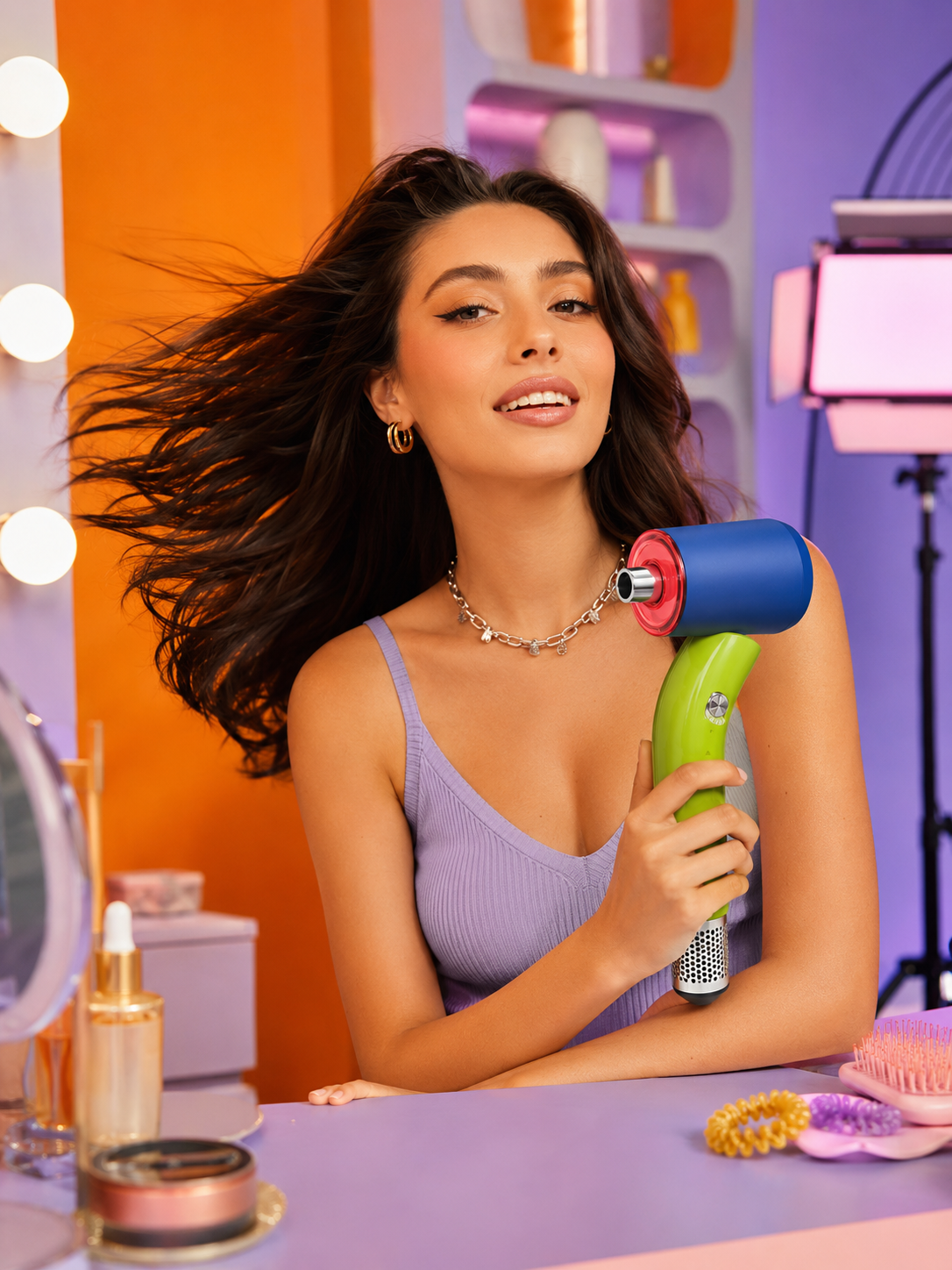
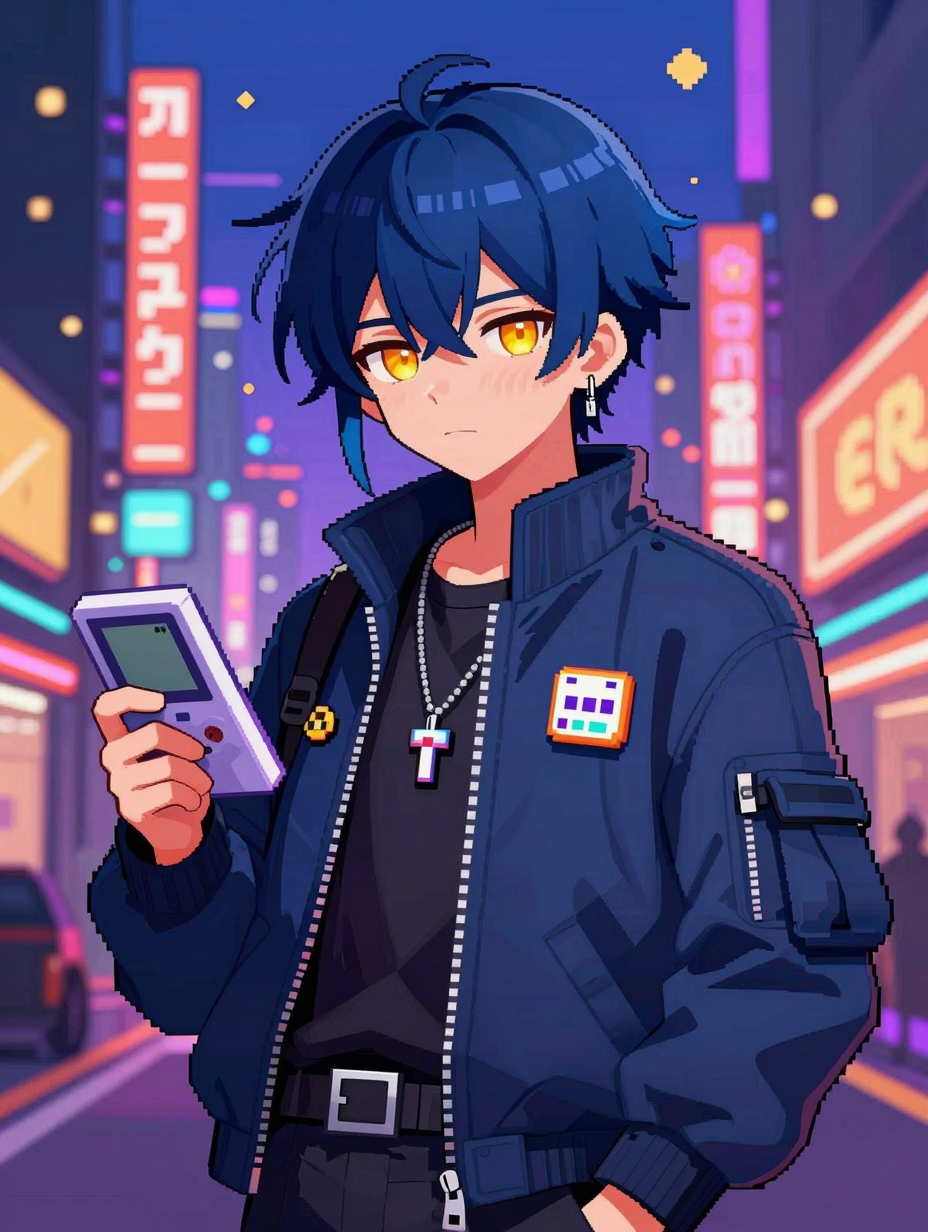
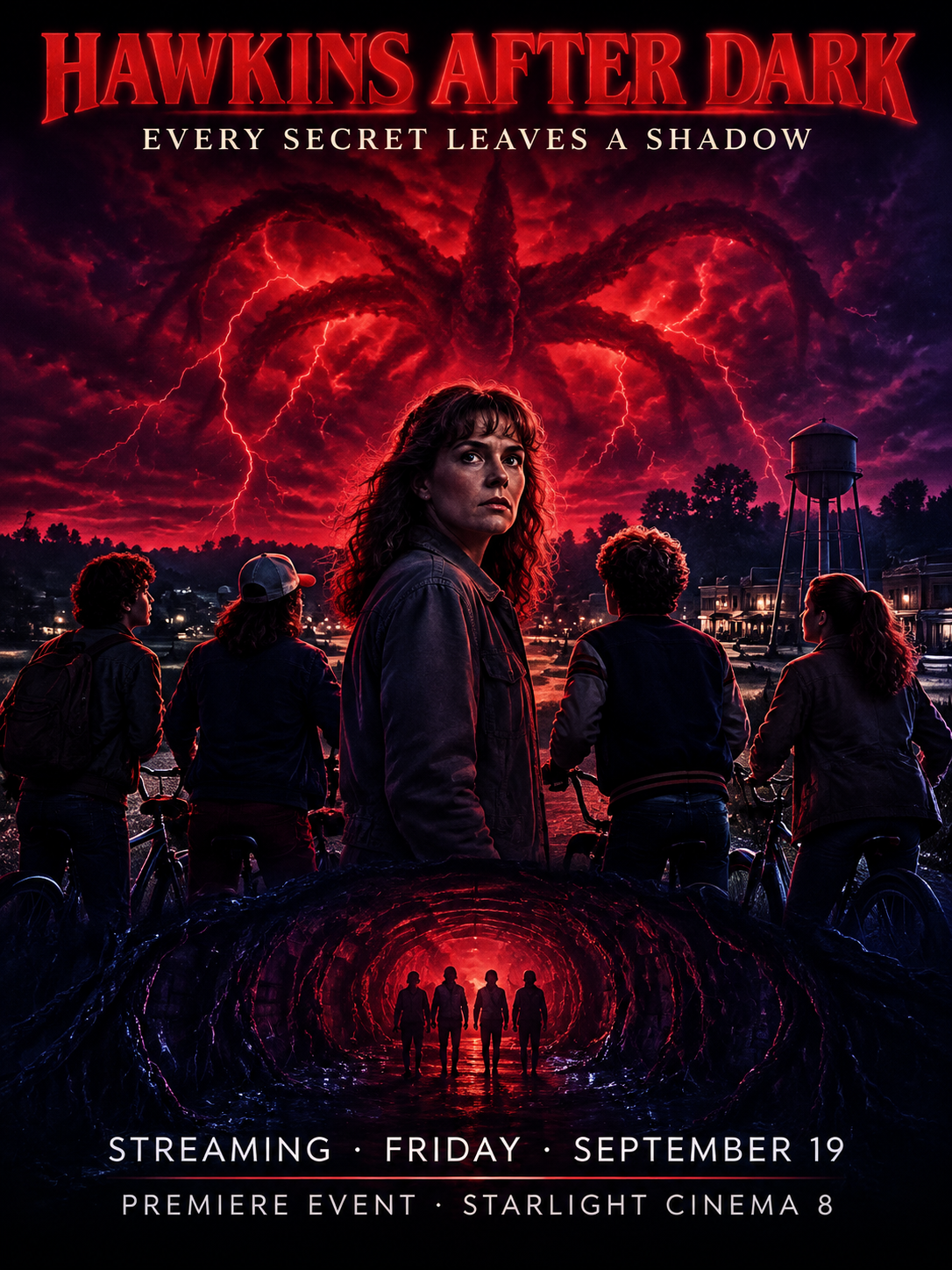
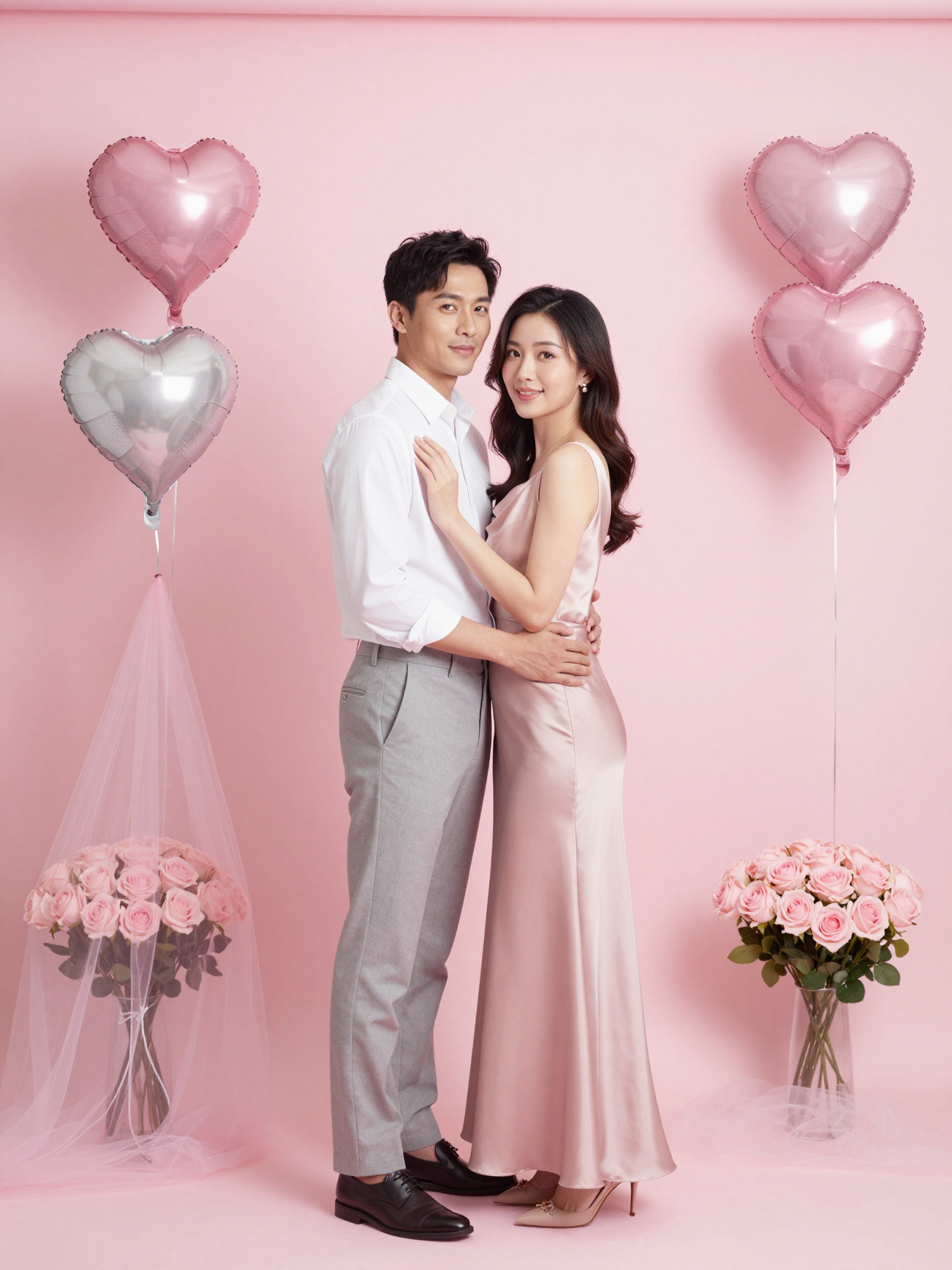
Choose a direction instead of starting with prompt engineering. Portrait, product, poster and character templates pre-fill the visual brief, so you only need to upload a reference and describe the change.
Restyle, relight and rebuild a reference image while preserving its subject and composition.
Upload a reference, choose a visual direction and make the result yours with a short description.
Switch models in the same panel and compare the look that fits your brief.
Create precise images, readable graphics and controlled edits with strong prompt adherence.
4 credits02Nano Banana 2A flexible generation and editing model for consistent characters, products and visual series.
27 credits03Seedream 5 ProProfessional image generation with rich lighting, polished detail and strong multi-reference control.
22 credits04Seedream 4.54K generation, text rendering and reference editing for product and campaign visuals.
15 creditsChoose a direction instead of starting with prompt engineering. Portrait, product, poster and character templates pre-fill the visual brief, so you only need to upload a reference and describe the change.
Tell Cinel what must stay unchanged: face, product shape, pose, logo, colors or composition. Clear keep-and-change instructions make each variation more stable.
Use separate references for the subject, outfit, product, background or style when a model supports it. Describe the role of each image and let Cinel combine them into one frame.
Start with one reference, then create portrait, landscape, square and campaign variations. Send the result to editing, uncrop or video when the next frame is ready.
AI image-to-image starts with one or more reference images and a written direction. It can restyle, relight, recompose, or extend a visual while using the source to guide the subject, product, pose, composition, or visual identity.
Cinel can try to retain important characteristics such as a face, product shape, pose, color palette, layout, or visual style. Image generation is interpretive rather than pixel-perfect, so state what must remain unchanged and use a clean, unobstructed reference for the best chance of consistency.
Yes. The available number of references depends on your account and selected model. Assign each image a clear role, such as subject, product, outfit, location, composition, or style, and explain how Cinel should combine them into the finished frame.
Begin with a high-quality reference that clearly shows the important details. In the prompt, separate the fixed elements from the requested changes—for example, keep the face, packaging, logo position, and camera angle, but change the setting and lighting—and make focused changes over several iterations.
Choose the model based on the job: precise image models are useful for controlled edits and readable details, reference-aware models help combine multiple sources, and cinematic models work well for polished portraits and campaign visuals. Check the live model card for credits, settings, and current availability.
It is especially useful for product scene changes, portrait restyling, virtual look development, background replacement, relighting, poster variations, and creating a family of assets from one approved frame. Use Text to Image instead when you do not need an existing visual to guide the result.
Yes. Send the result to AI Image Editor for directed changes, Background Remover for a cutout, AI Uncrop for a new layout, Image Upscaler for a larger delivery, or Image to Video when the still frame is ready for motion.
Commercial use depends on your plan, the selected model, the source material, and the applicable terms. Only upload images you have permission to use, and review the relevant plan and model policy before publishing work for advertising, clients, or resale.