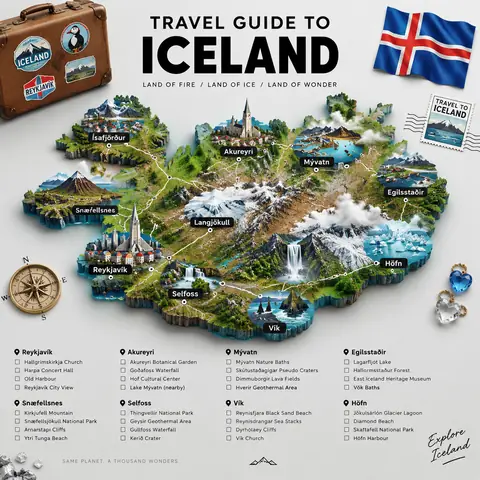
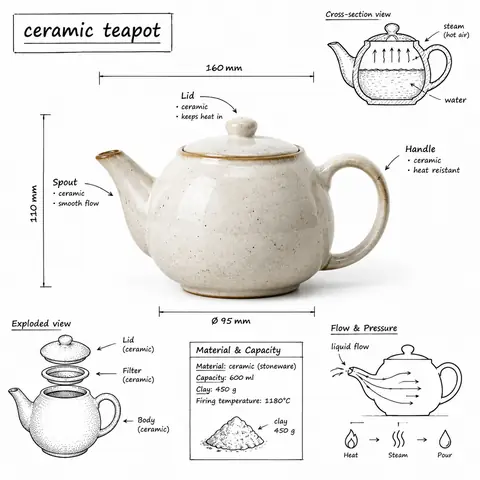
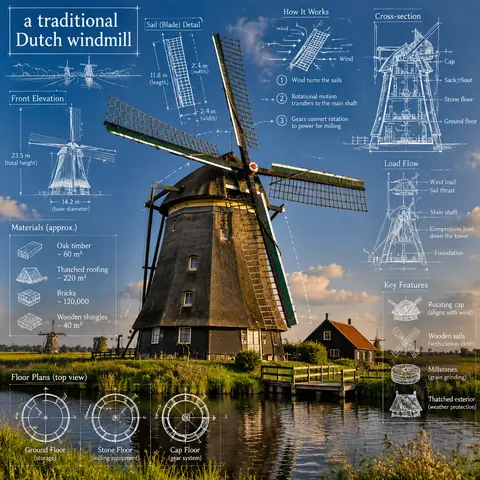
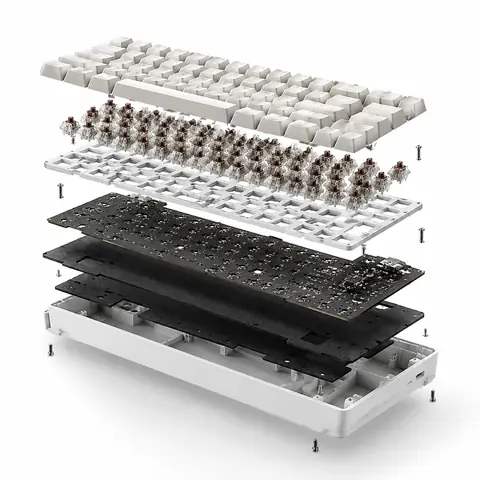
This template blends two visual languages, a photoreal 3D render and black technical-pen annotation, and the contrast is what makes the result feel like a museum exhibit. The checklist of what to include (cutaways, dimensions, material quantities, colour-coded flow arrows) gives the model a full page to fill. Our coffee-grinder example came out with a cutaway grinding chamber, a cross-section sketch and a four-step grinding process, but the electronics-oriented arrow legend (power, data, sensors) made less sense for a hand tool. For mechanical objects, rewrite the colour legend to match, for example force, flow and heat, and expect the numbers to be illustrative.
Come adattarlo
Variabile
Cosa cambia
Esempi
[OBJECT]
the device or object to explain
a hand-crank coffee grinder, a mechanical keyboard, a film camera
OBJECT title
text in the hand-drawn title box
MANUAL COFFEE GRINDER, MECHANICAL KEYBOARD
arrow colour legend
what each arrow colour means
RED = force, BLUE = airflow, RED = power, GREEN = sensors
Consigli
Also replace the bare word OBJECT in the title line, or it will be printed literally.
Match the arrow legend to the object; electronics legends confuse mechanical subjects.
Measurements are generated, not real, so check them before using the graphic as documentation.