
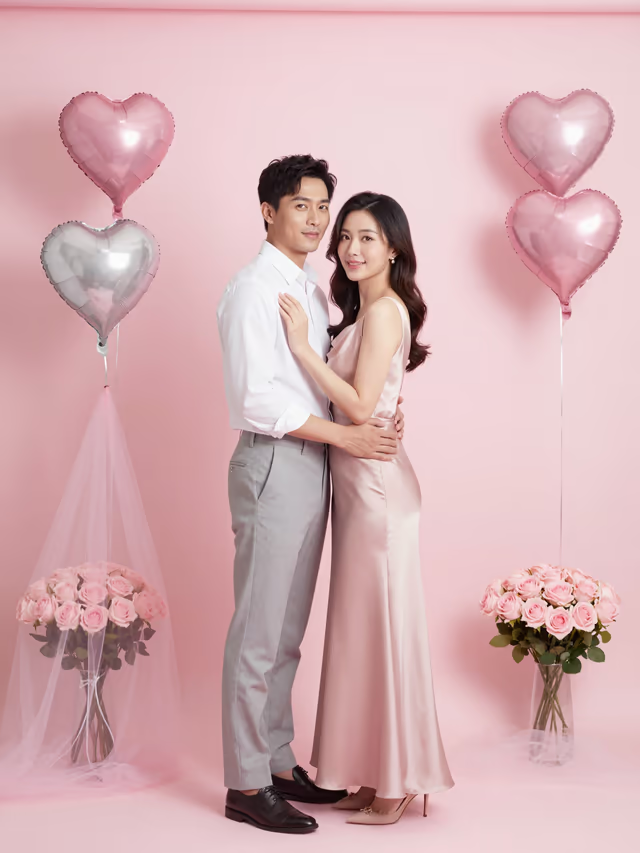

Modifiche guidate da modelli
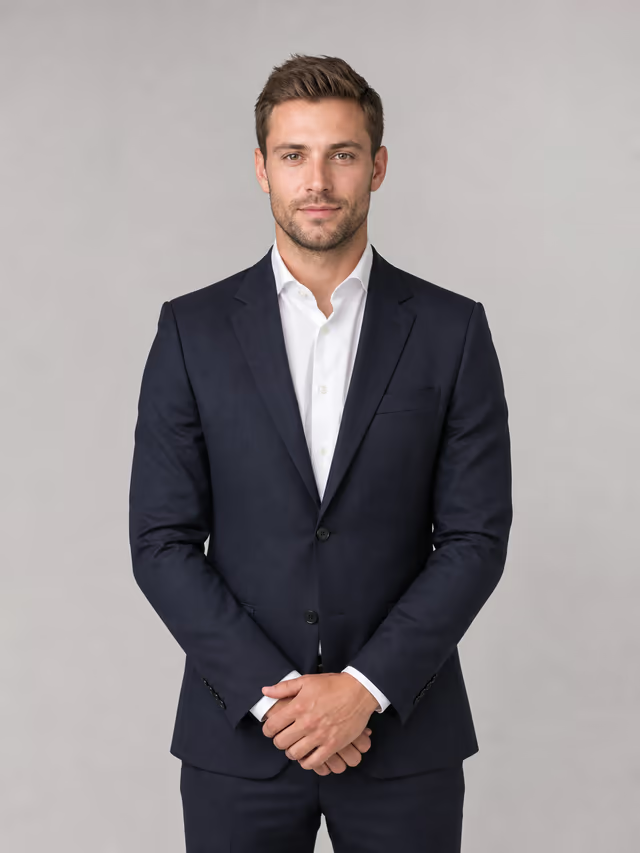
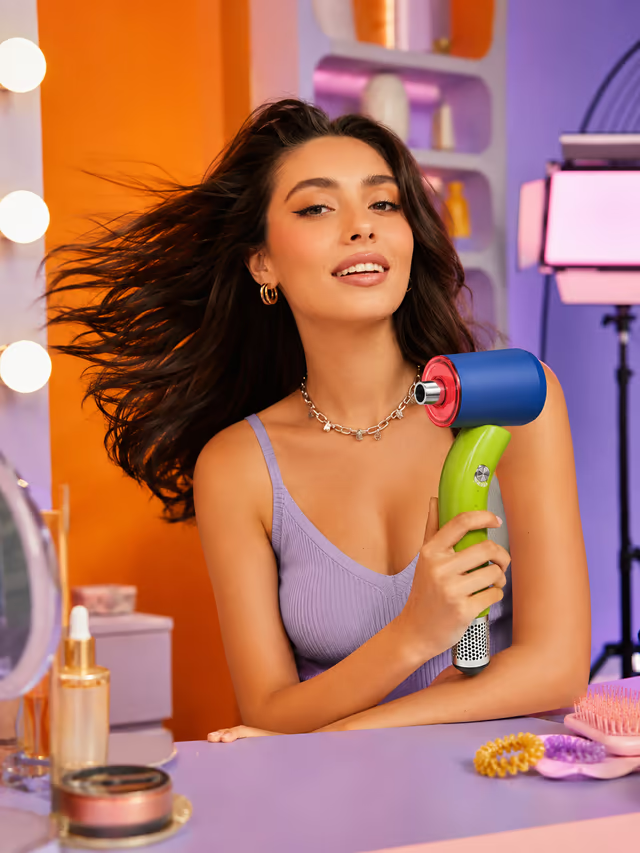
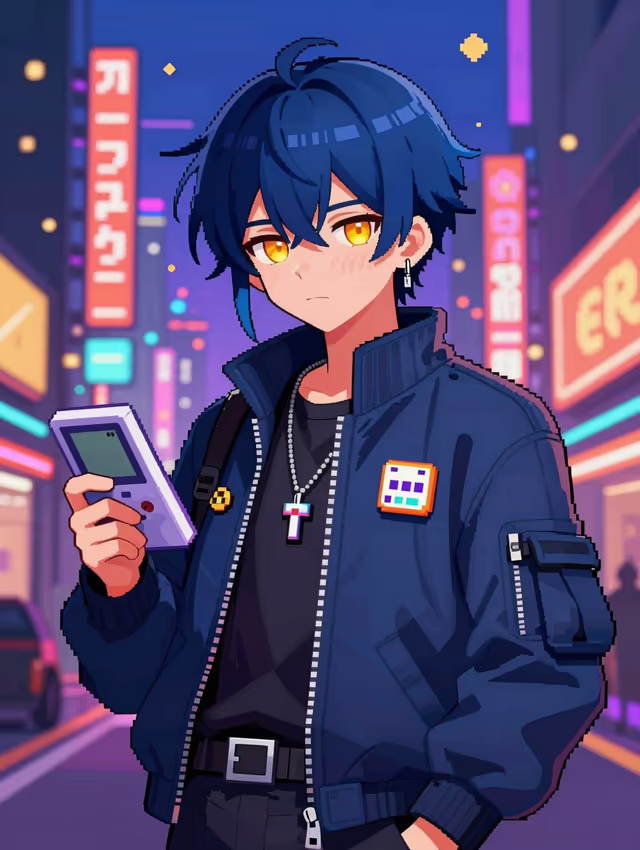
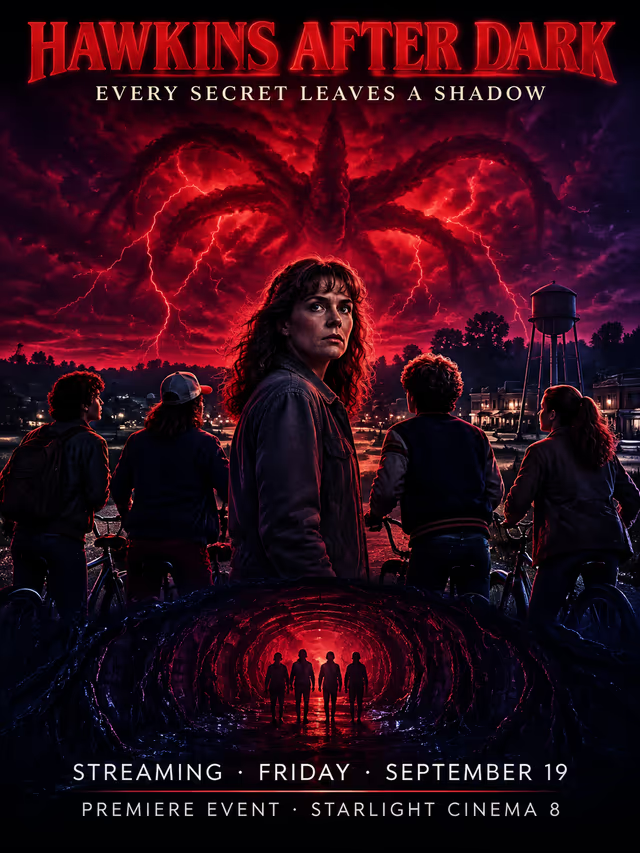
Scegli uno stile invece di partire dal prompt engineering. I modelli per ritratti, prodotti, poster e personaggi precompilano il brief visivo: devi solo caricare un riferimento e descrivere la modifica.
Upload a photo and describe the change: restyle, relight or recompose it while keeping the face, product or layout. Free with Kolors; up to 8 references.
Carica un riferimento, scegli uno stile visivo e personalizza il risultato con una breve descrizione.
Cambia modello nello stesso pannello e confronta il look più adatto al tuo brief.
Create posters, infographics and precise edits with GPT Image 2 on Cinel. Strong prompt following and legible text, 2 credits per 1K image for members.
2 crediti02Nano Banana 2Blend several reference photos and keep faces and products consistent with Nano Banana 2 (Gemini 3.1 Flash Image) on Cinel. 1K to 4K, from 6 credits.
6 crediti03Seedream 5 ProSeedream 5 Pro by ByteDance on Cinel: studio-grade lighting, rich material detail and up to 10 references blended into one frame. 1.5K/2K, from 22 credits.
22 crediti04Seedream 4.5Seedream 4.5 by ByteDance on Cinel creates 4K product, fashion and ad visuals with sharp in-image text and reference-based edits. From 15 credits per image.
15 creditiScegli uno stile invece di partire dal prompt engineering. I modelli per ritratti, prodotti, poster e personaggi precompilano il brief visivo: devi solo caricare un riferimento e descrivere la modifica.
Di' a Cinel cosa deve restare invariato: viso, forma del prodotto, posa, logo, colori o composizione. Istruzioni chiare su cosa mantenere e cosa cambiare rendono ogni variante più stabile.
Usa riferimenti separati per soggetto, outfit, prodotto, sfondo o stile quando il modello lo supporta. Descrivi il ruolo di ogni immagine e lascia che Cinel le unisca in un'unica scena.
Parti da un riferimento, poi crea varianti verticali, orizzontali, quadrate e per le campagne. Quando sei pronto, invia il risultato a modifica, espansione o video.
Un approfondimento tecnico e creativo sulle prestazioni del modello, l’architettura e i flussi di produzione pratici.
Image to image starts from something real: a selfie, a product shot, a sketch, a room photo or an earlier AI result. You upload it, say what should change and what must stay, and Cinel produces a new version that still resembles the original. It's the quickest way to turn one good picture into a set of variations: a different season, a new backdrop, an illustrated style, a campaign layout. You can start for free with Kolors and move to a premium engine when identity or text has to be exact.
| Goal | Recommended model | Starting cost |
|---|---|---|
| Free experiments with a reference | Kolors | Free |
| Edits that must keep layout and text | GPT Image 2 · GPT Image 2.5 | 2 credits (members) |
| Fast 1K variations | Nano Banana 2 Lite · Nano Banana | 3 credits |
| Same person or product across many scenes | Nano Banana 2 | 6 credits |
| Composites with fine detail at 4K | Nano Banana Pro | 9 credits |
| Product and packaging at 4K | Seedream 4.5 | 15 credits |
| Editorial lighting and materials | Seedream 5 Pro | 22 credits |
Image-to-image prompts read best as keep + change + style:
Image to image creates a new picture inspired by your reference: good for restyling and new scenes. The AI Image Editor makes a targeted change to the same picture, such as removing an object or changing a colour, and leaves everything else as it was. Pick the editor when the original must survive almost untouched.
Free users can add up to 3 per request. Members can add up to 8 when the selected model supports multiple references.
Good sources and clear "keep" instructions help a lot. For identity-critical work, Nano Banana 2 and Nano Banana Pro are the most consistent choices on Cinel.
Yes. Kolors supports reference images and doesn't use credits. Signed-in users can also claim 9 free credits every day to try credit-based models such as GPT Image 2. Every model shows its credit cost before you generate.
They're ready-made directions (headshot, product photo, anime portrait, poster, couple photos, room redesign) that pre-fill the brief, so you only upload a photo and fine-tune.
Ask the model to keep the label exactly, and choose GPT Image 2/2.5 or Seedream 4.5, which handle printed text best. Always check small text before publishing.
Only upload images you have the right to use, and follow Cinel's Acceptable Use Policy, especially for real people and brands.