Cinel AI
灵感库
全部灵感浏览全部作品人像写真产品与电商海报与平面设计信息图与 UI3D 角色与手办美食饮品插画与动漫创意场景
AI 图片
免费 AI 图片生成器从文字提示词创作图片文生图生成器从文字提示词创作图片AI 图生图生成器根据参考图生成图片AI 图片编辑器用文字编辑已有图片背景移除即时移除图片背景图片放大图片放大 2 倍或 4 倍AI 扩图扩展图片原有边界
AI 视频
AI 视频生成器打开视频生成工作台文生视频生成器从文字提示词创作视频图生视频让参考图片动起来
AI 模型

图片模型

KolorsKolors 免费生图,支持提示词与参考图。Z-Image Turbo极速写实生图,中英文字准确清晰。Seedream 4.0低成本 1K、2K、4K 生成,支持多参考图编辑。Seedream 4.54K 生成、文字渲染与参考图编辑。Seedream 5.0 Lite电影感 3K 写实,支持多参考图创意控制。Seedream 5 Pro提供 1K 快速、1.5K 轻量和 2K 专业视觉,支持文字与多参考图控制。GPT Image 2精准理解提示词,文字清晰,适合产品视觉。GPT Image 2.5更快的 GPT 图像生成,编辑更准,主体更稳定。Nano Banana 2 Lite快速 1K 生成与编辑,适合高频迭代。Nano Banana 2多参考图编辑与快速风格控制。Nano Banana Pro4K 渲染与高级图像编辑。Nano Banana轻量 Gemini 编辑,适合快速修改。

视频模型

Seedance 1.0 Turbo快速视频生成,动作流畅,最高 1080p。Seedance 2.54–30 秒视频,支持同步音频、480p 或 720p。Seedance 2.0 Mini低成本 4–15 秒视频,支持同步音频、480p 或 720p。Seedance 2.04–15 秒视频,支持 Fast/Standard,最高 1080p。MiniMax H3高质量 4–15 秒视频,支持首帧和多图参考。Kling 3.0强动态、运镜与可选声音,最高 4K。Kling 3.0 Turbo更快的 3–15 秒视频,支持 720p、1080p 和首帧输入。Kling O1Kling O1 图片转视频,支持首帧和可选尾帧。Kling O3Kling O3 文生视频与首尾帧生成,最高支持 4K。Grok Imagine Video 1.06–30 秒测试版视频,支持 Fun、Normal 和 Spicy 风格模式。Grok Imagine Video 1.51–15 秒视频,支持原生音频和最多 7 张参考图。Wan 2.55–10 秒文生或单图生视频,支持原生音频。Wan 2.62–15 秒多镜头视频,支持原生音频和 720p、1080p。Wan 2.72–15 秒视频,支持文字、首尾帧和最多三张参考图。Veo 3.1 Fast稳定版 Veo 3.1 Fast,支持 4–8 秒视频、音频和首尾帧输入。Veo 3.1 Pro稳定版 Veo 3.1 Pro,支持 4–8 秒视频、音频和首尾帧输入。Veo 3.1 Fast BetaFast Beta 固定 8 秒视频,支持首尾帧或三张参考图。Veo 3.1 Pro BetaPro Beta 固定 8 秒视频,支持首尾帧输入。Sora 24–12 秒视频,带同步音频,可选一张首帧参考图。
价格
-50%升级
  1. 灵感库
  2. 产品与电商
  3. 品牌周边发售陈列静物提示词

以陈列静物形式发布限量周边

. Act as a Creative Director and Still Life Photographer for a hypebeast fashion publication.
THE TASK:
Create a high-end "Showroom Still Life" photograph announcing a limited merchandise drop for .
PHASE 1: AUTONOMOUS CURATION (STRATEGY)
Analyze : Identify the industry and the core physical product (e.g., if "Spalding" -> Basketballs; if "McDonald's" -> Burger Boxes; if "Visa" -> Metal Cards).
Determine the Palette:
: A deep, rich, textured tone derived from the brand's secondary palette (e.g., Teal, Navy, Burgundy, Slate Grey).
Merch Color: A contrasting warm or neutral tone (Camel, Orange, Cream) to pop against the background.
Select the "": Choose a high-quality apparel piece relevant to the brand's vibe (e.g., a Varsity Letterman Jacket, a Heavyweight Hoodie, a Canvas Tote, or a Wool Scarf).
PHASE 2: SET DESIGN (THE RACK)
The Prop: A simple, modern White Powder-Coated Metal Rack or Shelf unit. It stands cleanly in the frame.
The Arrangement:
Hanging Item: The chosen "" (e.g., the Jacket) is draped casually over the rack or hanging on a hanger, showing off the texture (wool/felt).
Stacked Items: On the shelves of the rack, stack multiple units of the brand's Core Product (e.g., a stack of basketballs, a pyramid of cans, a row of boxes).
The Background: A Hand-Painted Canvas Backdrop in the chosen Deep . Visible texture/brushstrokes are essential for that "studio" look.
PHASE 3: PHYSICAL BRANDING (TEXTURE)
On the Merch: The hanging apparel must feature High-Quality Physical Branding. Use "Chenille Patches", "Embroidered Logos", or "Screen Print" running down the sleeve or on the back. It must look like a real, expensive garment.
On the Products: Ensure the stacked core products have the correct  logo visible.
PHASE 4: PHOTOGRAPHY & LIGHTING
Lighting: Soft, directional window light from the side. Creates realistic, soft shadows on the rack and rich highlights on the textures.
Lens: 50mm or 85mm. Sharp focus on the merch, slight fall-off in the background.
PHASE 5: UI OVERLAY (THE "DROP" LAYOUT)
Left Side Alignment:
Large, clean White Logo of  floating in the negative space on the left.
Under the logo, small white text with the brand's official slogan.
Driftline Surf Club. Act as a Creative Director and Still Life Photographer for a hypebeast fashion publication.
THE TASK:
Create a high-end "Showroom Still Life" photograph announcing a limited merchandise drop for Driftline Surf Club.
PHASE 1: AUTONOMOUS CURATION (STRATEGY)
Analyze Driftline Surf Club: Identify the industry and the core physical product (e.g., a surf club -> surfboard wax and fins).
Determine the Palette:
Background Color: A deep, rich, textured tone derived from the brand's secondary palette (e.g., Teal, Navy, Burgundy, Slate Grey).
Merch Color: A contrasting warm or neutral tone (Camel, Orange, Cream) to pop against the background.
Select the "Merch Item": Choose a high-quality apparel piece relevant to the brand's vibe (e.g., a Varsity Letterman Jacket, a Heavyweight Hoodie, a Canvas Tote, or a Wool Scarf).
PHASE 2: SET DESIGN (THE RACK)
The Prop: A simple, modern White Powder-Coated Metal Rack or Shelf unit. It stands cleanly in the frame.
The Arrangement:
Hanging Item: The chosen "Merch Item" (e.g., the Jacket) is draped casually over the rack or hanging on a hanger, showing off the texture (wool/felt).
Stacked Items: On the shelves of the rack, stack multiple units of the brand's Core Product (e.g., a stack of basketballs, a pyramid of cans, a row of boxes).
The Background: A Hand-Painted Canvas Backdrop in the chosen Deep Background Color. Visible texture/brushstrokes are essential for that "studio" look.
PHASE 3: PHYSICAL BRANDING (TEXTURE)
On the Merch: The hanging apparel must feature High-Quality Physical Branding. Use "Chenille Patches", "Embroidered Logos", or "Screen Print" running down the sleeve or on the back. It must look like a real, expensive garment.
On the Products: Ensure the stacked core products have the correct Driftline Surf Club logo visible.
PHASE 4: PHOTOGRAPHY & LIGHTING
Lighting: Soft, directional window light from the side. Creates realistic, soft shadows on the rack and rich highlights on the textures.
Lens: 50mm or 85mm. Sharp focus on the merch, slight fall-off in the background.
PHASE 5: UI OVERLAY (THE "DROP" LAYOUT)
Left Side Alignment:
Large, clean White Logo of Driftline Surf Club floating in the negative space on the left.
Under the logo, small white text with the brand's official slogan.
  • (e.g., if "Spalding" -> Basketballs; if "McDonald' -> (e.g., a surf club -> surfboard wax and fins)

cinel 为生成示例图做了以上替换。

1K 约 22 积分。 比例 1:1。

写实时尚标志text only

参数

分类产品与电商
画面比例1:1
输入纯文本
示例图模型GPT Image 2.5
推荐模型Seedream 5 Pro, Nano Banana Pro, GPT Image 2.5
原作者@youraipulse · X 原帖
原帖模型nanobanana

这条提示词为什么有效

这条提示词让模型分阶段担任创意总监:分析品牌、确定核心实体产品和配色、挑选主打服装单品,然后搭建布景——白色金属陈列架、堆叠的产品、手绘画布背景、实体品牌元素(毛圈绣章、刺绣),以及发售公告版式。我们用虚构品牌 Driftline Surf Club 运行,得到深青色背景、带毛圈字母的驼色棒球夹克、陈列架上堆叠的冲浪蜡罐、一顶帽子和几本书,左侧是白色 Logo 和口号。请只用于你自己拥有的品牌;原文示例引用了知名公司,我们已替换。

如何改写

变量作用示例
[BRAND NAME]你的品牌Driftline Surf Club, 你的咖啡烘焙品牌
Merch Item主打服装(不指定则由模型选择)棒球夹克, 重磅卫衣, 帆布袋
Background Color背景色调深青, 酒红, 石板灰

使用提示

  • 只使用你拥有或已获授权的品牌名和 Logo。
  • 自己指定主打服装和核心产品,可控性更好。
  • 检查口号;如果你不提供,模型会自己写一句。

相关推荐

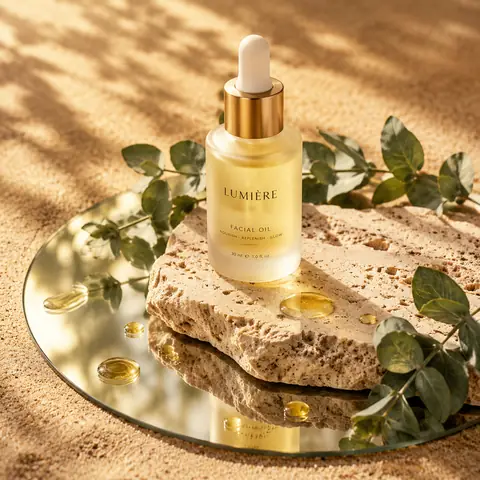
阳光下石板与镜面上的护肤品提示词1:1阳光下石板与镜面上的护肤品提示词@Kerroudjm
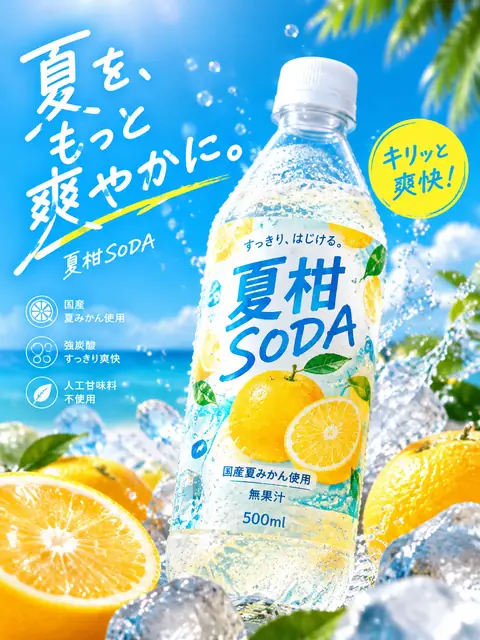
日文夏日汽水瓶广告提示词3:4日文夏日汽水瓶广告提示词@old_pgmrs_will
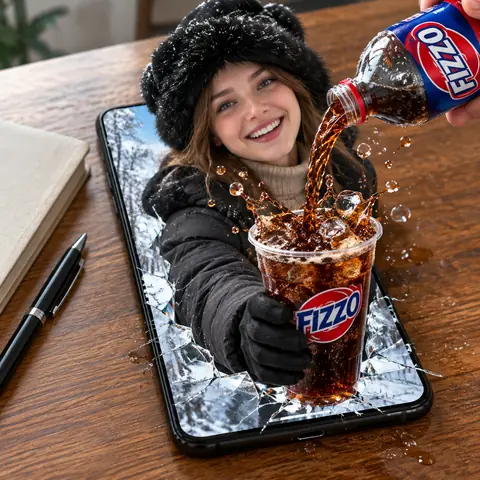
从手机里探身接可乐的超现实合成提示词1:1从手机里探身接可乐的超现实合成提示词@meng_dagg695
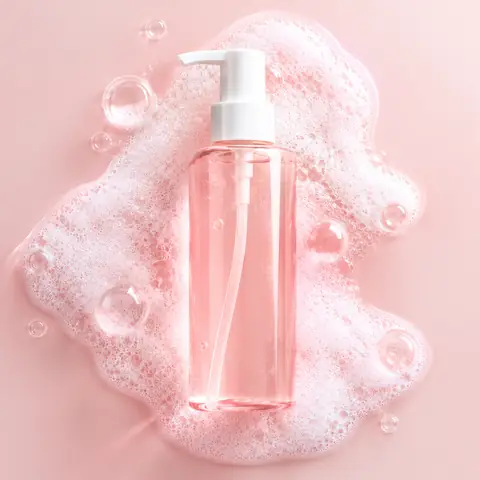
粉色泡沫洁面瓶产品图提示词1:1粉色泡沫洁面瓶产品图提示词@oggii_0
透过长虹玻璃看悬浮产品的广告提示词1:1透过长虹玻璃看悬浮产品的广告提示词@lloydcreates
超现实产品主视觉广告(三词口号)提示词1:1超现实产品主视觉广告(三词口号)提示词@aziz4ai
石与金分裂雕塑面具人像提示词参考图1:1石与金分裂雕塑面具人像提示词@Samann_ai
高对比水墨黑色电影人像插画提示词1:1高对比水墨黑色电影人像插画提示词@aleenaamiir
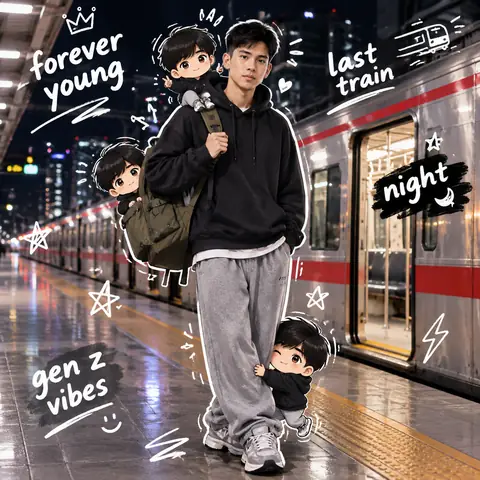
夜晚站台人像配 Q 版分身涂鸦提示词参考图1:1夜晚站台人像配 Q 版分身涂鸦提示词@harboriis
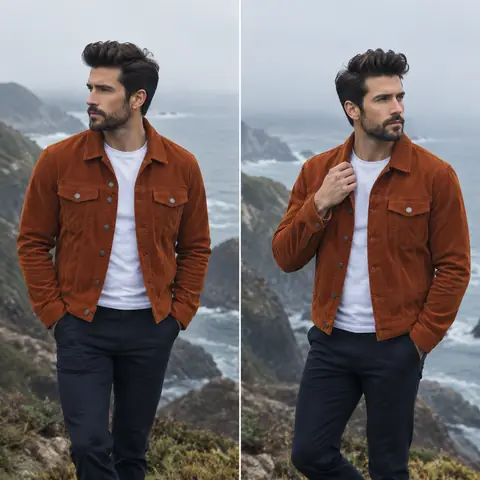
海崖男装双联人像提示词1:1海崖男装双联人像提示词@2abhisheknaks
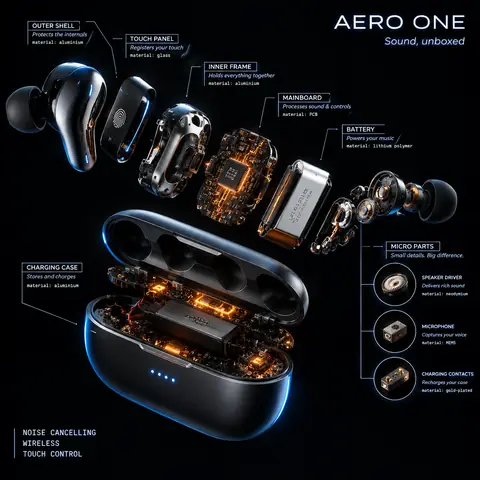
放射状产品爆炸图拆解提示词1:1放射状产品爆炸图拆解提示词@AllaAisling
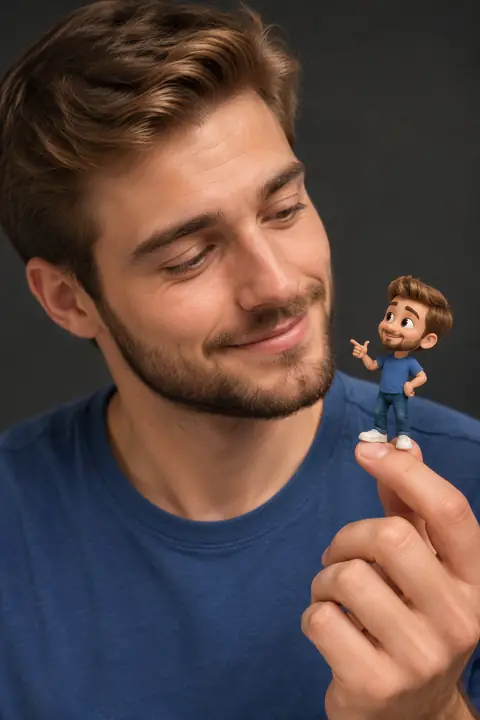
指尖上的 3D 卡通迷你分身人像提示词2:3指尖上的 3D 卡通迷你分身人像提示词@Taaruk_
← 上一条阳光下石板与镜面上的护肤品提示词下一条 →粉色泡沫洁面瓶产品图提示词
Cinel AI

Cinel 是免费的无限 AI 文生图生成器,提供提示词图片编辑和 AI 图生视频工具。无需注册即可创作图片,使用 GPT Image 2、Seedream 5 Pro 和 Nano Banana 2 编辑,再使用 Seedance 2.5、Veo 3.1 和 Kling 3.0 将静态画面变成视频。

产品免费 AI 图片生成器AI 视频生成器图片模板工作台文生图生成器图生图文生视频生成器图生视频AI 图片编辑背景移除
灵感库全部灵感人像写真产品与电商海报与平面设计信息图与 UI3D 角色与手办美食饮品插画与动漫创意场景GPT Image 2.5 提示词来源与下架

AI 图片模型

KolorsZ-Image TurboSeedream 4.0Seedream 4.5Seedream 5.0 LiteSeedream 5 ProGPT Image 2GPT Image 2.5Nano Banana 2 LiteNano Banana 2Nano Banana ProNano Banana

AI 视频模型

Seedance 1.0 TurboSeedance 2.5Seedance 2.0 MiniSeedance 2.0MiniMax H3Kling 3.0Kling 3.0 TurboKling O1Kling O3Grok Imagine Video 1.0Grok Imagine Video 1.5Wan 2.5Wan 2.6Wan 2.7Veo 3.1 FastVeo 3.1 ProVeo 3.1 Fast BetaVeo 3.1 Pro BetaSora 2
公司价格关于我们联系我们support@cinel.ai隐私条款可接受使用政策
© 2026 Cinel AI。保留所有权利。