Cinel AI
Prompt
Tutti i promptSfoglia l'intera libreriaRitratti e primi pianiProdotti ed e-commercePoster, loghi e graficaInfografiche e UIPersonaggi 3D e figurineCibo e bevandeIllustrazioni e animeScene creative
Immagini AI
Generatore di immagini AI gratuitoCrea immagini da prompt testualiGeneratore da testo a immagineCrea immagini da prompt testualiGeneratore AI da immagine a immagineGenera a partire da immagini di riferimentoEditor di immagini AIModifica immagini esistenti con il testoRimozione sfondoRimuovi lo sfondo all'istanteUpscaler di immaginiIngrandisci le immagini 2x o 4xUncrop AIEspandi le immagini oltre i bordi
Video AI
Generatore di video AIApri l'area di lavoro per i videoGeneratore da testo a videoCrea video da prompt testualiDa immagine a videoAnima le immagini di riferimento
Modelli AI

Modelli per immagini

FLUX.2 Klein 4BGenerazione veloce con FLUX.2 Klein, con supporto a prompt e riferimenti.KolorsCreazione di immagini gratuita con Kolors, con supporto a prompt e riferimenti.Seedream 4.0Immagini 1K, 2K e 4K a costi contenuti, con modifica multi-riferimento.Seedream 4.5Generazione in 4K, resa del testo e modifica da riferimento.Seedream 5.0 LiteRealismo cinematografico in 3K con direzione creativa multi-riferimento.Seedream 5 ProImmagini 1K veloci, 1,5K leggere o 2K professionali, con testo e riferimenti.GPT Image 2Prompt precisi, testo pulito e foto prodotto curate.GPT Image 2.5Generazione GPT Image più veloce, con modifiche più nitide e coerenti.Nano Banana 2 LiteGenerazione e modifica veloci in 1K, ideali per iterare in grandi volumi.Nano Banana 2Modifiche multi-riferimento con un controllo rapido dello stile.Nano Banana ProRender in 4K e modifica avanzata delle immagini.Nano BananaModifiche leggere con Gemini per ritocchi rapidi.Nano Banana 2.1L'ultima generazione di Nano Banana, con modifica multi-riferimento.

Modelli per video

Seedance 1.0 TurboGenerazione video veloce con movimenti fluidi, fino a 1080p.Seedance 2.5Video da 4 a 30 secondi con audio sincronizzato, in 480p o 720p.Seedance 2.0 MiniVideo da 4 a 15 secondi a costo ridotto, con audio sincronizzato, in 480p o 720p.Seedance 2.0Video da 4 a 15 secondi in modalità Veloce o Standard, fino a 1080p.MiniMax H3Video ad alta fedeltà da 4 a 15 secondi, con supporto a immagini e riferimenti.Kling 3.0Movimenti decisi, movimenti di camera e audio opzionale, fino al 4K.Kling 3.0 TurboVideo più veloci da 3 a 15 secondi in 720p o 1080p, con primo fotogramma.Kling O1Kling O1 da immagine a video, con primo fotogramma e ultimo opzionale.Kling O3Kling O3 da testo a video e con primo/ultimo fotogramma, fino al 4K.Grok Imagine Video 1.0Video beta da 6 a 30 secondi con stili Divertente, Normale e Audace.Grok Imagine Video 1.5Video da 1 a 15 secondi con audio nativo e fino a 7 immagini di riferimento.Wan 2.5Video da 5 a 10 secondi da testo o da una singola immagine, con audio nativo.Wan 2.6Video multi-inquadratura da 2 a 15 secondi con audio nativo, in 720p o 1080p.Wan 2.7Video da 2 a 15 secondi da testo, primo/ultimo fotogramma e fino a tre immagini di riferimento.Veo 3.1 FastVeo 3.1 Fast stabile: video da 4 a 8 secondi, con audio e fotogrammi di partenza.Veo 3.1 ProVeo 3.1 Pro stabile: video da 4 a 8 secondi, con audio e fotogrammi di partenza.Veo 3.1 Fast BetaFast Beta: video di 8 secondi con primo/ultimo fotogramma o tre immagini di riferimento.Veo 3.1 Pro BetaPro Beta: video di 8 secondi con primo/ultimo fotogramma.
Prezzi
  1. Prompt
  2. Prodotti ed e-commerce
  3. Brand Merch Drop Showroom Still-Life Prompt

Limited Merch Drop Announcement as a Showroom Still Life

. Act as a Creative Director and Still Life Photographer for a hypebeast fashion publication.
THE TASK:
Create a high-end "Showroom Still Life" photograph announcing a limited merchandise drop for .
PHASE 1: AUTONOMOUS CURATION (STRATEGY)
Analyze : Identify the industry and the core physical product (e.g., if "Spalding" -> Basketballs; if "McDonald's" -> Burger Boxes; if "Visa" -> Metal Cards).
Determine the Palette:
: A deep, rich, textured tone derived from the brand's secondary palette (e.g., Teal, Navy, Burgundy, Slate Grey).
Merch Color: A contrasting warm or neutral tone (Camel, Orange, Cream) to pop against the background.
Select the "": Choose a high-quality apparel piece relevant to the brand's vibe (e.g., a Varsity Letterman Jacket, a Heavyweight Hoodie, a Canvas Tote, or a Wool Scarf).
PHASE 2: SET DESIGN (THE RACK)
The Prop: A simple, modern White Powder-Coated Metal Rack or Shelf unit. It stands cleanly in the frame.
The Arrangement:
Hanging Item: The chosen "" (e.g., the Jacket) is draped casually over the rack or hanging on a hanger, showing off the texture (wool/felt).
Stacked Items: On the shelves of the rack, stack multiple units of the brand's Core Product (e.g., a stack of basketballs, a pyramid of cans, a row of boxes).
The Background: A Hand-Painted Canvas Backdrop in the chosen Deep . Visible texture/brushstrokes are essential for that "studio" look.
PHASE 3: PHYSICAL BRANDING (TEXTURE)
On the Merch: The hanging apparel must feature High-Quality Physical Branding. Use "Chenille Patches", "Embroidered Logos", or "Screen Print" running down the sleeve or on the back. It must look like a real, expensive garment.
On the Products: Ensure the stacked core products have the correct  logo visible.
PHASE 4: PHOTOGRAPHY & LIGHTING
Lighting: Soft, directional window light from the side. Creates realistic, soft shadows on the rack and rich highlights on the textures.
Lens: 50mm or 85mm. Sharp focus on the merch, slight fall-off in the background.
PHASE 5: UI OVERLAY (THE "DROP" LAYOUT)
Left Side Alignment:
Large, clean White Logo of  floating in the negative space on the left.
Under the logo, small white text with the brand's official slogan.
Driftline Surf Club. Act as a Creative Director and Still Life Photographer for a hypebeast fashion publication.
THE TASK:
Create a high-end "Showroom Still Life" photograph announcing a limited merchandise drop for Driftline Surf Club.
PHASE 1: AUTONOMOUS CURATION (STRATEGY)
Analyze Driftline Surf Club: Identify the industry and the core physical product (e.g., a surf club -> surfboard wax and fins).
Determine the Palette:
Background Color: A deep, rich, textured tone derived from the brand's secondary palette (e.g., Teal, Navy, Burgundy, Slate Grey).
Merch Color: A contrasting warm or neutral tone (Camel, Orange, Cream) to pop against the background.
Select the "Merch Item": Choose a high-quality apparel piece relevant to the brand's vibe (e.g., a Varsity Letterman Jacket, a Heavyweight Hoodie, a Canvas Tote, or a Wool Scarf).
PHASE 2: SET DESIGN (THE RACK)
The Prop: A simple, modern White Powder-Coated Metal Rack or Shelf unit. It stands cleanly in the frame.
The Arrangement:
Hanging Item: The chosen "Merch Item" (e.g., the Jacket) is draped casually over the rack or hanging on a hanger, showing off the texture (wool/felt).
Stacked Items: On the shelves of the rack, stack multiple units of the brand's Core Product (e.g., a stack of basketballs, a pyramid of cans, a row of boxes).
The Background: A Hand-Painted Canvas Backdrop in the chosen Deep Background Color. Visible texture/brushstrokes are essential for that "studio" look.
PHASE 3: PHYSICAL BRANDING (TEXTURE)
On the Merch: The hanging apparel must feature High-Quality Physical Branding. Use "Chenille Patches", "Embroidered Logos", or "Screen Print" running down the sleeve or on the back. It must look like a real, expensive garment.
On the Products: Ensure the stacked core products have the correct Driftline Surf Club logo visible.
PHASE 4: PHOTOGRAPHY & LIGHTING
Lighting: Soft, directional window light from the side. Creates realistic, soft shadows on the rack and rich highlights on the textures.
Lens: 50mm or 85mm. Sharp focus on the merch, slight fall-off in the background.
PHASE 5: UI OVERLAY (THE "DROP" LAYOUT)
Left Side Alignment:
Large, clean White Logo of Driftline Surf Club floating in the negative space on the left.
Under the logo, small white text with the brand's official slogan.
  • (e.g., if "Spalding" -> Basketballs; if "McDonald' -> (e.g., a surf club -> surfboard wax and fins)

cinel ha applicato le sostituzioni qui sopra per generare l'immagine di esempio.

22 crediti a 1K. Formato 1:1.

FotorealisticoModaLogotext only

Dettagli

CategoriaProdotti ed e-commerce
Formato1:1
InputSolo testo
Esempio generato conGPT Image 2.5
Modelli consigliatiSeedream 5 Pro, Nano Banana Pro, GPT Image 2.5
Autore originale@youraipulse · Post originale su X
Modello originalenanobanana

Perché questo prompt funziona

This prompt asks the model to act as a creative director in phases: analyse the brand, pick its core physical product and a palette, choose a hero apparel piece, then build a set with a white metal rack, stacked products, a hand-painted canvas backdrop, physical branding (chenille patches, embroidery) and a drop-announcement layout. We ran it with a fictional brand, Driftline Surf Club, and got a deep teal backdrop, a camel varsity jacket with chenille lettering, stacked surf-wax tins, a cap and books on the rack, and a white logo with a slogan on the left. Use it only for brands you own; the original examples cite famous companies, which we replaced.

Come adattarlo

VariabileCosa cambiaEsempi
[BRAND NAME]your brandDriftline Surf Club, your coffee roastery
Merch Itemhero apparel (model chooses if not set)varsity jacket, heavyweight hoodie, canvas tote
Background Colorbackdrop tonedeep teal, burgundy, slate grey

Consigli

  • Only use brand names and logos you own or have permission to use.
  • Name the hero garment and core product yourself for tighter control.
  • Check the slogan; the model writes one if you don't supply it.

Prompt correlati

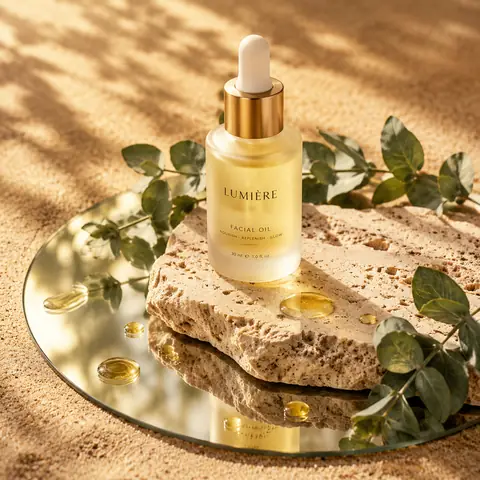
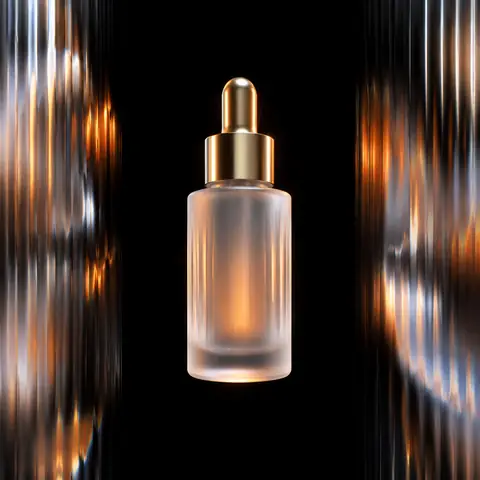
Skincare Bottle on Stone and Mirror, Sunlit1:1Skincare Bottle on Stone and Mirror, Sunlit@Kerroudjm
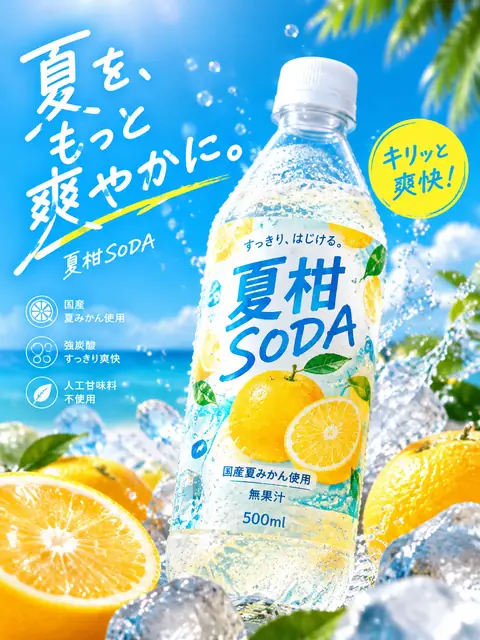
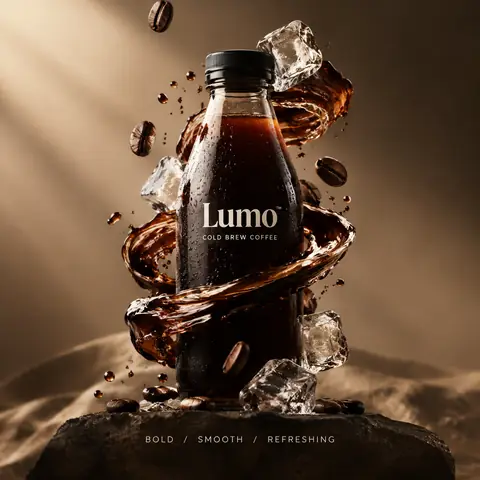
Japanese Summer Soda Bottle Ad Prompt3:4Japanese Summer Soda Bottle Ad Prompt@old_pgmrs_will
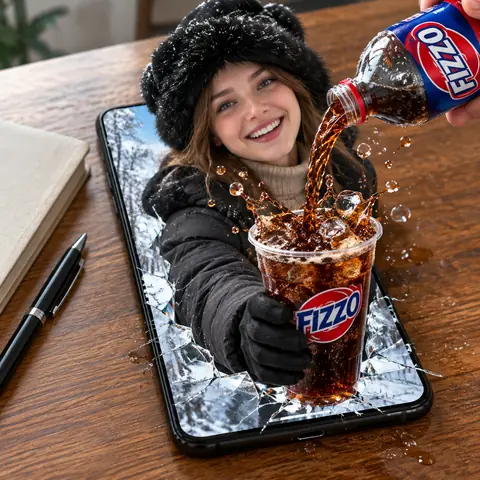
Woman Bursting from a Phone Pouring Cola Prompt1:1Woman Bursting from a Phone Pouring Cola Prompt@meng_dagg695
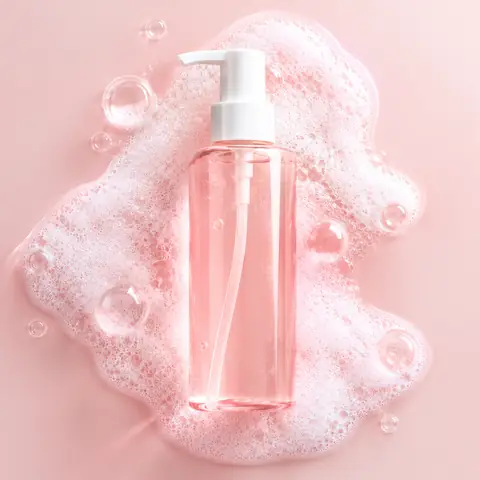
Pink Foam Cleanser Bottle Product Shot Prompt1:1Pink Foam Cleanser Bottle Product Shot Prompt@oggii_0
Levitating Product Behind Fluted Glass Ad Prompt1:1Levitating Product Behind Fluted Glass Ad Prompt@lloydcreates
Surreal Product Hero Ad with 3-Word Slogan1:1Surreal Product Hero Ad with 3-Word Slogan@aziz4ai
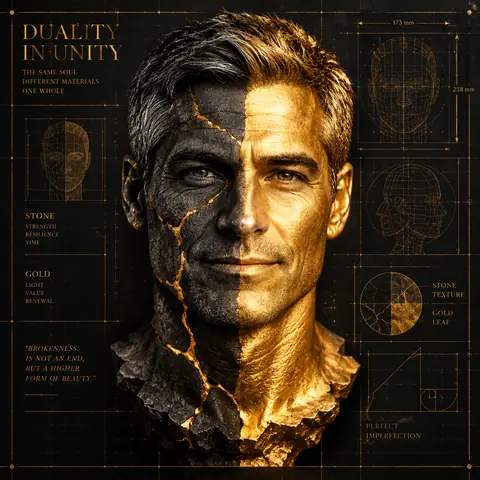
Split Stone and Gold Sculptural Mask PortraitRiferimento1:1Split Stone and Gold Sculptural Mask Portrait@Samann_ai
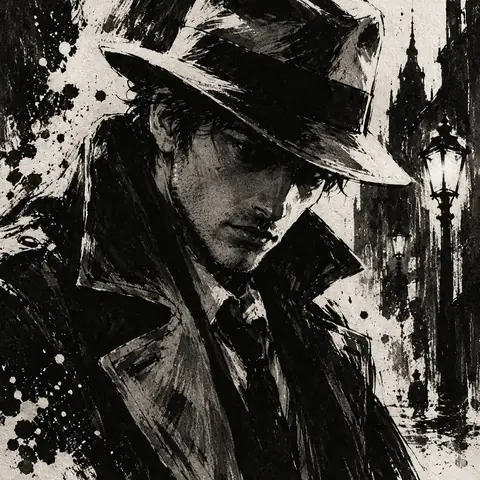
High-Contrast Ink Noir Portrait Illustration1:1High-Contrast Ink Noir Portrait Illustration@aleenaamiir
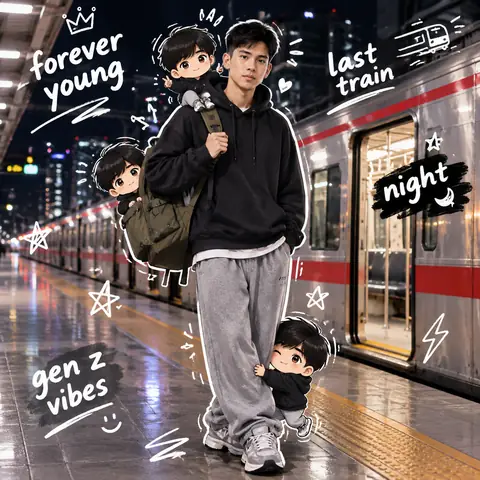
Night Train Platform Portrait with Chibi DoodlesRiferimento1:1Night Train Platform Portrait with Chibi Doodles@harboriis
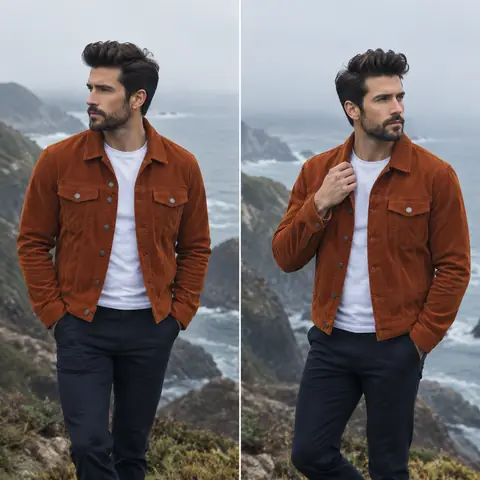
Coastal Cliff Menswear Diptych Portrait Prompt1:1Coastal Cliff Menswear Diptych Portrait Prompt@2abhisheknaks
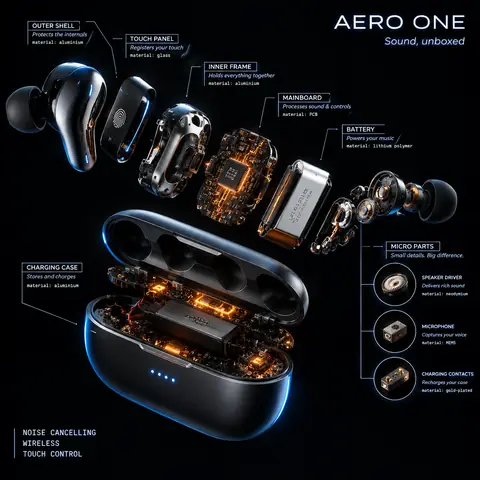
Radial Exploded View Product Teardown Prompt1:1Radial Exploded View Product Teardown Prompt@AllaAisling
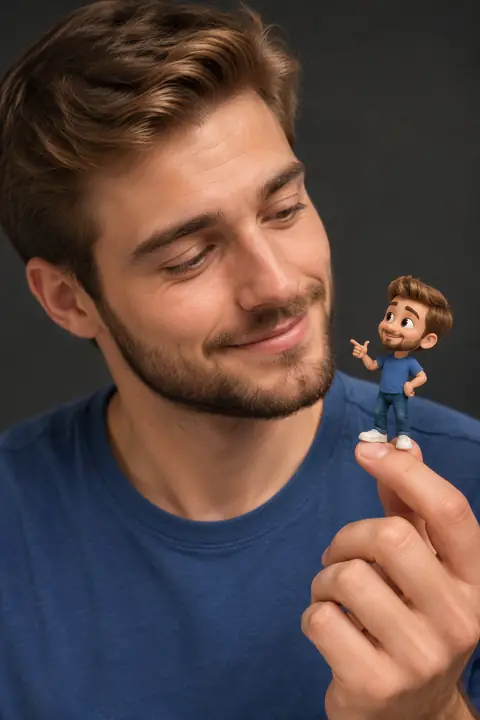
Portrait Holding a Tiny 3D Cartoon Mini-Me2:3Portrait Holding a Tiny 3D Cartoon Mini-Me@Taaruk_
← PrecedenteSkincare Bottle on Stone and Mirror, SunlitSuccessivo →Pink Foam Cleanser Bottle Product Shot Prompt
1× · 1K
Cinel AI

Cinel AI è un generatore di immagini AI da testo gratuito e illimitato, con modifica tramite prompt e strumenti AI da immagine a video. Crea immagini senza registrarti, modificale con GPT Image 2, Seedream 5 Pro e Nano Banana 2, poi trasforma le immagini fisse in video con Seedance 2.5, Veo 3.1 e Kling 3.0.

ProdottiGeneratore di immagini AI gratuitoGeneratore di video AIModelli di immagineArea di lavoroGeneratore da testo a immagineDa immagine a immagineGeneratore da testo a videoDa immagine a videoEditor di immagini AIRimozione sfondo
PromptTutti i promptRitratti e primi pianiProdotti ed e-commercePoster, loghi e graficaInfografiche e UIPersonaggi 3D e figurineCibo e bevandeIllustrazioni e animeScene creativePrompt per GPT Image 2.5Prompt per Nano Banana 2.1Fonti e rimozione contenuti

Modelli AI per immagini

FLUX.2 Klein 4BKolorsSeedream 4.0Seedream 4.5Seedream 5.0 LiteSeedream 5 ProGPT Image 2GPT Image 2.5Nano Banana 2 LiteNano Banana 2Nano Banana ProNano BananaNano Banana 2.1

Modelli AI per video

Seedance 1.0 TurboSeedance 2.5Seedance 2.0 MiniSeedance 2.0MiniMax H3Kling 3.0Kling 3.0 TurboKling O1Kling O3Grok Imagine Video 1.0Grok Imagine Video 1.5Wan 2.5Wan 2.6Wan 2.7Veo 3.1 FastVeo 3.1 ProVeo 3.1 Fast BetaVeo 3.1 Pro BetaSora 2
AziendaPrezziChi siamoContattisupport@cinel.aiPrivacyTerminiUtilizzo accettabile
© 2026 Cinel AI. Tutti i diritti riservati.