
Start with a blank frame
Turn a short idea into a polished image without setting up a complex workflow.
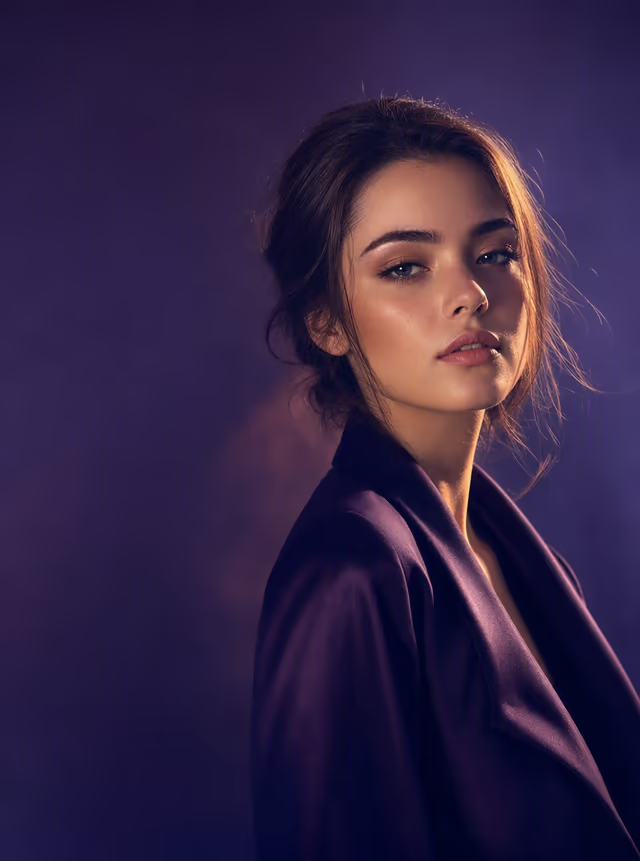
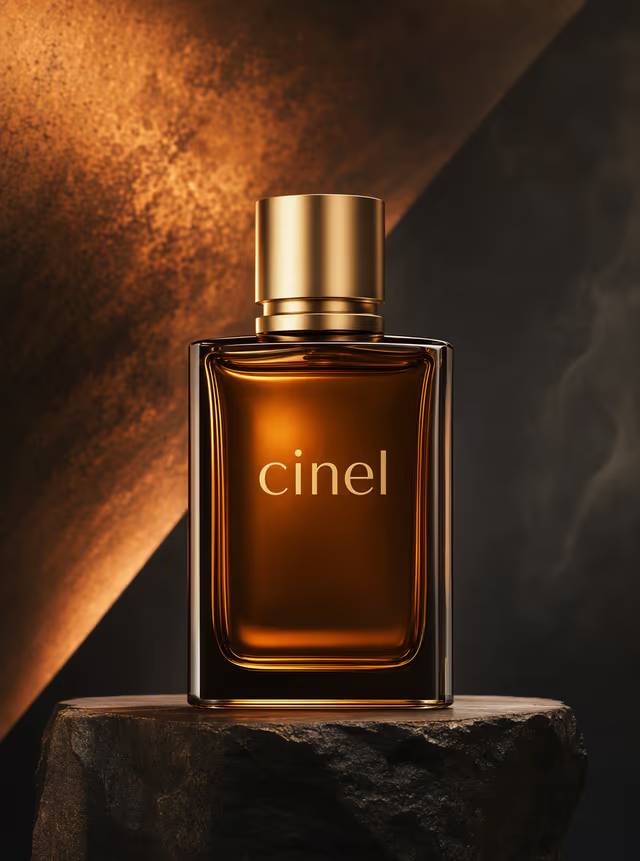
Create portraits, product shots, posters and social images free with Kolors, then switch to GPT Image, Nano Banana or Seedream and finish with AI tools.
Use a direction as a starting point, then make it yours with a prompt.
Start with a prompt, then refine the result with focused tools built into Cinel.
Photoreal images and crisp Chinese or English text with Z-Image Turbo on Cinel. 1 credit for members, 3 for others, payable with 9 daily credits.
3 creditsCreate posters, infographics and precise edits with GPT Image 2 on Cinel. Strong prompt following and legible text, 2 credits per 1K image for members.
2 creditsTry GPT Image 2.5 on Cinel: sharper English type, photoreal product labels and step-by-step edits from OpenAI. Members pay 2 credits per 1K image.
2 creditsNano Banana 2 Lite on Cinel generates and edits 1K images in about 4 seconds of model time. Blend references, try 14 aspect ratios, from 3 credits.
3 creditsTurn a short idea into a polished image without setting up a complex workflow.
Move from the free queue to HD, precise text and reference-aware models as the brief grows.
Edit, remove backgrounds, expand frames and upscale without leaving Cinel.
An engineering and creative breakdown of model performance, architecture, and practical production workflows.
Cinel is an image studio rather than a single generator. One workspace takes you from a blank idea to a finished, correctly sized file: you can write a prompt, start from a photo, or pick a ready-made template, then clean up, expand and enlarge the result without exporting it anywhere. The free tier is real. Kolors costs no credits and is selected by default, so anyone can start making pictures straight away. When a project needs exact lettering, a consistent character or 4K output, specialist models are one click away.
Some models are not free. Z-Image Turbo, for example, costs signed-in non-members 3 credits per generation (payable with daily credits), and Nano Banana and Seedream models are member features. Every model shows its cost on the Generate button before you commit.
Think about the brief, not the brand name:
A generated image is rarely the final file. The studio includes the tools that usually come next:
Images you create while signed in are private by default and stored in your own history. You can use generated images for lawful purposes, including commercial ones, subject to Cinel's Terms, the selected model's policies and the rights to anything you upload. Brand logos, real people and copyrighted characters need extra care.
This page is the overview of everything Cinel does with images. Text to Image is the specific tool for turning a prompt into a picture.
Kolors has no credit cost. Fair-use limits and rate limits apply instead of a fixed daily number.
No. Signed-in non-members pay 3 credits per generation, and members pay 1 credit. You can pay with the 9 free credits you claim each day, enough for up to 3 generations. Kolors is the free-queue model.
GPT Image 2 or GPT Image 2.5. Put the exact wording in quotes and keep headlines short.
Yes. Send it to the AI Image Editor, Background Remover, AI Uncrop or Image Upscaler. Each of the three editing tools can be used once per day with daily free credits.
No. Cinel runs in your web browser.