Cinel AI
Prompts
All promptsBrowse the full libraryPortrait & HeadshotProduct & E-commercePosters, Logos & Graphic DesignInfographics & UI3D Characters & FigurinesFood & DrinkIllustration & AnimeCreative Scenes
AI Image
Free AI Image GeneratorCreate images from text promptsText to Image GeneratorCreate images from text promptsAI Image to Image GeneratorGenerate from reference imagesAI Image EditorEdit existing images with textBackground RemoverRemove backgrounds instantlyImage UpscalerUpscale images 2x or 4xAI UncropExpand images beyond their borders
AI Video
AI Video GeneratorOpen the video generation workspaceText to Video GeneratorCreate videos from text promptsImage to VideoAnimate reference images
AI Models

Image models

KolorsFree Kolors image creation with prompt and reference support.Z-Image TurboFast photoreal generation with bilingual text accuracy.Seedream 4.0Cost-efficient 1K, 2K and 4K visuals with multi-reference editing.Seedream 4.54K generation, text rendering and reference editing.Seedream 5.0 LiteCinematic 3K realism with multi-reference creative direction.Seedream 5 Pro1K fast, 1.5K lightweight, or 2K professional visuals with text and references.GPT Image 2Precise prompts, clean text and polished product shots.GPT Image 2.5Faster GPT Image generation with sharper, consistent edits.Nano Banana 2 LiteFast 1K generation and editing for high-volume iteration.Nano Banana 2Multi-reference edits with fast style control.Nano Banana Pro4K renders and advanced image editing.Nano BananaLightweight Gemini edits for quick changes.

Video models

Seedance 1.0 TurboFast video generation with smooth motion, up to 1080p.Seedance 2.54–30 second video with synchronized audio, 480p or 720p.Seedance 2.0 MiniLower-cost 4–15 second video with synchronized audio, 480p or 720p.Seedance 2.04–15 second video with Fast or Standard mode, up to 1080p.MiniMax H3High-fidelity 4–15 second video with image and reference support.Kling 3.0Strong motion, camera moves and optional sound, up to 4K.Kling 3.0 TurboFaster 3–15 second video at 720p or 1080p, with first-frame input.Kling O1Kling O1 image-to-video with first and optional last frame input.Kling O3Kling O3 text-to-video and first/end-frame generation up to 4K.Grok Imagine Video 1.06–30 second beta video with Fun, Normal and Spicy style modes.Grok Imagine Video 1.51–15 second video with native audio and up to 7 image references.Wan 2.55–10 second text or single-image video with native audio.Wan 2.62–15 second multi-shot video with native audio at 720p or 1080p.Wan 2.72–15 second video with text, first/end frames and up to three image references.Veo 3.1 FastStable Fast Veo 3.1 with 4–8 second video, audio and frame input.Veo 3.1 ProStable Pro Veo 3.1 with 4–8 second video, audio and frame input.Veo 3.1 Fast BetaFast Beta 8-second video with first/end-frame or three-image reference input.Veo 3.1 Pro BetaPro Beta fixed 8-second video with first/end-frame input.Sora 24–12 second video with synchronized audio and one optional first-frame image.
Pricing
-50%Upgrade
  1. Prompts
  2. Creative Scenes
  3. Colored Pencil to Real Landmark Transition

Turn a Pencil Sketch into a Real City View

GPT image 2.5

Prompt:Create a breathtaking artistic composition of [REAL LANDMARK] in [CITY, COUNTRY], where a hand-drawn colored-pencil illustration seamlessly transforms into a beautifully detailed, realistic scene.

On one side, the landmark appears as an intricate drawing on textured ivory sketchbook paper, featuring visible pencil strokes, wax-crayon shading, delicate crosshatching, and imperfect hand-drawn lines. Moving across the composition, the colored strokes gradually evolve into the real landmark, surrounded by its authentic streets, architecture, and recognizable local environment.

Tiny pencil marks transform into real trees, sketchy rooftops become actual buildings, and loose strokes of color turn into the natural sky. The transition must feel fluid and artistic, as if the entire city is being brought to life by an invisible artist.

Preserve the landmark’s exact real-world architecture, proportions, and recognizable details. Use a sophisticated palette of warm terracotta, muted turquoise, golden yellow, deep cobalt blue, and natural earthy tones.

Add subtle paper grain, expressive colored-pencil textures, wax-crayon details, imperfect outlines, and beautiful natural lighting. Keep the composition clean, visually striking, and professionally art-directed, with the landmark as the unmistakable focal point.

Place the real name of the city in elegant, hand-lettered typography at the top, integrated naturally into the artwork.

Style: Contemporary editorial illustration meets realistic colored-pencil and wax-crayon artwork, tactile textures, artistic transformation, premium art-book aesthetic, intricate details, visually captivating composition.

Avoid: Generic fantasy architecture, distorted landmarks, excessive visual clutter, plastic-looking 3D effects, and artificial-looking buildings.
Create a breathtaking artistic composition of the Ponte Vecchio in Florence, Italy, where a hand-drawn colored-pencil illustration seamlessly transforms into a beautifully detailed, realistic scene.

On one side, the landmark appears as an intricate drawing on textured ivory sketchbook paper, featuring visible pencil strokes, wax-crayon shading, delicate crosshatching, and imperfect hand-drawn lines. Moving across the composition, the colored strokes gradually evolve into the real landmark, surrounded by its authentic streets, architecture, and recognizable local environment.

Tiny pencil marks transform into real trees, sketchy rooftops become actual buildings, and loose strokes of color turn into the natural sky. The transition must feel fluid and artistic, as if the entire city is being brought to life by an invisible artist.

Preserve the landmark’s exact real-world architecture, proportions, and recognizable details. Use a sophisticated palette of warm terracotta, muted turquoise, golden yellow, deep cobalt blue, and natural earthy tones.

Add subtle paper grain, expressive colored-pencil textures, wax-crayon details, imperfect outlines, and beautiful natural lighting. Keep the composition clean, visually striking, and professionally art-directed, with the landmark as the unmistakable focal point.

Place the real name of the city in elegant, hand-lettered typography at the top, integrated naturally into the artwork.

Style: Contemporary editorial illustration meets realistic colored-pencil and wax-crayon artwork, tactile textures, artistic transformation, premium art-book aesthetic, intricate details, visually captivating composition.

Avoid: Generic fantasy architecture, distorted landmarks, excessive visual clutter, plastic-looking 3D effects, and artificial-looking buildings. Square 1:1 composition.
  • Added a square 1:1 composition note.

cinel made the replacements above to generate the example image.

2 credits for members at 1K, 4 with daily credits. Ratio 1:1.

illustrationSurrealtypographyratio 1x1text only

Details

CategoryCreative Scenes
Aspect ratio1:1
InputText only
Example generated withGPT Image 2.5
Recommended modelsGPT Image 2, Nano Banana 2, Seedream 5 Pro
Original author@Naiknelofar788 · Original post on X
Original modelgpt-image-2.5

Why this prompt works

A GPT Image 2.5 prompt template by @Naiknelofar788. One side of the image is a colored-pencil and wax-crayon drawing on ivory sketchbook paper; across the frame the strokes turn into the real landmark, streets and sky. We filled it with the Ponte Vecchio in Florence, Italy. Use it for travel posters, tourism social posts and art-book covers.

How to adapt it

VariableWhat it changesExamples
the Ponte Vecchiothe landmarkthe Charles Bridge, Big Ben
Florence, Italycity and countryPrague, Czech Republic, London, United Kingdom

Tips

  • Pick a landmark with a clear, famous shape.
  • Keep the warm terracotta and cobalt palette for a cohesive look.
  • The hand-lettered city name works best short.

Related prompts

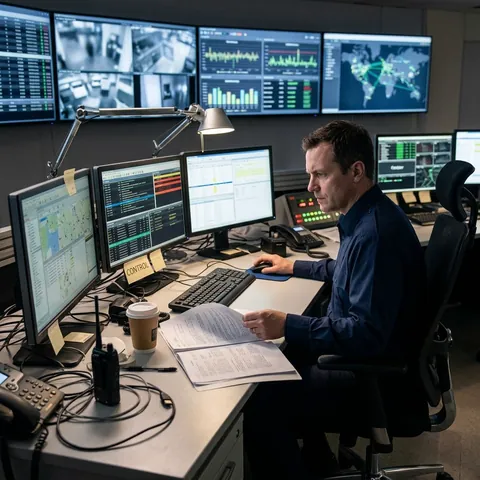
One-Word Prompt: Control1:1One-Word Prompt: Control@AllaAisling
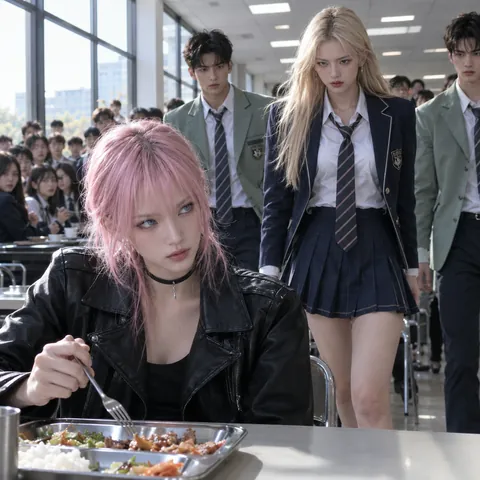
Cafeteria Standoff Action Key Frame1:1Cafeteria Standoff Action Key Frame@Just_sharon7
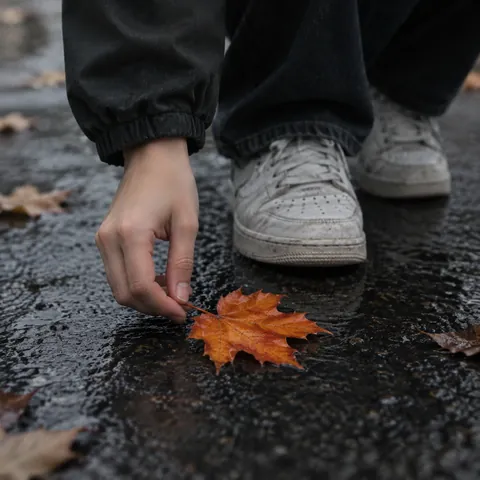
Autumn Maple Leaf on Pavement Key Frame1:1Autumn Maple Leaf on Pavement Key Frame@rovvmut_
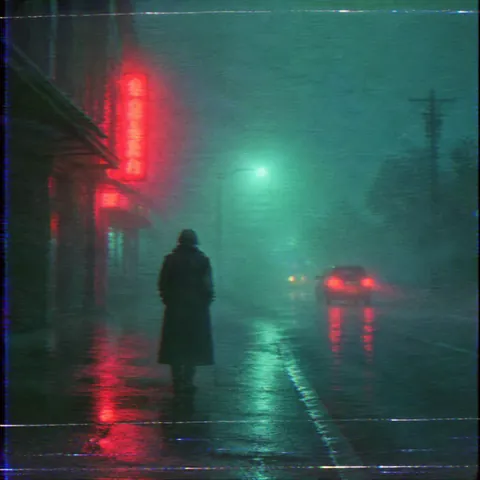
Haunted VHS Neon Fog Street Key Frame1:1Haunted VHS Neon Fog Street Key Frame@umesh_ai
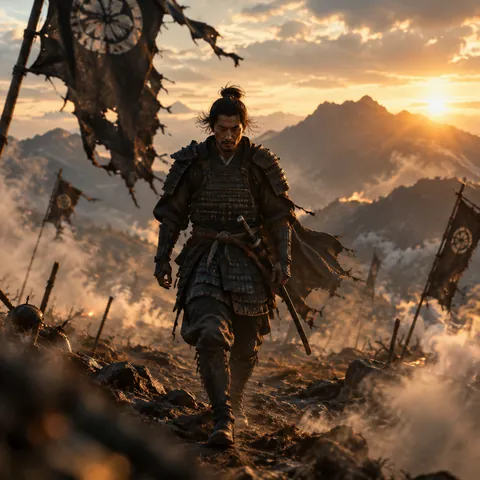
Samurai Tracking Shot Key Frame1:1Samurai Tracking Shot Key Frame@CharaspowerAI
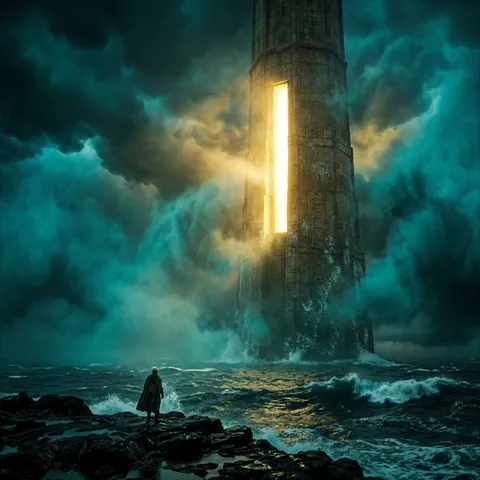
Glowing Sea Tower in a Storm Key Frame1:1Glowing Sea Tower in a Storm Key Frame@DrSadek_
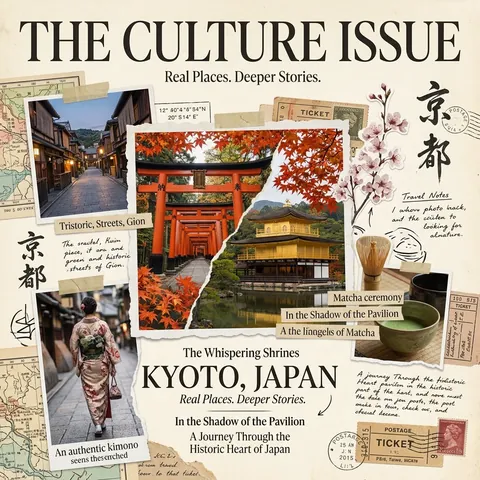
Vintage Culture Magazine Collage Cover1:1Vintage Culture Magazine Collage Cover@Naiknelofar788
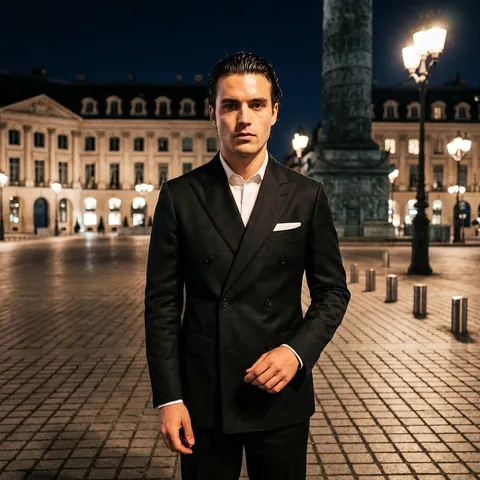
Night Square Double-Breasted Suit Portrait1:1Night Square Double-Breasted Suit Portrait@pictsbyai
Food Mascot in High-Top Sneakers 3D1:1Food Mascot in High-Top Sneakers 3D@azed_ai
Ink Architectural Street Sketch1:1Ink Architectural Street Sketch@Naiknelofar788
Gothic Ink Anime Sword Duel Key Frame1:1Gothic Ink Anime Sword Duel Key Frame@aimikoda
Impasto Rainy Umbrella Street Key Frame1:1Impasto Rainy Umbrella Street Key Frame@churvikv
← PreviousLast Ocean Carrier Space BattleNext →One-Word Prompt: Control
Cinel AI

Cinel AI is a free, unlimited AI text-to-image generator with prompt-based editing and AI image-to-video tools. Create images without signing up, edit with GPT Image 2, Seedream 5 Pro, and Nano Banana 2, then turn still frames into video with Seedance 2.5, Veo 3.1, and Kling 3.0.

ProductsFree AI Image GeneratorAI Video GeneratorImage TemplatesWorkspaceText to Image GeneratorImage to ImageText to Video GeneratorImage to VideoAI Image EditorBackground Remover
PromptsAll promptsPortrait & HeadshotProduct & E-commercePosters, Logos & Graphic DesignInfographics & UI3D Characters & FigurinesFood & DrinkIllustration & AnimeCreative ScenesGPT Image 2.5 promptsSources and takedown

AI Image Models

KolorsZ-Image TurboSeedream 4.0Seedream 4.5Seedream 5.0 LiteSeedream 5 ProGPT Image 2GPT Image 2.5Nano Banana 2 LiteNano Banana 2Nano Banana ProNano Banana

AI Video Models

Seedance 1.0 TurboSeedance 2.5Seedance 2.0 MiniSeedance 2.0MiniMax H3Kling 3.0Kling 3.0 TurboKling O1Kling O3Grok Imagine Video 1.0Grok Imagine Video 1.5Wan 2.5Wan 2.6Wan 2.7Veo 3.1 FastVeo 3.1 ProVeo 3.1 Fast BetaVeo 3.1 Pro BetaSora 2
CompanyPricingAboutContactsupport@cinel.aiPrivacyTermsAcceptable Use
© 2026 Cinel AI. All rights reserved.