Cinel AI
Prompts
All promptsBrowse the full libraryPortrait & HeadshotProduct & E-commercePosters, Logos & Graphic DesignInfographics & UI3D Characters & FigurinesFood & DrinkIllustration & AnimeCreative Scenes
AI Image
Free AI Image GeneratorCreate images from text promptsText to Image GeneratorCreate images from text promptsAI Image to Image GeneratorGenerate from reference imagesAI Image EditorEdit existing images with textBackground RemoverRemove backgrounds instantlyImage UpscalerUpscale images 2x or 4xAI UncropExpand images beyond their borders
AI Video
AI Video GeneratorOpen the video generation workspaceText to Video GeneratorCreate videos from text promptsImage to VideoAnimate reference images
AI Models

Image models

KolorsFree Kolors image creation with prompt and reference support.Z-Image TurboFast photoreal generation with bilingual text accuracy.Seedream 4.0Cost-efficient 1K, 2K and 4K visuals with multi-reference editing.Seedream 4.54K generation, text rendering and reference editing.Seedream 5.0 LiteCinematic 3K realism with multi-reference creative direction.Seedream 5 Pro1K fast, 1.5K lightweight, or 2K professional visuals with text and references.GPT Image 2Precise prompts, clean text and polished product shots.GPT Image 2.5Faster GPT Image generation with sharper, consistent edits.Nano Banana 2 LiteFast 1K generation and editing for high-volume iteration.Nano Banana 2Multi-reference edits with fast style control.Nano Banana Pro4K renders and advanced image editing.Nano BananaLightweight Gemini edits for quick changes.

Video models

Seedance 1.0 TurboFast video generation with smooth motion, up to 1080p.Seedance 2.54–30 second video with synchronized audio, 480p or 720p.Seedance 2.0 MiniLower-cost 4–15 second video with synchronized audio, 480p or 720p.Seedance 2.04–15 second video with Fast or Standard mode, up to 1080p.MiniMax H3High-fidelity 4–15 second video with image and reference support.Kling 3.0Strong motion, camera moves and optional sound, up to 4K.Kling 3.0 TurboFaster 3–15 second video at 720p or 1080p, with first-frame input.Kling O1Kling O1 image-to-video with first and optional last frame input.Kling O3Kling O3 text-to-video and first/end-frame generation up to 4K.Grok Imagine Video 1.06–30 second beta video with Fun, Normal and Spicy style modes.Grok Imagine Video 1.51–15 second video with native audio and up to 7 image references.Wan 2.55–10 second text or single-image video with native audio.Wan 2.62–15 second multi-shot video with native audio at 720p or 1080p.Wan 2.72–15 second video with text, first/end frames and up to three image references.Veo 3.1 FastStable Fast Veo 3.1 with 4–8 second video, audio and frame input.Veo 3.1 ProStable Pro Veo 3.1 with 4–8 second video, audio and frame input.Veo 3.1 Fast BetaFast Beta 8-second video with first/end-frame or three-image reference input.Veo 3.1 Pro BetaPro Beta fixed 8-second video with first/end-frame input.Sora 24–12 second video with synchronized audio and one optional first-frame image.
Pricing
-50%Upgrade
  1. Prompts
  2. Product & E-commerce
  3. Brand Merch Drop Showroom Still-Life Prompt

Limited Merch Drop Announcement as a Showroom Still Life

. Act as a Creative Director and Still Life Photographer for a hypebeast fashion publication.
THE TASK:
Create a high-end "Showroom Still Life" photograph announcing a limited merchandise drop for .
PHASE 1: AUTONOMOUS CURATION (STRATEGY)
Analyze : Identify the industry and the core physical product (e.g., if "Spalding" -> Basketballs; if "McDonald's" -> Burger Boxes; if "Visa" -> Metal Cards).
Determine the Palette:
: A deep, rich, textured tone derived from the brand's secondary palette (e.g., Teal, Navy, Burgundy, Slate Grey).
Merch Color: A contrasting warm or neutral tone (Camel, Orange, Cream) to pop against the background.
Select the "": Choose a high-quality apparel piece relevant to the brand's vibe (e.g., a Varsity Letterman Jacket, a Heavyweight Hoodie, a Canvas Tote, or a Wool Scarf).
PHASE 2: SET DESIGN (THE RACK)
The Prop: A simple, modern White Powder-Coated Metal Rack or Shelf unit. It stands cleanly in the frame.
The Arrangement:
Hanging Item: The chosen "" (e.g., the Jacket) is draped casually over the rack or hanging on a hanger, showing off the texture (wool/felt).
Stacked Items: On the shelves of the rack, stack multiple units of the brand's Core Product (e.g., a stack of basketballs, a pyramid of cans, a row of boxes).
The Background: A Hand-Painted Canvas Backdrop in the chosen Deep . Visible texture/brushstrokes are essential for that "studio" look.
PHASE 3: PHYSICAL BRANDING (TEXTURE)
On the Merch: The hanging apparel must feature High-Quality Physical Branding. Use "Chenille Patches", "Embroidered Logos", or "Screen Print" running down the sleeve or on the back. It must look like a real, expensive garment.
On the Products: Ensure the stacked core products have the correct  logo visible.
PHASE 4: PHOTOGRAPHY & LIGHTING
Lighting: Soft, directional window light from the side. Creates realistic, soft shadows on the rack and rich highlights on the textures.
Lens: 50mm or 85mm. Sharp focus on the merch, slight fall-off in the background.
PHASE 5: UI OVERLAY (THE "DROP" LAYOUT)
Left Side Alignment:
Large, clean White Logo of  floating in the negative space on the left.
Under the logo, small white text with the brand's official slogan.
Driftline Surf Club. Act as a Creative Director and Still Life Photographer for a hypebeast fashion publication.
THE TASK:
Create a high-end "Showroom Still Life" photograph announcing a limited merchandise drop for Driftline Surf Club.
PHASE 1: AUTONOMOUS CURATION (STRATEGY)
Analyze Driftline Surf Club: Identify the industry and the core physical product (e.g., a surf club -> surfboard wax and fins).
Determine the Palette:
Background Color: A deep, rich, textured tone derived from the brand's secondary palette (e.g., Teal, Navy, Burgundy, Slate Grey).
Merch Color: A contrasting warm or neutral tone (Camel, Orange, Cream) to pop against the background.
Select the "Merch Item": Choose a high-quality apparel piece relevant to the brand's vibe (e.g., a Varsity Letterman Jacket, a Heavyweight Hoodie, a Canvas Tote, or a Wool Scarf).
PHASE 2: SET DESIGN (THE RACK)
The Prop: A simple, modern White Powder-Coated Metal Rack or Shelf unit. It stands cleanly in the frame.
The Arrangement:
Hanging Item: The chosen "Merch Item" (e.g., the Jacket) is draped casually over the rack or hanging on a hanger, showing off the texture (wool/felt).
Stacked Items: On the shelves of the rack, stack multiple units of the brand's Core Product (e.g., a stack of basketballs, a pyramid of cans, a row of boxes).
The Background: A Hand-Painted Canvas Backdrop in the chosen Deep Background Color. Visible texture/brushstrokes are essential for that "studio" look.
PHASE 3: PHYSICAL BRANDING (TEXTURE)
On the Merch: The hanging apparel must feature High-Quality Physical Branding. Use "Chenille Patches", "Embroidered Logos", or "Screen Print" running down the sleeve or on the back. It must look like a real, expensive garment.
On the Products: Ensure the stacked core products have the correct Driftline Surf Club logo visible.
PHASE 4: PHOTOGRAPHY & LIGHTING
Lighting: Soft, directional window light from the side. Creates realistic, soft shadows on the rack and rich highlights on the textures.
Lens: 50mm or 85mm. Sharp focus on the merch, slight fall-off in the background.
PHASE 5: UI OVERLAY (THE "DROP" LAYOUT)
Left Side Alignment:
Large, clean White Logo of Driftline Surf Club floating in the negative space on the left.
Under the logo, small white text with the brand's official slogan.
  • (e.g., if "Spalding" -> Basketballs; if "McDonald' -> (e.g., a surf club -> surfboard wax and fins)

cinel made the replacements above to generate the example image.

22 credits at 1K. Ratio 1:1.

PhotorealFashionLogotext only

Details

CategoryProduct & E-commerce
Aspect ratio1:1
InputText only
Example generated withGPT Image 2.5
Recommended modelsSeedream 5 Pro, Nano Banana Pro, GPT Image 2.5
Original author@youraipulse · Original post on X
Original modelnanobanana

Why this prompt works

This prompt asks the model to act as a creative director in phases: analyse the brand, pick its core physical product and a palette, choose a hero apparel piece, then build a set with a white metal rack, stacked products, a hand-painted canvas backdrop, physical branding (chenille patches, embroidery) and a drop-announcement layout. We ran it with a fictional brand, Driftline Surf Club, and got a deep teal backdrop, a camel varsity jacket with chenille lettering, stacked surf-wax tins, a cap and books on the rack, and a white logo with a slogan on the left. Use it only for brands you own; the original examples cite famous companies, which we replaced.

How to adapt it

VariableWhat it changesExamples
[BRAND NAME]your brandDriftline Surf Club, your coffee roastery
Merch Itemhero apparel (model chooses if not set)varsity jacket, heavyweight hoodie, canvas tote
Background Colorbackdrop tonedeep teal, burgundy, slate grey

Tips

  • Only use brand names and logos you own or have permission to use.
  • Name the hero garment and core product yourself for tighter control.
  • Check the slogan; the model writes one if you don't supply it.

Related prompts

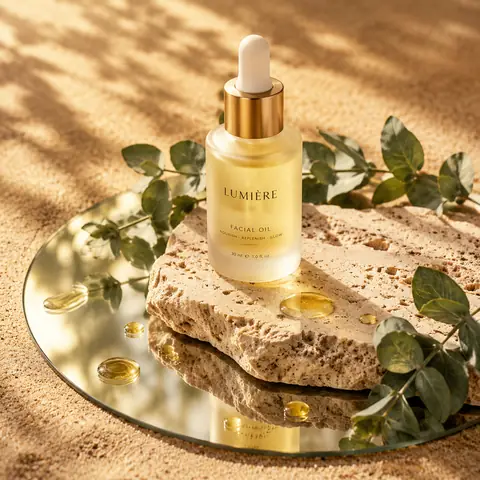
Skincare Bottle on Stone and Mirror, Sunlit1:1Skincare Bottle on Stone and Mirror, Sunlit@Kerroudjm
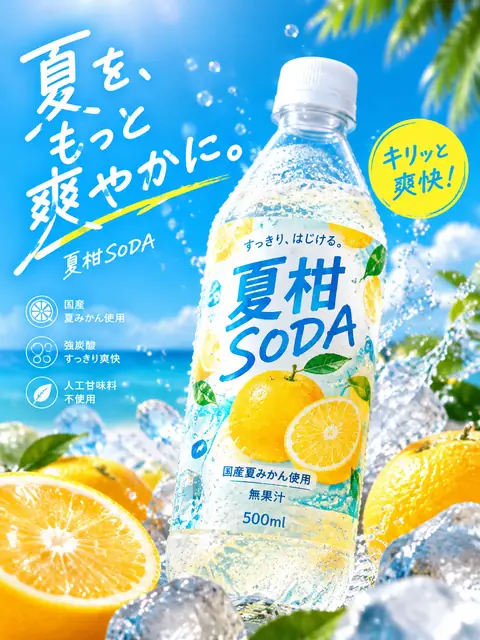
Japanese Summer Soda Bottle Ad Prompt3:4Japanese Summer Soda Bottle Ad Prompt@old_pgmrs_will
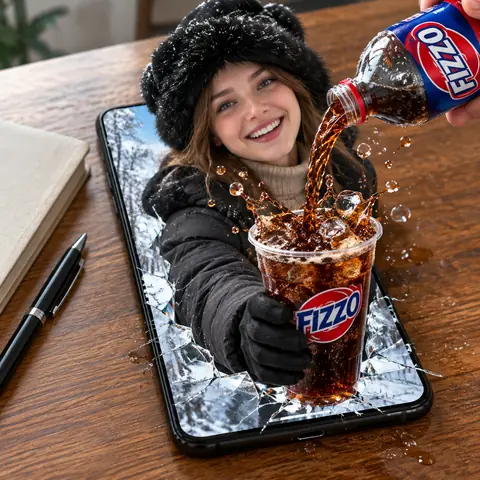
Woman Bursting from a Phone Pouring Cola Prompt1:1Woman Bursting from a Phone Pouring Cola Prompt@meng_dagg695
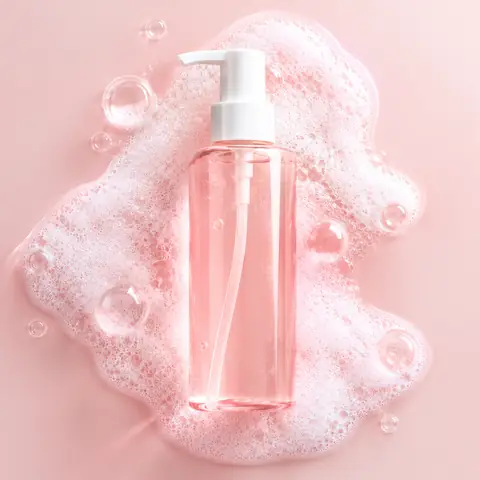
Pink Foam Cleanser Bottle Product Shot Prompt1:1Pink Foam Cleanser Bottle Product Shot Prompt@oggii_0
Levitating Product Behind Fluted Glass Ad Prompt1:1Levitating Product Behind Fluted Glass Ad Prompt@lloydcreates
Surreal Product Hero Ad with 3-Word Slogan1:1Surreal Product Hero Ad with 3-Word Slogan@aziz4ai
Split Stone and Gold Sculptural Mask PortraitReference1:1Split Stone and Gold Sculptural Mask Portrait@Samann_ai
High-Contrast Ink Noir Portrait Illustration1:1High-Contrast Ink Noir Portrait Illustration@aleenaamiir
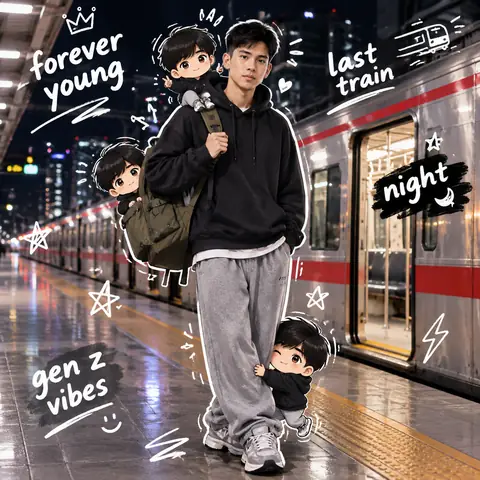
Night Train Platform Portrait with Chibi DoodlesReference1:1Night Train Platform Portrait with Chibi Doodles@harboriis
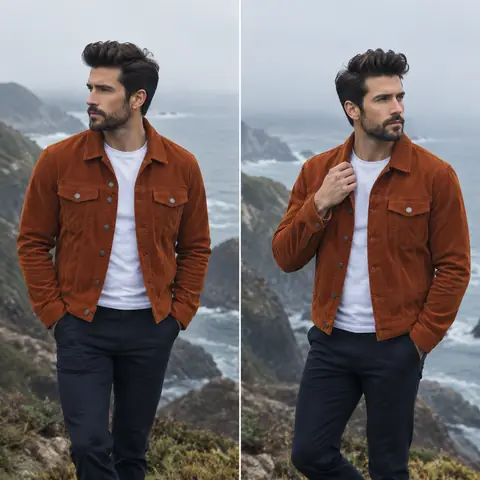
Coastal Cliff Menswear Diptych Portrait Prompt1:1Coastal Cliff Menswear Diptych Portrait Prompt@2abhisheknaks
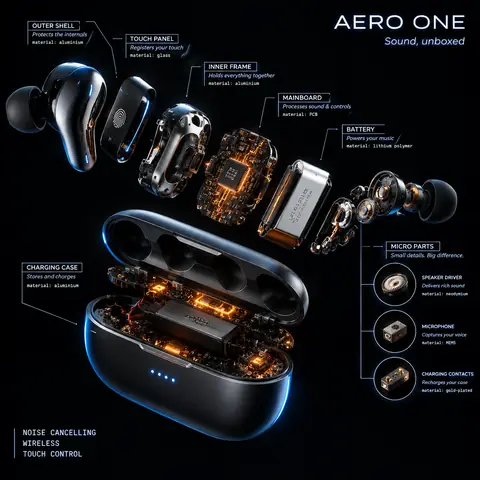
Radial Exploded View Product Teardown Prompt1:1Radial Exploded View Product Teardown Prompt@AllaAisling
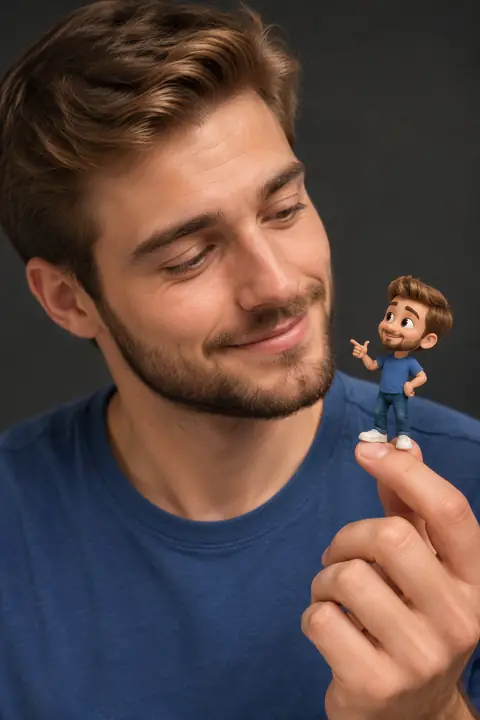
Portrait Holding a Tiny 3D Cartoon Mini-Me2:3Portrait Holding a Tiny 3D Cartoon Mini-Me@Taaruk_
← PreviousSkincare Bottle on Stone and Mirror, SunlitNext →Pink Foam Cleanser Bottle Product Shot Prompt
Cinel AI

Cinel AI is a free, unlimited AI text-to-image generator with prompt-based editing and AI image-to-video tools. Create images without signing up, edit with GPT Image 2, Seedream 5 Pro, and Nano Banana 2, then turn still frames into video with Seedance 2.5, Veo 3.1, and Kling 3.0.

ProductsFree AI Image GeneratorAI Video GeneratorImage TemplatesWorkspaceText to Image GeneratorImage to ImageText to Video GeneratorImage to VideoAI Image EditorBackground Remover
PromptsAll promptsPortrait & HeadshotProduct & E-commercePosters, Logos & Graphic DesignInfographics & UI3D Characters & FigurinesFood & DrinkIllustration & AnimeCreative ScenesGPT Image 2.5 promptsSources and takedown

AI Image Models

KolorsZ-Image TurboSeedream 4.0Seedream 4.5Seedream 5.0 LiteSeedream 5 ProGPT Image 2GPT Image 2.5Nano Banana 2 LiteNano Banana 2Nano Banana ProNano Banana

AI Video Models

Seedance 1.0 TurboSeedance 2.5Seedance 2.0 MiniSeedance 2.0MiniMax H3Kling 3.0Kling 3.0 TurboKling O1Kling O3Grok Imagine Video 1.0Grok Imagine Video 1.5Wan 2.5Wan 2.6Wan 2.7Veo 3.1 FastVeo 3.1 ProVeo 3.1 Fast BetaVeo 3.1 Pro BetaSora 2
CompanyPricingAboutContactsupport@cinel.aiPrivacyTermsAcceptable Use
© 2026 Cinel AI. All rights reserved.