Cinel AI
Prompts
All promptsBrowse the full libraryPortrait & HeadshotProduct & E-commercePosters, Logos & Graphic DesignInfographics & UI3D Characters & FigurinesFood & DrinkIllustration & AnimeCreative Scenes
AI Image
Free AI Image GeneratorCreate images from text promptsText to Image GeneratorCreate images from text promptsAI Image to Image GeneratorGenerate from reference imagesAI Image EditorEdit existing images with textBackground RemoverRemove backgrounds instantlyImage UpscalerUpscale images 2x or 4xAI UncropExpand images beyond their borders
AI Video
AI Video GeneratorOpen the video generation workspaceText to Video GeneratorCreate videos from text promptsImage to VideoAnimate reference images
AI Models

Image models

FLUX.2 Klein 4BFast FLUX.2 Klein generation with prompt and reference support.KolorsFree Kolors image creation with prompt and reference support.Seedream 4.0Cost-efficient 1K, 2K and 4K visuals with multi-reference editing.Seedream 4.54K generation, text rendering and reference editing.Seedream 5.0 LiteCinematic 3K realism with multi-reference creative direction.Seedream 5 Pro1K fast, 1.5K lightweight, or 2K professional visuals with text and references.GPT Image 2Precise prompts, clean text and polished product shots.GPT Image 2.5Faster GPT Image generation with sharper, consistent edits.Nano Banana 2 LiteFast 1K generation and editing for high-volume iteration.Nano Banana 2Multi-reference edits with fast style control.Nano Banana Pro4K renders and advanced image editing.Nano BananaLightweight Gemini edits for quick changes.Nano Banana 2.1Latest Nano Banana generation and multi-reference editing.

Video models

Seedance 1.0 TurboFast video generation with smooth motion, up to 1080p.Seedance 2.54–30 second video with synchronized audio, 480p or 720p.Seedance 2.0 MiniLower-cost 4–15 second video with synchronized audio, 480p or 720p.Seedance 2.04–15 second video with Fast or Standard mode, up to 1080p.MiniMax H3High-fidelity 4–15 second video with image and reference support.Kling 3.0Strong motion, camera moves and optional sound, up to 4K.Kling 3.0 TurboFaster 3–15 second video at 720p or 1080p, with first-frame input.Kling O1Kling O1 image-to-video with first and optional last frame input.Kling O3Kling O3 text-to-video and first/end-frame generation up to 4K.Grok Imagine Video 1.06–30 second beta video with Fun, Normal and Spicy style modes.Grok Imagine Video 1.51–15 second video with native audio and up to 7 image references.Wan 2.55–10 second text or single-image video with native audio.Wan 2.62–15 second multi-shot video with native audio at 720p or 1080p.Wan 2.72–15 second video with text, first/end frames and up to three image references.Veo 3.1 FastStable Fast Veo 3.1 with 4–8 second video, audio and frame input.Veo 3.1 ProStable Pro Veo 3.1 with 4–8 second video, audio and frame input.Veo 3.1 Fast BetaFast Beta 8-second video with first/end-frame or three-image reference input.Veo 3.1 Pro BetaPro Beta fixed 8-second video with first/end-frame input.
Pricing
  1. Prompts
  2. 3D Characters & Figurines
  3. Product Assembly Clay Island Diorama

Explain How a Product Is Built With a Tiny Crew

Create a playful and educational 3D isometric miniature diorama explaining the assembly of .

Style & Material:Use a "3D illustration" style typical of Blender 3D or C4D. Materials should look like matte clay, soft resin, and smooth plastic. Avoid harsh photorealism; aim for a tactile, toy-like aesthetic with soft, warm global illumination and rounded edges.

The Scene (The "Exploded" View):Instead of a technical blueprint, create a multi-tiered floating island. The  is oversized and "exploded" into key layers (shell, battery, circuit board, lens, etc.) that are floating slightly apart, connected by glowing dashed energy lines or miniature scaffolding.

Characters (The "Soul"):Populate the scene with tiny stylized 3D figures (cute proportions, minimal features). They are actively building the product:

Some are carrying oversized screws or components.

Some are holding giant wrenches or clipboards.

Maybe one is sliding down a cable or directing a crane.

(Make them look busy and purposeful, like a construction crew).

Background & Color:Use a clean solid background color that is [AUTO-MATCHED LOGIC below]. The base of the island should have a subtle texture (like wood, concrete, or tech-grid) but with a thick, satisfying cross-section.

Text:At the top-center, display  in bold, rounded 3D typography, with a subtitle below explaining the core function.

[Choose ONE ]:

Option A (Pop): Soft pastel color contrasting with the product.

Option B (Tech): Deep matte navy or charcoal for glowing elements to pop.

Option C (Studio): Clean soft grey or off-white for a museum feel.
Create a playful and educational 3D isometric miniature diorama explaining the assembly of Instant Film Camera.

Style & Material:Use a "3D illustration" style typical of Blender 3D or C4D. Materials should look like matte clay, soft resin, and smooth plastic. Avoid harsh photorealism; aim for a tactile, toy-like aesthetic with soft, warm global illumination and rounded edges.

The Scene (The "Exploded" View):Instead of a technical blueprint, create a multi-tiered floating island. The Instant Film Camera is oversized and "exploded" into key layers (shell, battery, circuit board, lens, etc.) that are floating slightly apart, connected by glowing dashed energy lines or miniature scaffolding.

Characters (The "Soul"):Populate the scene with tiny stylized 3D figures (cute proportions, minimal features). They are actively building the product:

Some are carrying oversized screws or components.

Some are holding giant wrenches or clipboards.

Maybe one is sliding down a cable or directing a crane.

(Make them look busy and purposeful, like a construction crew).

Background & Color:Use a clean solid background color that is soft peach pastel (Option A). The base of the island should have a subtle texture (like wood, concrete, or tech-grid) but with a thick, satisfying cross-section.

Text:At the top-center, display Instant Film Camera in bold, rounded 3D typography, with a subtitle below explaining the core function.

Background Logic (Option A chosen):

Option A (Pop): Soft pastel color contrasting with the product.

Option B (Tech): Deep matte navy or charcoal for glowing elements to pop.

Option C (Studio): Clean soft grey or off-white for a museum feel.

cinel made the replacements above to generate the example image.

2 credits for members at 1K, 4 with daily credits. Ratio 1:1.

Isometric3D renderproductText in imageratio 1x1text only

Details

Category3D Characters & Figurines
Aspect ratio1:1
InputText only
Example generated withGPT Image 2.5
Recommended modelsGPT Image 2, Nano Banana 2, Seedream 5 Pro
Original author@0x00_Krypt · Original post on X
Original modelnanobanana

Why this prompt works

A playful explainer template from @0x00_Krypt: the product is oversized and exploded into its key layers above a multi-tier floating island, linked by glowing dashed lines and scaffolding, while tiny clay-style workers carry screws, wave wrenches and run a crane. Soft Blender/C4D materials, a bold rounded title with a function subtitle and three background options. We filled it with a generic instant film camera on soft peach. Great for how-it's-made posts and product education.

How to adapt it

VariableWhat it changesExamples
[PRODUCT NAME]product to explain (generic)electric kettle, mechanical keyboard
Background Logicbackground option A/B/COption B deep navy, Option C soft grey

Tips

  • Use a generic product type, not a brand.
  • Name the key layers you want exploded.
  • Option B makes glowing lines pop.

Related prompts

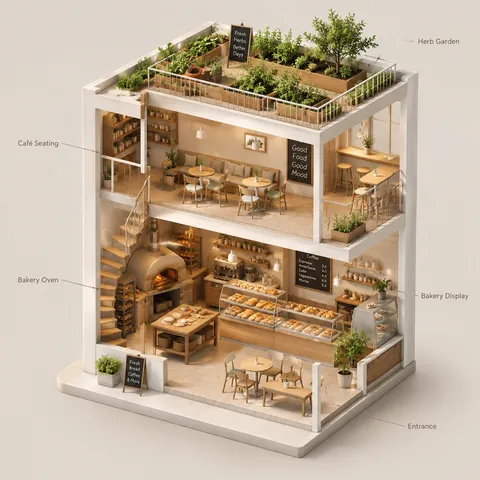
Isometric Building Cutaway Slice1:1Isometric Building Cutaway Slice@aleenaamiir
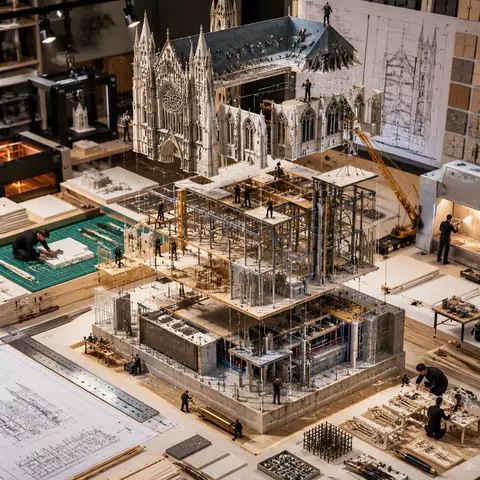
Building Exploded-View Model Diorama1:1Building Exploded-View Model Diorama@Gdgtify
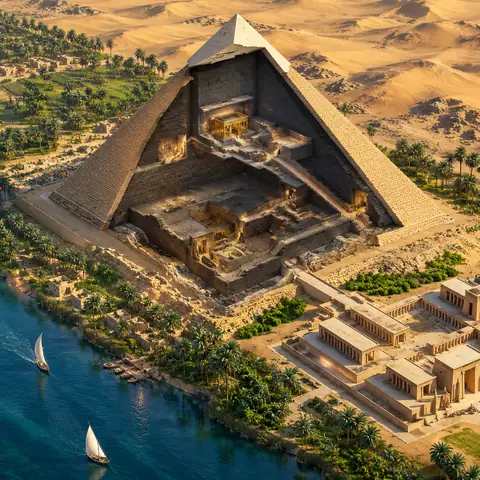
Monument Isometric Cross-Section1:1Monument Isometric Cross-Section@CharaspowerAI
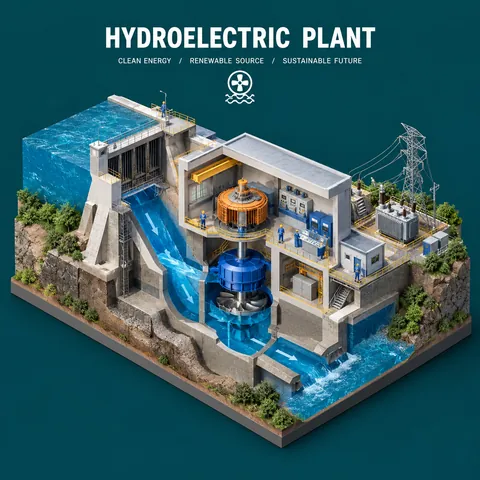
Inside the Machine Cutaway Diorama1:1Inside the Machine Cutaway Diorama@aleenaamiir
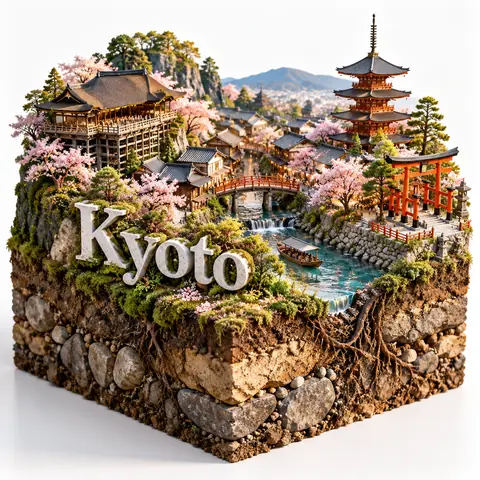
City Diorama With Soil Cross-Section1:1City Diorama With Soil Cross-Section@kaanakz
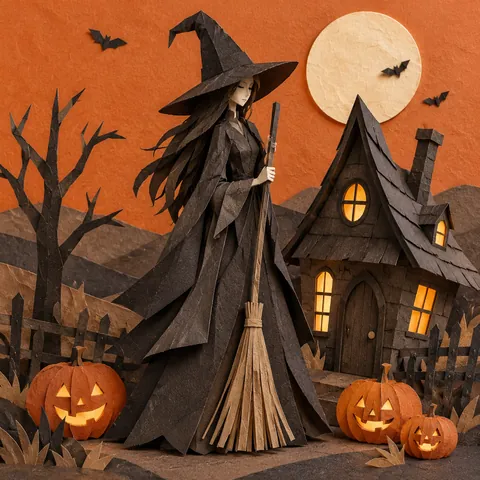
Papercraft Halloween Witch Cottage Diorama1:1Papercraft Halloween Witch Cottage Diorama@minuitIA
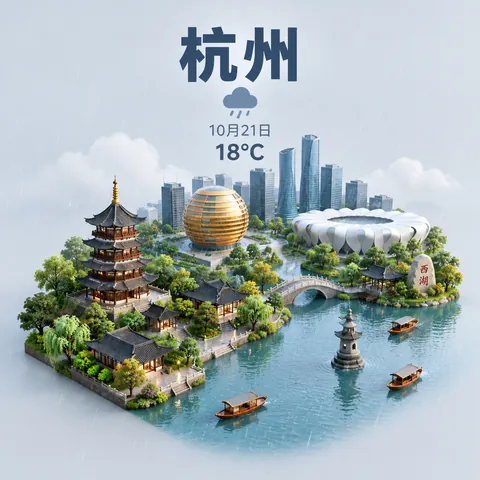
Isometric City Weather Card1:1Isometric City Weather Card@ttmouse
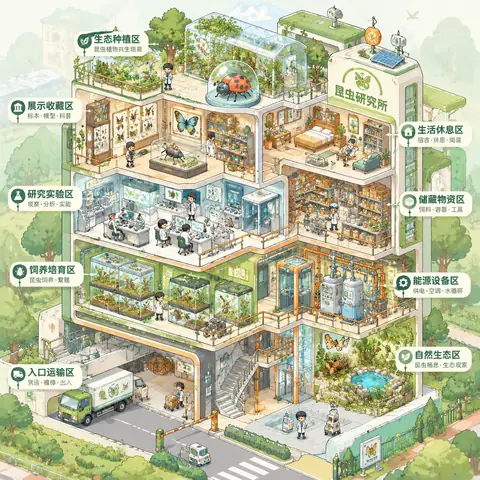
Isometric Micro-World Archive Cutaway1:1Isometric Micro-World Archive Cutaway@MrLarus
Magazine-Style 3D Cutaway Infographic1:1Magazine-Style 3D Cutaway Infographic@ZeroZ_JQ
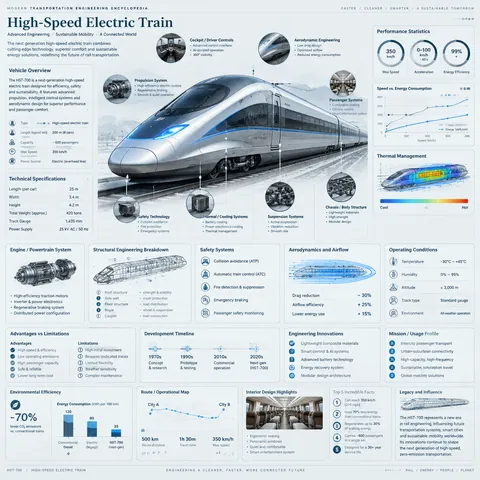
Engineering Handbook Vehicle Infographic1:1Engineering Handbook Vehicle Infographic@john_my07
Charity Bingo Night Event Flyer1:1Charity Bingo Night Event Flyer@abs_crea8or
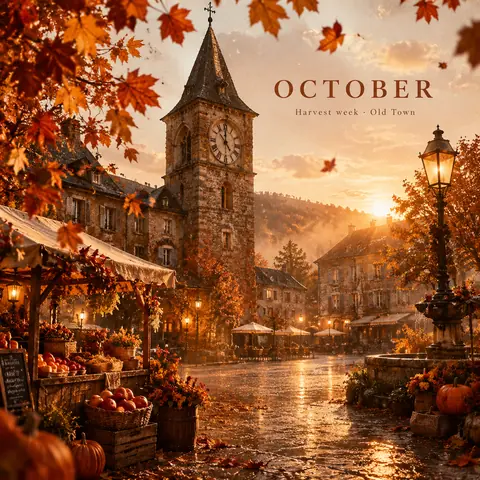
October Old-Town Autumn Poster1:1October Old-Town Autumn Poster@Naiknelofar788
← PreviousIsometric Building Cutaway SliceNext →Building Exploded-View Model Diorama
1× · 1K
Cinel AI

Cinel AI is a free, unlimited AI text-to-image generator with prompt-based editing and AI image-to-video tools. Create images without signing up, edit with GPT Image 2, Seedream 5 Pro, and Nano Banana 2, then turn still frames into video with Seedance 2.5, Veo 3.1, and Kling 3.0.

ProductsFree AI Image GeneratorAI Video GeneratorImage TemplatesWorkspaceText to Image GeneratorImage to ImageText to Video GeneratorImage to VideoAI Image EditorBackground Remover
PromptsAll promptsPortrait & HeadshotProduct & E-commercePosters, Logos & Graphic DesignInfographics & UI3D Characters & FigurinesFood & DrinkIllustration & AnimeCreative ScenesGPT Image 2.5 promptsNano Banana 2.1 promptsSources and takedown

AI Image Models

FLUX.2 Klein 4BKolorsSeedream 4.0Seedream 4.5Seedream 5.0 LiteSeedream 5 ProGPT Image 2GPT Image 2.5Nano Banana 2 LiteNano Banana 2Nano Banana ProNano BananaNano Banana 2.1

AI Video Models

Seedance 1.0 TurboSeedance 2.5Seedance 2.0 MiniSeedance 2.0MiniMax H3Kling 3.0Kling 3.0 TurboKling O1Kling O3Grok Imagine Video 1.0Grok Imagine Video 1.5Wan 2.5Wan 2.6Wan 2.7Veo 3.1 FastVeo 3.1 ProVeo 3.1 Fast BetaVeo 3.1 Pro BetaSora 2
CompanyPricingAboutContactsupport@cinel.aiPrivacyTermsAcceptable Use
© 2026 Cinel AI. All rights reserved.