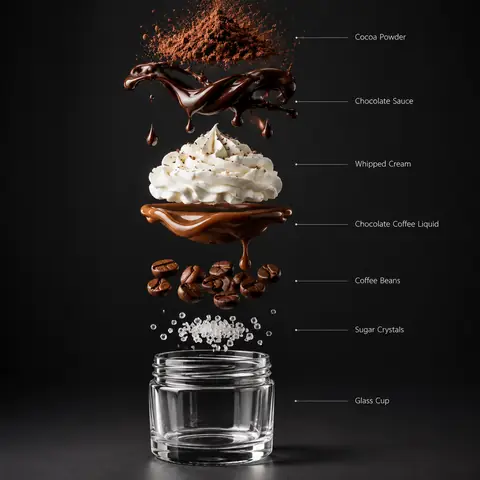
A two-part workflow for small restaurants: start from a casual phone photo, then ask for a polished three-quarter commercial shot of the same tacos and a second, exploded view that stacks the ingredients vertically with bold colour-block labels. Our reference was an overhead snap of two beef street tacos with onion, cilantro and lime. Image one upgraded it nicely with warm light, a clean plate and lime wedges. Image two, however, followed the prompt's written ingredient list (wheat tortilla, red cabbage, grilled chicken, sauce) rather than our tacos, a useful warning: rewrite the ingredient list to match your actual dish, or the exploded view will show a different recipe.
How to adapt it
Variable
What it changes
Examples
the reference image
your phone photo of the dish
two street tacos, a burger
Ingredient order (bottom → top)
the stack (must match your dish)
corn tortilla, grilled beef, onion and cilantro, lime
Annotation design requirements
label style
colour blocks matched to each ingredient
Tips
Rewrite the ingredient list to match your real dish exactly.
Run the two images separately if the split layout feels cramped.
Keep labels short (2–3 words) for feed-scale legibility.