Cinel AI
Prompts
All promptsBrowse the full libraryPortrait & HeadshotProduct & E-commercePosters, Logos & Graphic DesignInfographics & UI3D Characters & FigurinesFood & DrinkIllustration & AnimeCreative Scenes
AI Image
Free AI Image GeneratorCreate images from text promptsText to Image GeneratorCreate images from text promptsAI Image to Image GeneratorGenerate from reference imagesAI Image EditorEdit existing images with textBackground RemoverRemove backgrounds instantlyImage UpscalerUpscale images 2x or 4xAI UncropExpand images beyond their borders
AI Video
AI Video GeneratorOpen the video generation workspaceText to Video GeneratorCreate videos from text promptsImage to VideoAnimate reference images
AI Models

Image models

KolorsFree Kolors image creation with prompt and reference support.Z-Image TurboFast photoreal generation with bilingual text accuracy.Seedream 4.0Cost-efficient 1K, 2K and 4K visuals with multi-reference editing.Seedream 4.54K generation, text rendering and reference editing.Seedream 5.0 LiteCinematic 3K realism with multi-reference creative direction.Seedream 5 Pro1K fast, 1.5K lightweight, or 2K professional visuals with text and references.GPT Image 2Precise prompts, clean text and polished product shots.GPT Image 2.5Faster GPT Image generation with sharper, consistent edits.Nano Banana 2 LiteFast 1K generation and editing for high-volume iteration.Nano Banana 2Multi-reference edits with fast style control.Nano Banana Pro4K renders and advanced image editing.Nano BananaLightweight Gemini edits for quick changes.

Video models

Seedance 1.0 TurboFast video generation with smooth motion, up to 1080p.Seedance 2.54–30 second video with synchronized audio, 480p or 720p.Seedance 2.0 MiniLower-cost 4–15 second video with synchronized audio, 480p or 720p.Seedance 2.04–15 second video with Fast or Standard mode, up to 1080p.MiniMax H3High-fidelity 4–15 second video with image and reference support.Kling 3.0Strong motion, camera moves and optional sound, up to 4K.Kling 3.0 TurboFaster 3–15 second video at 720p or 1080p, with first-frame input.Kling O1Kling O1 image-to-video with first and optional last frame input.Kling O3Kling O3 text-to-video and first/end-frame generation up to 4K.Grok Imagine Video 1.06–30 second beta video with Fun, Normal and Spicy style modes.Grok Imagine Video 1.51–15 second video with native audio and up to 7 image references.Wan 2.55–10 second text or single-image video with native audio.Wan 2.62–15 second multi-shot video with native audio at 720p or 1080p.Wan 2.72–15 second video with text, first/end frames and up to three image references.Veo 3.1 FastStable Fast Veo 3.1 with 4–8 second video, audio and frame input.Veo 3.1 ProStable Pro Veo 3.1 with 4–8 second video, audio and frame input.Veo 3.1 Fast BetaFast Beta 8-second video with first/end-frame or three-image reference input.Veo 3.1 Pro BetaPro Beta fixed 8-second video with first/end-frame input.Sora 24–12 second video with synchronized audio and one optional first-frame image.
Pricing
-50%Upgrade
  1. Prompts
  2. Infographics & UI
  3. Isometric Subway Station Miniature with Service Status

Isometric Miniature Subway Station with a Service-Status Header

8K Ultra-Realistic Promotional
Present a clear, 45° top-down isometric miniature 3D scene of the . The scene includes stylized diorama elements such as platforms, miniature trains, stairwells, signage, tiled walls, vending machines, and .
Use soft, refined textures, realistic PBR materials, and lifelike lighting with subtle shadows to enhance dimensional clarity.
At the top center, place the title “[LINE NAME]” in bold sans-serif text. Below it, add a train icon followed by “Service Status” (small text) and “”  red medium text for delays or green for on-time service.
Use a soft, solid tile white background for clarity. Clean, centered, editorial infographic style.
Square format 1080×1080, ultra-detailed 3D render, miniature realism, 8K look, image size 1: 1
8K Ultra-Realistic Promotional
Present a clear, 45° top-down isometric miniature 3D scene of the Riverside Line metro. The scene includes stylized diorama elements such as platforms, miniature trains, stairwells, signage, tiled walls, vending machines, and people waiting.
Use soft, refined textures, realistic PBR materials, and lifelike lighting with subtle shadows to enhance dimensional clarity.
At the top center, place the title “RIVERSIDE LINE” in bold sans-serif text. Below it, add a train icon followed by “Service Status” (small text) and “Good Service”  red medium text for delays or green for on-time service.
Use a soft, solid tile white background for clarity. Clean, centered, editorial infographic style.
Square format 1080×1080, ultra-detailed 3D render, miniature realism, 8K look, image size 1: 1

cinel made the replacements above to generate the example image.

2 credits for members at 1K, 4 with daily credits. Ratio 1:1.

PhotorealEditorial3D rendertext only

Details

CategoryInfographics & UI
Aspect ratio1:1
InputText only
Example generated withGPT Image 2.5
Recommended modelsGPT Image 2.5, GPT Image 2, Nano Banana Pro
Original author@Milo_Bahi_02 · Original post on X
Original modelnanobanana

Why this prompt works

A neat transit infographic template: name a line and a status message, and the prompt builds a 45° isometric diorama of a station (platforms, miniature trains, stairwells, tiled walls, signage, vending machines, waiting passengers) on a soft white background, topped by a bold title and a small 'Service Status' readout in green for on time or red for delays. We used an invented 'Riverside Line' with 'Good Service'. The result is crisp and toy-like: two silver trains at an island platform, tiny commuters, stairs at both ends and a header with a train icon. Useful for transit apps, city guides and commute-themed posts, as long as you use fictional or properly licensed line names.

How to adapt it

VariableWhat it changesExamples
[SUBWAY SYSTEM / LINE NAME]the station or lineRiverside Line metro, a fictional Line 7
[STATUS MESSAGE]status textGood Service, Minor Delays
people waitingscene lifecommuters with umbrellas, a busker on the platform

Tips

  • Use green for on-time and red for delay messages, as the prompt suggests.
  • Invented line names avoid transit-authority trademarks.
  • Keep the background plain so the diorama reads clearly.

Related prompts

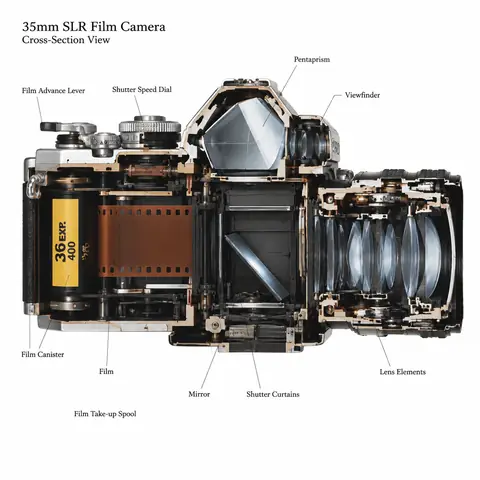
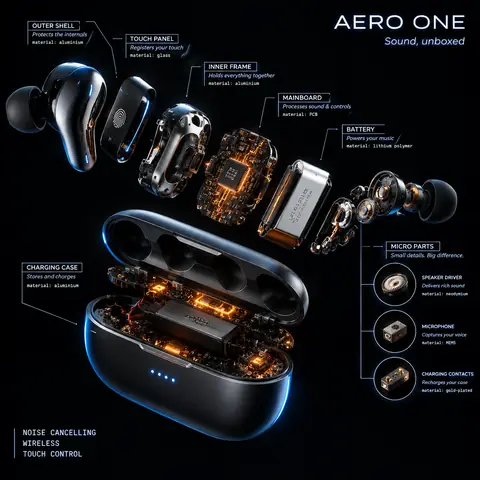
Product Cross-Section Cutaway Illustration Prompt1:1Product Cross-Section Cutaway Illustration Prompt@0x00_Krypt
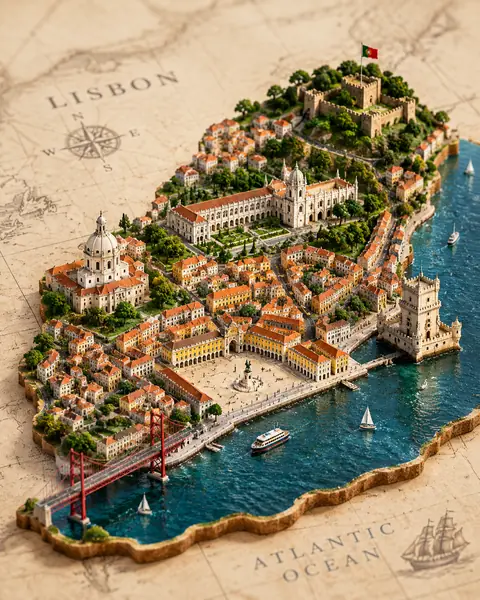
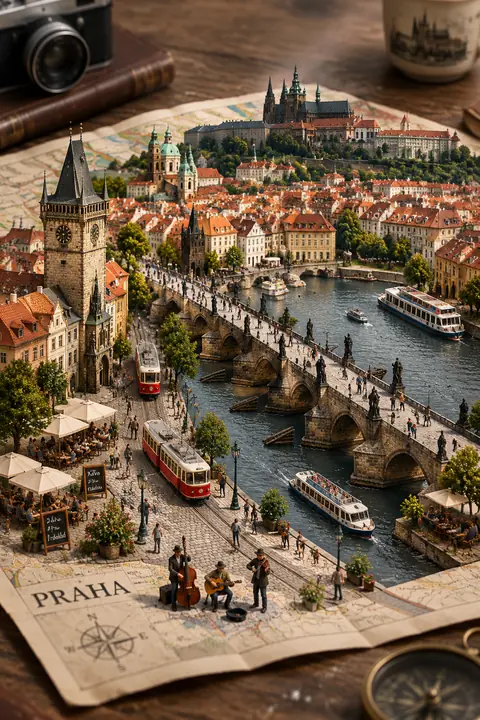
Isometric Miniature City Diorama on a Vintage Map4:5Isometric Miniature City Diorama on a Vintage Map@Just_sharon7
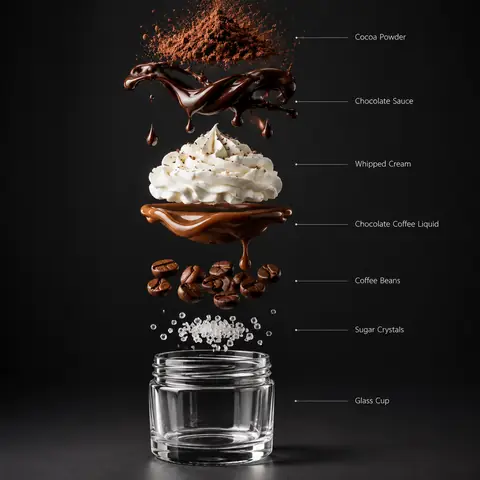
Exploded Chocolate Coffee Drink Layers (Chinese Prompt)1:1Exploded Chocolate Coffee Drink Layers (Chinese Prompt)@ttmouse
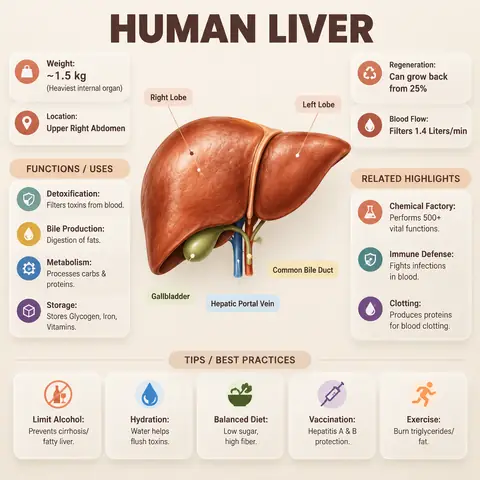
Editorial Anatomy Infographic Poster (Human Liver)1:1Editorial Anatomy Infographic Poster (Human Liver)@Strength04_X
Miniature City Growing Out of a Street Map2:3Miniature City Growing Out of a Street Map@Sheldon056
Radial Exploded View Product Teardown Prompt1:1Radial Exploded View Product Teardown Prompt@AllaAisling
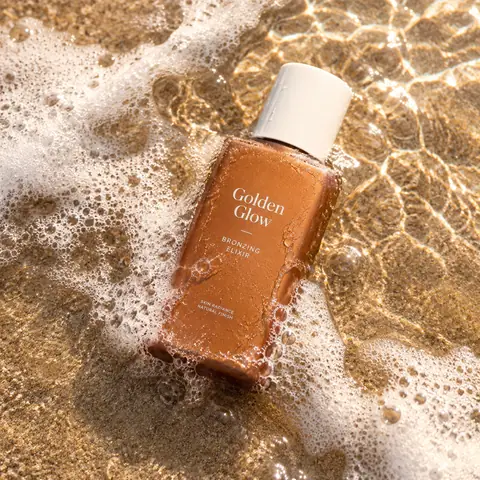
Bronzing Drops Bottle in Beach Surf Product Shot1:1Bronzing Drops Bottle in Beach Surf Product Shot@YaseenK7212
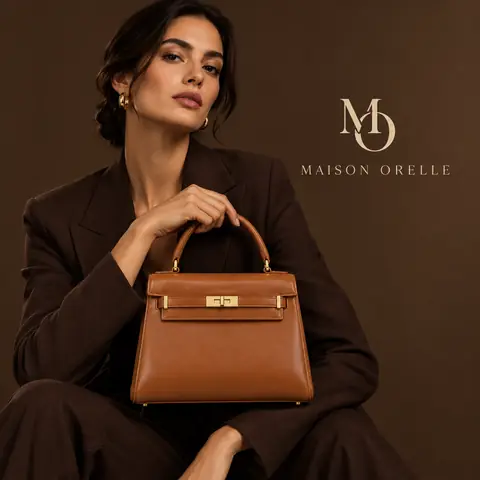
Luxury Product Editorial Poster with a ModelReference1:1Luxury Product Editorial Poster with a Model@aziz4ai
9-Image Social Feed Grid for One ProductReference1:19-Image Social Feed Grid for One Product@gizakdag
Retro-Modern Group Fashion Ad in Teal and Orange1:1Retro-Modern Group Fashion Ad in Teal and Orange@rovvmut_
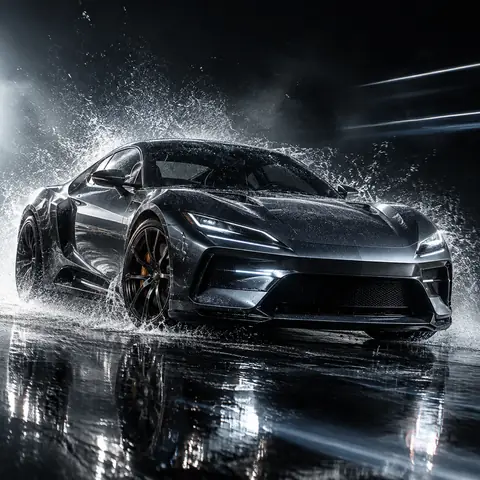
Sports Car in Exploding Rain Mist Studio Shot1:1Sports Car in Exploding Rain Mist Studio Shot@Strength04_X
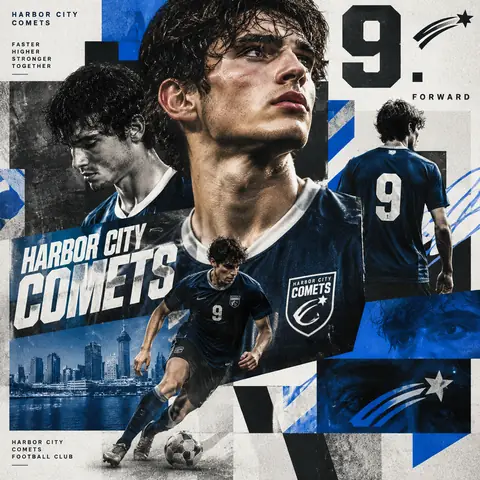
Maximalist Sports Collage Poster for a Team Player1:1Maximalist Sports Collage Poster for a Team Player@Goodmanprotocol
← PreviousIsometric Miniature City Diorama on a Vintage MapNext →Product Cross-Section Cutaway Illustration Prompt
Cinel AI

Cinel AI is a free, unlimited AI text-to-image generator with prompt-based editing and AI image-to-video tools. Create images without signing up, edit with GPT Image 2, Seedream 5 Pro, and Nano Banana 2, then turn still frames into video with Seedance 2.5, Veo 3.1, and Kling 3.0.

ProductsFree AI Image GeneratorAI Video GeneratorImage TemplatesWorkspaceText to Image GeneratorImage to ImageText to Video GeneratorImage to VideoAI Image EditorBackground Remover
PromptsAll promptsPortrait & HeadshotProduct & E-commercePosters, Logos & Graphic DesignInfographics & UI3D Characters & FigurinesFood & DrinkIllustration & AnimeCreative ScenesGPT Image 2.5 promptsSources and takedown

AI Image Models

KolorsZ-Image TurboSeedream 4.0Seedream 4.5Seedream 5.0 LiteSeedream 5 ProGPT Image 2GPT Image 2.5Nano Banana 2 LiteNano Banana 2Nano Banana ProNano Banana

AI Video Models

Seedance 1.0 TurboSeedance 2.5Seedance 2.0 MiniSeedance 2.0MiniMax H3Kling 3.0Kling 3.0 TurboKling O1Kling O3Grok Imagine Video 1.0Grok Imagine Video 1.5Wan 2.5Wan 2.6Wan 2.7Veo 3.1 FastVeo 3.1 ProVeo 3.1 Fast BetaVeo 3.1 Pro BetaSora 2
CompanyPricingAboutContactsupport@cinel.aiPrivacyTermsAcceptable Use
© 2026 Cinel AI. All rights reserved.