Cinel AI
Prompts
All promptsBrowse the full libraryPortrait & HeadshotProduct & E-commercePosters, Logos & Graphic DesignInfographics & UI3D Characters & FigurinesFood & DrinkIllustration & AnimeCreative Scenes
AI Image
Free AI Image GeneratorCreate images from text promptsText to Image GeneratorCreate images from text promptsAI Image to Image GeneratorGenerate from reference imagesAI Image EditorEdit existing images with textBackground RemoverRemove backgrounds instantlyImage UpscalerUpscale images 2x or 4xAI UncropExpand images beyond their borders
AI Video
AI Video GeneratorOpen the video generation workspaceText to Video GeneratorCreate videos from text promptsImage to VideoAnimate reference images
AI Models

Image models

KolorsFree Kolors image creation with prompt and reference support.Z-Image TurboFast photoreal generation with bilingual text accuracy.Seedream 4.0Cost-efficient 1K, 2K and 4K visuals with multi-reference editing.Seedream 4.54K generation, text rendering and reference editing.Seedream 5.0 LiteCinematic 3K realism with multi-reference creative direction.Seedream 5 Pro1K fast, 1.5K lightweight, or 2K professional visuals with text and references.GPT Image 2Precise prompts, clean text and polished product shots.GPT Image 2.5Faster GPT Image generation with sharper, consistent edits.Nano Banana 2 LiteFast 1K generation and editing for high-volume iteration.Nano Banana 2Multi-reference edits with fast style control.Nano Banana Pro4K renders and advanced image editing.Nano BananaLightweight Gemini edits for quick changes.

Video models

Seedance 1.0 TurboFast video generation with smooth motion, up to 1080p.Seedance 2.54–30 second video with synchronized audio, 480p or 720p.Seedance 2.0 MiniLower-cost 4–15 second video with synchronized audio, 480p or 720p.Seedance 2.04–15 second video with Fast or Standard mode, up to 1080p.MiniMax H3High-fidelity 4–15 second video with image and reference support.Kling 3.0Strong motion, camera moves and optional sound, up to 4K.Kling 3.0 TurboFaster 3–15 second video at 720p or 1080p, with first-frame input.Kling O1Kling O1 image-to-video with first and optional last frame input.Kling O3Kling O3 text-to-video and first/end-frame generation up to 4K.Grok Imagine Video 1.06–30 second beta video with Fun, Normal and Spicy style modes.Grok Imagine Video 1.51–15 second video with native audio and up to 7 image references.Wan 2.55–10 second text or single-image video with native audio.Wan 2.62–15 second multi-shot video with native audio at 720p or 1080p.Wan 2.72–15 second video with text, first/end frames and up to three image references.Veo 3.1 FastStable Fast Veo 3.1 with 4–8 second video, audio and frame input.Veo 3.1 ProStable Pro Veo 3.1 with 4–8 second video, audio and frame input.Veo 3.1 Fast BetaFast Beta 8-second video with first/end-frame or three-image reference input.Veo 3.1 Pro BetaPro Beta fixed 8-second video with first/end-frame input.Sora 24–12 second video with synchronized audio and one optional first-frame image.
Pricing
-50%Upgrade
  1. Prompts
  2. Infographics & UI
  3. Photo with Technical Sketch Annotations Infographic

Real Object Photo with Black-Ink Technical Annotations

Create an infographic image of , combining a realistic photograph or photoreal render of the object with technical annotation overlays placed directly on top.

Use black ink–style line drawings and text (technical pen / architectural sketch look) on a pure white studio background, including:
•Key component labels
•Internal cutaway or exploded-view outlines
•Measurements, dimensions, and scale markers
•Material callouts and quantities
•Arrows indicating function, force, or flow (air, sound, power, pressure)
•Simple schematic or sectional diagrams where relevant

Place the title  inside a hand-drawn technical annotation box in one corner.

Style & layout rules:
•The real object remains clearly visible beneath the annotations
•Annotations feel sketched, technical, and architectural
•Clean composition with balanced negative space
•Educational, museum-exhibit / engineering-manual vibe

Visual style:
Minimal technical illustration aesthetic, black linework over realistic imagery, precise but slightly hand-drawn feel.

Color palette:
White background, black annotation lines and text only. No colors.

Output:
1080×1080, ultra-crisp, social-feed optimized, no watermark.
Create an infographic image of a ceramic teapot, combining a realistic photograph or photoreal render of the object with technical annotation overlays placed directly on top.

Use black ink–style line drawings and text (technical pen / architectural sketch look) on a pure white studio background, including:
•Key component labels
•Internal cutaway or exploded-view outlines
•Measurements, dimensions, and scale markers
•Material callouts and quantities
•Arrows indicating function, force, or flow (air, sound, power, pressure)
•Simple schematic or sectional diagrams where relevant

Place the title a ceramic teapot inside a hand-drawn technical annotation box in one corner.

Style & layout rules:
•The real object remains clearly visible beneath the annotations
•Annotations feel sketched, technical, and architectural
•Clean composition with balanced negative space
•Educational, museum-exhibit / engineering-manual vibe

Visual style:
Minimal technical illustration aesthetic, black linework over realistic imagery, precise but slightly hand-drawn feel.

Color palette:
White background, black annotation lines and text only. No colors.

Output:
1080×1080, ultra-crisp, social-feed optimized, no watermark.

cinel made the replacements above to generate the example image.

2 credits for members at 1K, 4 with daily credits. Ratio 1:1.

Minimaltext only

Details

CategoryInfographics & UI
Aspect ratio1:1
InputText only
Example generated withGPT Image 2.5
Recommended modelsGPT Image 2.5, GPT Image 2, Nano Banana Pro
Original author@TechieBySA · Original post on X
Original modelnanobanana

Why this prompt works

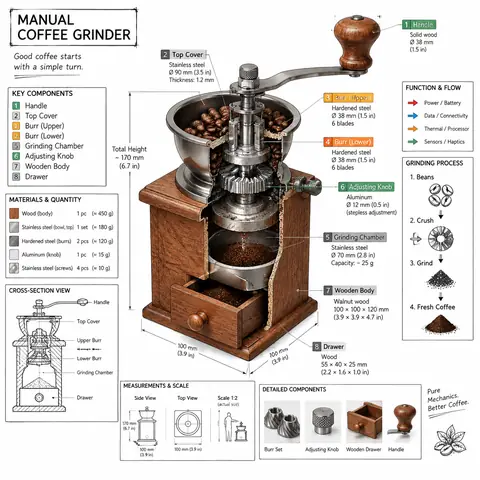
A sister template to the isometric teardown, with one important difference: it is strictly black ink on white, with no accent colours. That restriction makes the result calmer and closer to an engineering notebook. The list of overlays (labels, exploded outlines, dimensions, material callouts, flow arrows) is broad enough to suit almost any object. With a ceramic teapot, the model produced a cross-section showing steam and water, an exploded lid–filter–body view and a material panel. It also printed a typo ('heat reistant') and a slightly pseudo-scientific flow diagram, so proofread small labels. Everyday objects with a clear function, like kettles, bikes or cameras, make the best subjects.

How to adapt it

VariableWhat it changesExamples
[OBJECT]the object to annotatea ceramic teapot, a vintage bicycle bell, a pour-over coffee dripper
arrows (air, sound, power, pressure)which flows to showheat and steam, airflow
title box cornerwhere the hand-drawn title sitstop-left, bottom-right

Tips

  • Pick objects with a visible function, because the arrows need something to explain.
  • Proofread the small labels; typos are common at this text size.
  • For a warmer look, swap 'pure white' for 'cream sketchbook paper'.

Related prompts

Tactile 3D Icon Set in a 3×3 Grid Prompt1:1Tactile 3D Icon Set in a 3×3 Grid Prompt@NanoBanana
Landmark Photo with Blueprint Annotations Prompt1:1Landmark Photo with Blueprint Annotations Prompt@TechieBySA
Isometric Technical Infographic of Any Object Prompt1:1Isometric Technical Infographic of Any Object Prompt@TechieBySA
3D Country Travel Guide Map Infographic Prompt1:13D Country Travel Guide Map Infographic Prompt@TechieBySA
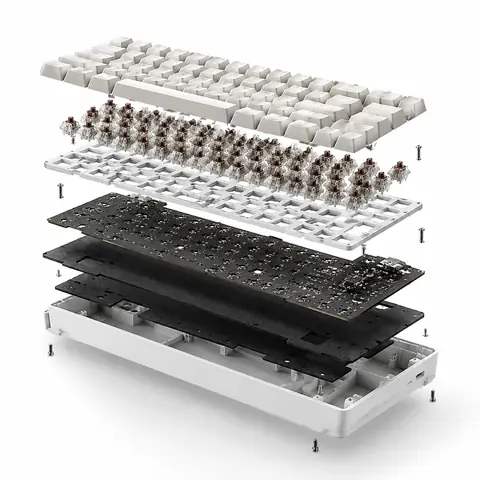
Exploded View Product Ad with Inner Mechanics1:1Exploded View Product Ad with Inner Mechanics@azed_ai
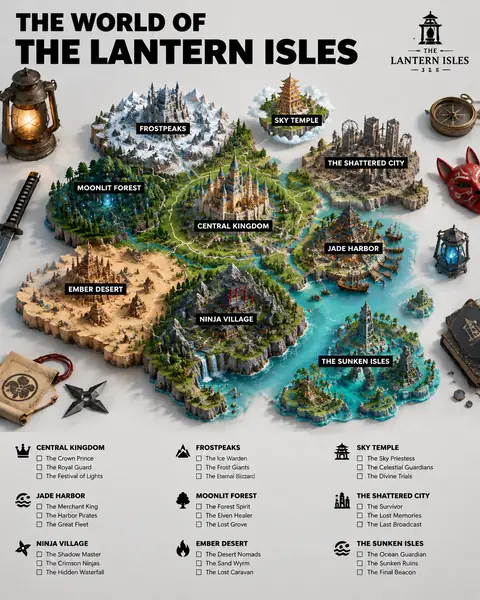
3D Fictional World Map Guide Poster Prompt4:53D Fictional World Map Guide Poster Prompt@TechieBySA
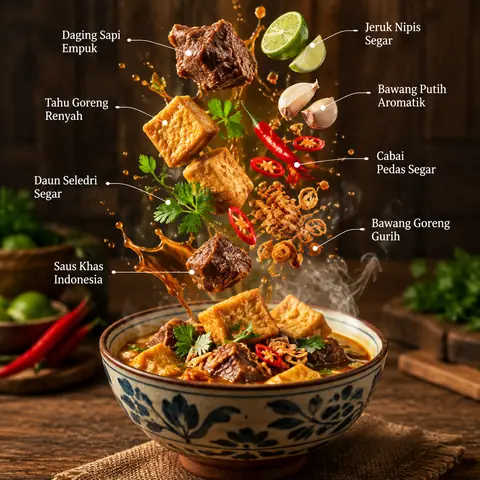
Exploded Dish Food Infographic with Floating Ingredients1:1Exploded Dish Food Infographic with Floating Ingredients@Taaruk_
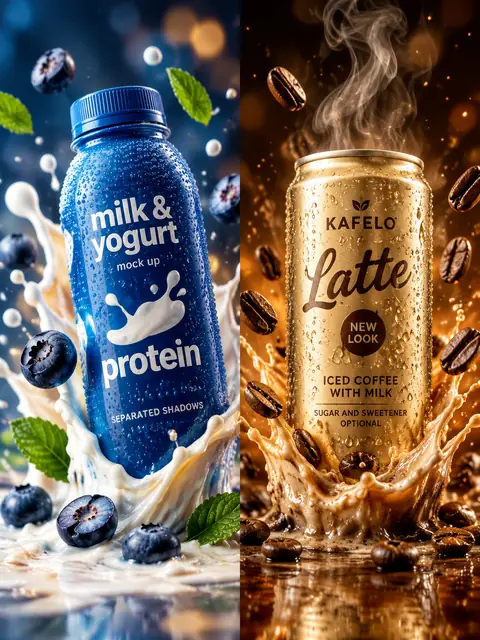
Protein Drink and Iced Coffee Splash Ad Diptych Prompt3:4Protein Drink and Iced Coffee Splash Ad Diptych Prompt@mehvishs25
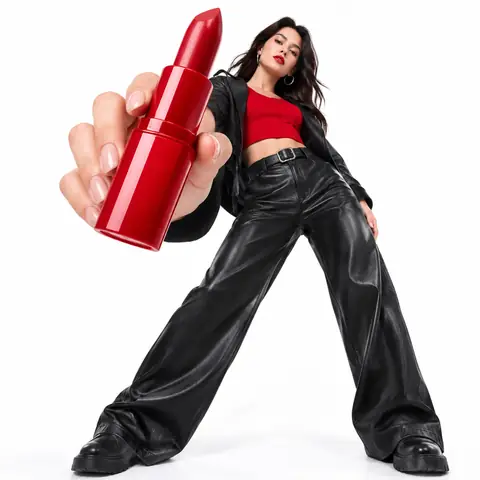
Low-Angle Fashion Campaign with Oversized Product1:1Low-Angle Fashion Campaign with Oversized Product@azed_ai
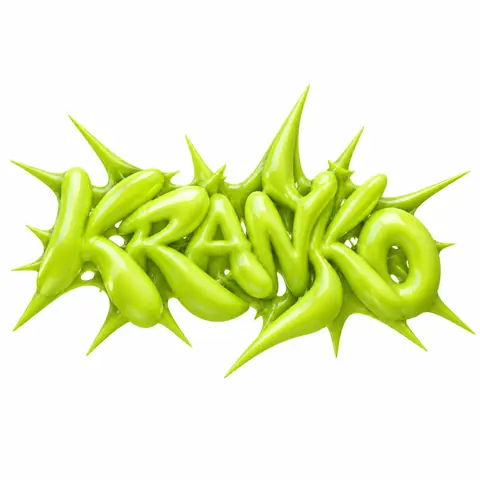
Y2K Inflated Spiky 3D Type Streetwear Logo Prompt1:1Y2K Inflated Spiky 3D Type Streetwear Logo Prompt@AmirMushich
Photo to Minimal 3D Toy Character Style TransferReference1:1Photo to Minimal 3D Toy Character Style Transfer@firatbilal
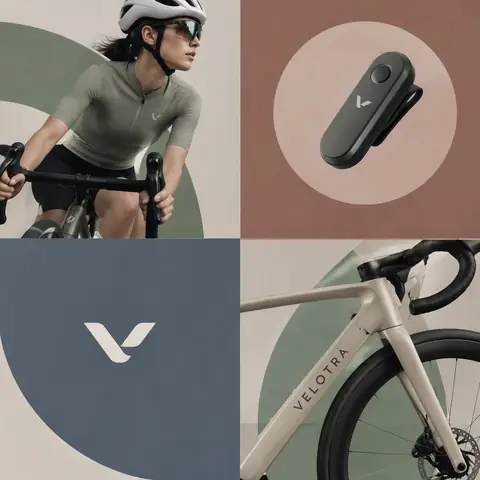
Layered Editorial Brand Collage Poster Prompt1:1Layered Editorial Brand Collage Poster Prompt@AmirMushich
← PreviousTactile 3D Icon Set in a 3×3 Grid PromptNext →Landmark Photo with Blueprint Annotations Prompt
Cinel AI

Cinel AI is a free, unlimited AI text-to-image generator with prompt-based editing and AI image-to-video tools. Create images without signing up, edit with GPT Image 2, Seedream 5 Pro, and Nano Banana 2, then turn still frames into video with Seedance 2.5, Veo 3.1, and Kling 3.0.

ProductsFree AI Image GeneratorAI Video GeneratorImage TemplatesWorkspaceText to Image GeneratorImage to ImageText to Video GeneratorImage to VideoAI Image EditorBackground Remover
PromptsAll promptsPortrait & HeadshotProduct & E-commercePosters, Logos & Graphic DesignInfographics & UI3D Characters & FigurinesFood & DrinkIllustration & AnimeCreative ScenesGPT Image 2.5 promptsSources and takedown

AI Image Models

KolorsZ-Image TurboSeedream 4.0Seedream 4.5Seedream 5.0 LiteSeedream 5 ProGPT Image 2GPT Image 2.5Nano Banana 2 LiteNano Banana 2Nano Banana ProNano Banana

AI Video Models

Seedance 1.0 TurboSeedance 2.5Seedance 2.0 MiniSeedance 2.0MiniMax H3Kling 3.0Kling 3.0 TurboKling O1Kling O3Grok Imagine Video 1.0Grok Imagine Video 1.5Wan 2.5Wan 2.6Wan 2.7Veo 3.1 FastVeo 3.1 ProVeo 3.1 Fast BetaVeo 3.1 Pro BetaSora 2
CompanyPricingAboutContactsupport@cinel.aiPrivacyTermsAcceptable Use
© 2026 Cinel AI. All rights reserved.