Cinel AI
Prompts
All promptsBrowse the full libraryPortrait & HeadshotProduct & E-commercePosters, Logos & Graphic DesignInfographics & UI3D Characters & FigurinesFood & DrinkIllustration & AnimeCreative Scenes
AI Image
Free AI Image GeneratorCreate images from text promptsText to Image GeneratorCreate images from text promptsAI Image to Image GeneratorGenerate from reference imagesAI Image EditorEdit existing images with textBackground RemoverRemove backgrounds instantlyImage UpscalerUpscale images 2x or 4xAI UncropExpand images beyond their borders
AI Video
AI Video GeneratorOpen the video generation workspaceText to Video GeneratorCreate videos from text promptsImage to VideoAnimate reference images
AI Models

Image models

KolorsFree Kolors image creation with prompt and reference support.Z-Image TurboFast photoreal generation with bilingual text accuracy.Seedream 4.0Cost-efficient 1K, 2K and 4K visuals with multi-reference editing.Seedream 4.54K generation, text rendering and reference editing.Seedream 5.0 LiteCinematic 3K realism with multi-reference creative direction.Seedream 5 Pro1K fast, 1.5K lightweight, or 2K professional visuals with text and references.GPT Image 2Precise prompts, clean text and polished product shots.GPT Image 2.5Faster GPT Image generation with sharper, consistent edits.Nano Banana 2 LiteFast 1K generation and editing for high-volume iteration.Nano Banana 2Multi-reference edits with fast style control.Nano Banana Pro4K renders and advanced image editing.Nano BananaLightweight Gemini edits for quick changes.

Video models

Seedance 1.0 TurboFast video generation with smooth motion, up to 1080p.Seedance 2.54–30 second video with synchronized audio, 480p or 720p.Seedance 2.0 MiniLower-cost 4–15 second video with synchronized audio, 480p or 720p.Seedance 2.04–15 second video with Fast or Standard mode, up to 1080p.MiniMax H3High-fidelity 4–15 second video with image and reference support.Kling 3.0Strong motion, camera moves and optional sound, up to 4K.Kling 3.0 TurboFaster 3–15 second video at 720p or 1080p, with first-frame input.Kling O1Kling O1 image-to-video with first and optional last frame input.Kling O3Kling O3 text-to-video and first/end-frame generation up to 4K.Grok Imagine Video 1.06–30 second beta video with Fun, Normal and Spicy style modes.Grok Imagine Video 1.51–15 second video with native audio and up to 7 image references.Wan 2.55–10 second text or single-image video with native audio.Wan 2.62–15 second multi-shot video with native audio at 720p or 1080p.Wan 2.72–15 second video with text, first/end frames and up to three image references.Veo 3.1 FastStable Fast Veo 3.1 with 4–8 second video, audio and frame input.Veo 3.1 ProStable Pro Veo 3.1 with 4–8 second video, audio and frame input.Veo 3.1 Fast BetaFast Beta 8-second video with first/end-frame or three-image reference input.Veo 3.1 Pro BetaPro Beta fixed 8-second video with first/end-frame input.Sora 24–12 second video with synchronized audio and one optional first-frame image.
Pricing
-50%Upgrade
  1. Prompts
  2. Portrait & Headshot
  3. Multi-Arm Professional Studio Portrait Prompt

Multi-Arm Studio Portrait of a Professional and Their Tools

Reference image (AI-generated by cinel, fictional)
Create a hyper-real, studio portrait using  as the exact identity reference (same face, hairstyle, skin texture, and age). Depict the person as a confident  sitting casually on a modern white ergonomic office chair, legs crossed, centered in frame. Add a stylized “multi-arm” illusion (6–8 arms total) radiating behind the torso like a modern Shiva/Vishnu-inspired silhouette, but photorealistic: each extra arm must have correct anatomy, believable joints, tendons, skin pores, and natural shadowing; no warped fingers.

PROPS (must be profession-relevant): Automatically choose and place different tools that a real  would use, one per hand/arm, all clearly readable and accurate in design. Examples of categories: primary tool, secondary tool, communication device, measurement/diagnostic tool, accessory, and a “hero” prop. Keep one real smartphone in the main/front hand. Avoid generic random objects—every prop must logically belong to . If  is digital/tech: include items like laptop, tablet, camera/monitor, light meter, stylus, keyboard, mic, etc. If  is medical: stethoscope, clipboard, otoscope, syringe (safe/clinical), etc. If  is culinary: chef knife, tongs, plating tweezers, recipe tablet, etc. (Always match .)

BACKGROUND COLOR (topic-matched): Use a seamless paper studio backdrop with a single dominant color that matches the profession theme (e.g., warm mustard for creative/media, cool teal for healthcare, graphite/steel for engineering, rich olive for outdoors, deep burgundy for luxury). The color should complement skin tones and wardrobe. Add subtle gradient falloff and soft bounce for depth (no flat background).

LIGHTING & SET: High-end commercial studio look. One large soft key light from camera-left, controlled fill from right, crisp rim light to separate subject, and realistic specular highlights on props. Include a large circular silver reflector disk behind the subject (partially visible) for visual punch. Add a subtle shadow on the floor consistent with light direction.

WARDROBE & STYLING: Outfit must be believable for a top-tier  (clean, modern, slightly stylized), with texture detail (fabric weave, seams). Add minimal accessories (watch/bracelet) that feel premium. Expression: focused, slightly intense, “in the zone.”

COMPOSITION & CAMERA: Full-body vertical portrait (4:5), 50mm lens look, eye-level camera, sharp focus on face, shallow depth of field but props still readable. Ultra-detailed skin, natural color grading, high dynamic range, crisp micro-contrast.

REALISM RULES: No cartoon, no CGI look. No extra faces, no duplicated heads. Hands must be anatomically correct (5 fingers), no melted objects, no unreadable text logos unless naturally present. Keep the scene clean and premium.

Output: hyper-real editorial photograph, 8K detail, studio-quality retouching, natural skin texture preserved.
Create a hyper-real, studio portrait using the attached reference image as the exact identity reference (same face, hairstyle, skin texture, and age). Depict the person as a confident architect sitting casually on a modern white ergonomic office chair, legs crossed, centered in frame. Add a stylized “multi-arm” illusion (6–8 arms total) radiating behind the torso like a modern Shiva/Vishnu-inspired silhouette, but photorealistic: each extra arm must have correct anatomy, believable joints, tendons, skin pores, and natural shadowing; no warped fingers.

PROPS (must be profession-relevant): Automatically choose and place different tools that a real architect would use, one per hand/arm, all clearly readable and accurate in design. Examples of categories: primary tool, secondary tool, communication device, measurement/diagnostic tool, accessory, and a “hero” prop. Keep one real smartphone in the main/front hand. Avoid generic random objects—every prop must logically belong to architect. If architect is digital/tech: include items like laptop, tablet, camera/monitor, light meter, stylus, keyboard, mic, etc. If architect is medical: stethoscope, clipboard, otoscope, syringe (safe/clinical), etc. If architect is culinary: chef knife, tongs, plating tweezers, recipe tablet, etc. (Always match architect.)

BACKGROUND COLOR (topic-matched): Use a seamless paper studio backdrop with a single dominant color that matches the profession theme (e.g., warm mustard for creative/media, cool teal for healthcare, graphite/steel for engineering, rich olive for outdoors, deep burgundy for luxury). The color should complement skin tones and wardrobe. Add subtle gradient falloff and soft bounce for depth (no flat background).

LIGHTING & SET: High-end commercial studio look. One large soft key light from camera-left, controlled fill from right, crisp rim light to separate subject, and realistic specular highlights on props. Include a large circular silver reflector disk behind the subject (partially visible) for visual punch. Add a subtle shadow on the floor consistent with light direction.

WARDROBE & STYLING: Outfit must be believable for a top-tier architect (clean, modern, slightly stylized), with texture detail (fabric weave, seams). Add minimal accessories (watch/bracelet) that feel premium. Expression: focused, slightly intense, “in the zone.”

COMPOSITION & CAMERA: Full-body vertical portrait (4:5), 50mm lens look, eye-level camera, sharp focus on face, shallow depth of field but props still readable. Ultra-detailed skin, natural color grading, high dynamic range, crisp micro-contrast.

REALISM RULES: No cartoon, no CGI look. No extra faces, no duplicated heads. Hands must be anatomically correct (5 fingers), no melted objects, no unreadable text logos unless naturally present. Keep the scene clean and premium.

Output: hyper-real editorial photograph, 8K detail, studio-quality retouching, natural skin texture preserved.

cinel made the replacements above to generate the example image.

9 credits at 1K. Ratio 4:5. You will need to upload your own reference image.

PhotorealEditorialMinimalFashionratio 4x5needs reference

Details

CategoryPortrait & Headshot
Aspect ratio4:5
InputNeeds a reference image
Example generated withGPT Image 2.5
Recommended modelsNano Banana Pro, Nano Banana 2, Seedream 5 Pro
Original author@Samann_ai · Original post on X
Original modelnanobanana

Why this prompt works

A playful way to show everything a job involves at once: the subject sits cross-legged on a white ergonomic chair while six to eight photorealistic arms fan out behind the torso, each holding a tool of the profession. The prompt does the hard work with rules for anatomy (correct joints, five fingers), a profession-matched backdrop colour, a large silver reflector disk and a clear lighting setup. We used a fictional reference of a woman in her late thirties and set the profession to architect. She holds a smartphone in front, with rolled drawings, a compass, a camera, a tablet, a laptop and material swatches around her. Great for LinkedIn banners, team pages or recruitment posts.

How to adapt it

VariableWhat it changesExamples
[USER_PHOTO]your identity referencea clear portrait photo
[PROFESSION]the job, which drives the props and backdrop colourarchitect, chef, nurse, photographer

Tips

  • Count the hands in the result and regenerate if any look malformed.
  • Name 3–4 must-have tools if the automatic choices miss the point.
  • Use a clear, front-facing reference for the best likeness.

Related prompts

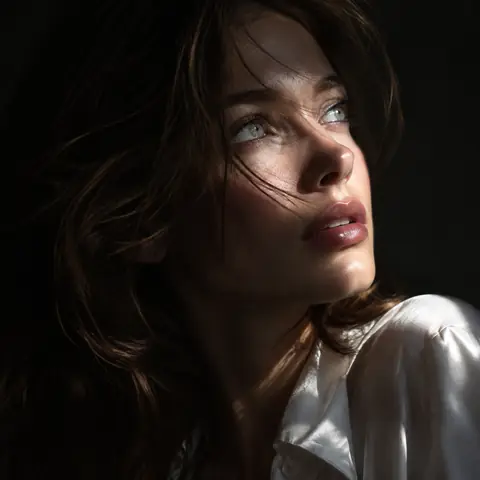
Chiaroscuro Windswept Hair Close-Up Portrait1:1Chiaroscuro Windswept Hair Close-Up Portrait@Naiknelofar788
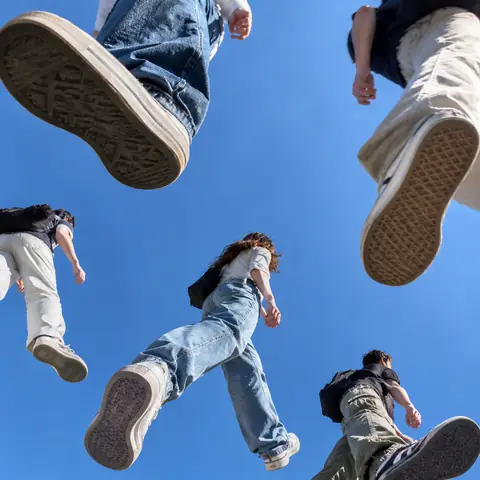
People Walking on Glass, Shot from Below1:1People Walking on Glass, Shot from Below@cfryant
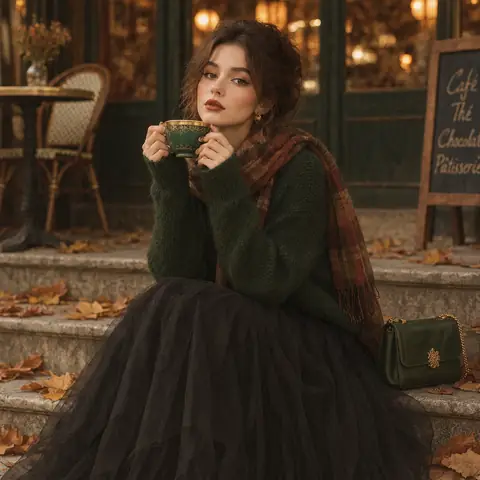
1970s Autumn Café Steps Fashion Portrait Prompt1:11970s Autumn Café Steps Fashion Portrait Prompt@2abhisheknaks
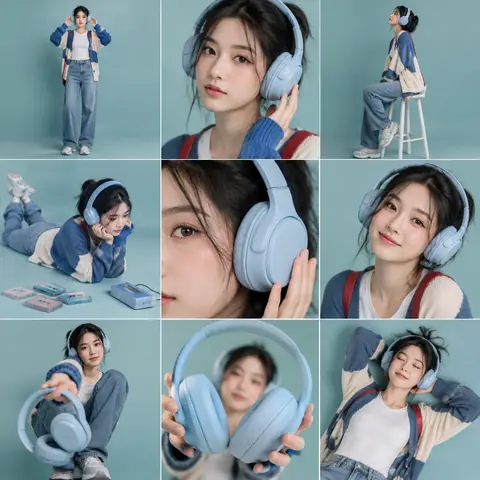
3x3 Headphone Lifestyle Storyboard Grid Prompt1:13x3 Headphone Lifestyle Storyboard Grid Prompt@oggii_0
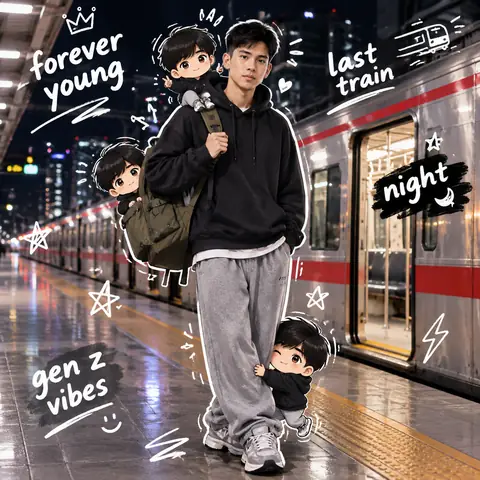
Night Train Platform Portrait with Chibi DoodlesReference1:1Night Train Platform Portrait with Chibi Doodles@harboriis
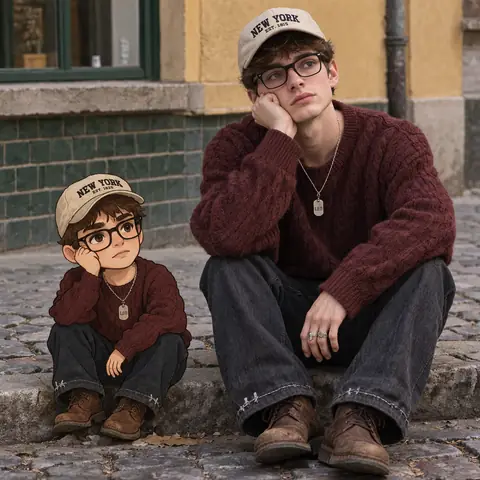
Street Portrait with a Cartoon Version of YourselfReference1:1Street Portrait with a Cartoon Version of Yourself@Sheldon056
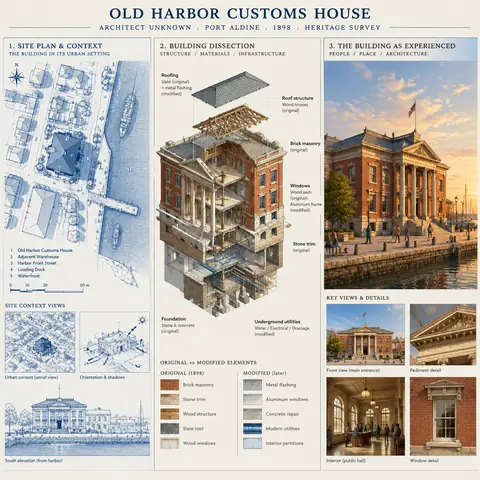
Heritage Architecture Survey Board Prompt1:1Heritage Architecture Survey Board Prompt@AllaAisling
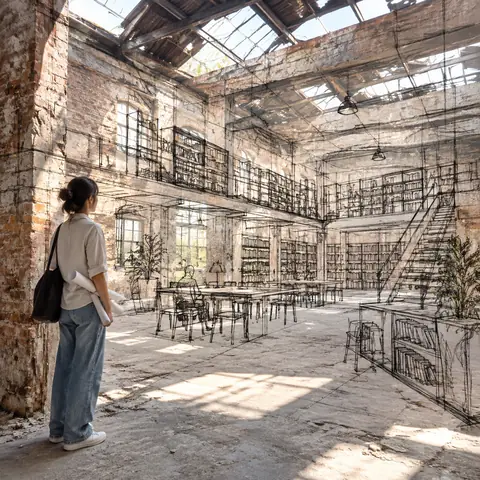
Real Space with Floating Concept Sketch Lines1:1Real Space with Floating Concept Sketch Lines@Arminn_Ai
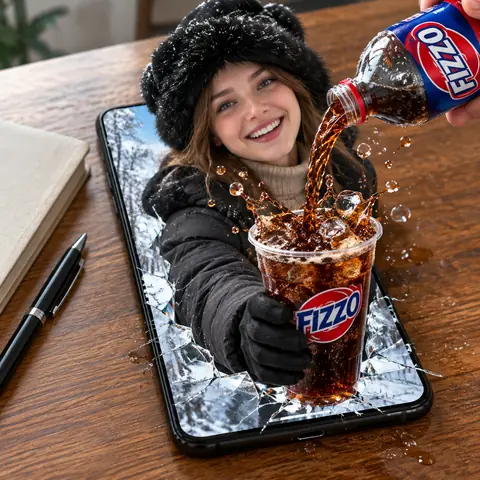
Woman Bursting from a Phone Pouring Cola Prompt1:1Woman Bursting from a Phone Pouring Cola Prompt@meng_dagg695
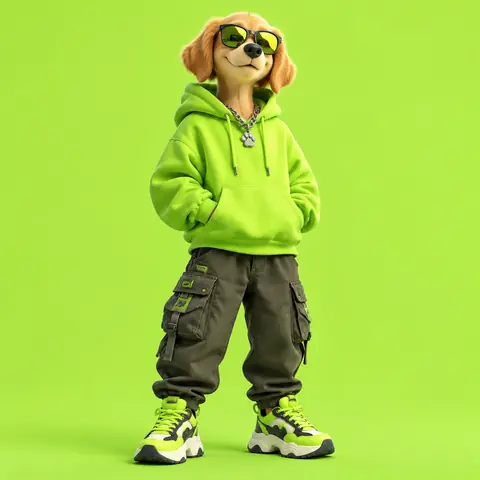
3D Streetwear Dog Character Design Prompt1:13D Streetwear Dog Character Design Prompt@Taaruk_
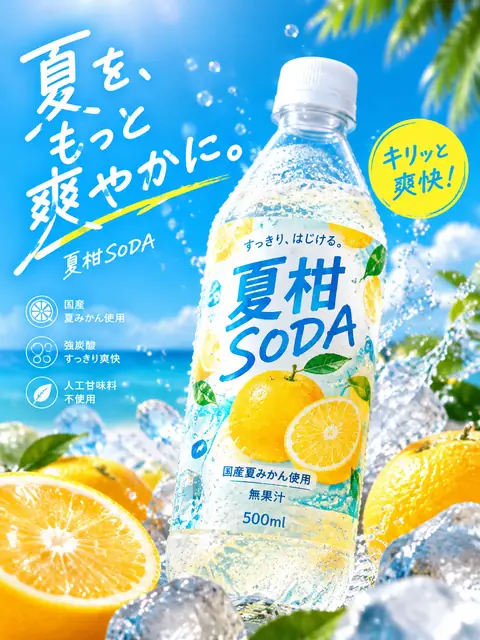
Japanese Summer Soda Bottle Ad Prompt3:4Japanese Summer Soda Bottle Ad Prompt@old_pgmrs_will
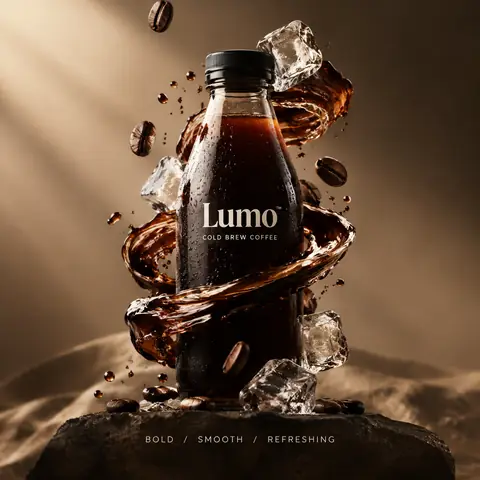
Surreal Product Hero Ad with 3-Word Slogan1:1Surreal Product Hero Ad with 3-Word Slogan@aziz4ai
← PreviousChiaroscuro Windswept Hair Close-Up PortraitNext →People Walking on Glass, Shot from Below
Cinel AI

Cinel AI is a free, unlimited AI text-to-image generator with prompt-based editing and AI image-to-video tools. Create images without signing up, edit with GPT Image 2, Seedream 5 Pro, and Nano Banana 2, then turn still frames into video with Seedance 2.5, Veo 3.1, and Kling 3.0.

ProductsFree AI Image GeneratorAI Video GeneratorImage TemplatesWorkspaceText to Image GeneratorImage to ImageText to Video GeneratorImage to VideoAI Image EditorBackground Remover
PromptsAll promptsPortrait & HeadshotProduct & E-commercePosters, Logos & Graphic DesignInfographics & UI3D Characters & FigurinesFood & DrinkIllustration & AnimeCreative ScenesGPT Image 2.5 promptsSources and takedown

AI Image Models

KolorsZ-Image TurboSeedream 4.0Seedream 4.5Seedream 5.0 LiteSeedream 5 ProGPT Image 2GPT Image 2.5Nano Banana 2 LiteNano Banana 2Nano Banana ProNano Banana

AI Video Models

Seedance 1.0 TurboSeedance 2.5Seedance 2.0 MiniSeedance 2.0MiniMax H3Kling 3.0Kling 3.0 TurboKling O1Kling O3Grok Imagine Video 1.0Grok Imagine Video 1.5Wan 2.5Wan 2.6Wan 2.7Veo 3.1 FastVeo 3.1 ProVeo 3.1 Fast BetaVeo 3.1 Pro BetaSora 2
CompanyPricingAboutContactsupport@cinel.aiPrivacyTermsAcceptable Use
© 2026 Cinel AI. All rights reserved.