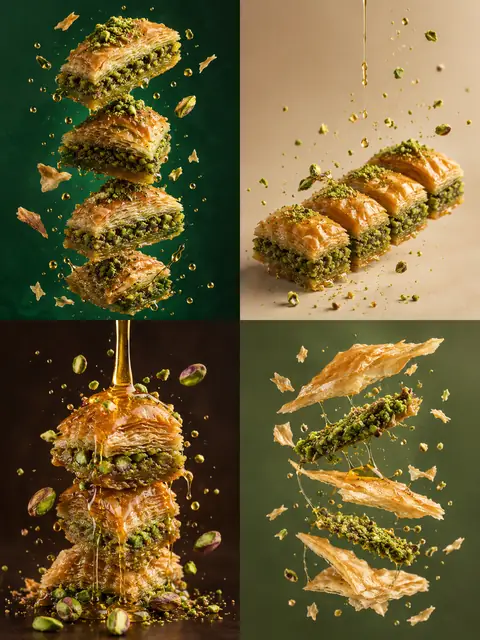
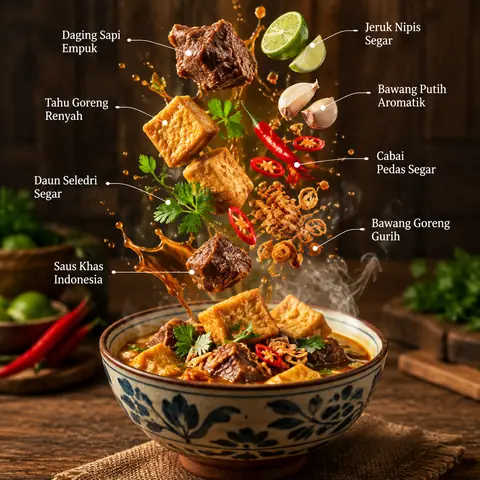
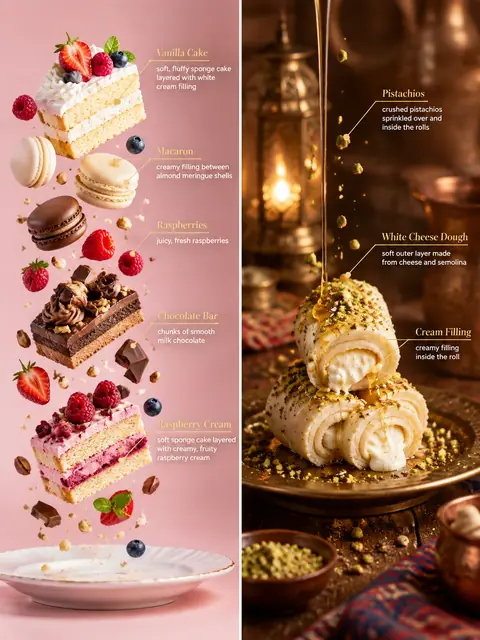
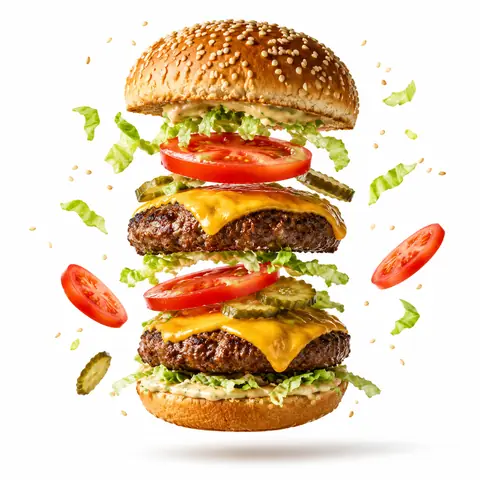
Most recipe-card prompts produce flat, top-down layouts. This one asks for the finished dish at an angle, slightly floating, with ingredients and steps flowing around it, and it sets a clear hierarchy (dish, then steps, then ingredients, then stats) so the eye knows where to go. Glassmorphism step panels and small cooking icons give it a modern app-like finish. Our biryani version came out as a complete, believable card with ingredient quantities, six numbered steps, timing badges and a tips box; the only slip was cook time not matching the step durations. Note that the dish is written into the prompt itself ('briyani', spelled that way), so replace it every time you reuse the template.
How to adapt it
Variable
What it changes
Examples
briyani
the dish (hard-coded in the prompt)
chicken biryani, shakshuka, ramen
Additional Info
optional stat badges
calories, prep time, servings, spice level
step panel style
look of the numbered steps
glassmorphism, flat pastel cards
Tips
Replace the dish name inside the prompt; it is not a bracketed variable.
Check that times and quantities add up; the model doesn't do the maths.
Square or 4:5 keeps the steps legible; very tall formats squeeze the text.