












Cinel AI

Free AI Image Generator— Cinel AI

Create remarkable images in seconds · No login · Free generation

Free useNo login requiredGPT Image 2.6 supportedFree visual creation
1× · 1K
GPT Image 2.6precision image generation from2 creditsper standard image50% OFFExplore model

Popular AI Image Tools

View more
AI Image EditEdit images in secondsBackground RemoverClean cutouts, fastImage UpscalerSharper without the plastic lookAI UncropGo beyond the frame

AI image & video models

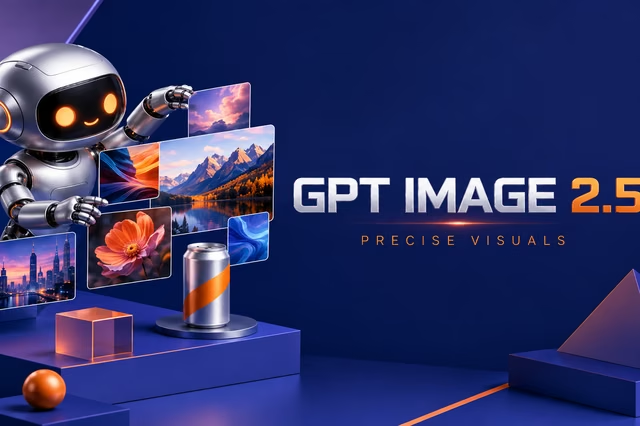
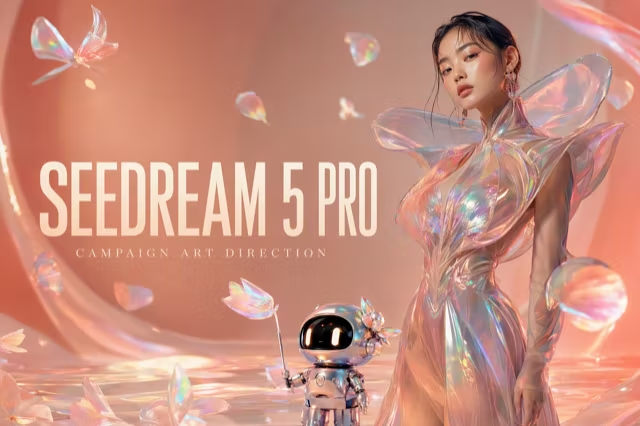
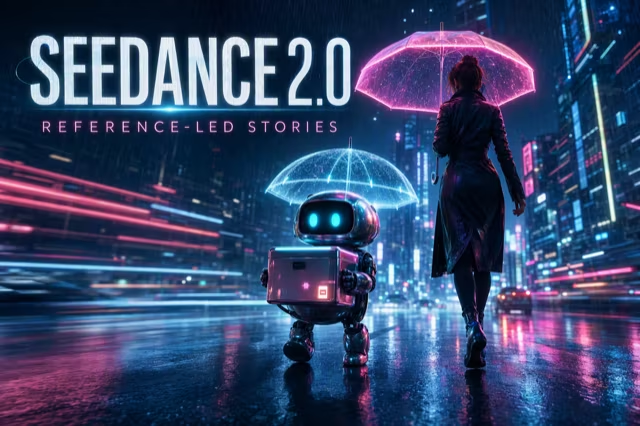
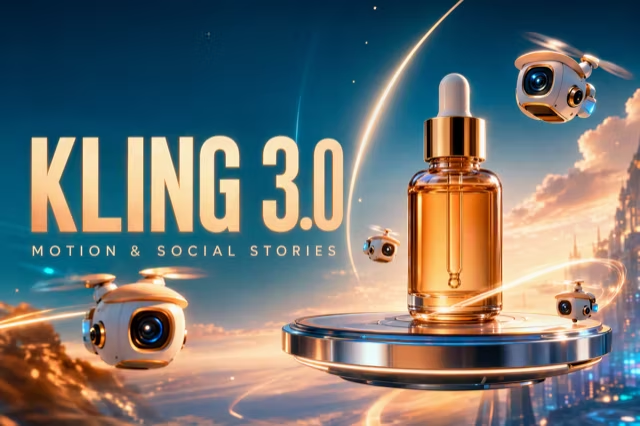
FLUX.2 Klein 4BNEWFast FLUX.2 Klein generation with prompt and reference support.100% FREEGPT Image 2PROPrecise prompts, clean text and polished product shots.6 SilverGPT Image 2.5NEWFaster GPT Image generation with sharper, consistent edits.6 SilverGPT Image 2.6NEWFaster generation, reference edits and animated GIF support.6 SilverKolorsFREEFree Kolors image creation with prompt and reference support.100% FREENano BananaPROLightweight Gemini edits for quick changes.3 GoldNano Banana 2PROMulti-reference edits with fast style control.6 GoldNano Banana 2 LiteNEWFast 1K generation and editing for high-volume iteration.6 SilverNano Banana 2.1NEWLatest Nano Banana generation and multi-reference editing.8 SilverNano Banana ProPRO4K renders and advanced image editing.9 GoldSeedream 4.0PROCost-efficient 1K, 2K and 4K visuals with multi-reference editing.8 SilverSeedream 4.5PRO4K generation, text rendering and reference editing.15 GoldSeedream 5 ProPRO1K fast, 1.5K lightweight, or 2K professional visuals with text and references.22 GoldSeedream 5.0 LitePROCinematic 3K realism with multi-reference creative direction.12 GoldZ-Image TurboPROFast photoreal generation with bilingual text accuracy.3 SilverGrok Imagine Video 1.0NEW6–30 second beta video with Fun, Normal and Spicy style modes.30 GoldGrok Imagine Video 1.5NEW1–15 second video with native audio and up to 7 image references.31 GoldKling 3.0PROStrong motion, camera moves and optional sound, up to 4K.93 GoldKling 3.0 TurboNEWFaster 3–15 second video at 720p or 1080p, with first-frame input.123 GoldKling O1NEWKling O1 image-to-video with first and optional last frame input.230 GoldKling O3NEWKling O3 text-to-video and first/end-frame generation up to 4K.93 GoldMiniMax H3NEWHigh-fidelity 4–15 second video with image and reference support.124 GoldSeedance 1.0 TurboPROFast video generation with smooth motion, up to 1080p.10 GoldSeedance 2.0PRO4–15 second video with Fast or Standard mode, up to 1080p.76 GoldSeedance 2.0 MiniNEWLower-cost 4–15 second video with synchronized audio, 480p or 720p.68 GoldSeedance 2.5NEW4–30 second video with synchronized audio, 480p or 720p.184 GoldWan 2.5NEW5–10 second text or single-image video with native audio.75 GoldWan 2.6NEW2–15 second multi-shot video with native audio at 720p or 1080p.145 GoldWan 2.7NEW2–15 second video with text, first/end frames and up to three image references.160 Gold

Get inspired - See what a prompt can become

Discover a look, borrow a structure and make the next version your own.

View all prompts

Start creating - Begin with free image templates

View more

Choose the plan that fits your workflow

Start free with daily credits, then upgrade when you need more speed and capacity.

ENTRY PACK
Gold Member

Basic

Full access to all image & video models.

$9.99one-time
Permanent validity · Never expires
600 Gold CreditsGood for everyday creation
Model capabilities
  • Up to 600 Z-Image Turbo images
  • Up to 120 GPT Image 2.5 (1K) images
  • Up to 12 Seedance 1.0 Turbo AI videos — up to 12s · 1080p
◆ Unlimited & free generation
  • FLUX.2 Klein 4BGold Member · Unlimited
  • KolorsUnlimited · Free
  • Up to 2 parallel outputs
  • Up to 5 reference images
  • No watermarks on any model
  • Full commercial rights
  • Priority generation queue
  • Private creations by default
HIGH VALUE
Gold Member

Pro

Full access to all image & video models.

$49.99one-time
Permanent validity · Never expires
3,500 Gold CreditsDeep volume discount
Model capabilities
  • Up to 3,500 Z-Image Turbo images
  • Up to 700 GPT Image 2.5 (1K) images
  • Up to 72 Seedance 1.0 Turbo AI videos — up to 12s · 1080p
◆ Unlimited & free generation
  • FLUX.2 Klein 4BGold Member · Unlimited
  • KolorsUnlimited · Free
  • Up to 4 parallel outputs
  • Up to 10 reference images
  • No watermarks on any model
  • Full commercial rights
  • High-speed VIP priority queue
  • Private creations by default
STUDIO SCALE
Gold Member

Ultra

Full access to all image & video models.

$79.90one-time
Permanent validity · Never expires
6,000 Gold CreditsLowest cost per credit
Model capabilities
  • Up to 6,000 Z-Image Turbo images
  • Up to 1,200 GPT Image 2.5 (1K) images
  • Up to 125 Seedance 1.0 Turbo AI videos — up to 12s · 1080p
◆ Unlimited & free generation
  • FLUX.2 Klein 4BGold Member · Unlimited
  • KolorsUnlimited · Free
  • Up to 4 parallel outputs
  • Up to 10 reference images
  • No watermarks on any model
  • Full commercial rights
  • High-speed VIP priority queue
  • Private creations by default
Compare all plans and credit packs

Frequently Asked Questions — Free AI Image Generator

Have another question? Contact us at support@cinel.ai

01

What is Cinel AI and what can I create with it?

Cinel AI is a browser-based tool for making and refining AI images and video. Start from a text prompt, a reference image, or a purpose-built template, then continue with editing, background removal, uncropping, upscaling, or animation in the same workflow.

02

Can I try Cinel AI for free?

Yes. Cinel offers free image access so you can test an idea without an account. Free availability, output settings, queue time, and model access can vary. Signed-in users can buy credits for available models, while active memberships add recurring credits and account-level creation controls.

03

Do I need an account to generate images or video?

You can begin with eligible free image generations without signing in. Create an account when you want to keep a reliable creation history, receive daily credits where available, purchase credits, manage a membership, or use account-only generation options.

04

Which AI models are available in Cinel?

Cinel brings together image and video models for different jobs, including fast idea generation, reference-aware image creation, precise edits, high-detail visuals, and motion with optional native audio. The model picker shows the current credit cost and available controls before you generate.

05

What is the difference between text-to-image and image-to-image?

Text-to-image creates a new visual from your written direction. Image-to-image starts from one or more reference images, making it better when you need to preserve a person, product, composition, or visual identity while changing the scene, style, lighting, or details.

06

Can I make AI video from text or an existing image?

Yes. Use Text to Video to direct a scene from words, or Image to Video to animate a reference frame. For a clearer result, describe the subject action, camera movement, pacing, atmosphere, duration, and any sound requirement instead of only naming a style.

07

How do credits and memberships work?

Each model and output option has a visible credit cost. Free access is designed for trying ideas, while credit packs and memberships support ongoing work with broader model access and additional account benefits. Review the current price and settings in the generator or pricing page before starting a job.

08

Can I use images and video generated with Cinel commercially?

Subject to the selected provider terms, third-party rights, and Cinel Terms, generated outputs may be used for lawful purposes. You are responsible for reviewing outputs before publishing, advertising, resale, or client delivery.

09

Will Cinel keep my uploads and generation history?

Reference images uploaded while signed out are stored only in that browser and are removed if browser data is cleared. Signed-in reference uploads are saved for 30 days and then automatically deleted. Review the Privacy Policy for other data-handling details, and upload only material you have permission to use.

10

How can I get more consistent AI image results?

Use a clear reference image when identity or product details matter, then separate what must stay the same from what should change. Name the subject, framing, lighting, material, background, and aspect ratio; make one focused adjustment per iteration instead of combining conflicting directions.

11

What file types can I use as references?

Cinel image workflows accept JPG, PNG, and WEBP reference images up to 5 MB each. Your reference library can hold up to 100 images. Free users can select up to three references per generation, while members can select up to eight.

12

Where can I get help with Cinel AI?

For product questions, pricing, account access, or a technical issue, use the contact options on Cinel or visit the relevant policy and pricing pages. Include the tool or model you used, the time of the attempt, and a screenshot or task detail when available so the issue can be understood more quickly.

CINEL / CREATE

One idea. Every format.

Start with a free image. Turn the strongest frame into motion.

Open Cinel Studio