
Native audio with the picture
Sound arrives with the clip—no silent stub that needs a separate pass (observed Key features / FAQ).
Wan 2.5 is Cinel’s everyday Wan lane from Alibaba’s Tongyi Wanxiang team: write a prompt or upload one image, then render a 5 or 10 second clip with sound already attached at 480p, 720p or 1080p. The lowest advertised default is 5s · 480p from 75 credits—the lowest-cost Wan model on Cinel (observed). Use 480p to test hooks cheaply, then re-run keepers at 720p or 1080p. Choose Wan 2.5 for single-shot, sound-on volume work—not Wan 2.6 multi-shot storytelling, and not Wan 2.7 first/last-frame control.
Keep Wan 2.6 for multi-shot / longer takes; open Wan 2.7 when you need first/last-frame lock-ins.
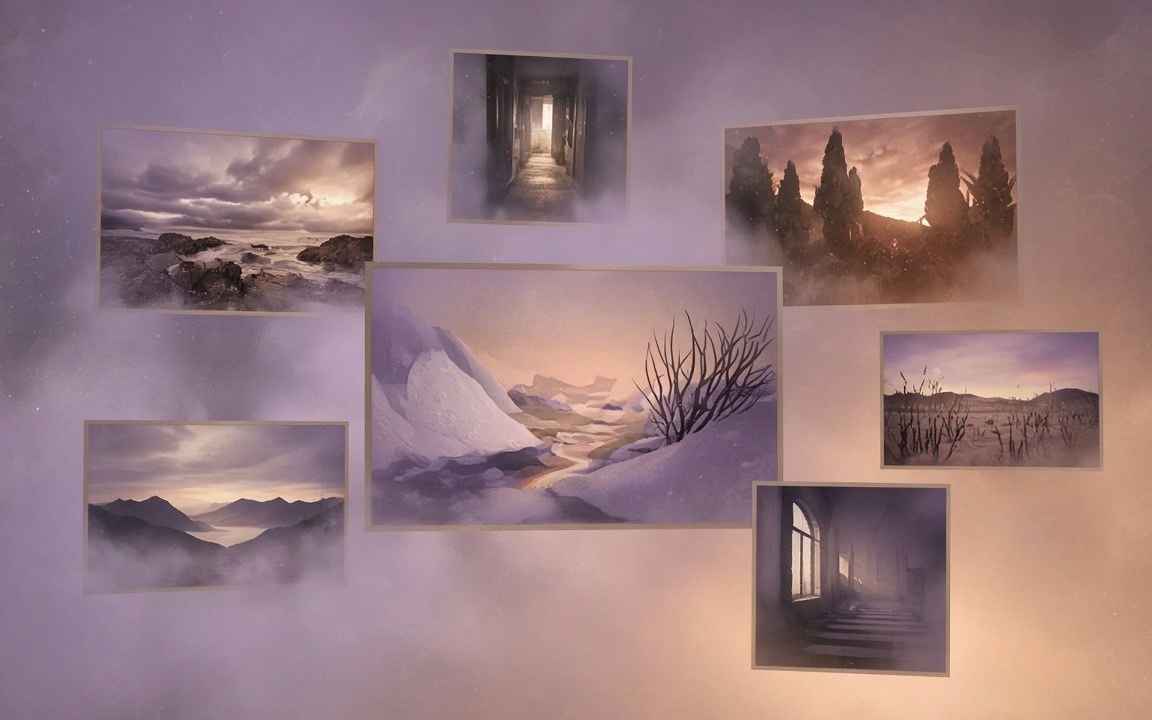
Still frames show single-shot, audio-aware moods—coastal beacon, tactile felt character, illustrated koi motion. Live mp4 was not present on the public page at pack time (observed); if Mac later adds motion demos, keep them and use stills as backup.

Text-to-video mood: cliff holds; amber beam cuts cobalt sea fog with spray drift

Reference/identity still→motion: felt rabbit keeps wool form while needles knit under lamp

Illustration motion: koi leap from vermillion/indigo fan into ink ripples with gold flecks
Sound arrives with the clip—no silent stub that needs a separate pass (observed Key features / FAQ).
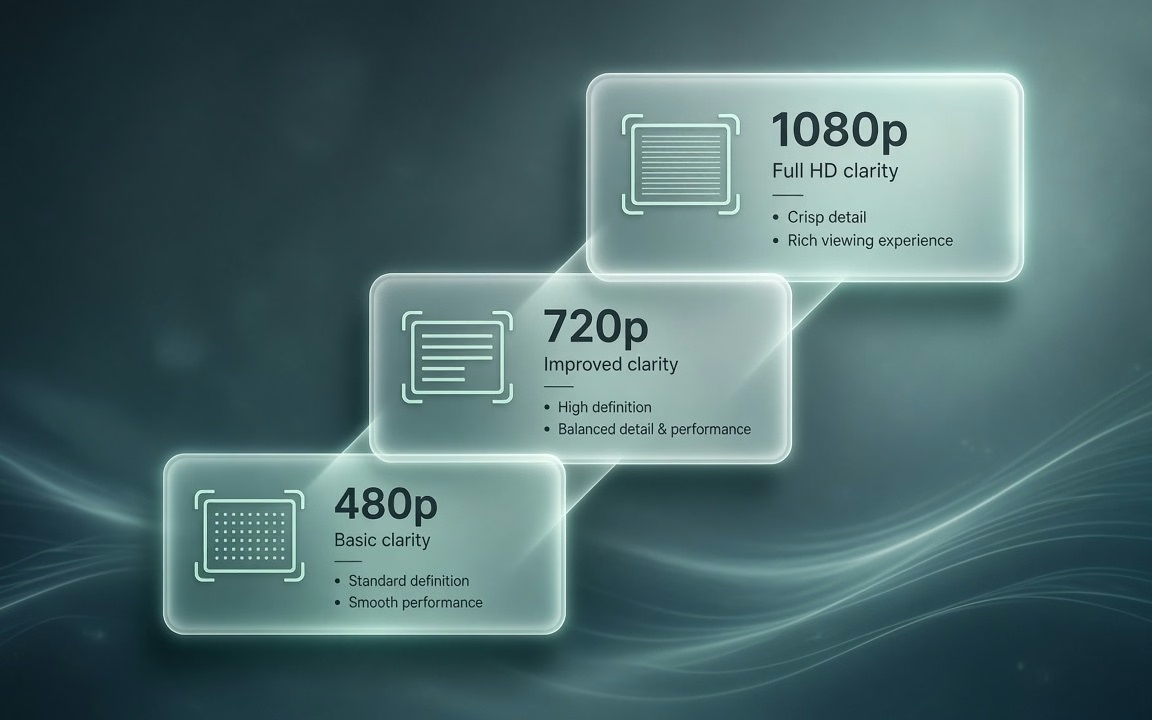
Test at 480p, ship at 720p/1080p—the widest Wan quality ladder on Cinel (observed Specs / vs copy).
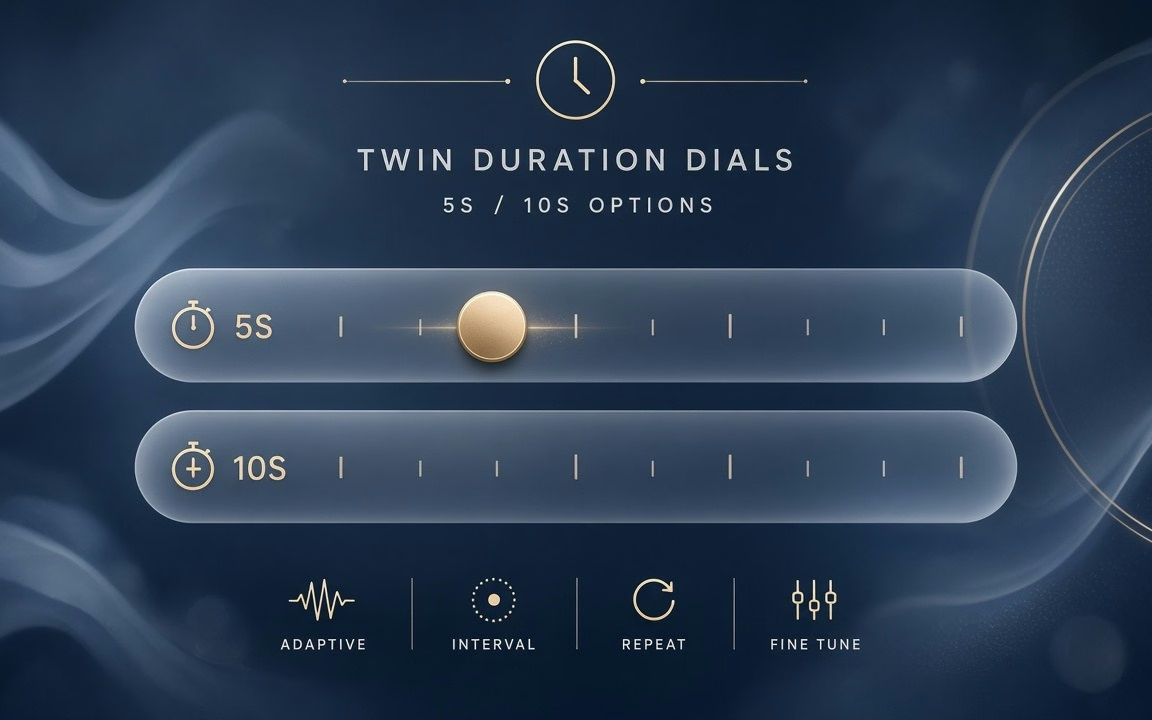
Two clear durations; from 75 credits for the everyday single-shot desk (observed).
 Step 1
Describe the beat and the sound; optionally upload a single reference to animate (observed How to use).
 Step 2
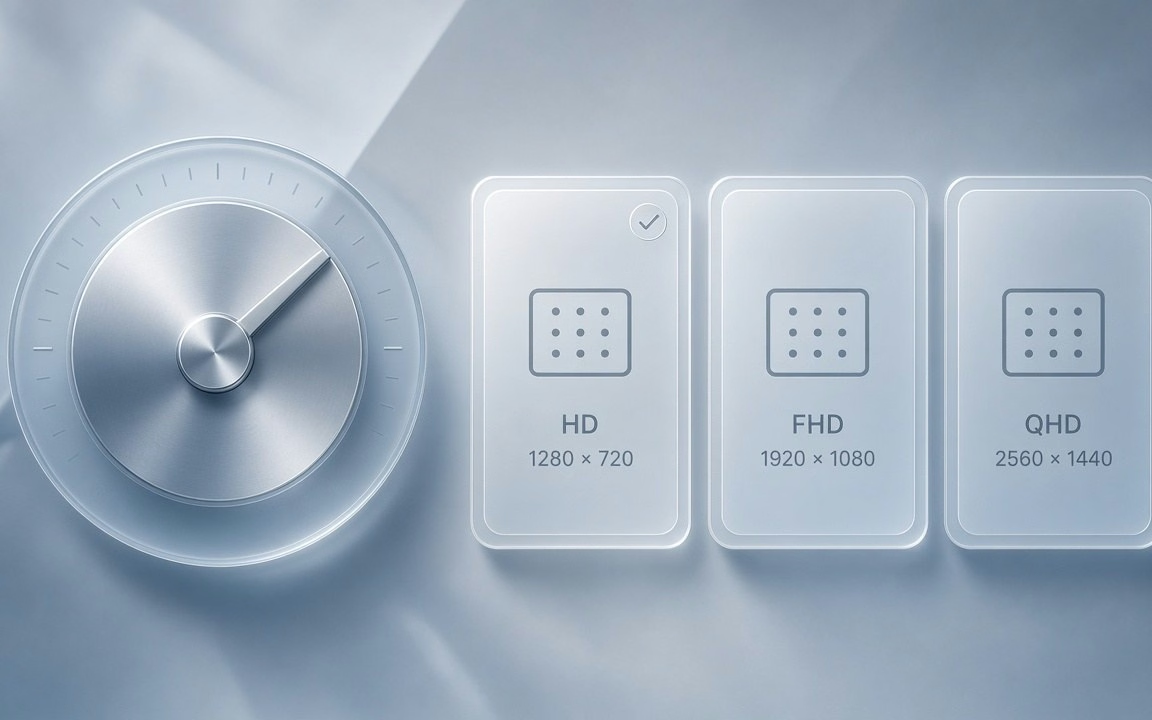
Start at 5s · 480p to verify cost (75 at default) before raising resolution on keepers (observed).
 Step 3
Confirm the live button price; raise resolution or length only on keepers (observed).
From scroll-stopping social hooks to rapid 480p A/B tests.
Generate punchy 5-second vertical hooks with ambient sound for feed algorithms.
Animate static promotional graphics, book covers, or event posters with sound.
Turn marketplace product shots into polished social teasers without a physical camera crew.
Sustain daily posting cadences with the most affordable Wan model on Cinel.
Test multiple creative angles at half the price of 720p before rendering final 1080p assets.
Build quick atmospheric cutaways with synchronized audio for larger video edits.
Wan 2.5 starts from 75 credits on Cinel for the default 5 s · 480p combination. Duration (5 or 10 s) and resolution (480p/720p/1080p) change the total—the live figure is always shown on the Generate button (observed).
| Option / Tier | Cost / Multiplier | Details & Conditions |
|---|---|---|
| Default run (5 s · 480p · MP4) | From 75 credits | Cinel baseline floor for Wan 2.5 video generation (observed catalog). |
| Resolution ladder (480p · 720p · 1080p) | 720p ≈ 2× · 1080p ≈ 3.3× | Draft at 480p; 720p is ~2× and 1080p is ~3.3× the 480p rate (observed Specs). |
| Duration scaling (5 s or 10 s) | 10 s = 2× 5 s | Simple two-tier duration options; 10-second runs scale linearly to double the credits (observed Specs). |
| Synchronized native audio | Included in base | Audio arrives with the clip—no separate surcharge or post-processing step required (observed). |
| Sibling model floors (observed) | 2.5: 75 · 2.6: 145 · 2.7: 160 | Wan 2.5 is the lowest Wan entry on Cinel; use it for everyday single-shot volume (catalog observed). |
| Silver credits & check-in policy | Not Seedance 10 silver | Check-in +10 silver does not fund Wan 2.5 runs; no fake free claims. |
Transparent pricing with live calculation. Duration and resolution adjust your total in real time directly on the Generate button.
Explore generation speeds, resolution options, prompt fidelity, and workflow tips for Wan 2.5.
Wan 2.5 is the everyday workhorse of Alibaba's Tongyi Wanxiang video family. It takes a written prompt or a single image and returns a short HD clip with sound already attached, which makes it one of the quickest routes from idea to a postable social video. Durations are kept simple — 5 or 10 seconds — and you can choose 480p, 720p or 1080p depending on whether you are testing or publishing. On Cinel it is the most affordable Wan model, starting from 75 credits with a 5-second 480p default.
Wan 2.5's niche is value with audio included. Many entry-level video models output silent clips that need a separate sound pass; Wan 2.5 delivers video and audio together, so a hook, a motion poster or a product teaser can go straight into an edit or a feed.
It also offers the widest quality ladder in the Wan lineup on Cinel, starting at a 480p tier the newer Wan models do not offer. That low rung is useful: you can test ten hooks at 480p for the price of a few 1080p renders, then re-run the winner in full HD. Where Wan 2.6 is built for multi-shot storytelling and Wan 2.7 for frame control and references, Wan 2.5 stays focused on one clean shot, done affordably and fast — the clip you make every day rather than the hero film you make once a month.
| Item | Wan 2.5 |
|---|---|
| Developer | Alibaba — Tongyi Wanxiang team |
| Modes | Text-to-video, image-to-video |
| Duration | 5 s or 10 s |
| Resolution | 480p / 720p / 1080p (Cinel default 480p) |
| Audio | Generated with the video |
| Price ratios (model) | 720p ≈ 2× 480p · 1080p ≈ 3.3× 480p · 10 s = 2× 5 s |
| References on Cinel | 1 image |
| Cinel cost | From 75 credits |
| Need | Choose |
|---|---|
| Single-shot · sound-on · 480p tests · lowest Wan price | Wan 2.5 (this page · from 75 credits) |
| Multi-shot storytelling · longer takes | Wan 2.6 (from 145 credits) |
| First/last-frame · richer references | Wan 2.7 (from 160 credits) |
| Cross-model video picker | AI Video |
| Cross-model text-to-video studio | Text to Video |
Full access to all image & video models.
Full access to all image & video models.
Full access to all image & video models.
Full access to all image & video models.
Alibaba's Tongyi Wanxiang team, as part of the Wan video family (observed).
Yes. Audio is generated together with the video (observed).
Choose 5 or 10 seconds at 480p, 720p or 1080p. Cinel starts at 5s · 480p, the cheapest combination (observed).
Use Wan 2.5 for single-shot clips and cheap 480p tests. Switch to Wan 2.6 for multi-shot sequences or clips longer than 10 seconds (observed).
Up to one image on Cinel (observed Specs).
It starts from 75 credits. Higher resolution and the 10-second option increase the estimate shown before generation (observed).
Explore multi-shot storytelling, the all-in-one AI video hub, or dedicated text-to-video tools.
Generate 5 or 10 second clips with synchronized sound at 480p, 720p or 1080p. Write your prompt or upload a reference image to begin.