Cheap enough to keep exploring
Member 1 credit / image keeps brainstorming moving without jumping to premium tiers.
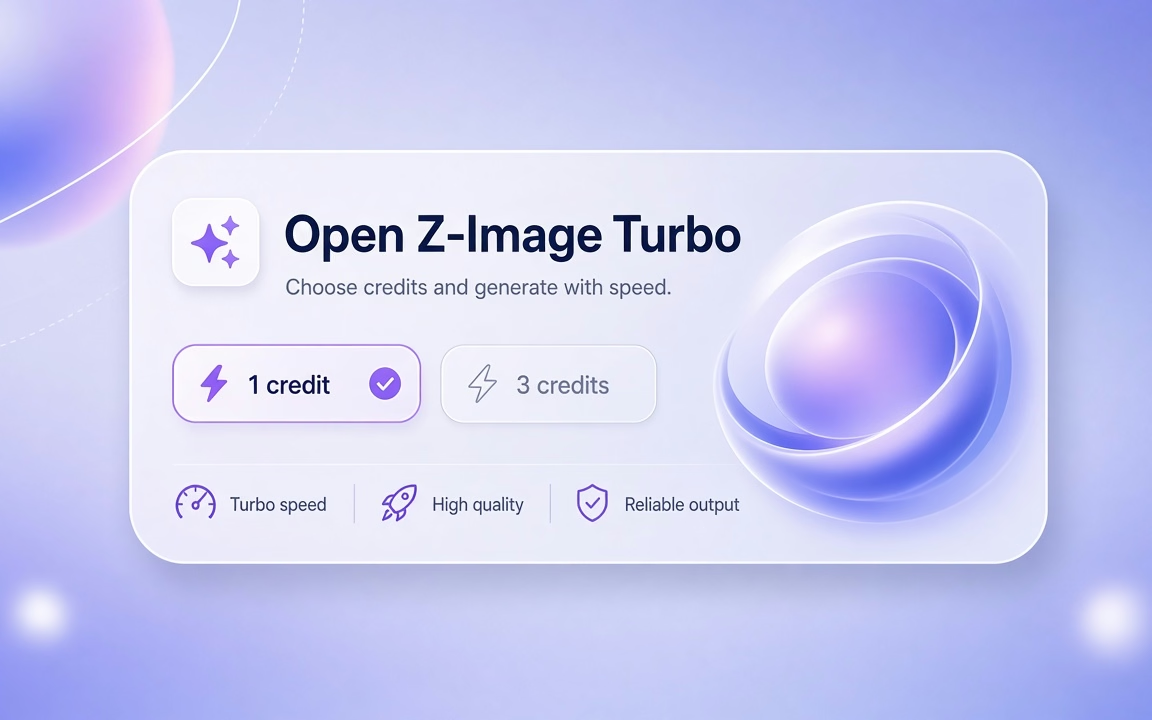
Z-Image Turbo is Cinel’s low-cost, fast text-to-image route for photoreal people, spaces, and short Chinese or English in-image type. Members pay 1 credit per image; signed-in users without a membership pay 3 credits. Those 3 credits can come from daily credits (site copy: 9/day). Z-Image Turbo is not a free-queue model—Kolors and FLUX.2 Klein 4B run at 0 credits when you want free generations.
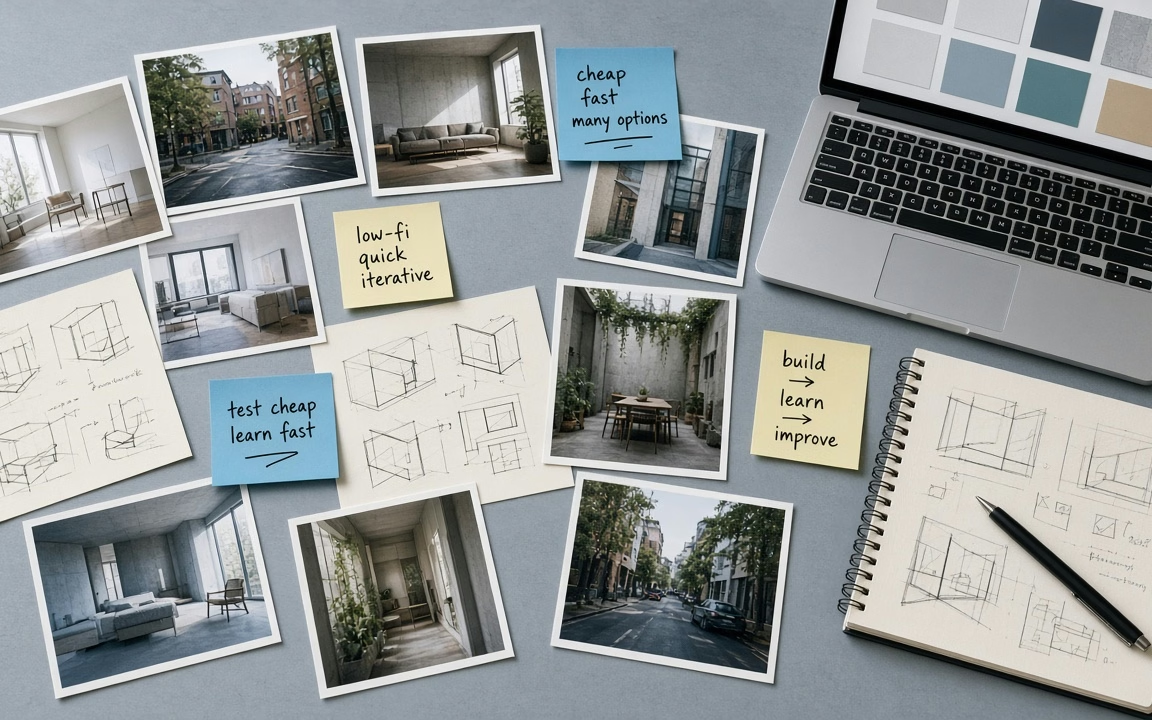
Sketchbook speed: iterate ideas cheaply, then finish on GPT Image, Nano Banana, or Seedream when type density or identity lock matters.
Real subjects—not badge-only cards. Each still shows what Turbo is for: photoreal people, bilingual poster type, and a third distinct scene.
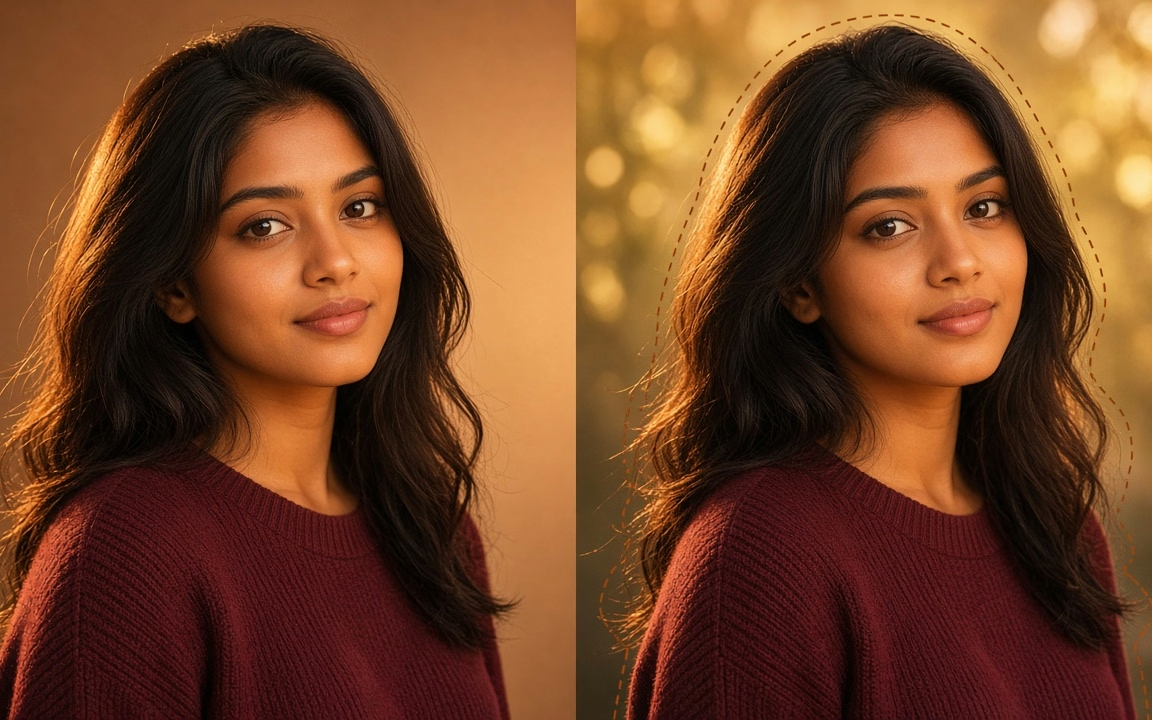
Photoreal headshot — natural window light, skin detail, editorial crop. Shows Turbo’s default photographic look for people.
Bilingual poster type — short Chinese + English headline on a clean poster/board, readable letterforms. Shows why Turbo is the typography sketch model.
Anime character key art — original girl with short teal hair and orange scarf, city night bokeh, clean cel shading. Distinct medium from cards 1–2.
Member 1 credit / image keeps brainstorming moving without jumping to premium tiers.

Short Chinese + English phrases on signs, menus, and simple posters—quote exact wording in the prompt.

Believable skin, interiors, and product-adjacent scenes for moodboards before you spend on 2K/4K models.
 Step 1
From Models or this page; confirm 1 or 3 credits on Generate.
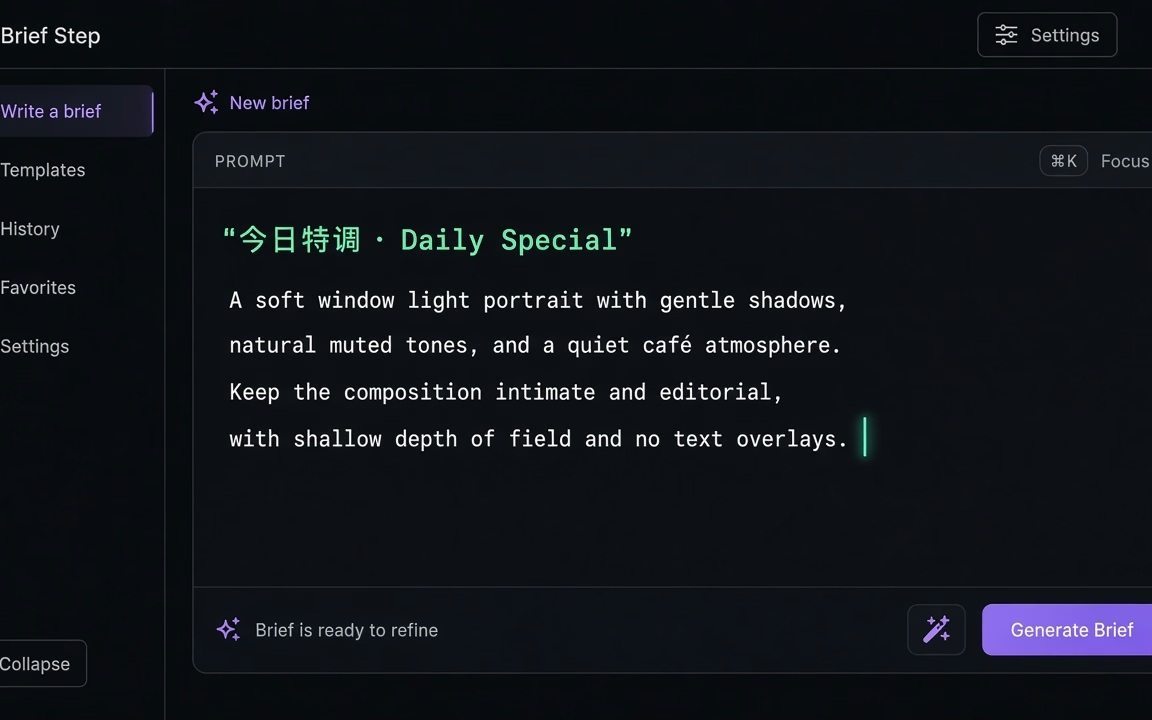 Step 2
Subject, light, camera; put on-image text in quotes (e.g. "今日特调 · Daily Special"). Pick frame ratio available in studio.
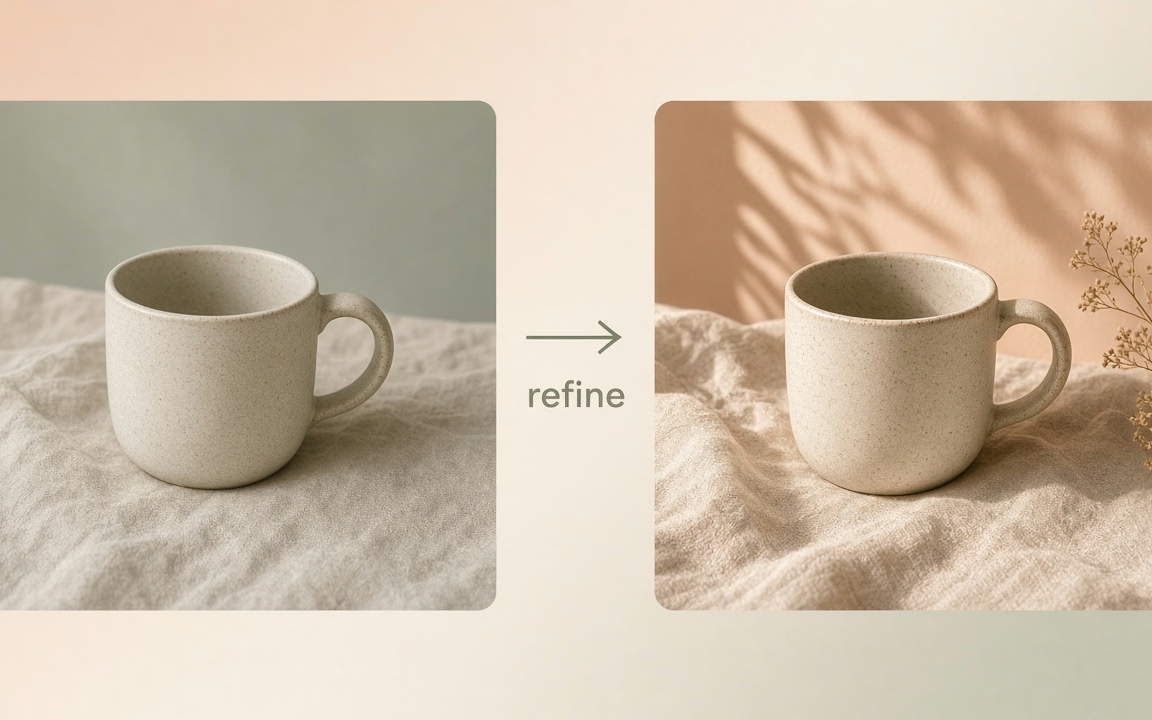 Step 3
Keep the draft, or send to Image to Image / AI Image Editor / a higher-credit model for finals.
From bilingual signage and packaging to low-cost concept exploration and photoreal drafts.
Bilingual shop signs, pop-up banners, or packaging labels with quoted Chinese and English copy.
Fast photoreal header images for articles and newsletters without stock library licensing fees.
Explore 10–20 directions cheaply before committing credits to final 2K or 4K renders.
Believable living rooms, minimalist studios, and architectural lighting for moodboards.
Draft character silhouettes, styling, and color palettes before high-credit rendering.
Predictable, transparent credits with clear distinction from Cinel’s true 0-credit free queue.
| User Tier | Cost | Notes & Conditions |
|---|---|---|
| Members | 1 credit / image | Member rate for rapid exploration with zero waste. |
| Signed-in non-members | 3 credits / image | Payable with daily credits (site copy: 9 credits/day claimable). |
| Free-queue (other models) | 0 credits | Kolors · FLUX.2 Klein 4B — not Z-Image Turbo. |
Note: Daily credits can pay the 3-credit rate for non-members. Free queue models run at 0 credits independently of Z-Image Turbo.
Explore generation speeds, resolution options, prompt fidelity, and workflow tips for Z-Image Turbo.
Z-Image Turbo is the model to open when you want a usable picture quickly and cheaply. It comes from Alibaba's Tongyi Lab, runs on a compact 6-billion-parameter architecture, and was tuned for speed rather than spectacle, yet it still handles photoreal people, interiors and product scenes convincingly. On Cinel it is the lowest-cost credit model in the image lineup: one credit per picture for members and three credits per generation for signed-in users without a subscription. Those 3 credits can come from the 9 free credits you can claim every day, which covers up to three Z-Image Turbo images a day. (Cinel's free-queue model, which costs no credits at all, is Kolors.) Type a prompt, pick a frame shape, and you have a draft to react to before your coffee cools.
Most image models force a trade between speed, price and text accuracy. Z-Image Turbo is unusual because its small footprint keeps it fast and inexpensive while it still renders bilingual typography — short Chinese and English phrases on signs, packaging or posters — more reliably than many larger general models. That combination makes it the natural first stop for idea exploration: you can generate ten variations of a concept for roughly what a single render costs on Cinel's premium models.
It is deliberately a text-to-image specialist. Where Nano Banana 2 or Seedream 5 Pro shine at blending several reference photos, Z-Image Turbo is happiest when you describe the scene in words and let it compose from scratch. Think of it as the sketchbook model: quick, honest, photographic, and cheap enough that you never hesitate to try one more idea.
| Item | Z-Image Turbo |
|---|---|
| Developer | Tongyi Lab (Alibaba) |
| Model size | 6B parameters |
| Task | Text-to-image |
| Default output | 1:1 at 1K |
| Aspect ratios | 1:1, 2:3, 3:2, 3:4, 4:3, 9:16, 16:9, 1:2, 2:1 |
| Text in image | Chinese and English |
| Cinel cost | 1 credit/image (members) · 3 credits (no subscription) |
| Cost for signed-in non-members | 3 credits per generation (daily free credits accepted) |
Choose Z-Image Turbo when cost per idea is the deciding factor and the prompt is text-only; at 1 credit it is half the member price of GPT Image 2. Move to GPT Image 2 when a layout has many parts — infographics, multi-line English copy, or edits that must leave the rest of an image untouched. Pick Nano Banana 2 Lite if you need to edit or combine existing photos quickly at 1K; Z-Image Turbo is better at inventing a fresh photographic scene from words alone.
Full access to all image & video models.
Full access to all image & video models.
Full access to all image & video models.
Full access to all image & video models.
Z-Image Turbo was developed by Alibaba's Tongyi Lab. It is a compact ~6B-parameter distilled model tuned for fast, photorealistic text-to-image generation.
Members pay 1 credit per image. Signed-in users without a membership pay 3 credits per generation, payable with daily credits (site copy: 9 credits/day). Z-Image Turbo is not a free-queue model; Kolors and FLUX.2 Klein 4B run at 0 credits when you want free runs.
Yes. Rendering short Chinese and English text is one of its core strengths. Keep phrases brief, put the exact wording in quotes (e.g. "今日特调 · Daily Special"), and describe where the text should sit.
No. Z-Image Turbo is a credit-based model (1 credit for members, 3 credits for non-members). Cinel's true 0-credit free-queue models are Kolors and FLUX.2 Klein 4B.
For social posts, blog headers, moodboards, and rapid drafts, yes. For large-format print, dense multi-line typography, or strict character identity lock, finish the idea with higher-tier models such as GPT Image 2.5, Nano Banana 2.1, or Seedream.
Yes, image references are supported on Cinel for Z-Image Turbo. You can upload reference images in the studio to guide composition and style while keeping credit costs low.
Z-Image Turbo is built for fast, low-cost drafts (1 or 3 credits) with photoreal subjects and bilingual headlines. GPT Image 2.5 excels at precise English typography and directed edits, while Nano Banana 2.1 provides flat 6-credit pricing with stronger multi-reference consistency and up to 4K resolution.
Move up for type precision, references, or true 0-credit runs.
1 credit for members. Keep exploring—then finish on a higher tier when you need it.