Two doors, one studio
Jump to text-to-video or image-to-video without changing accounts.
Cinel’s AI Video Generator is the hub for text-to-video and image-to-video in one browser studio. Describe a shot—or upload a still—then pick a model for speed, sound, length, or resolution. Start cheap on Seedance 1.0 Turbo: signed-in check-in grants 10 silver credits for one default 2s · 480p · MP4 silent draft (observed FAQ). When you need native audio, longer takes, multi-reference control, or up to 4K, switch to Kling, Veo, Sora, Wan, Seedance 2.x and peers in the same picker—credits show on Generate.
One studio. Two starting points. Many motion engines.
Jump to text-to-video or image-to-video without changing accounts.
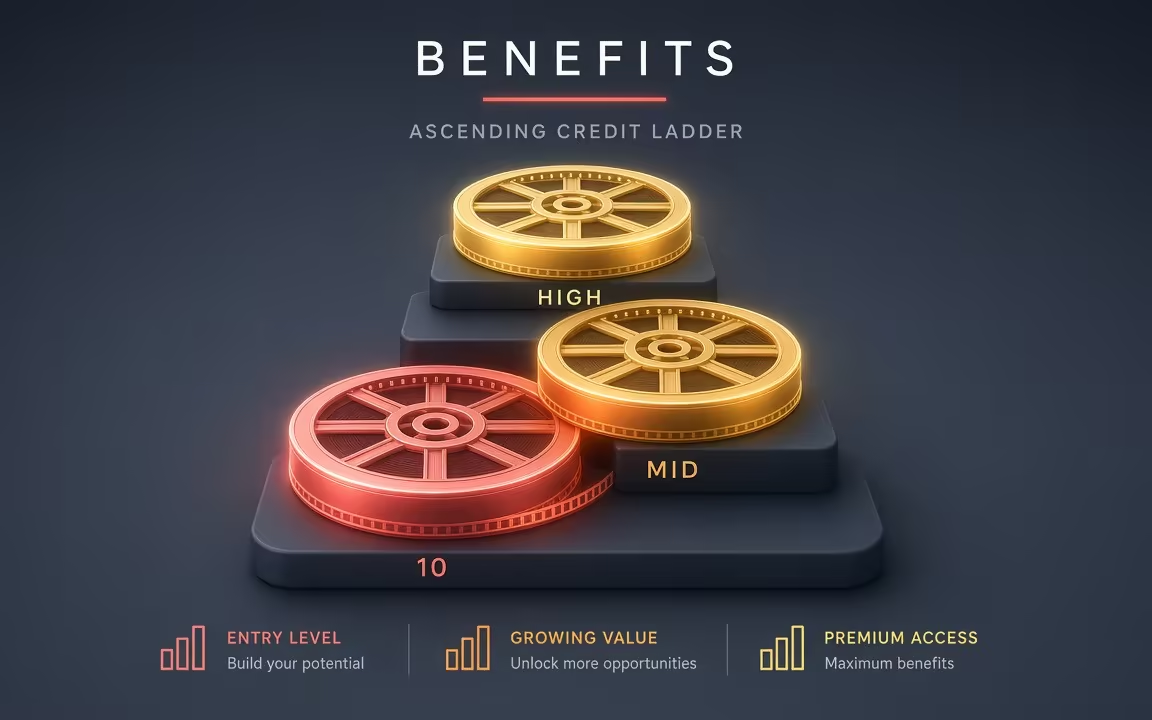
Draft on Turbo silver; finish on audio / 4K / long-take models with live credit estimates.
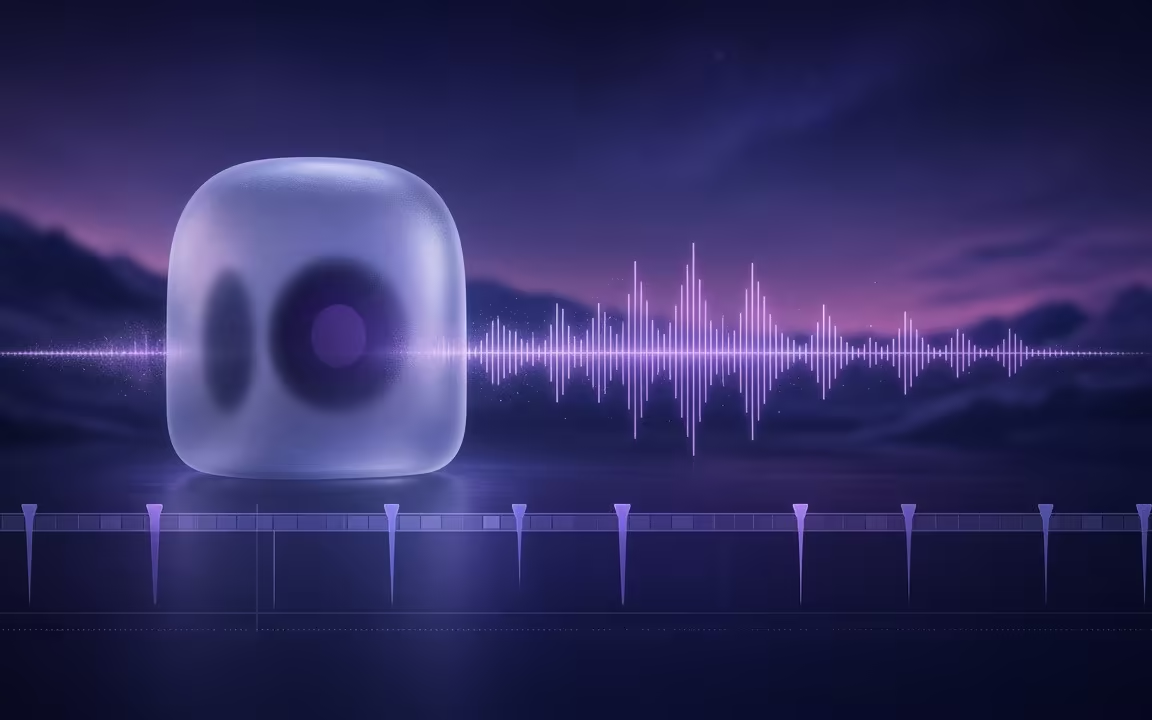
Aspect ratios for feeds, optional native sound on supported models, MP4-class export.
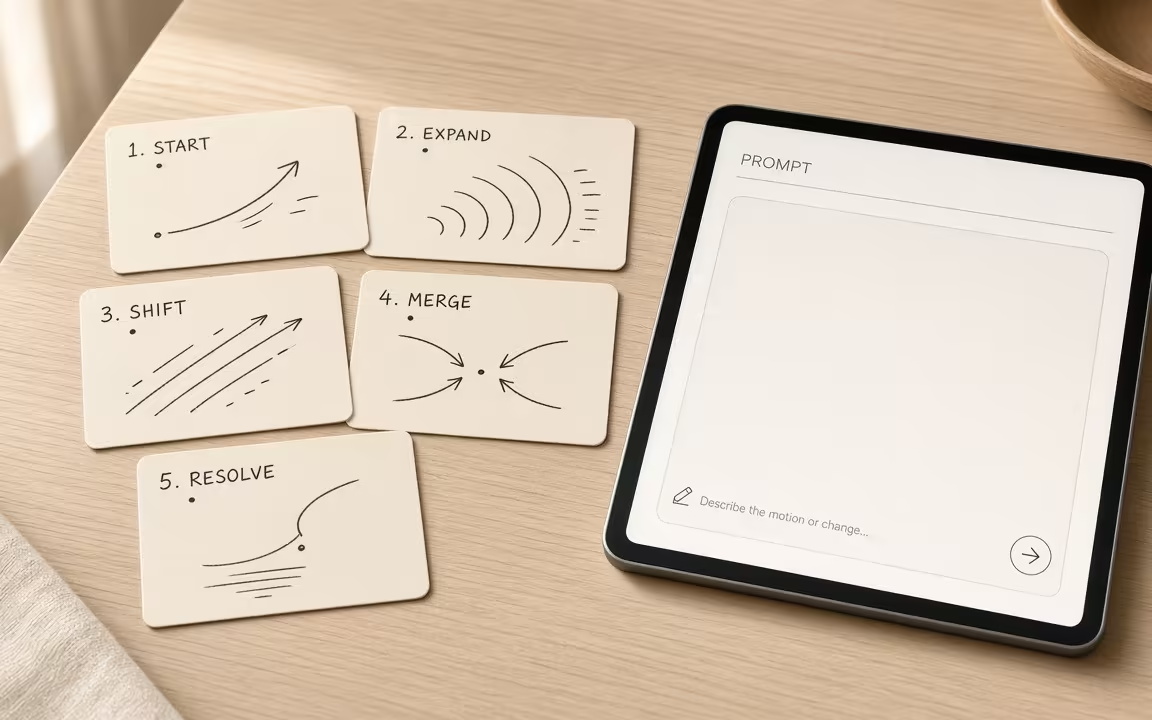 Step 1
Write a shot brief, or upload the frame that must stay.
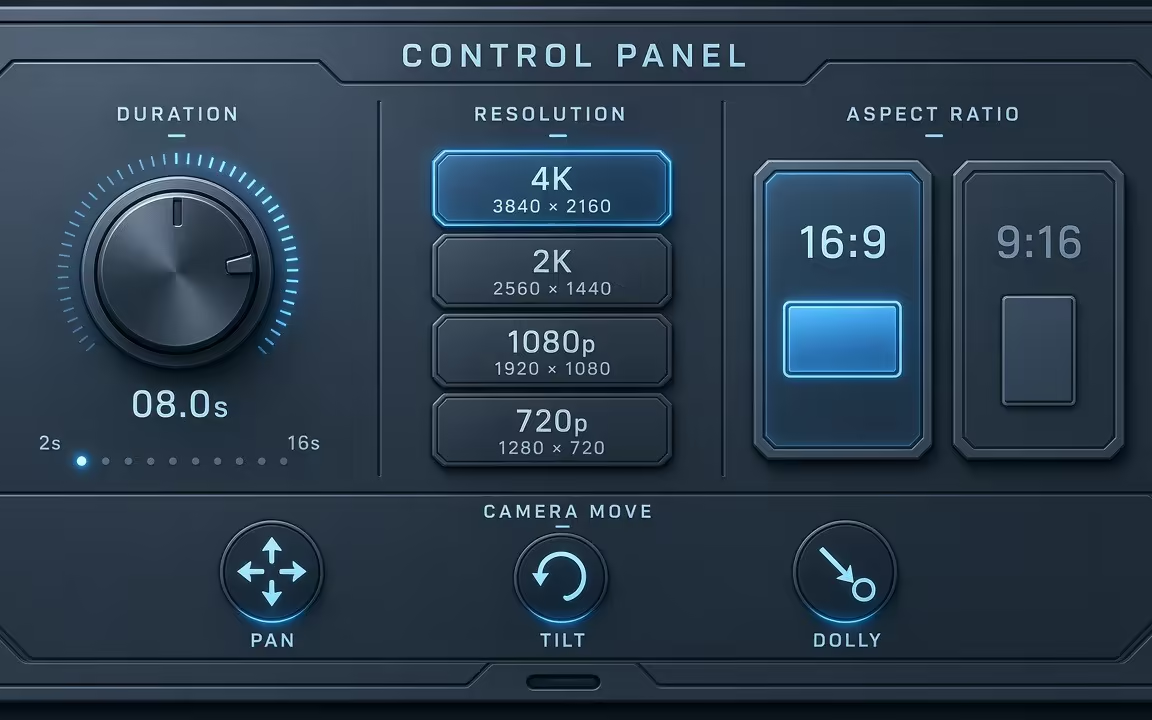 Step 2
Camera move, duration, ratio, resolution; enable sound when the model supports it.
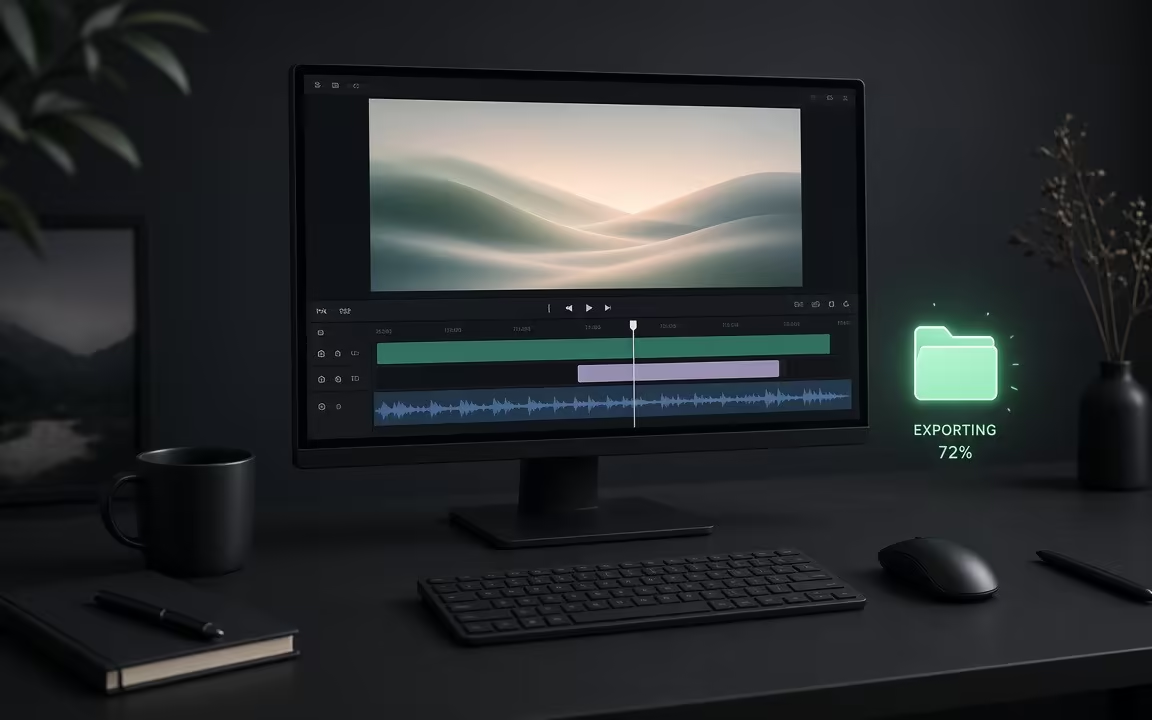 Step 3
Keep cheap drafts for iteration; render finals on a higher tier only after the motion reads.
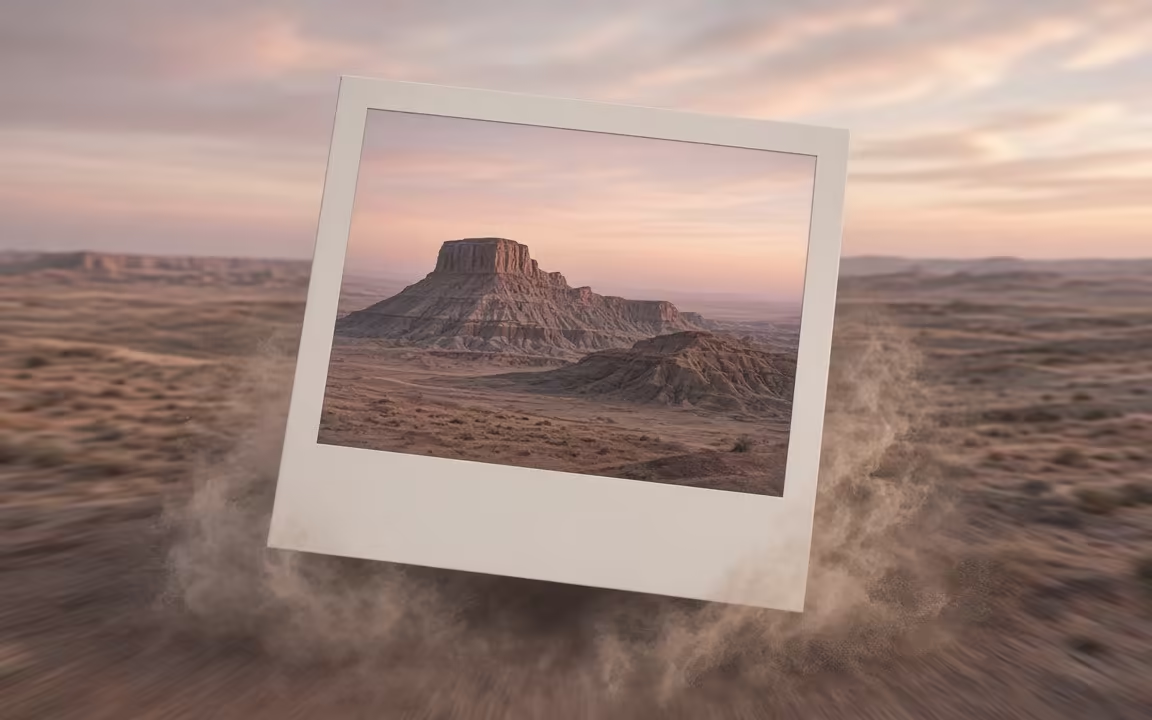
Still frames that read as directed shots—use them as prompt inspiration, not as recycled guide copy.
Text-to-video mood: slow underwater dolly through kelp light shafts
Action read: wok toss with sparks—clear verb + heat
Stylized micro-world cycle across a paper bridge
Every model on Cinel is tuned for specific storytelling needs. Start cheap to test motion, then switch in the same picker when you need audio, length, or up to 4K.
| Need / Tier | Start here | Notes & Pricing Fact |
|---|---|---|
| Cheapest silent trial | Seedance 1.0 Turbo | 10 silver → 2s · 480p · MP4 (observed check-in trial) |
| Low-cost audio drafts | Wan 2.5 · Seedance 2.0 Mini | Native sound & audio timing; exact credit cost shows live on Generate button |
| Bold camera / up to 4K | Kling 3.0 · Kling O3 | Strong camera motion, cinematic realism, up to 4K (model-specific; not all models default to 4K) |
| Longest audio takes | Seedance 2.5 | Up to ~30s continuous storytelling · starts at 184 credits for 4s · 480p (observed sibling page) |
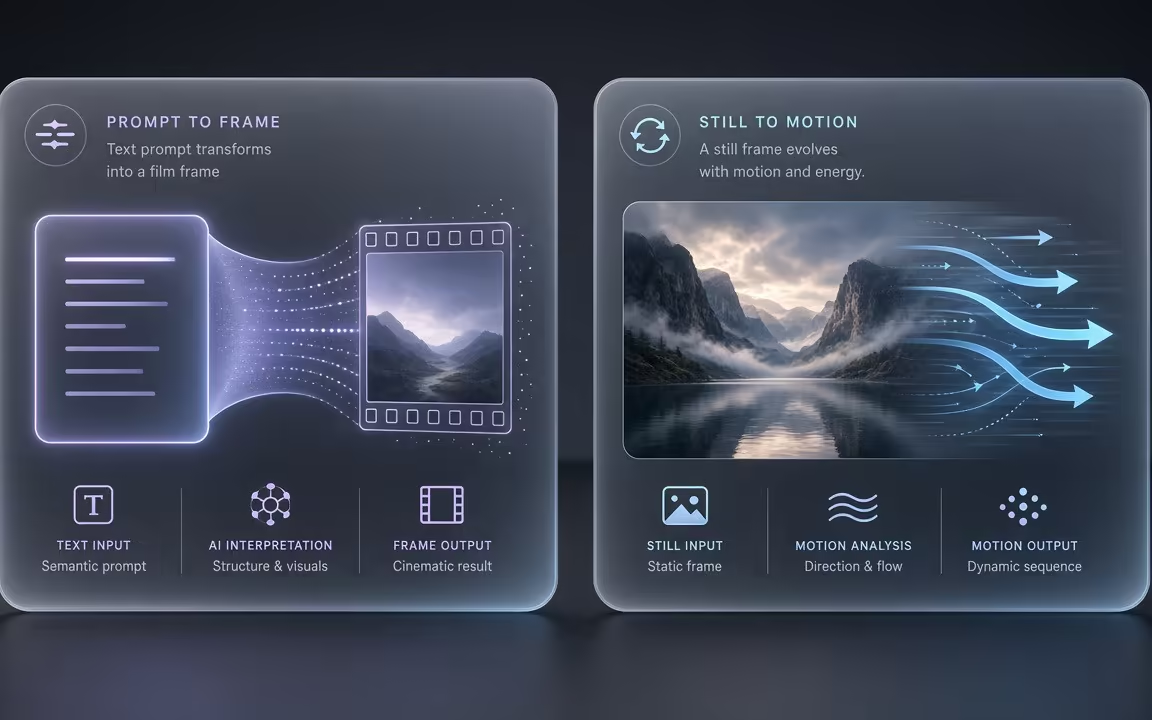
Use Text to Video when the whole scene still lives in words. Use Image to Video when a photo, product still, or AI frame must anchor identity. Many workflows draft a still first with Text to Image, then animate.
Full access to all image & video models.
Full access to all image & video models.
Full access to all image & video models.
Full access to all image & video models.
Most clips finish within a few minutes once the job starts. Longer durations, higher resolutions, and native audio all add queue and render time, so a 480p silent draft is usually faster than a 4K sound clip. Watch the job status in History instead of resubmitting the same prompt; retrying a still-running job wastes credits.
Signed-in users can claim 10 silver credits via daily check-in to generate one 2-second · 480p · MP4 on Seedance 1.0 Turbo. Other video models consume purchased or membership credits shown on the Generate button before you submit. Use the free Turbo draft to lock motion and framing, then switch to a higher tier only when the shot direction is clear.
Up to about 30 seconds with Seedance 2.5 or Grok Imagine Video 1.0. Most other models on Cinel cap between 8 and 15 seconds. For a longer story, generate several short beats and edit them on a timeline rather than forcing one overloaded prompt into a single take.
Many do, including Veo 3.1 Fast and Pro, Sora 2, Kling O3, Wan 2.5, Wan 2.6, Seedance 2.x, MiniMax H3, and Grok Imagine Video 1.5. Confirm the selected model exposes an audio toggle before you spend credits; silent Turbo drafts remain the cheapest way to test camera moves.
Yes. Choose 9:16 in the format menu—nearly every model supports it. Match your prompt to a vertical frame (subject fills height; avoid wide establishing language meant for 16:9) so the model does not invent empty side margins.
Generally yes, subject to Cinel's Terms, the selected model's policies, and the rights to any images or audio you upload. Keep source-asset licenses and talent releases with the project file; commercial clearance is not automatic just because the export has no watermark.
Move seamlessly between text directions, image animation, and audio-first long takes.