

Lower-latency loops
Tuned for rapid testing so you can run more short attempts in the same sitting.
Kling 3.0 Turbo is Kuaishou’s lower-latency video lane on Cinel for rapid short-form iteration: write a shot or lock a first frame, then render 3–15 second clips (Cinel defaults to about 5 s · 720p) at 720p or 1080p—no 4K, no reference-video conditioning, no editing of existing footage. Jobs start from 123 credits; longer or sharper runs cost more—the Generate button shows the live total (observed). Early materials called it Kling 3.0 Fast; Turbo is the official name. Choose it when turnaround matters more than the standard model’s optional sound / 4K tier or O3’s reference-led desk.
Draft more variants in the same window—then promote keepers to Kling 3.0, O3, Seedance, Wan, Veo or Sora when the brief needs heavier controls.
Keep the live motion demos; still frames below are reference frames and iteration backups.
Frontier sci-fi · clear subject motion · cinematic framing
Dynamic visual direction · concise brief → energetic moving shot
Tuned for rapid testing so you can run more short attempts in the same sitting.
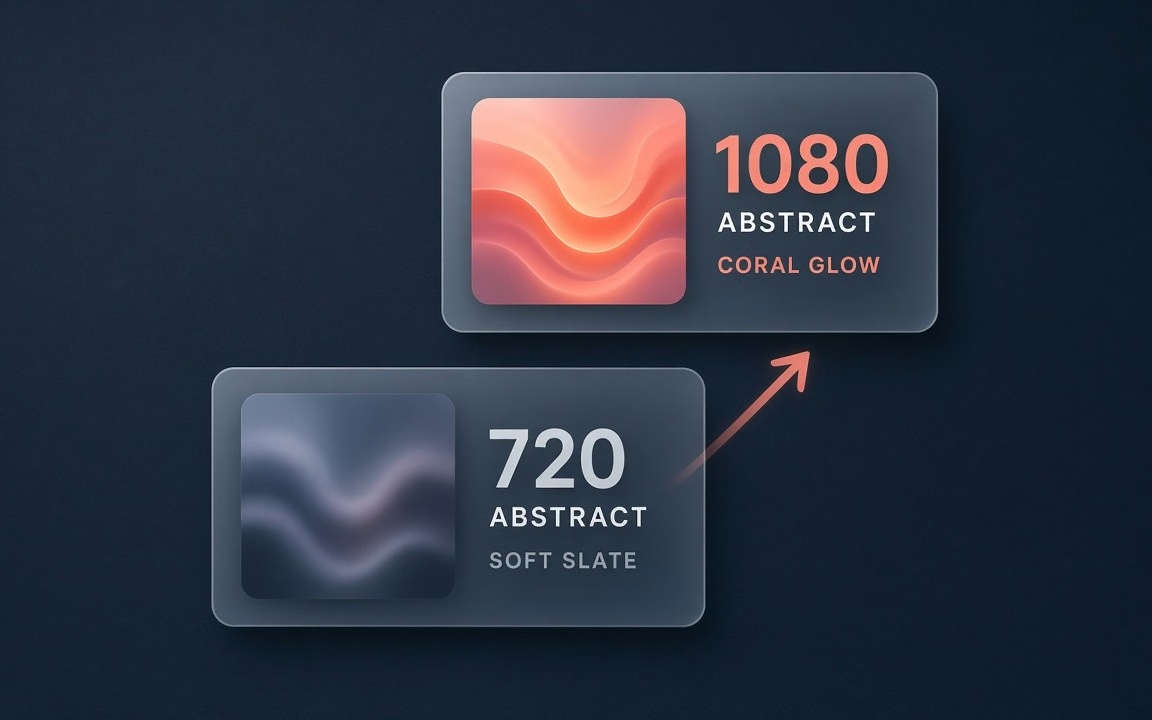
Draft at 720p; re-render keepers at 1080p (~1.25× per-second). No 4K menu to over-budget.

Animate one supplied opening still with prompt-directed movement; Cinel exposes 1 first-frame reference—not O3’s reference stack.
 Step 1
Subject, action, camera, light; optional structured multi-shot syntax with durations summing to total length.
 Step 2
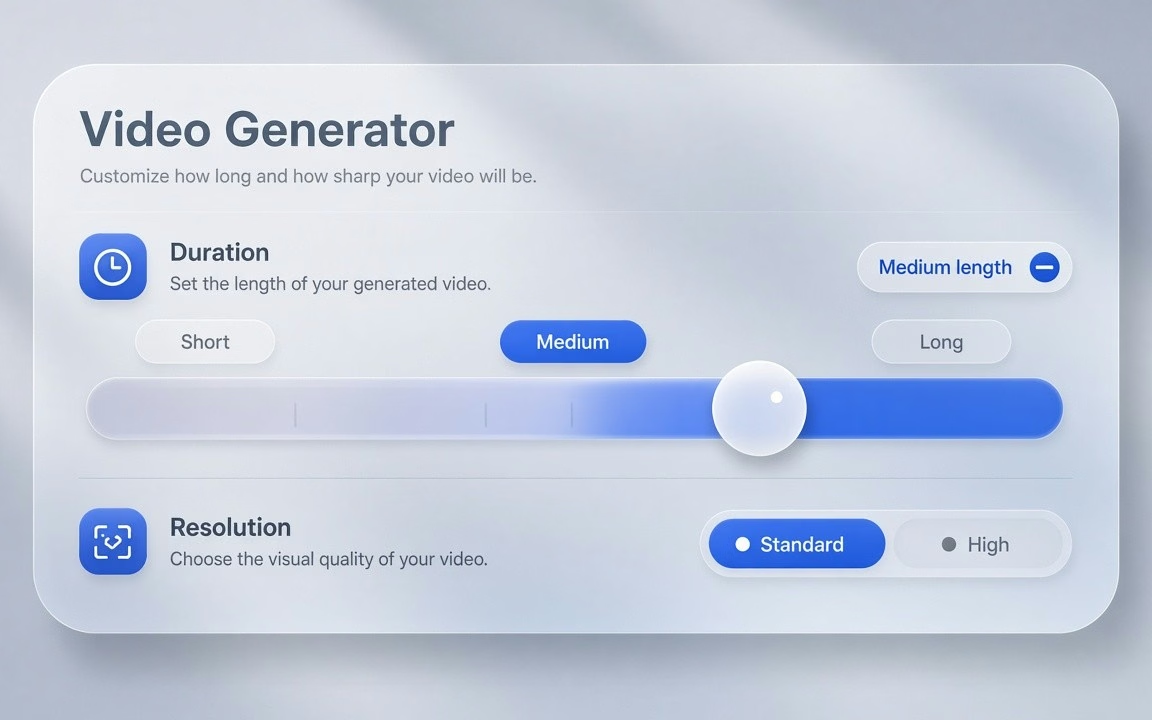
Start ~5 s · 720p to read motion; raise to 1080p only for keepers.
 Step 3
Confirm live credits on the button (floor 123); keep winners, discard the rest.
From rapid short-form A/B hooks to first-frame product reveals.
Draft multiple 5-second openings to find the version that holds viewer attention.
Animate key visual stills and mockups with natural camera moves before full production.
Produce high-frequency drafts for TikTok, Reels and Shorts with quick turnaround.
Test prompt vocabulary and visual directions without paying the 4K or sound penalty.
Kling 3.0 Turbo starts from 123 credits on Cinel (default ~5 s · 720p · 16:9). Duration and resolution change the total—the live figure is always shown on the Generate button (observed).
| Option / Tier | Cost / Multiplier | Details & Conditions |
|---|---|---|
| Default run (~5s · 720p · MP4) | From 123 credits | Cinel default baseline for testing motion (observed catalog). |
| Duration scaling (3–15 s) | Scales with seconds | Duration adjusts total credits; live total displayed on Generate button. |
| Resolution tiers | 1080p ≈ 1.25× · No 4K | 1080p costs roughly 1.25× the 720p per-second rate; no 4K option for Turbo (observed). |
| Sibling model floors (observed) | 3.0: 93 · O3: 93 · O1: 230 | Turbo floor is higher than Kling 3.0 (123 vs 93); you pay for speed and lower latency, not a cheaper sticker. |
| Silver credits & check-in policy | Not Seedance 10 silver | Check-in +10 silver does not fund Kling 3.0 Turbo runs; no fake free claims. |
Transparent pricing with live calculation. Duration and resolution adjust your total in real time directly on the Generate button.
Explore generation speeds, resolution options, prompt fidelity, and workflow tips for Kling 3.0 Turbo.
Kling 3.0 Turbo is the version of Kuaishou's Kling 3.0 that is built for momentum. When you are testing hooks for an ad, trying five openings for a short, or producing daily clips for a channel, the bottleneck is how long you wait between attempts — and Turbo is engineered to shorten that gap. It accepts a written prompt or a single first-frame image, outputs 3 to 15 seconds at 720p or 1080p, and bills per second. On Cinel it starts from 123 credits with a 5-second, 720p, 16:9 default.
Turbo is defined as much by what it leaves out as by what it adds. It drops the heavier options — no reference-video conditioning, no editing of existing footage, no 4K tier — and concentrates on lower-latency generation across two modes: text-to-video and first-frame image-to-video. The result is a lean model that returns clips sooner, which is exactly what an iteration loop needs.
Its resolution menu is deliberately simple: 720p or 1080p, with 1080p priced at about 1.25 times the 720p rate per second. That predictability makes it easy to budget a batch of variants — render a dozen versions at 720p, pick the winner, re-render that one at 1080p. Turbo still understands structured shot syntax for multi-shot prompts, so you can sketch a mini-sequence quickly. You may also see it called "Kling 3.0 Fast" in older materials; Turbo is the official name.
| Item | Kling 3.0 Turbo on Cinel |
|---|---|
| Developer | Kuaishou (Kling AI) |
| Former alias | Kling 3.0 Fast |
| Modes | Text-to-video · First-frame image-to-video |
| Duration | 3–15 s (default 5 s) |
| Resolution | 720p · 1080p (1080p ≈ 1.25× per second); no 4K |
| Aspect ratios | 16:9 · 9:16 · 1:1 |
| Not included | Reference-video · video editing · 4K |
| References on Cinel | 1 image (first frame) |
| Shot syntax | Structured multi-shot prompt syntax (durations sum to total) |
| Cinel cost | From 123 credits |
| Need | Choose |
|---|---|
| Fast iteration · simple 720/1080 menu | Kling 3.0 Turbo (this page · from 123 credits) |
| Optional sound · 4K · standard multi-shot desk | Kling 3.0 (from 93 credits) |
| Omni / reference-guided / editing | Kling O3 |
| Keyframe pair emphasis | Kling O1 |
| Cheapest silent ByteDance draft | Seedance 1.0 Turbo |
| Tool picker across models | Text to Video · AI Video |
Full access to all image & video models.
Full access to all image & video models.
Full access to all image & video models.
Full access to all image & video models.
Yes. "Kling 3.0 Fast" was an early warm-up name. Kling 3.0 Turbo is the official product name (observed).
720p and 1080p. 1080p costs about 1.25 times the 720p per-second rate. There is no 4K option for Turbo (observed).
No. Turbo covers text-to-video and first-frame image-to-video only. For reference-led or editing workflows, look at Kling O3; for last-frame / 4K / optional sound on the standard desk, use Kling 3.0 (observed).
Turbo understands a structured shot syntax that assigns text to each shot. Keep the shot durations adding up to the total clip length (observed).
It is tuned for lower latency, so you can run more attempts in the same time. Draft at 720p, then re-render only the best version at 1080p (observed).
It starts from 123 credits. The estimate updates with duration and resolution before you generate (observed).
Explore standard multi-shot takes, the multi-model hub, or text-to-video prompt tools.
Experience lower-latency iteration, simple 720p/1080p options, and crisp first-frame motion on Cinel. Start with a written prompt or upload a still frame.