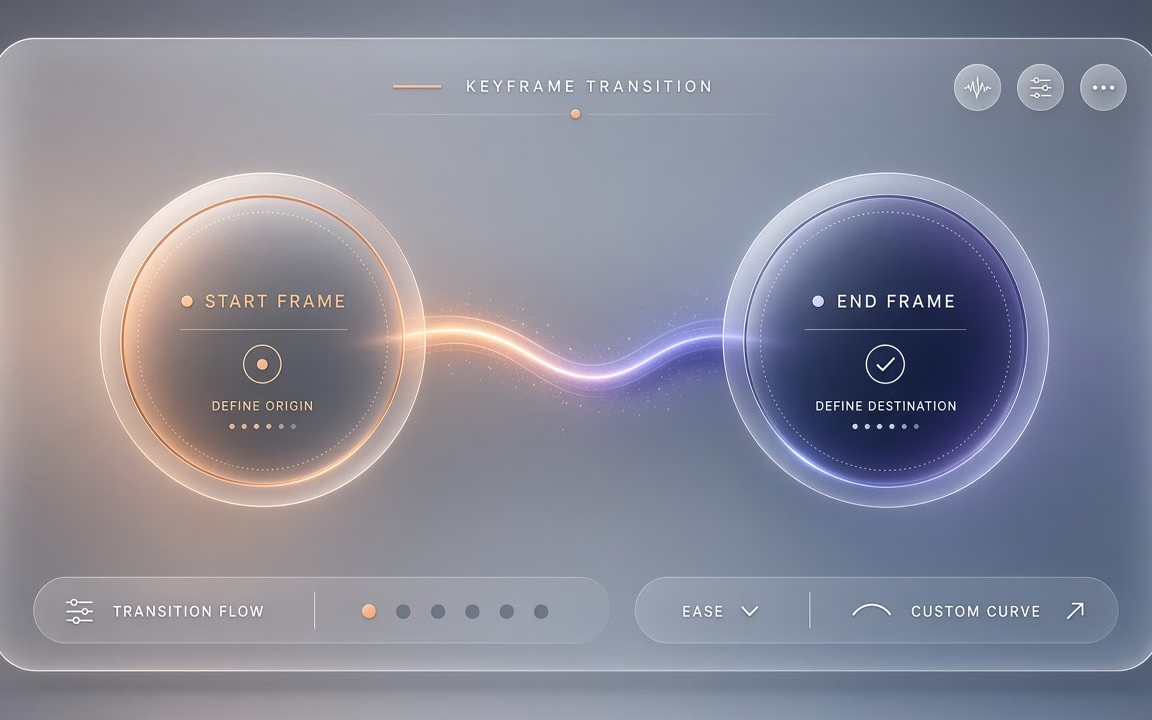
First and last frame control
Supply an opening frame, a closing frame, or both—the model plans the motion path while keeping the subject stable (observed Key features / FAQ).
Wan 2.7 is Cinel’s keyframe-control Wan lane from Alibaba’s Tongyi Wanxiang team: write a prompt, lock a first and/or last frame, or guide with up to 3 images plus optional audio/video references, then render a 2–15 second clip at 720p or 1080p across five frame shapes. The advertised floor is from 160 credits (observed). Draft at 720p, then re-run keepers at 1080p. Choose Wan 2.7 when you need endpoint lock-ins and richer references—not Wan 2.5’s single-shot 480p floor, and not Wan 2.6’s first-frame-only multi-shot desk.
Keep Wan 2.6 for automatic multi-shot storytelling; keep Wan 2.5 for cheap single-shot tests.
Still frames show keyframe-friendly moods—bioluminescent tidepool establishing shot, tactile paper-mech character beat, illustrated ink train leap. Live mp4 was not present on the public page at pack time (observed); if Mac later adds motion demos, keep them and use stills as backup.

Text-to-video mood: glowing tidepools hold; geodesic dome reflects moon ribbons over rocky shore

Reference/identity still→motion: brass-sage beetle keeps form while plates assemble on drafting table
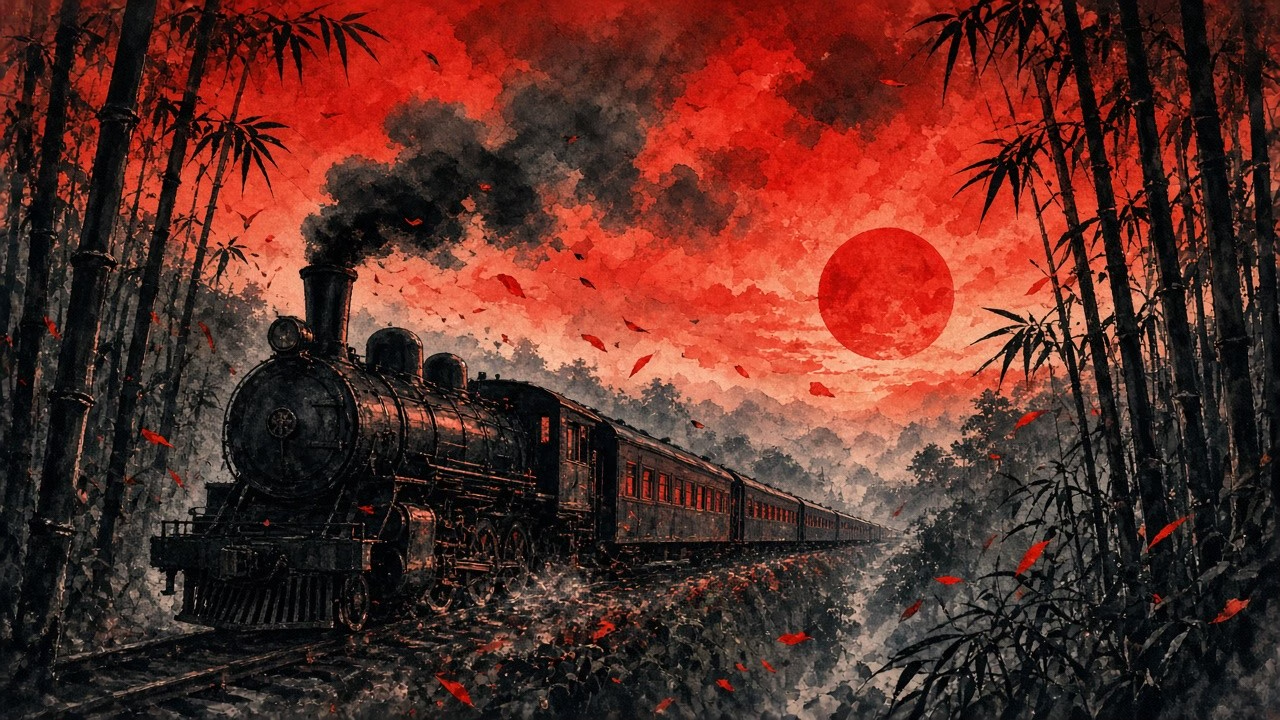
Illustration motion: vermillion dusk train races bamboo corridor into ink mist
Supply an opening frame, a closing frame, or both—the model plans the motion path while keeping the subject stable (observed Key features / FAQ).
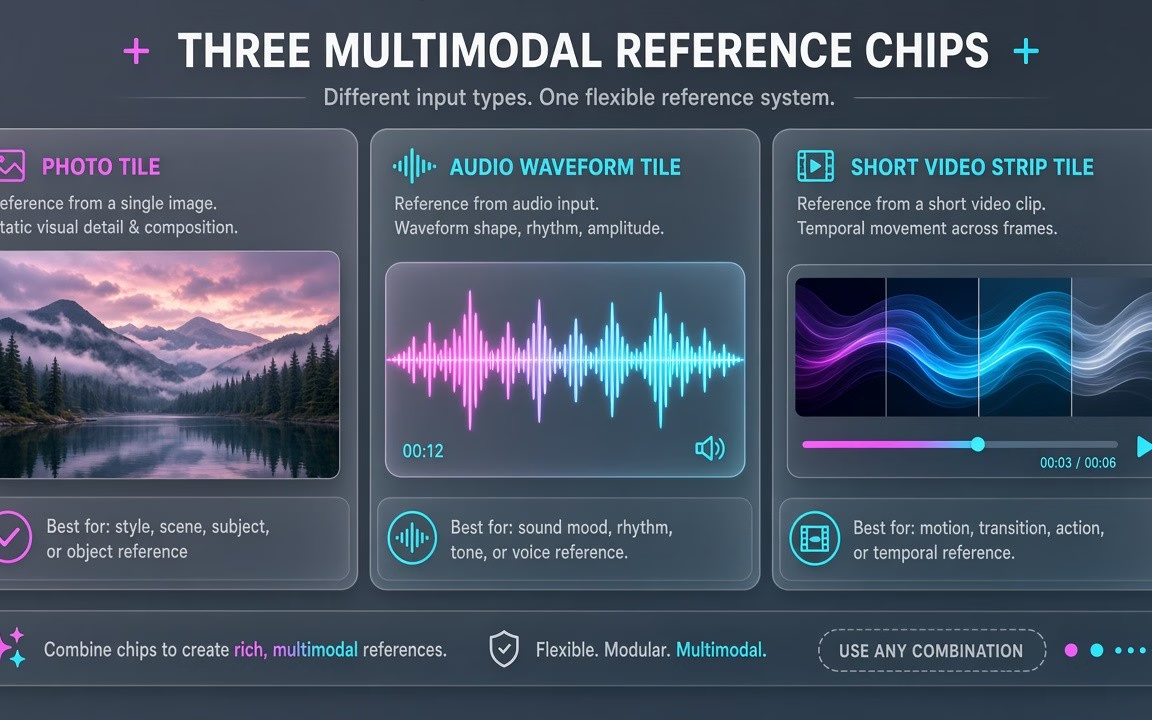
Up to 3 images plus member 15 s audio or video references, with optional 1–10 s voice matching (observed Specs / FAQ).
Ship five frame shapes with endpoint lock-ins—from 160 credits (observed).
 Step 1
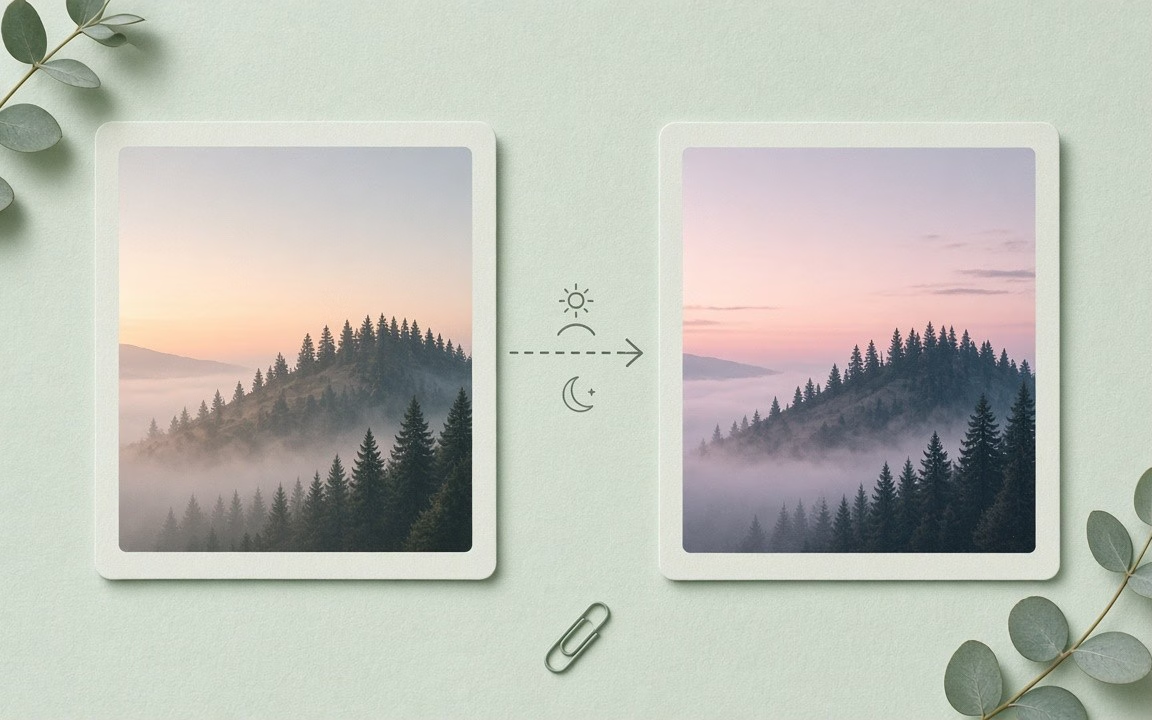
First frame, last frame, or both; or write a prompt (observed How to use).
 Step 2
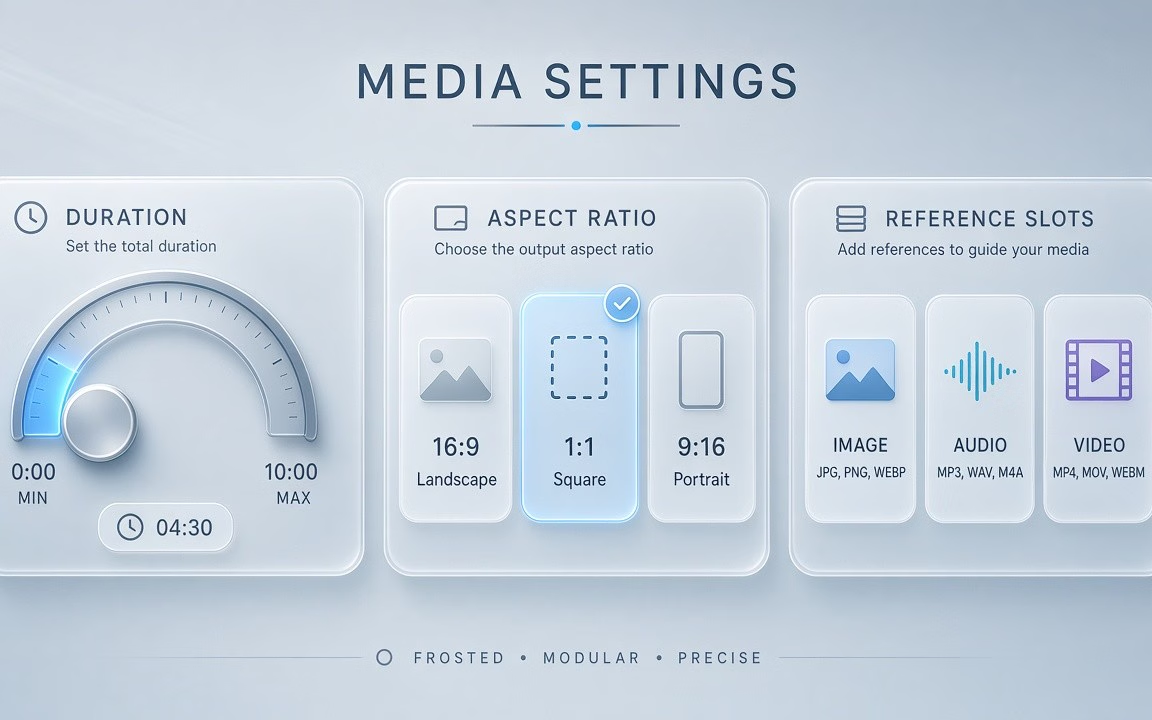
Optional image/audio/video refs; start near 5s · 720p to verify cost (160 floor) (observed).
 Step 3
Confirm the live button price; raise to 1080p / longer only on keepers (observed).
From precise ad transitions to recurring spokescharacters.
Lock opening and closing keyframes so commercials land on exact brand guidelines.
Combine reference portraits with 1–10s audio samples for consistent character presentations.
Upload member audio references to pace visual cuts and motion rhythms to music beats.
Feed up to 3 reference images to maintain complex outfits, styling and environment accents.
Apply instruction-based edits to existing footage without re-generating from scratch.
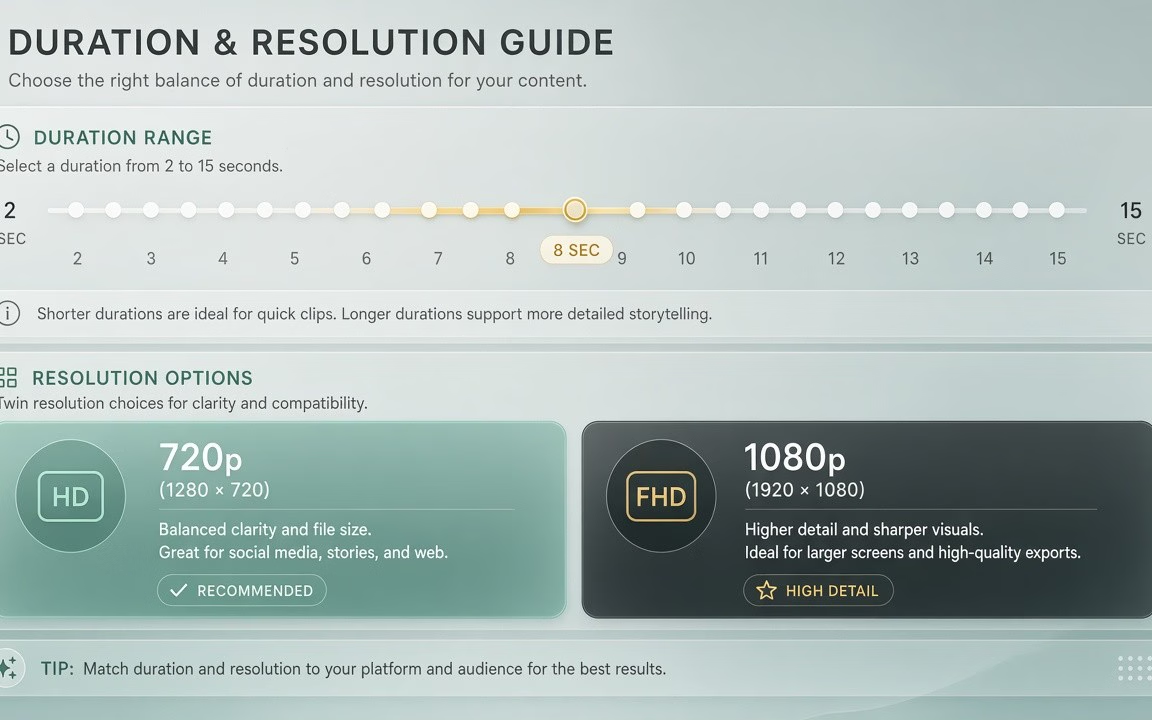
Wan 2.7 starts from 160 credits on Cinel for the default ~5 s · 720p combination. Duration (2–15 s), resolution (720p/1080p) and multimodal references change the total—the live figure is always shown on the Generate button (observed).
| Option / Tier | Cost / Multiplier | Details & Conditions |
|---|---|---|
| Default run (~5 s · 720p · MP4) | From 160 credits | Cinel baseline floor for Wan 2.7 keyframe generation (observed catalog). |
| Resolution ladder (720p · 1080p) | 1080p ≈ 1.67× per second | Draft at 720p; 1080p is ~1.67× the 720p rate per second (observed Specs). |
| Duration range (2–15 s) | Flexible 2–15s scaling | Adjust duration from 2 to 15 seconds to fit keyframe motion and scale proportionally (observed Specs). |
| Multimodal references & voice | Included or member-tiered | Up to 3 images; 15s audio/video references and 1–10s voice matching for members (observed Specs / FAQ). |
| Sibling model floors (observed) | 2.5: 75 · 2.6: 145 · 2.7: 160 | Wan 2.7 is Cinel’s dedicated keyframe & reference tier above 2.5 (budget single-shot) and 2.6 (multi-shot) (catalog observed). |
| Silver credits & check-in policy | Not Seedance 10 silver | Check-in +10 silver does not fund Wan 2.7 runs; no fake free claims. |
Transparent pricing with live calculation. Duration and resolution adjust your total in real time directly on the Generate button.
Explore generation speeds, resolution options, prompt fidelity, and workflow tips for Wan 2.7.
Wan 2.7 is the most controllable model in Alibaba's Tongyi Wanxiang lineup on Cinel. It can start from a prompt, animate between two keyframes you choose, or take guidance from a mix of reference images, a voice clip and a short video. Clips run 2 to 15 seconds at 720p or 1080p. If Wan 2.5 is the everyday clip and Wan 2.6 the storyteller, Wan 2.7 is the director's tool — for when you need the shot to start, look and sound a particular way. On Cinel it starts from 160 credits.
Three capabilities set it apart from its siblings. First, keyframe control: supply a first frame, a last frame or both, and the model works out the motion path between them while keeping the subject stable. Wan 2.6 only accepts a first frame.
Second, multimodal references. Beyond images, Wan 2.7 can take an audio clip and a reference video. On Cinel you can add up to 3 reference images to keep characters and visual details consistent, and the model can match a character's speech to the voice in a 1–10 second sample — useful for recurring hosts or spokescharacters.
Third, finer prompt control: negative prompts tell the model what to avoid (extra fingers, text overlays, a cluttered background), and optional prompt enhancement expands short ideas into fuller briefs. At model level Wan 2.7 also supports instruction-based editing of an existing 2–10 second clip, such as swapping the background for a rainy street without regenerating everything.
| Item | Wan 2.7 |
|---|---|
| Developer | Alibaba — Tongyi Wanxiang team |
| Modes | Text-to-video, image-to-video with first/last frame, reference video; model-level video edit |
| Duration | 2–15 s (Cinel default 5 s) |
| Resolution | 720p / 1080p at 30 fps (1080p ≈ 1.67× per second) |
| Aspect ratios | 16:9, 9:16, 1:1, 4:3, 3:4 |
| References on Cinel | Up to 3 images · 15 s audio · 15 s video (audio/video member-only) |
| Voice sample | 1–10 s for voice matching |
| Prompt tools | Prompt up to 5,000 characters; negative prompt up to 500; optional prompt enhancement |
| Cinel cost | From 160 credits |
| Need | Choose |
|---|---|
| First/last-frame · multimodal refs · voice matching | Wan 2.7 (this page · from 160 credits) |
| Multi-shot · first-frame only · from 145 | Wan 2.6 |
| Single-shot · 480p tests · lowest Wan price | Wan 2.5 (from 75 credits) |
| Cross-model image→video picker | Image to Video |
Full access to all image & video models.
Full access to all image & video models.
Full access to all image & video models.
Full access to all image & video models.
Wan 2.7 adds last-frame control, audio and video references, voice matching from a short sample, negative prompts and model-level video editing. Wan 2.6 supports a first frame only (observed).
Upload one image for the opening frame, one for the closing frame, or both. The model infers the movement between them and keeps the subject consistent (observed).
In reference mode the model can match a character's speech to the vocal characteristics of a 1–10 second audio sample. Only use voices you have permission to use (observed).
Up to 3 reference images, plus one audio or video reference of up to 15 seconds for members (observed).
Five: 16:9, 9:16, 1:1, 4:3 and 3:4 (observed).
It starts from 160 credits. Duration, resolution and references raise the estimate displayed before you generate (observed).
Explore automatic multi-shot storytelling, everyday single-shot Wan, or the cross-model image-to-video hub.
Open the generator, upload your endpoints or references, check the live credit estimate, and render.