
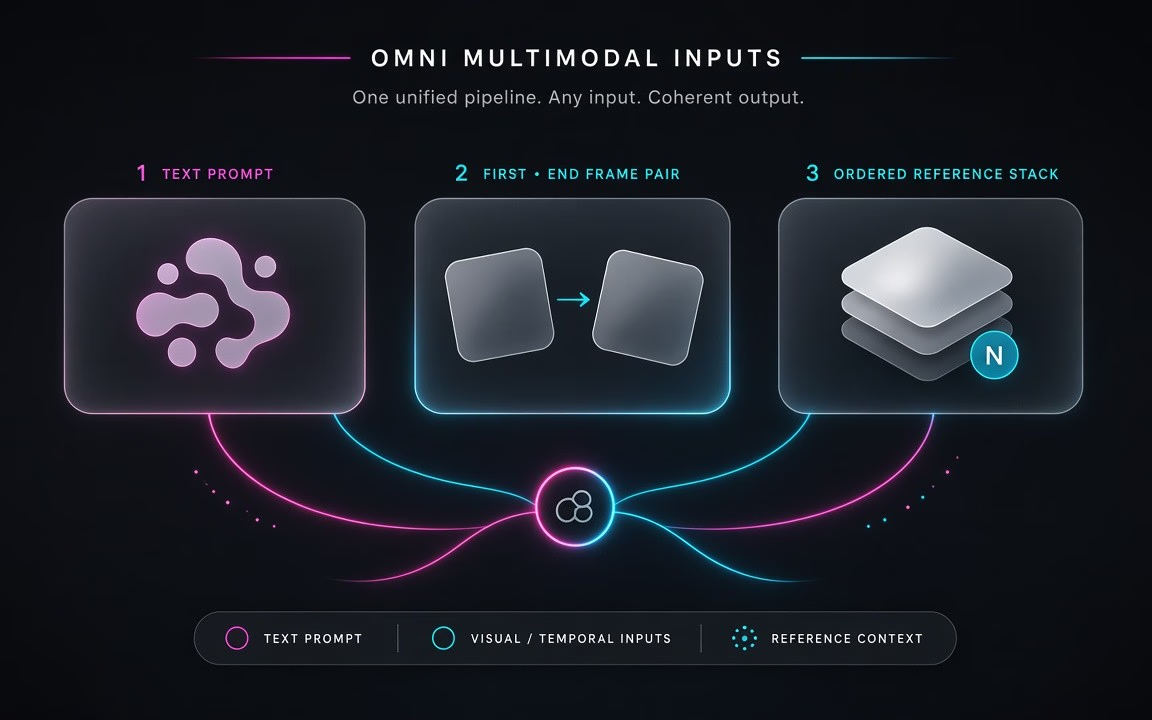
One model, three input routes
Text-only exploration, first/end-frame planning, or ordered multi-reference guidance—same Omni desk (observed Modes / Key features).
Kling O3—also called Kling 3.0 Omni—is Kuaishou’s newer Omni lane on Cinel for flexible video jobs: write a text prompt, pin a first (and optional end) frame, or feed an ordered set of references (up to two images). Render any length from 3 to 15 seconds (Cinel default 5 s) at 720p, 1080p or 4K, aspects 16:9 · 9:16 · 1:1. Jobs start from 93 credits; duration, resolution, optional sound and references change the live total on Generate (observed). Choose O3 when you need text-to-video plus reference control and a higher resolution ceiling—not the fixed 5/10 s keyframe-only desk of Kling O1, and not a claim that every official Omni editing control is already exposed on Cinel.
Escalate briefs that need consistent cast from references, a planned start/end, or 4K delivery—then compare keepers with Kling 3.0, O1, Seedance, Wan, Veo or Sora.
Still frames show Omni-style moods across text / planned motion / illustration motion. Live mp4 was not present on the public page at pack time (observed); if Mac later adds motion demos, keep them and use stills as backup.

Text-to-video mood: mesa holds; balloon rises into coral/indigo dawn with dust drift

Reference/identity still→motion: clay fox keeps form while letter flap opens under amber lamp

Illustration motion: glass butterfly lifts from cathedral window; jewel shards catch morning beams
Text-only exploration, first/end-frame planning, or ordered multi-reference guidance—same Omni desk (observed Modes / Key features).
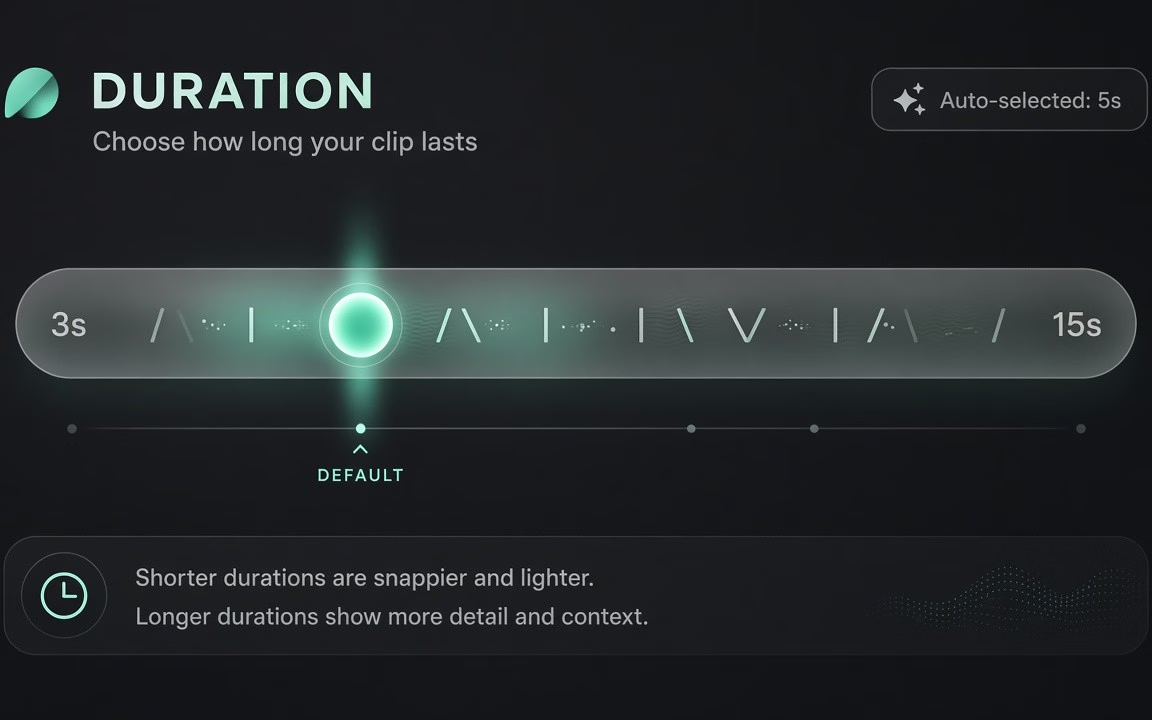
Pick any length in range (default 5 s) instead of locking to 5/10 only (observed Specs / FAQ vs O1).
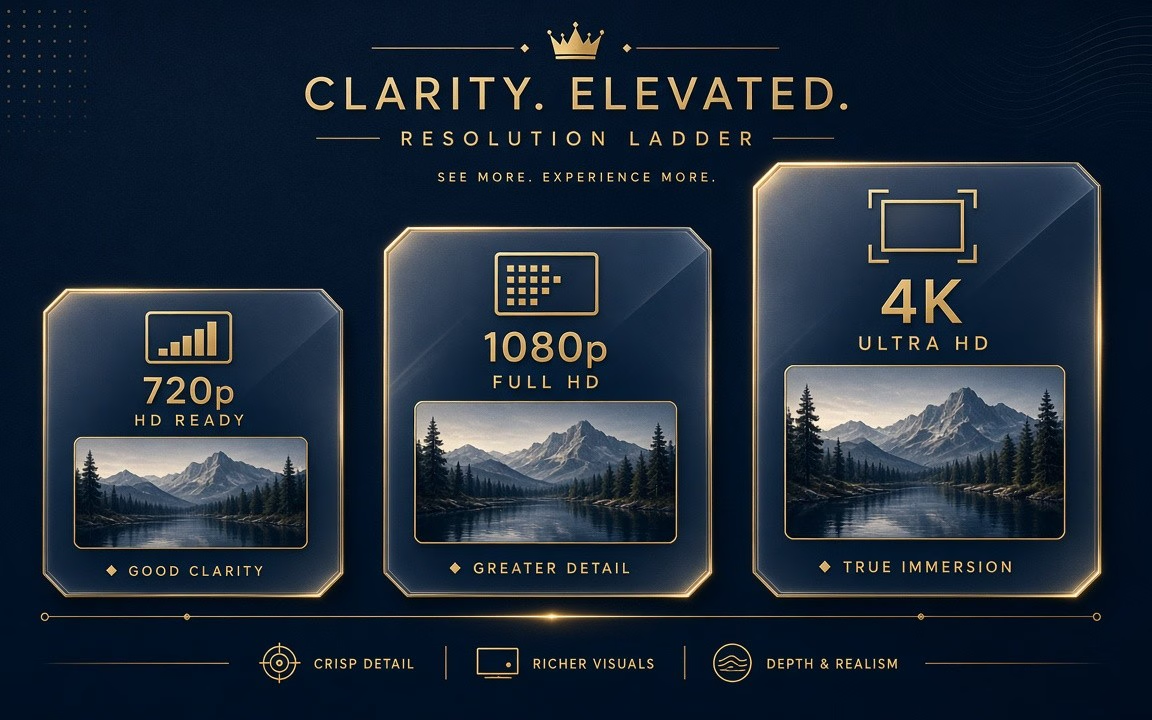
Draft at 720p; step to 1080p or 4K for finals—4K costs about five times the 720p per-second rate (observed Specs / FAQ).
 Step 1
Prompt only; first frame; first+end; or ordered references (main subject first) (observed How to use).
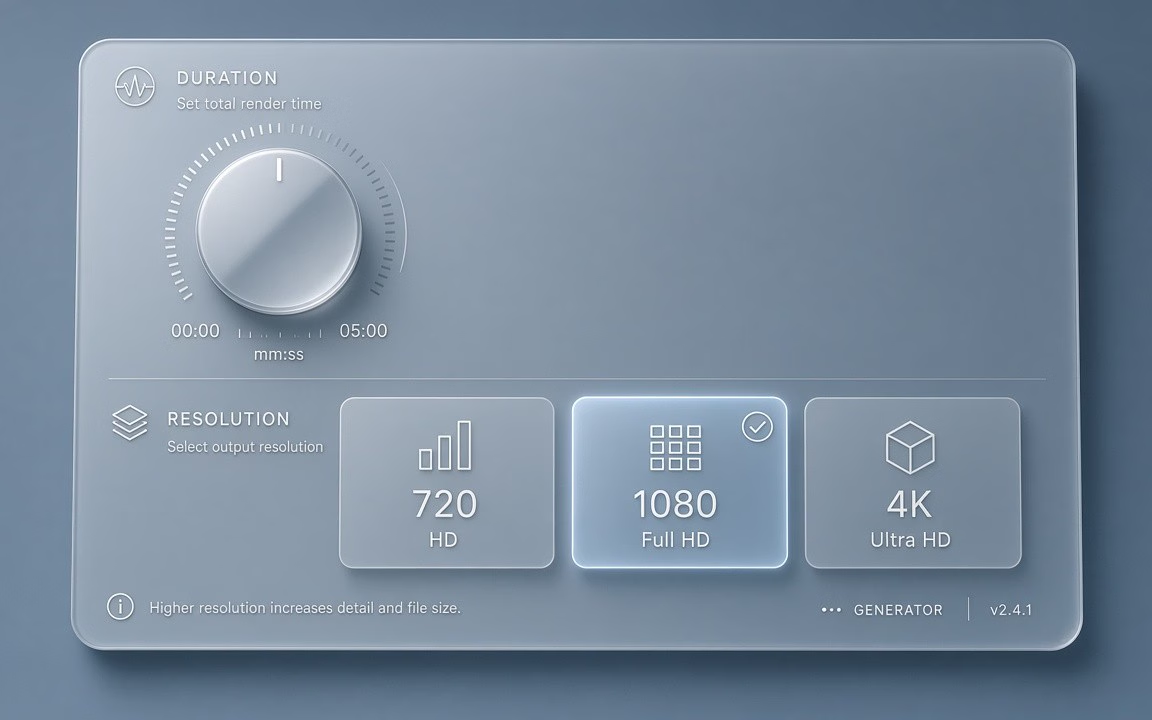 Step 2
Draft 720p; reserve 4K for approved takes; pick 16:9, 9:16 or 1:1 (observed).
 Step 3
Confirm live credits on the button (floor 93); enable sound only when needed (observed).
From multi-reference character ads to planned 4K brand loops.
Keep the same presenter, mascot or outfit consistent across multiple video takes.
Open on a product packaging reveal and transition smoothly to the final logo frame.
Lock the motion dynamics at low cost, then deliver crisp 4K assets for big-screen displays.
Tell complete short narrative moments without artificial 5-second cutoffs.
Drive cinematic lookbook shots from a combination of face, garment, and lighting references.
Rapidly prototype lighting, choreography, and pacing before committing physical camera crews.
Kling O3 starts from 93 credits on Cinel. Duration (3–15 s), resolution (720p/1080p/4K), sound, and references change the total—the live figure is always shown on the Generate button (observed).
| Option / Tier | Cost / Multiplier | Details & Conditions |
|---|---|---|
| Default run (5 s · 720p · MP4) | From 93 credits | Cinel baseline floor for Kling O3 video generation (observed catalog). |
| Duration scaling (3–15 s, default 5 s) | Per-second scaling | Pick any length between 3 and 15 seconds; longer clips scale the credit requirement (observed). |
| Resolution tiers (720p · 1080p · 4K) | 1080p ≈ 1.33× · 4K = 5× | Draft at 720p; 1080p is ~1.33× and 4K is 5× the 720p per-second rate—reserve 4K for approved finals (observed Specs). |
| Optional sound effects | Sound ≈ 1.33× @ 720p | Enable synchronized sound effects or dialogue; smaller surcharge than Kling 3.0 (observed Specs). |
| Sibling model floors (observed) | 3.0: 93 · Turbo: 123 · O1: 230 | O3 shares the 93 floor with Kling 3.0; do not market O3 as “cheaper than 3.0” (catalog observed). |
| Silver credits & check-in policy | Not Seedance 10 silver | Check-in +10 silver does not fund Kling O3 runs; no fake free claims. |
Transparent pricing with live calculation. Duration, resolution, sound and reference settings adjust your total in real time directly on the Generate button.
Explore generation speeds, resolution options, prompt fidelity, and workflow tips for Kling O3.
Kling O3 — known in Kuaishou's naming as Kling 3.0 Omni — is the most versatile model in the Kling family. It starts from whatever you have: a written shot, a first frame, a first and an end frame, or an ordered set of reference images. It then delivers clips from 3 to 15 seconds and lets you choose 720p for drafts, 1080p for delivery or 4K when the footage has to hold up on a big screen. On Cinel the default is a 5-second 720p clip in 16:9, with pricing from 93 credits.
O3 combines the widest input range in the Kling lineup with the highest resolution ceiling. Kling O1 is limited to image-to-video at fixed lengths; Kling 3.0 Turbo skips references and 4K. O3 accepts text alone, frame pairs, or several ordered references and still lets you pick any duration within its 3–15 second range.
Technically it sits on Kling's third-generation Omni foundation, which added text-to-video to the Omni line and introduced reference-guided generation. The latest Omni update also improved its editing and reference workflows — including longer 15-second video input and output and 4K source footage — which is why production teams treat O3 as the "escalation" model: when a brief needs consistent characters from references, a precise start and end, or 4K delivery, this is where they go. Sound can be generated with the clip, with a smaller surcharge than on Kling 3.0 at 720p (about 1.33× versus 1.5×).
| Item | Kling O3 |
|---|---|
| Developer | Kuaishou (Kling AI) |
| Also called | Kling 3.0 Omni / V3 Omni |
| Modes on Cinel | Text-to-video, first/end frame, multi-reference |
| Model-level extras | Reference-to-video, video editing (up to 15 s, 4K source) |
| Duration | 3–15 s (Cinel default 5 s) |
| Resolution | 720p / 1080p / 4K |
| Aspect ratios | 16:9, 9:16, 1:1 |
| Price factors (model) | 1080p ≈ 1.33×, 4K = 5× the 720p rate; sound ≈ 1.33× at 720p |
| References on Cinel | Up to 2 images |
| Cinel cost | From 93 credits |
| Need | Choose |
|---|---|
| Omni T2V + frames + refs · 3–15 s · up to 4K | Kling O3 (this page · from 93 credits) |
| Exact first + last · 5/10 s I2V only | Kling O1 (from 230 credits) |
| Standard desk · optional sound / energetic motion | Kling 3.0 (from 93 credits) |
| Lower-latency short iteration | Kling 3.0 Turbo (from 123 credits) |
| Video model picker hub | AI Video |
Full access to all image & video models.
Full access to all image & video models.
Full access to all image & video models.
Full access to all image & video models.
Yes. Kling O3 is the short name for Kling 3.0 Omni, built on Kuaishou's V3 Omni architecture (observed).
A text prompt, a first frame, a first and end frame, or an ordered set of reference images—up to two images in the current panel (observed).
Yes. You can choose 720p, 1080p or 4K. At model level 4K costs five times the 720p per-second rate, so use it for finals (observed).
O3 adds text-to-video, any duration from 3 to 15 seconds and higher resolution options. O1 focuses on image-to-video with first and last frames at 5 or 10 seconds (observed).
The model supports instruction-based editing of existing footage in advanced workflows. On Cinel, check the generator for the modes currently enabled (observed).
It starts from 93 credits. Duration, resolution, sound and references change the total shown before you generate (observed).
Explore keyframe control, standard cinematic takes, or the all-in-one AI video hub.
Escalate briefs with text-to-video, first/end frames, or ordered references up to 4K. Set your prompt or upload references to begin.