History

AI Image to Image Generator

See free vs credits
Free · 0 creditsFLUX.2 Klein 4B & KolorsRefs 3 free / 8 memberNo Cinel watermarkNo install

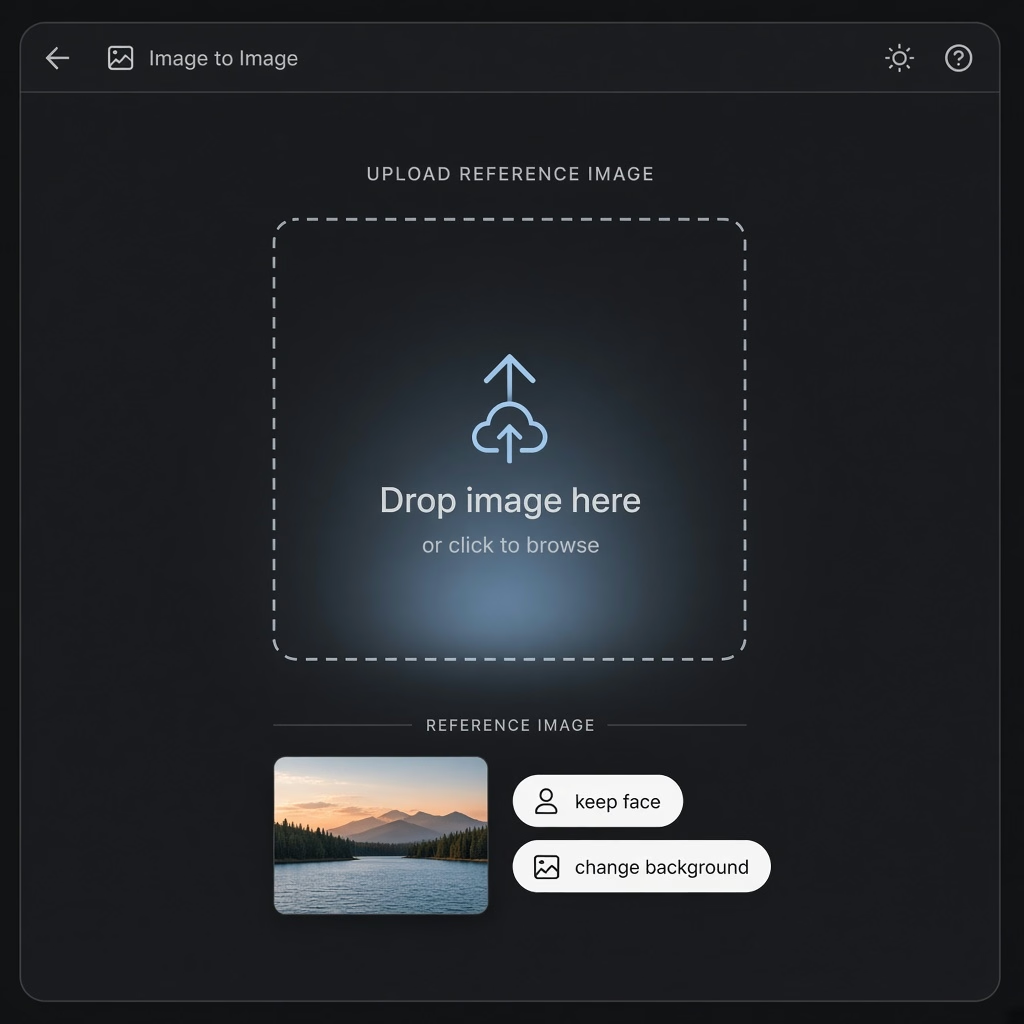
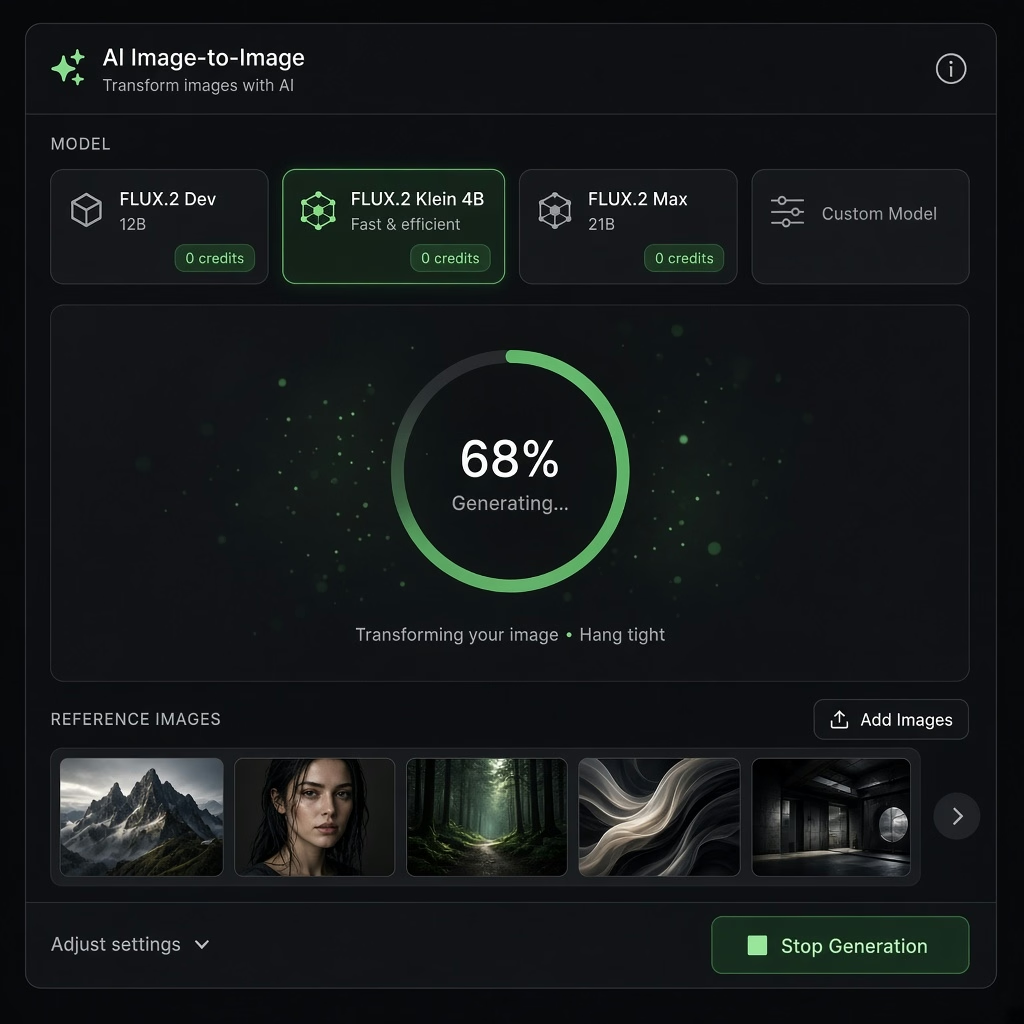
Upload a photo, describe the change, keep what matters. Cinel’s AI image to image generator starts on FLUX.2 Klein 4B at 0 credits—the preferred free engine. Kolors is the second 0-credit queue; both accept reference images. Attach up to 3 references on Free, or 8 as a member when the model allows. When identity or printed text must stay exact, switch to GPT Image, Nano Banana or Seedream in the same box. Eligible free runs can start without signing in. Cinel adds no watermark of its own.

FLUX.2 Klein 4B: 0 credits · Free plan hourly fair-use · Gold unlimited (fair use). Kolors: 0 credits (fair use). Daily credits (sign-in): 9/day, balance up to 20—for credit models, not a second "fake free" queue.
1× · 1K
Workflow

From reference to restyle in three steps

Upload a reference, say what to keep and change, and refine in the browser without losing your work.

Step 1 - Upload reference photo and specify keep elements for image to image01Upload & specify

Upload & say what to keep

Drop a JPG/PNG/WebP (≤5MB each). Write what must stay (face, logo, layout) and what should change (style, light, background).

  • Keep faces, logos, layout or contours
  • Describe style, light, scene or material changes
Step 2 - Generate free images with FLUX.2 Klein 4B and Kolors at 0 credits020 credits · Free queues

Generate free

Stay on FLUX.2 Klein 4B (default) or pick Kolors—both 0 credits. Or open a template (headshot / product / anime / poster / couple / room) to pre-fill the brief.

  • FLUX.2 Klein 4B default free queue
  • Kolors bilingual & everyday reference queue
Step 3 - Download without watermark or refine in browser studio03Clean export · In-tab studio

Download or refine

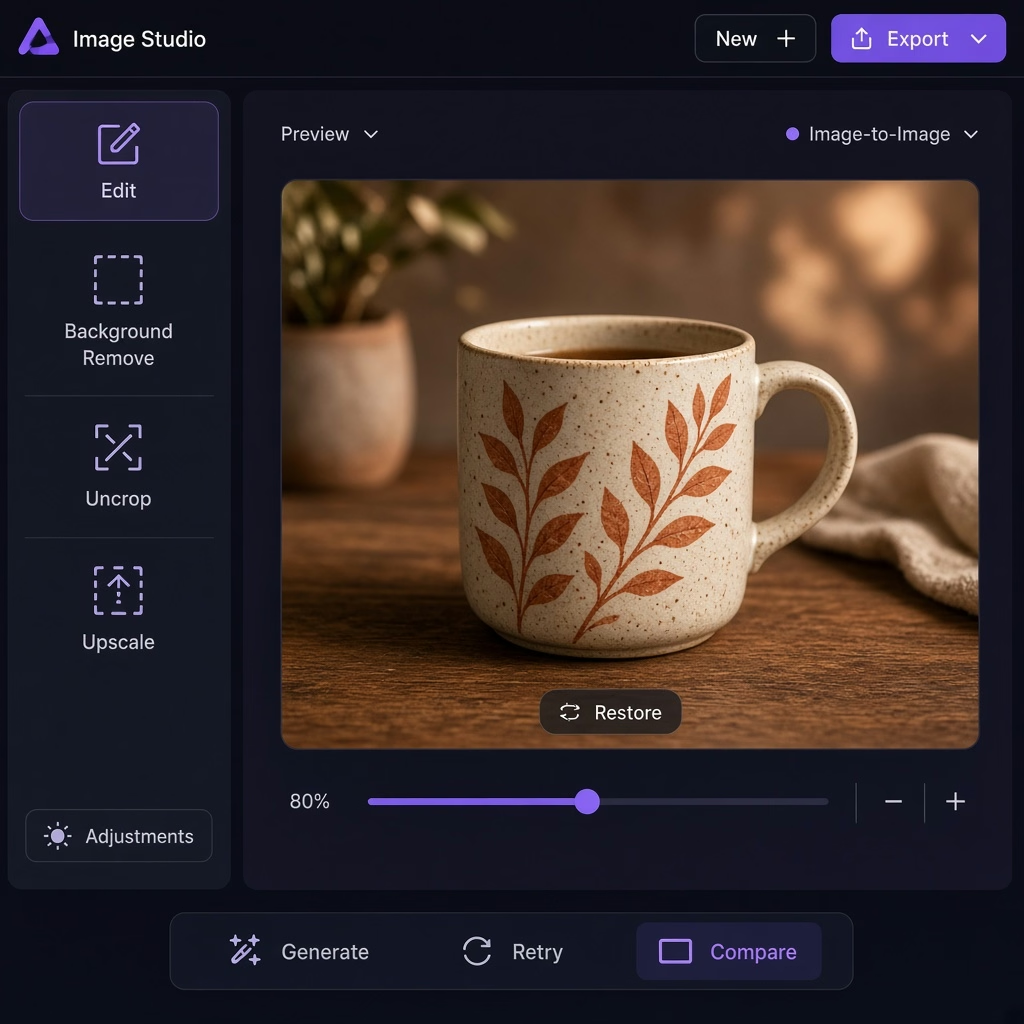
Export without a Cinel watermark, or continue in-studio (editor / bg remove / uncrop / upscale / image-to-video).

  • No Cinel watermark on downloads
  • Send to edit, cutout, uncrop & upscale
Studio tools

Edit image-to-image results in the same studio

Every image tool lives in the same studio. No files lost, no re-uploads.

Benefits

Why this AI image to image generator

Two genuine 0-credit reference engines, clear multi-reference limits, and an integrated browser studio.

Two free engines that take references

FLUX.2 Klein 4B and Kolors both run at 0 credits with reference support—not a "free text-only" trap.

Honest multi-reference limits

Free: up to 3 images per request. Members: up to 8 when the model allows. Clear transparent caps without surprises.

Finish in the same studio

Send keepers to Text to Image, AI Image Editor, Background Remover, AI Uncrop, Image Upscaler or Image to Video without leaving Cinel.

Templates

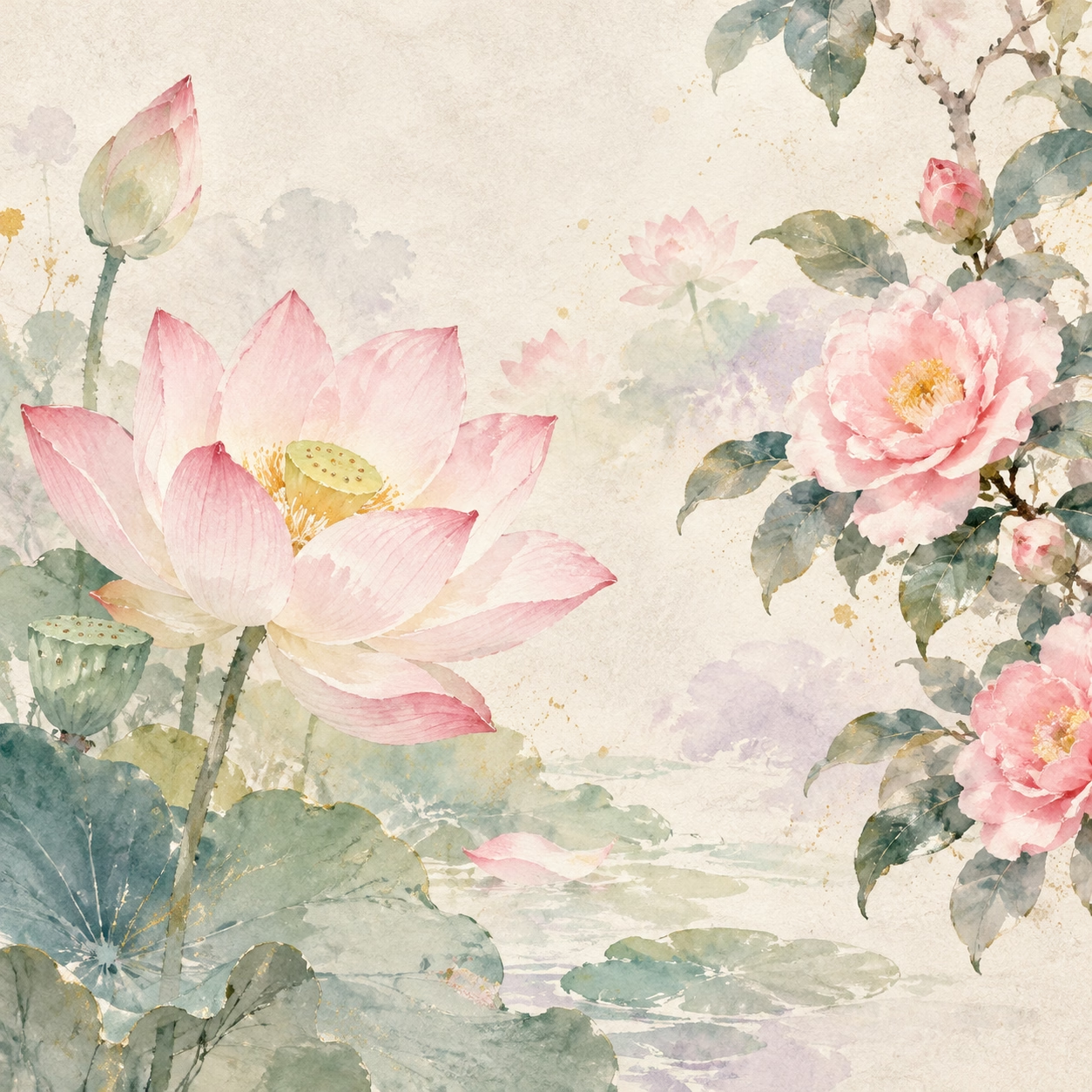
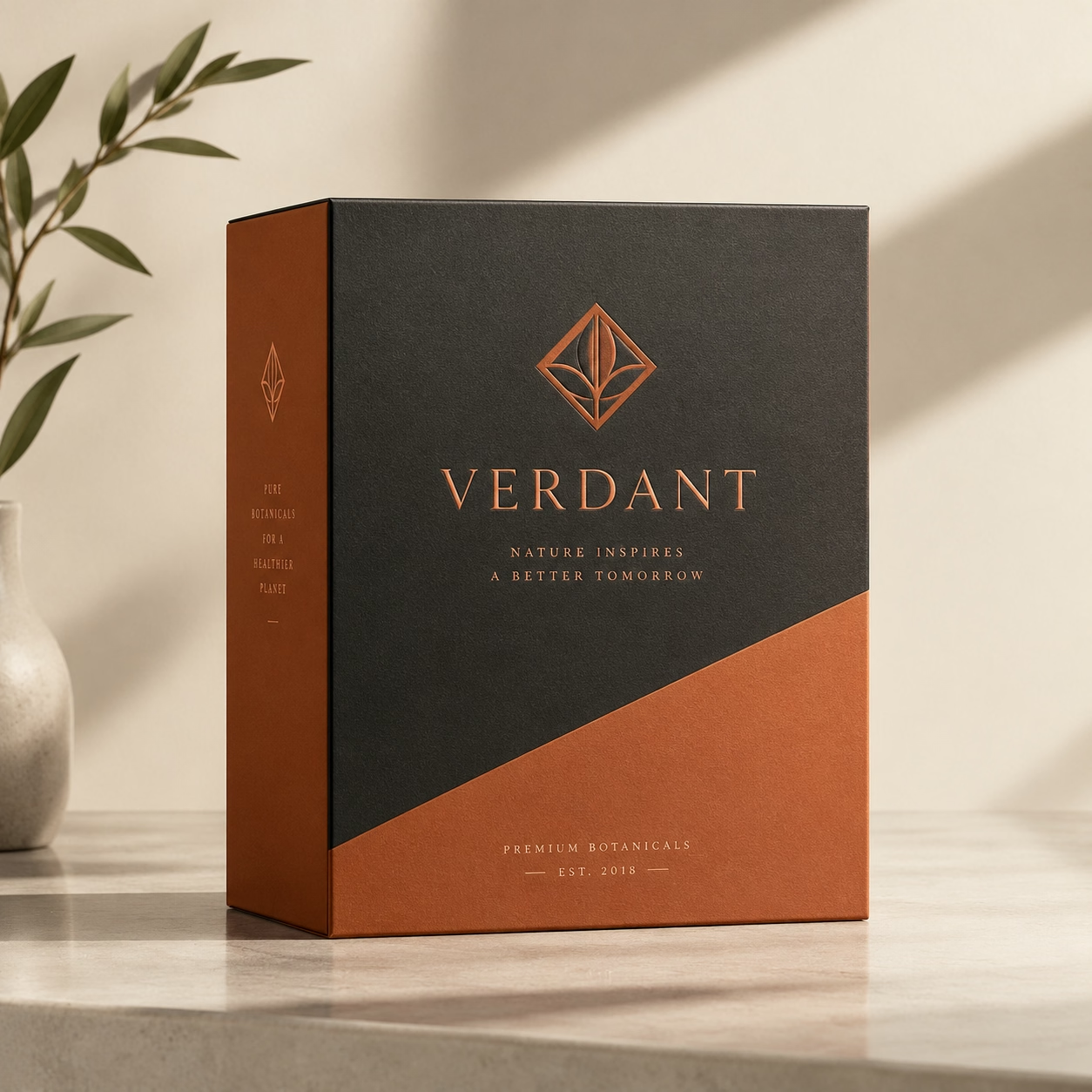
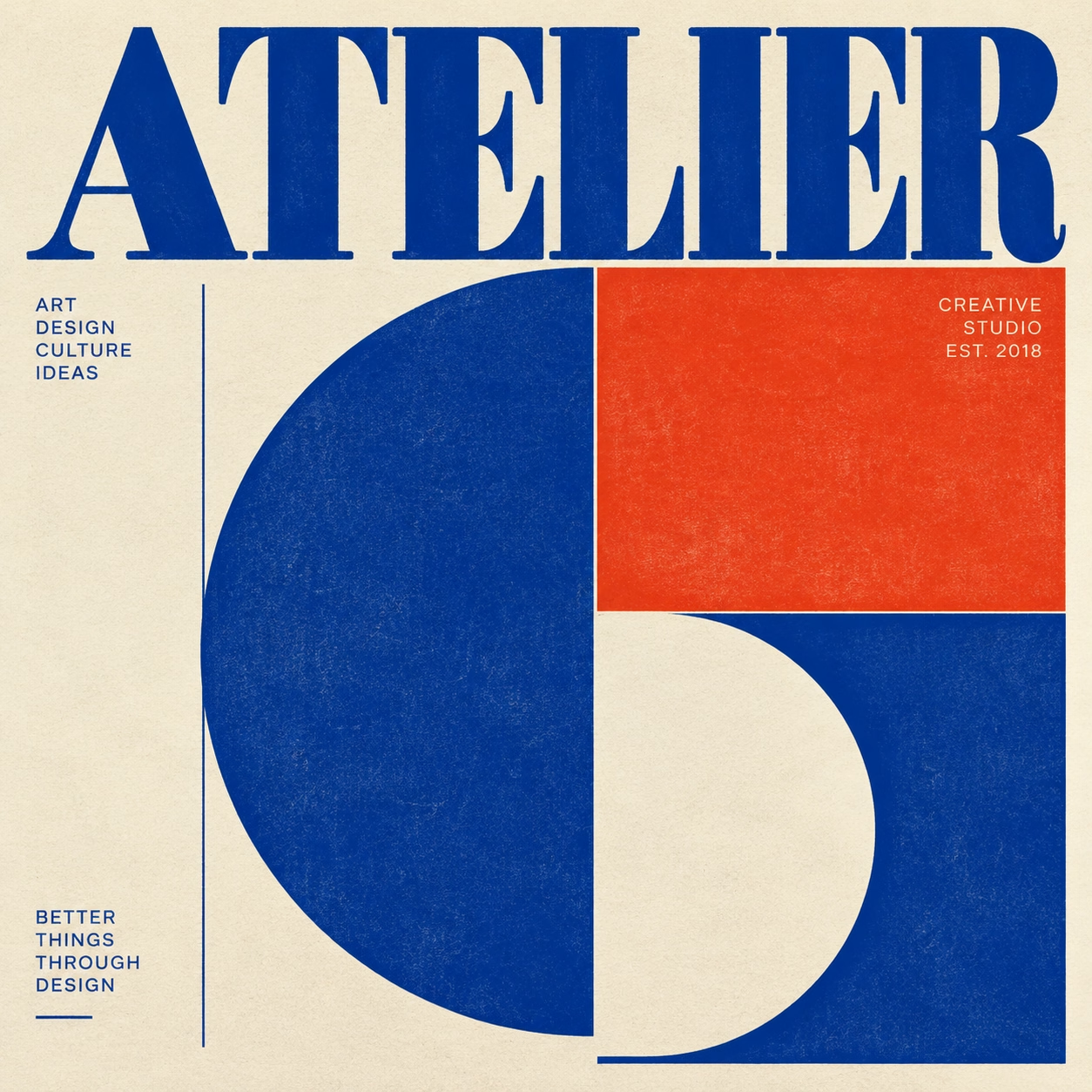
Templates for common image-to-image jobs

Templates pre-fill the brief—you still upload the reference and edit the prompt.

Model matrix

Free engines vs credit models

Free image-to-image queues are only FLUX.2 Klein 4B and Kolors. Everything else shows credits on Generate.

Pricing honesty: Free image-to-image queues are only FLUX.2 Klein 4B and Kolors (0 credits). Trial credits (9/day upon sign-in, balance up to 20) let you test premium models. Credit costs are clearly displayed on Generate before you spend.
Compare modes

Image to Image vs Text to Image

Choose your starting point based on whether you bring a reference image.

Image to Image (This Page)Start from photo

Use Image to Image when a photo, sketch, or product shot must guide the result. Preserves identity, composition, and contours while exploring new styles, lighting, and environments.

Text to ImageStart from idea

Use Text to Image when you start from a concept alone. Describe subject, setting, and mood in words without an initial reference. Rapid 0-credit exploration on FLUX.2 Klein 4B and Kolors.

Open Text to Image
Honest platform

Honest free image to image—not a three-image trap

Clear rules for free queues, reference limits, and watermark-free exports.

FLUX.2 Klein 4B & Kolors at 0 credits
Refs: up to 3 free / 8 member
No Cinel watermark on downloads
Eligible free runs without an account
Credit cost shown on Generate before spend
Complete browser studio after restyling
Transparent pricing

Free to start. Clear when credits apply.

Start free with 0-credit models, claim 9 credits daily, or upgrade for unlimited FLUX.

Free models

Zero cost, no credit card required

0 credits
  • FLUX.2 Klein 4B & Kolors permanently 0 credits
  • Up to 3 reference images per request
  • Hourly fair-use quota (protects stability)
  • No Cinel watermark on any download

Member / Gold

For power creators & commercial studios

$10 / month
  • Up to 8 references when model allows
  • Gold: FLUX unlimited while active (fair use)
  • Discounted member rates on all paid models
  • Priority generation queue
See plans & packs
FAQ

Before you create

Answers to questions about free image-to-image queues, reference limits, and watermark-free exports.

Is this image to image AI free?

Yes—on this page the free queues are FLUX.2 Klein 4B and Kolors, both at 0 credits and both accept references. Free FLUX uses hourly fair-use; Gold can run FLUX without a fixed total cap (fair use). GPT Image, Nano Banana and Seedream use credits.

How many reference images can I upload?

Free: up to 3 per request. Members: up to 8 when the selected model supports multiple references.

Will the person still look like themselves?

Good sources and clear "keep" instructions help. For identity-critical work, prefer Nano Banana routes (credits)—live cost on Generate.

Do I need an account?

Eligible free images can run without signing in. Sign in for history, daily credits, and credit models.

Are images watermarked?

Cinel adds no watermark of its own. Some providers may embed invisible provenance marks.

Can I use outputs commercially?

Generally yes for lawful uses, subject to Cinel Terms, the model’s policy, and third-party rights (likenesses, brands, your uploads).

What are templates?

Ready-made directions (headshot, product, anime, poster, couple, room) that pre-fill the brief—you upload the photo and fine-tune.

Can I restyle a product without changing its label?

Ask to keep the label exactly; prefer GPT Image 2/2.5 or Seedream for printed text, then proof small type before publish.

What’s the difference vs Free AI Image Generator / Text to Image?

Free AI Image Generator = studio overview. Text to Image = prompt-only. This page = reference-guided restyle.

Is Z-Image Turbo free on Cinel?

No. Do not offer it as free or default here. Public free queues are only FLUX.2 Klein 4B and Kolors.

Do I need to install anything?

No. Browser only.

Restyle any photo free now

Start on FLUX.2 Klein 4B or Kolors at 0 credits. Add up to three references on Free—or eight as a member—then upgrade only when identity or print text gets strict.

Open free AI image studio