
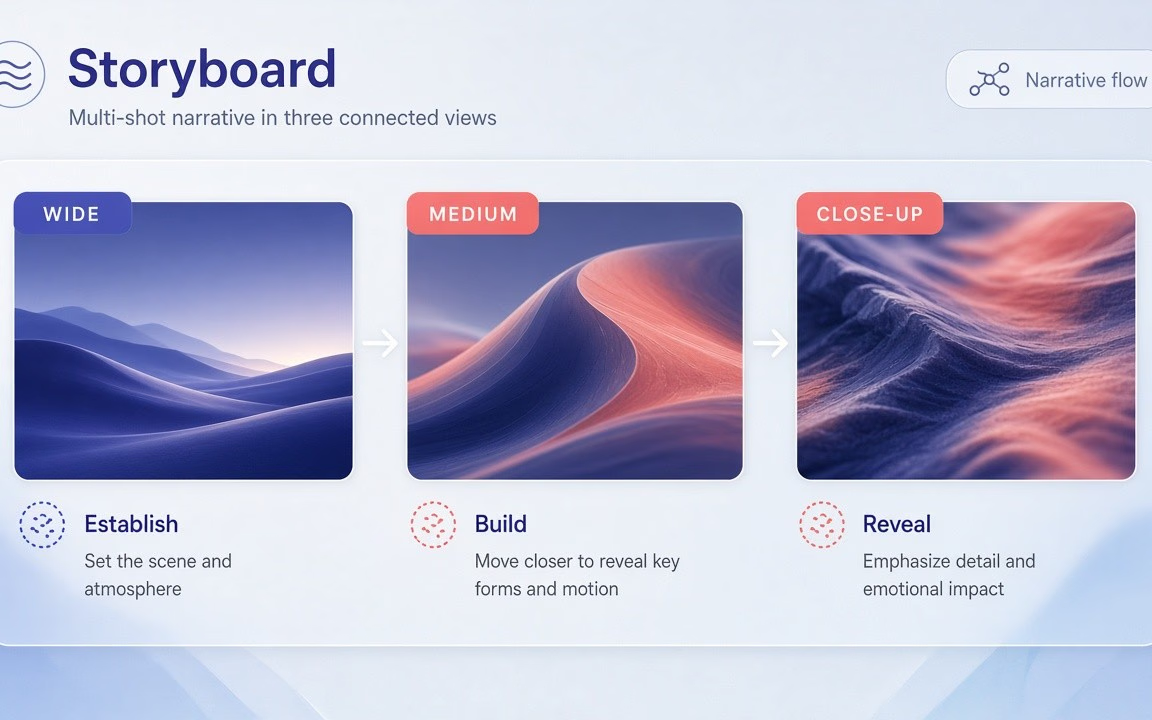
Multi-shot storytelling in one clip
Plan wide → medium → close cuts inside a single render while keeping subject continuity (observed Key features / FAQ).
Wan 2.6 is Cinel’s multi-shot Wan lane from Alibaba’s Tongyi Wanxiang team: write a prompt (or open on one first-frame image), then render a 2–15 second clip with planned cuts and sound already attached at 720p or 1080p across five frame shapes. The advertised floor is from 145 credits (observed). Draft shot lists in the prompt, review at 720p, then re-run keepers at 1080p. Choose Wan 2.6 when you need multi-shot storytelling—not Wan 2.5’s single-shot 480p floor, and not Wan 2.7’s first/last-frame desk.
Keep Wan 2.5 for cheap single-shot tests; open Wan 2.7 when you need first-and-last-frame lock-ins.
Still frames show multi-shot-friendly moods—aurora ice establishing shot, tactile astronaut character beat, illustrated carousel leap. Live mp4 was not present on the public page at pack time (observed); if Mac later adds motion demos, keep them and use stills as backup.

Text-to-video mood: cracked ice holds; emerald/violet aurora curtains drift over pine shore

Reference/identity still→motion: tiny astronaut keeps suit form while watering bonsai by star porthole

Illustration motion: peach/sky horses leap from painted carousel into confetti dusk
Plan wide → medium → close cuts inside a single render while keeping subject continuity (observed Key features / FAQ).
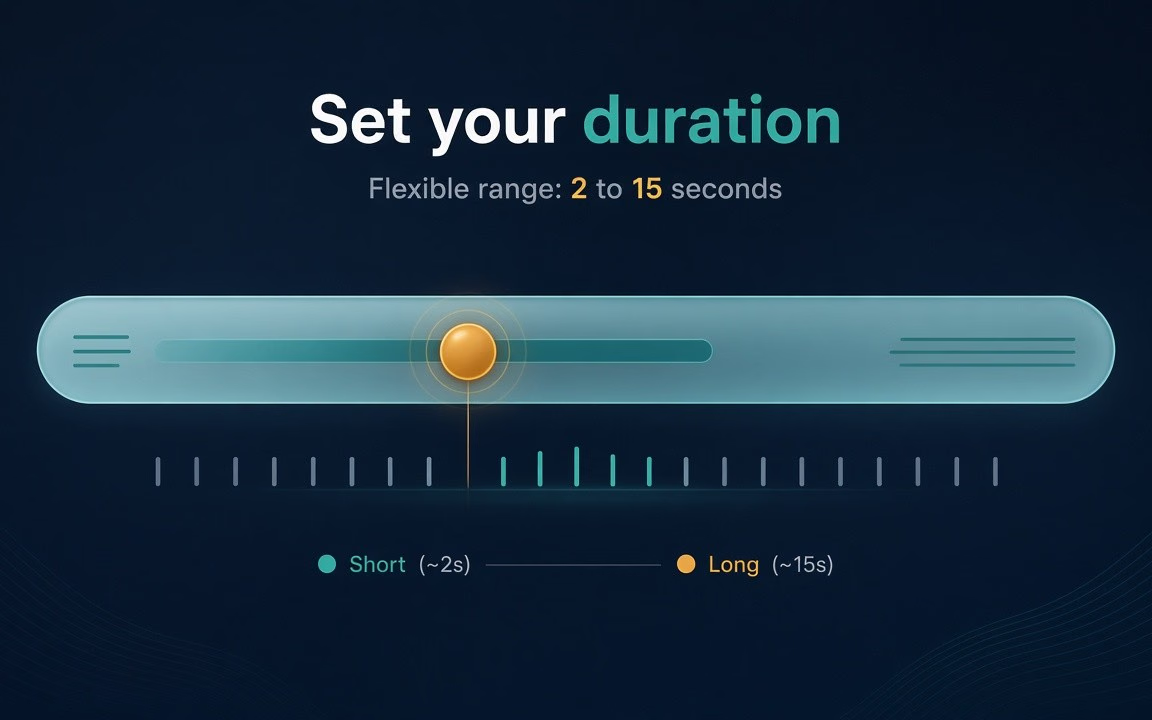
Give each shot room—short hooks or longer mini-stories without jumping models (observed Specs / FAQ).
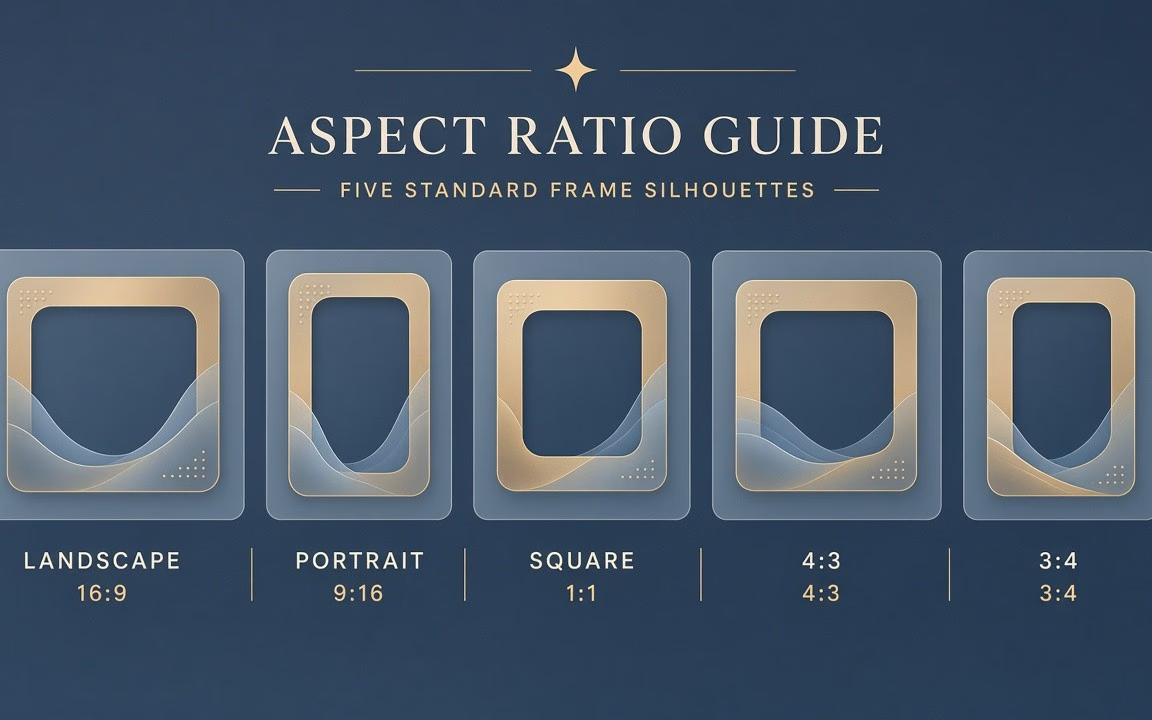
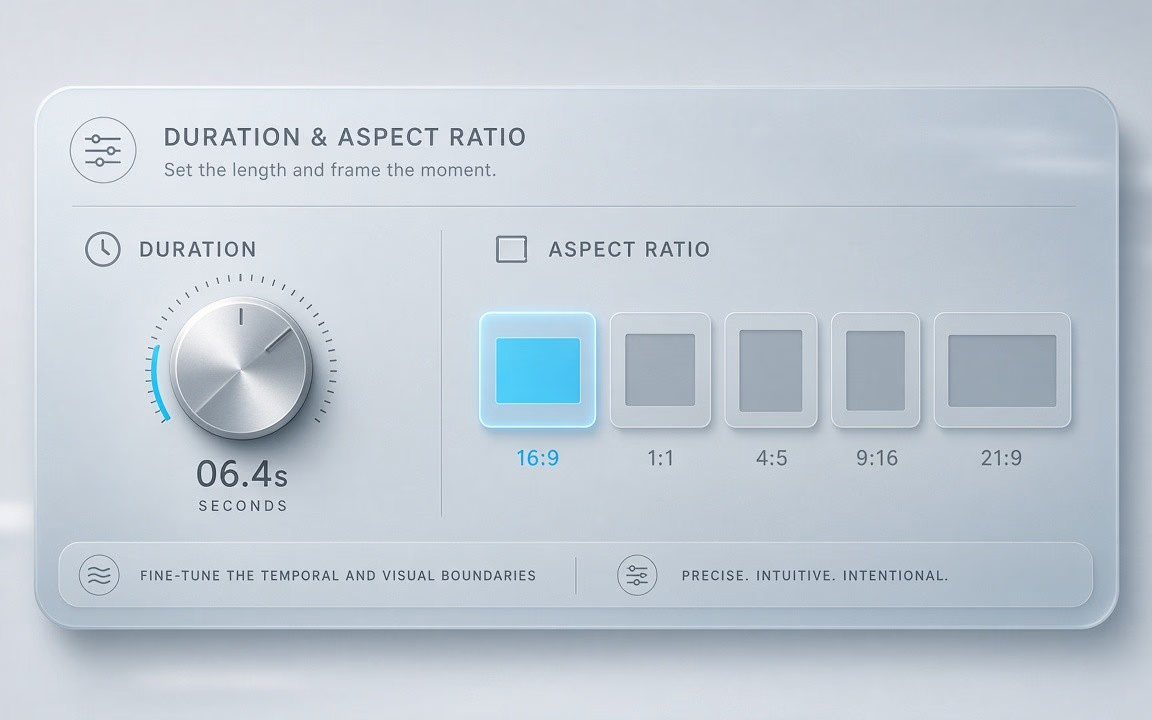
Ship 16:9, 9:16, 1:1, 4:3 or 3:4 with native audio—from 145 credits (observed).
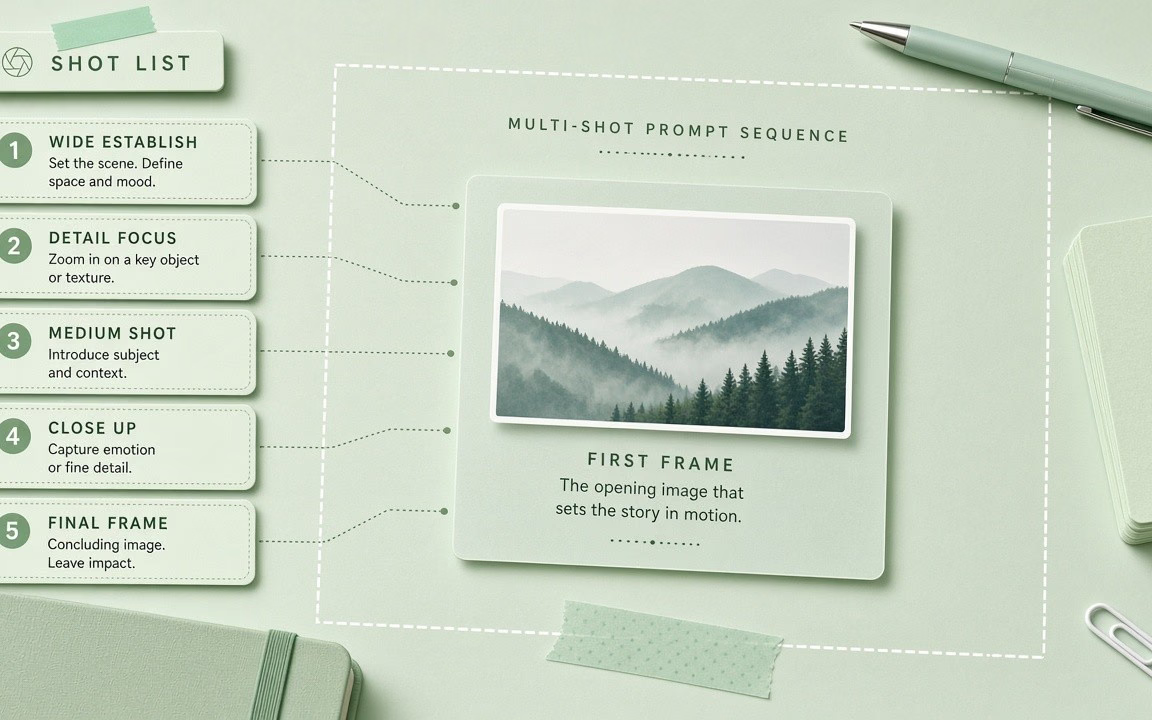 Step 1
Number each shot with framing + action; optionally upload a first-frame image (observed How to use).
 Step 2
Start near 5s · 720p to verify cost (145 floor) before raising resolution on keepers (observed).
 Step 3
Confirm the live button price; raise to 1080p / longer only on keepers (observed).
From mini storyboards to multi-beat product teasers.
Render connected wide-to-close scene progressions in a single video generation.
Maintain identity and clothing across changing perspectives in 2–15 second takes.
Open on an existing product image, then branch into dynamic action and lifestyle beats.
Deliver 16:9, 9:16, 1:1, 4:3, or 3:4 with native audio for diverse client channels.
Verify pacing and sound balance at the 145-credit floor before upgrading resolution.
Wan 2.6 starts from 145 credits on Cinel for the default ~5 s · 720p combination. Duration (2–15 s) and resolution (720p/1080p) change the total—the live figure is always shown on the Generate button (observed).
| Option / Tier | Cost / Multiplier | Details & Conditions |
|---|---|---|
| Default run (5 s · 720p · MP4) | From 145 credits | Cinel baseline floor for Wan 2.6 multi-shot generation (observed catalog). |
| Resolution ladder (720p · 1080p) | 1080p ≈ 1.67× per second | Draft at 720p; 1080p is ~1.67× the 720p rate per second (observed Specs). |
| Duration range (2–15 s) | Flexible 2–15s scaling | Longer durations give multi-shot sequences more room for each shot and scale proportionally (observed Specs). |
| Synchronized native audio | Included in base | Audio arrives with the clip—no separate surcharge or post-processing step required (observed). |
| Sibling model floors (observed) | 2.5: 75 · 2.6: 145 · 2.7: 160 | Wan 2.6 is Cinel’s dedicated multi-shot tier between budget 2.5 and keyframe-centric 2.7 (catalog observed). |
| Silver credits & check-in policy | Not Seedance 10 silver | Check-in +10 silver does not fund Wan 2.6 runs; no fake free claims. |
Transparent pricing with live calculation. Duration and resolution adjust your total in real time directly on the Generate button.
Explore generation speeds, resolution options, prompt fidelity, and workflow tips for Wan 2.6.
Wan 2.6 is the cinematic tier of Alibaba's Tongyi Wanxiang video family — the model you choose when a clip should feel like a sequence rather than a single moment. Describe a short script and it can plan several shots, move the camera between them and return the whole thing with synchronized sound. Clips can run anywhere from 2 to 15 seconds at 720p or 1080p. On Cinel it starts from 145 credits, with a 5-second 720p, 16:9 default.
The defining feature is multi-shot storytelling. Most text-to-video tools return one continuous take with generic motion. Wan 2.6 can switch between a single continuous shot and a multi-shot mode that cuts between camera angles, so a 12-second brief such as "wide establishing shot of a rooftop at dusk, cut to close-up of her checking her phone, cut to the city lights" comes back as a planned mini-edit with continuity between shots.
Audio is designed into that structure: dialogue, ambience and score arrive with the video, and the model supports automatic voice-over for narrative pieces. Add smoother physics and lighting than the entry-level Wan 2.5, a flexible 2–15 second range and five aspect ratios — including 4:3 and 3:4, which are handy for feeds and presentations — and you have a model aimed at brand stories and campaign hero clips rather than daily volume.
| Item | Wan 2.6 |
|---|---|
| Developer | Alibaba — Tongyi Wanxiang team |
| Modes | Text-to-video, image-to-video (first frame) |
| Shot types | Single continuous shot · multi-shot |
| Duration | 2–15 s (Cinel default 5 s) |
| Resolution | 720p / 1080p (1080p ≈ 1.67× per second) |
| Aspect ratios | 16:9, 9:16, 1:1, 4:3, 3:4 |
| Audio | Native, with auto voice-over support |
| References on Cinel | 1 image |
| Cinel cost | From 145 credits |
Full access to all image & video models.
Full access to all image & video models.
Full access to all image & video models.
Full access to all image & video models.
Instead of one continuous take, Wan 2.6 can generate several shots with different camera angles inside a single clip, keeping characters and setting consistent across the cuts (observed).
Anywhere from 2 to 15 seconds. Longer durations give multi-shot sequences more room for each shot (observed).
Yes. Audio is generated alongside the video, and the model supports automatic voice-over for narrative content (observed).
Five: 16:9, 9:16, 1:1, 4:3 and 3:4 (observed).
No. Wan 2.6 supports a first-frame image. For first-and-last-frame control, use Wan 2.7 (observed).
It starts from 145 credits. 1080p and longer durations raise the estimate displayed before you generate (observed).
Explore everyday single-shot Wan, first/last-frame control, or the all-in-one AI video hub.
Open the generator, write a short shot list, check the live credit estimate, and render.