
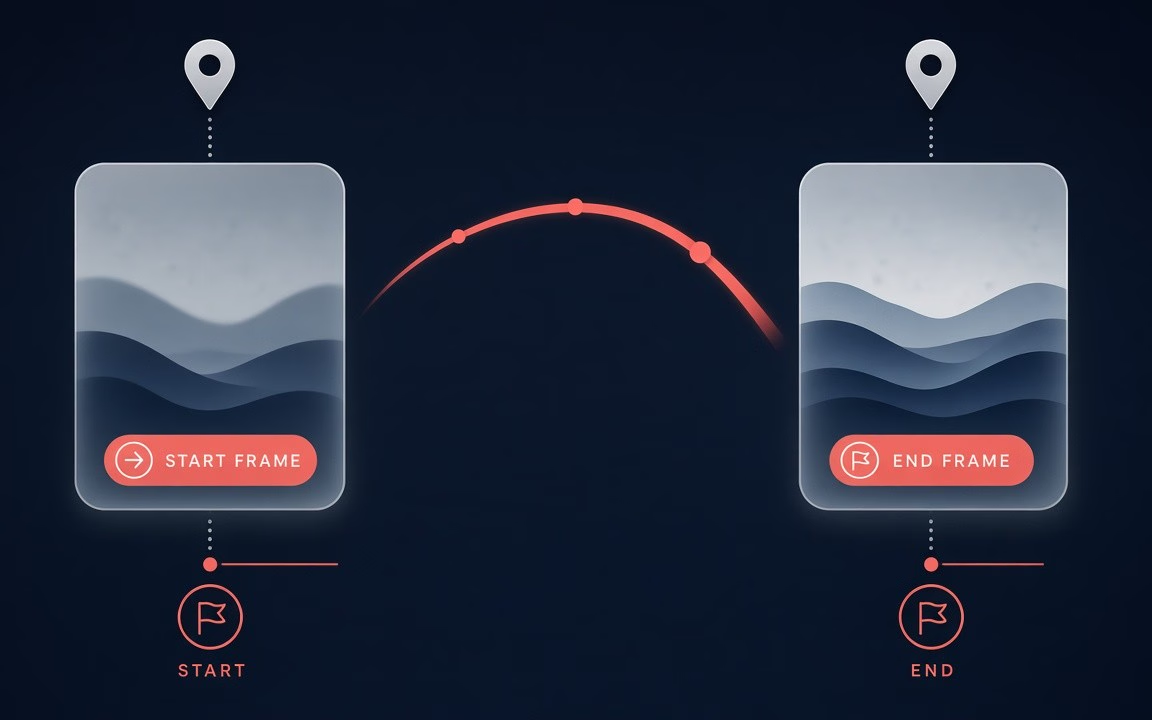
Pin both ends of the shot
Define where the clip begins and where it lands—animation becomes a plan, not a guess (observed Key features / guide).
Kling O1 is Kuaishou’s first-generation Omni keyframe lane on Cinel for planned image-to-video: pin an opening still—and optionally a closing still—then render a 5- or 10-second clip with focused in-between motion. Aspects 16:9 · 9:16 · 1:1; up to two reference images. On Cinel it is not text-to-video—use Kling O3, Kling 3.0, or Kling 3.0 Turbo for prompt-only jobs. Jobs start from 230 credits; the 10-second option costs about twice a 5-second run—the Generate button shows the live total (observed). Choose O1 when the exact start and end frames matter more than flexible length or Omni reference editing.
Storyboard the ends of the shot—then promote keepers to Kling 3.0, O3, Seedance, Wan, Veo or Sora when the brief needs heavier controls.
Still frames show first→last planning moods. Live mp4 was not present on the public page at pack time (observed); if Mac later adds motion demos, keep them and use stills as backup.
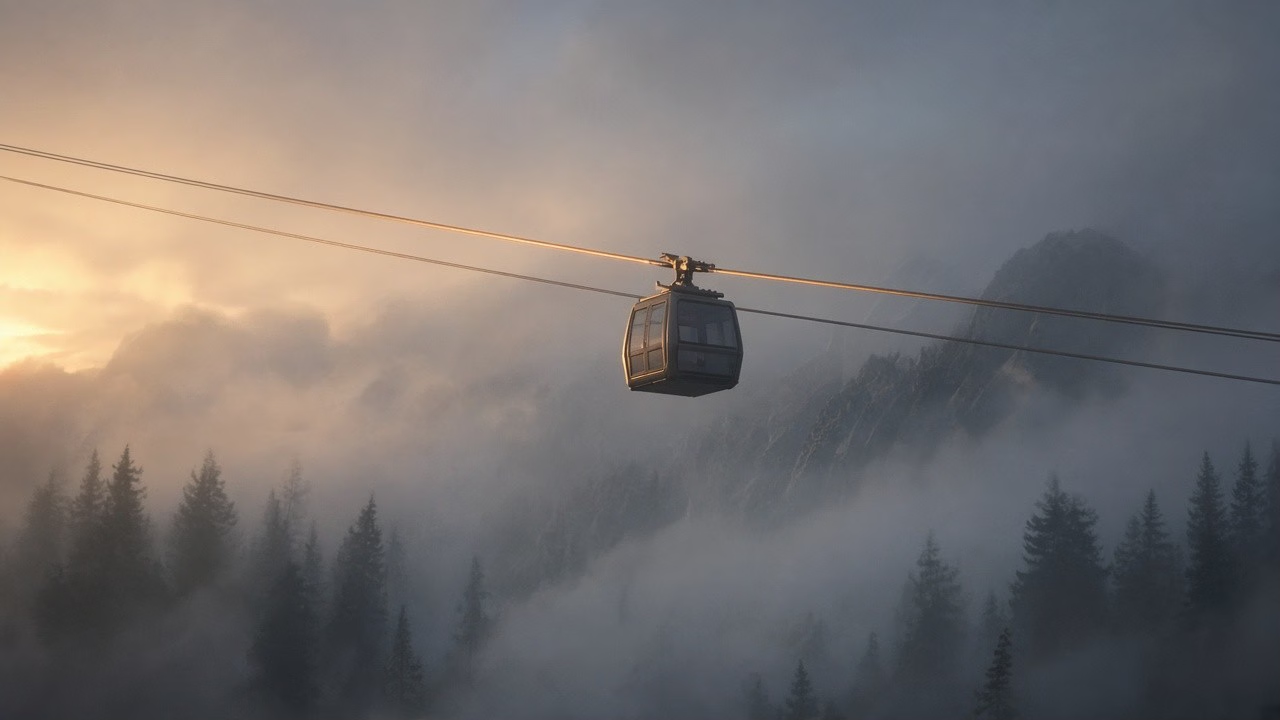
Image-to-video mood: gondola holds; fog thickens toward amber dawn rim

Keyframe pair: upright → mid-bow under teal spotlight; strings keep identity

Illustration motion: ink tendrils become spray as whale clears cream pages
Define where the clip begins and where it lands—animation becomes a plan, not a guess (observed Key features / guide).

Characters, products, and scenes stay recognisable from first frame to last (observed Key features).
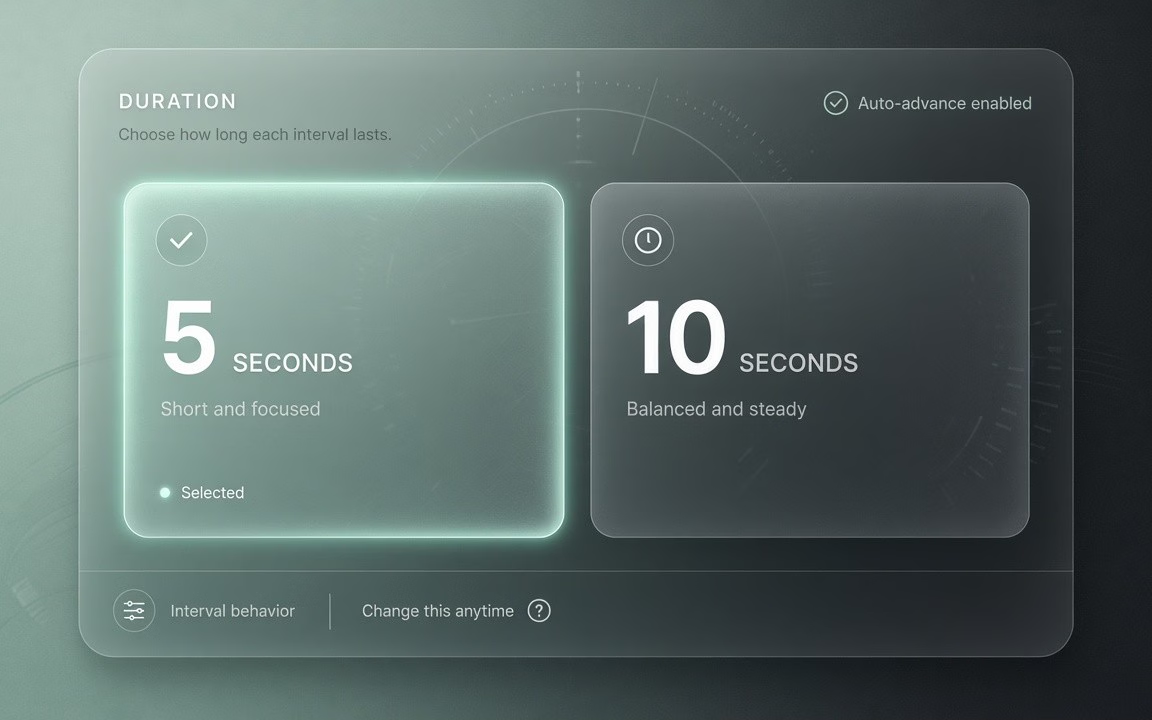
Choose 5 s or 10 s; supply one or two images—settings stay intentionally minimal (observed Specs).
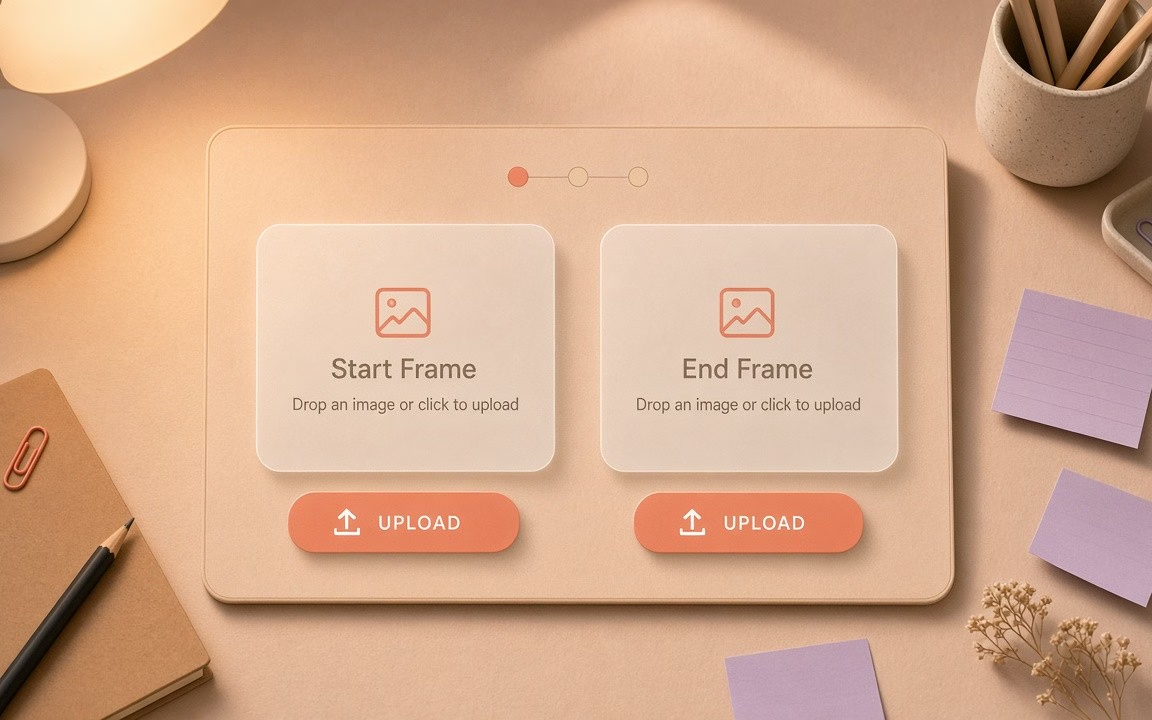 Step 1
One still works; two stills give a finish target (observed FAQ).
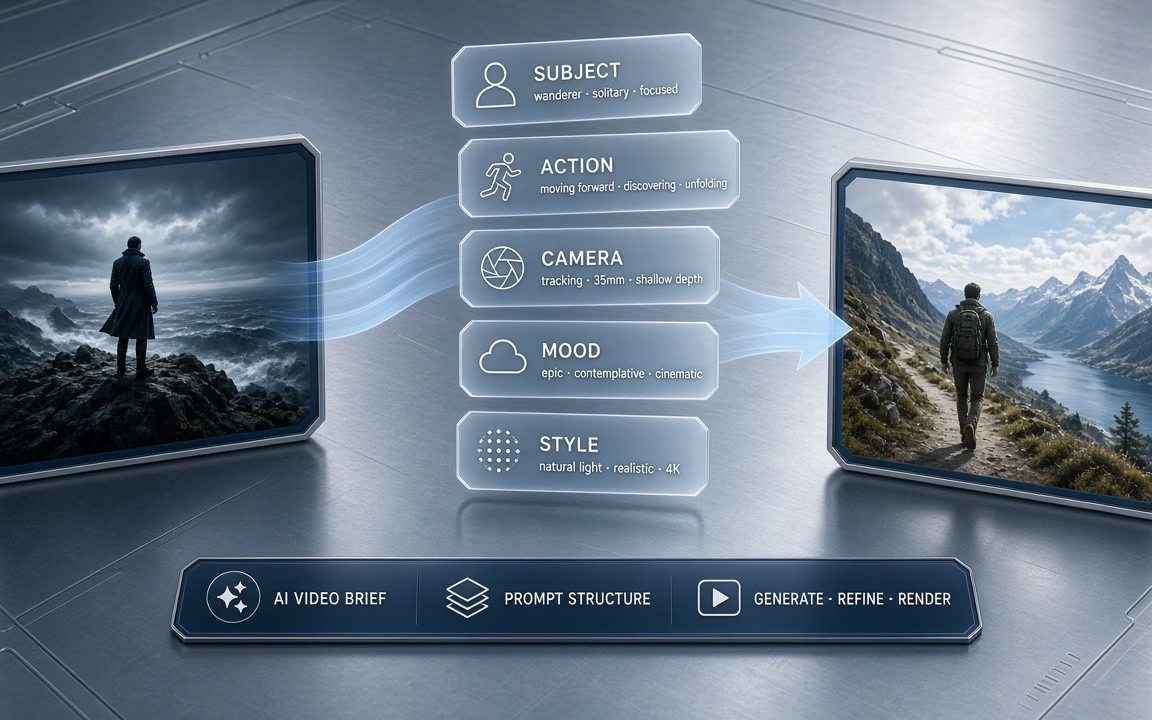 Step 2
Keep subject, light, and camera angle consistent between frames (observed FAQ).
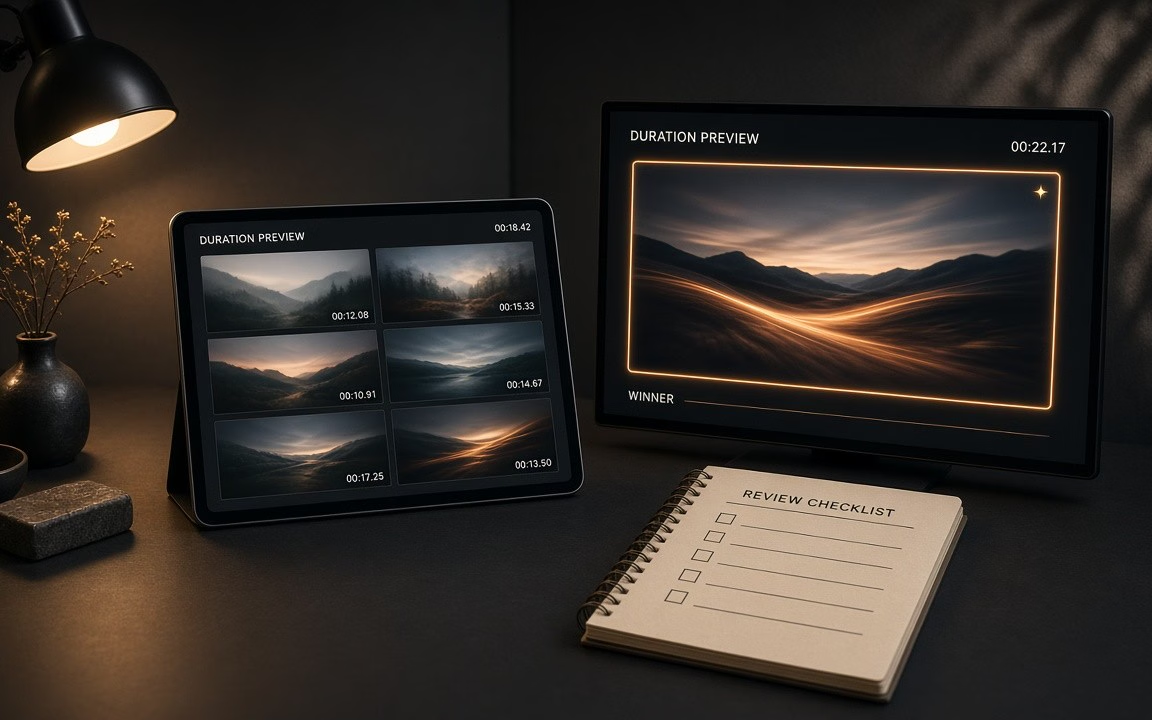 Step 3
Confirm live credits on the button (floor 230); 10 s ≈ 2× (observed).
From storyboarded social hooks to locked-identity before-and-after transitions.
Transition from closed packaging to table-ready reveal without improvising the end frame.
Keep character face, outfit, and proportions identical while turning toward the lens.
Define the exact opening visual and closing payoff for punchy short-form storytelling.
Animate before-and-after states with continuous lighting and controlled in-between motion.
Kling O1 starts from 230 credits on Cinel. Duration (5 s or 10 s) and other settings change the total—the live figure is always shown on the Generate button (observed).
| Option / Tier | Cost / Multiplier | Details & Conditions |
|---|---|---|
| Default run (5 s · I2V · MP4) | From 230 credits | Cinel baseline floor for keyframe-controlled video runs (observed catalog). |
| Duration scaling (5 s or 10 s) | 10 s ≈ 2× 5 s cost | 10-second option costs approximately double a 5-second clip; live credits shown on Generate button (observed FAQ). |
| Aspect ratios (16:9 · 9:16 · 1:1) | Standard options | Choose widescreen 16:9, vertical 9:16, or square 1:1 framing without extra surcharge. |
| Sibling model floors (observed) | 3.0: 93 · Turbo: 123 · O3: 93 | O1’s floor (230) is higher than siblings (93/123); you pay for dual-keyframe control, not a cheap sticker. |
| Silver credits & check-in policy | Not Seedance 10 silver | Check-in +10 silver does not fund Kling O1 runs; no fake free claims. |
Transparent pricing with live calculation. Duration and settings adjust your total in real time directly on the Generate button.
Explore generation speeds, resolution options, prompt fidelity, and workflow tips for Kling O1.
Kling O1 is the first "Omni" model from Kuaishou's Kling team, announced as a single engine that understands text, images, video and subjects together. On Cinel we use it for the thing it does with particular care: keyframe animation. Upload a starting image — and, if you like, an ending image — and Kling O1 builds the motion that travels between them, keeping the character, product or scene consistent from the first frame to the last. Choose a 5-second or 10-second clip; pricing on Cinel starts from 230 credits.
Most image-to-video models only take a first frame and improvise what happens next. Kling O1 lets you pin both ends of the shot. That turns animation from a gamble into a plan: a closed flower in frame one and the open bloom in frame two; a product in its box, then on the table; a character facing away, then turning to camera. The model fills the in-between with natural, focused motion.
Consistency was the stated goal of the O1 launch, and it shows in how subjects hold their identity through the move — faces stay the same face, logos stay the same logo. The settings are intentionally minimal: two durations and the frames you supply. That simplicity is a feature for storyboard artists, e-commerce teams and editors who need a predictable transition rather than a surprise. Kling O3, the later Omni model, adds text-to-video and higher resolutions; O1 remains the specialist for frame-to-frame control.
| Item | Kling O1 on Cinel |
|---|---|
| Developer | Kuaishou (Kling AI) |
| Model family | Kling Omni (first generation) |
| Mode | Image-to-video with first / last frame |
| Duration | 5 s or 10 s (10 s ≈ 2× the 5 s price) |
| Aspect ratios | 16:9 · 9:16 · 1:1 |
| References | Up to 2 images (start and end frame) |
| Text-to-video on Cinel | Not offered (use O3 / Kling 3.0 / Turbo) |
| Cinel cost | From 230 credits |
| Need | Choose |
|---|---|
| Exact first + last frames · 5/10 s I2V | Kling O1 (this page · from 230 credits) |
| Newer Omni · T2V · flexible length | Kling O3 (from 93 credits) |
| Standard desk · optional sound / 4K | Kling 3.0 (from 93 credits) |
| Lower-latency short iteration | Kling 3.0 Turbo (from 123 credits) |
| Tool picker for frame workflows | Image to Video |
Full access to all image & video models.
Full access to all image & video models.
Full access to all image & video models.
Full access to all image & video models.
You supply the opening image and optionally the closing image; Kling O1 generates the motion that connects them (observed).
Yes. A single starting frame works; adding a final frame gives more control over where the shot finishes (observed).
Either 5 or 10 seconds. A 10-second clip costs about twice a 5-second clip (observed).
No. On Cinel, Kling O1 is image-to-video. For text-only prompts, use Kling O3, Kling 3.0, or Kling 3.0 Turbo (observed).
Keep subject, lighting, and camera angle consistent and describe one clear motion. Big setting jumps make the in-between harder (observed).
It starts from 230 credits. The 10-second option and other settings change the estimate before generation (observed).
Explore standard multi-shot takes, next-generation Omni models, or the image-to-video tool hub.
Storyboard the ends of the shot, lock character identity, and produce controlled 5- or 10-second motion on Cinel. Upload your opening still to begin.