
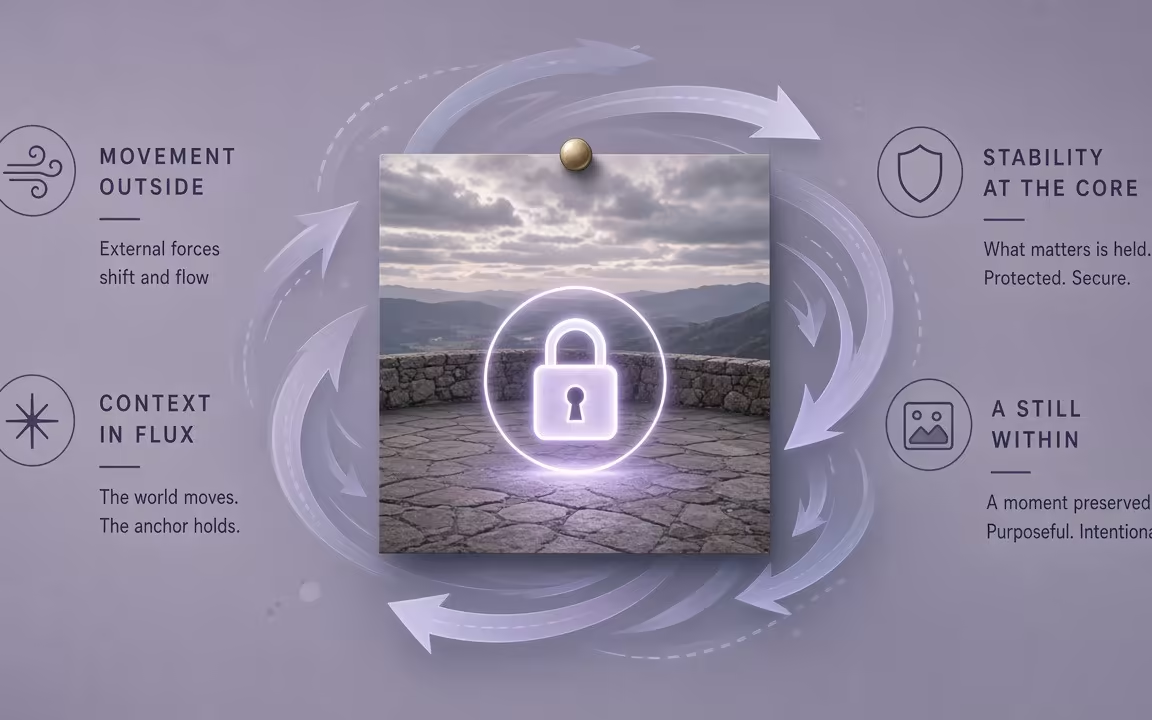
Keep the frame
Your still image locks composition, lighting, and palette—the motion engine animates what is already there without drifting.
Animate a photo or AI still on Cinel. The picture already settles the subject, framing, and style—your prompt directs only the motion. Choose first-frame, first-and-last-frame, or multi-reference control across Kling, Veo, Sora, Wan, and Seedance. Start cheap on Seedance 1.0 Turbo: signed-in check-in grants 10 silver credits for one default 2s · 480p · MP4 silent draft (observed FAQ). Upgrade to native audio, longer takes, or up to 4K anytime—credits show before you generate.
Picture locks the look. Prompt directs the motion. Control modes you can trust.
Your still image locks composition, lighting, and palette—the motion engine animates what is already there without drifting.
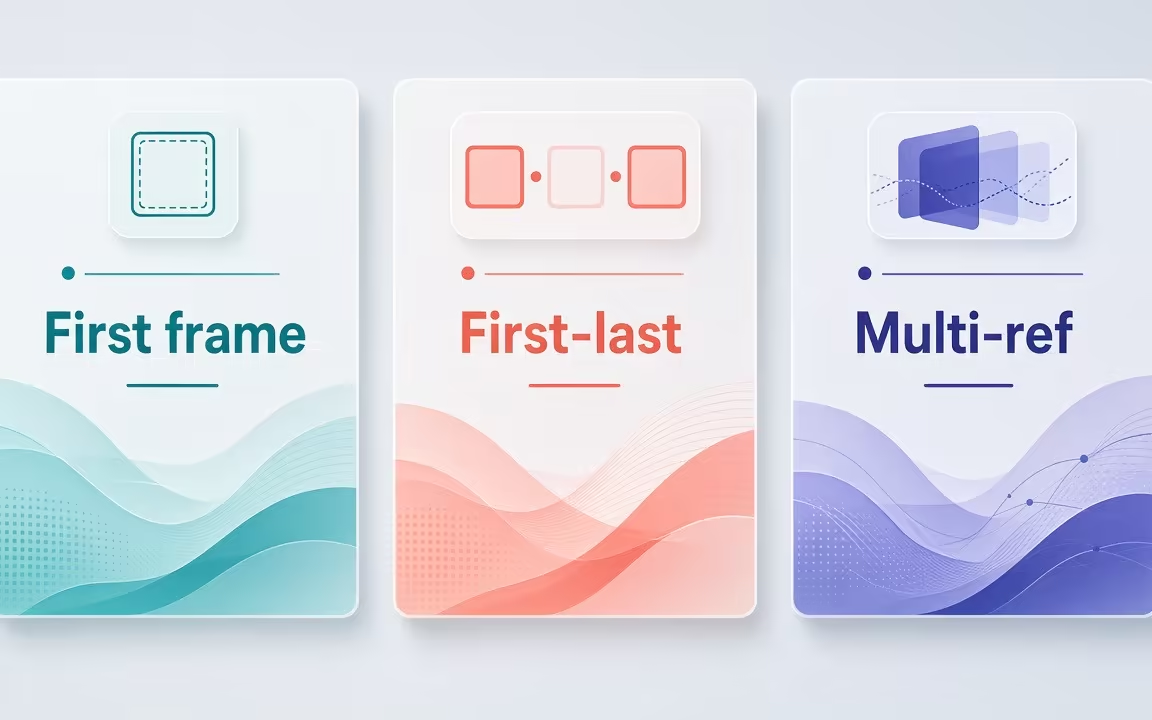
Choose first-frame to animate forward, first-and-last-frame for transitions, or multi-reference to hold identity.
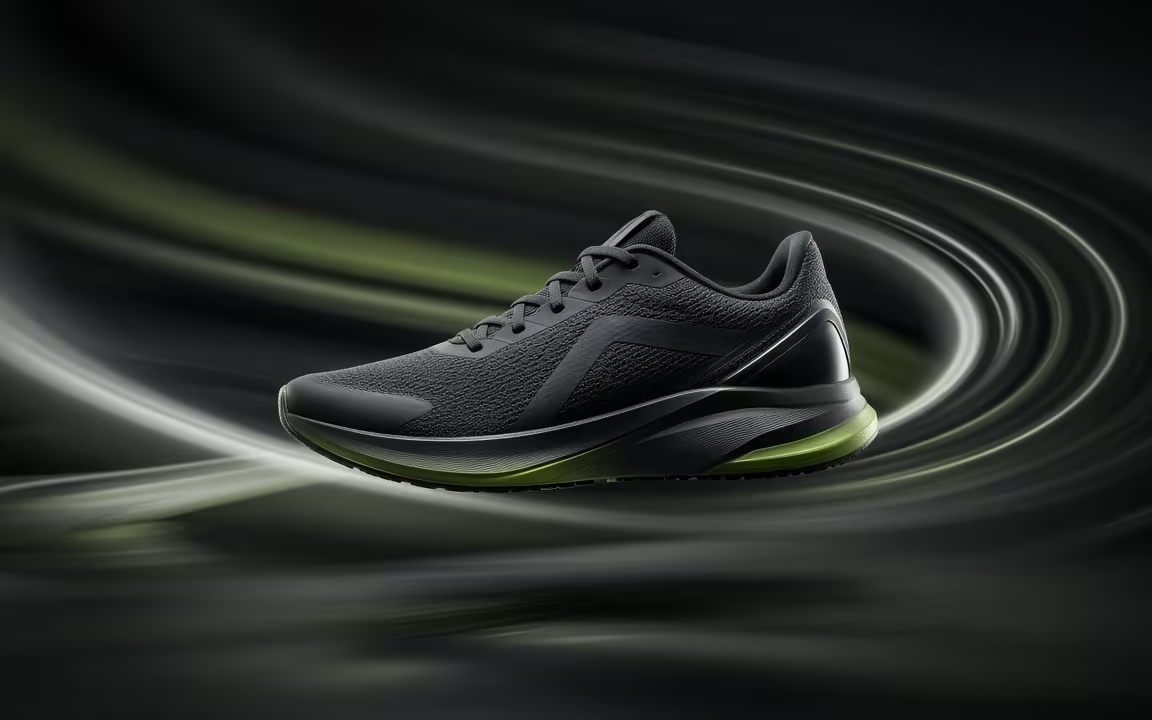
Keep character faces, product silhouettes, and architecture coherent throughout camera pushes and turns.
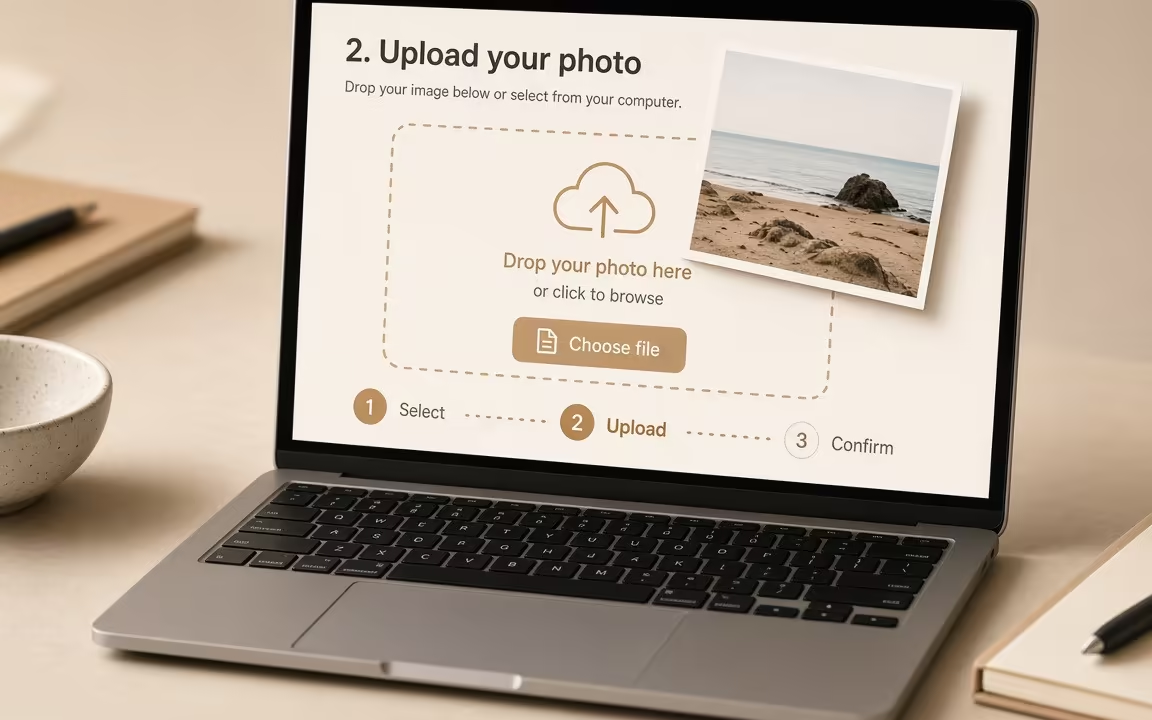 Step 1
Upload a clean photo, AI still, or product render matching your intended output ratio (16:9 for landscape, 9:16 for vertical).
 Step 2
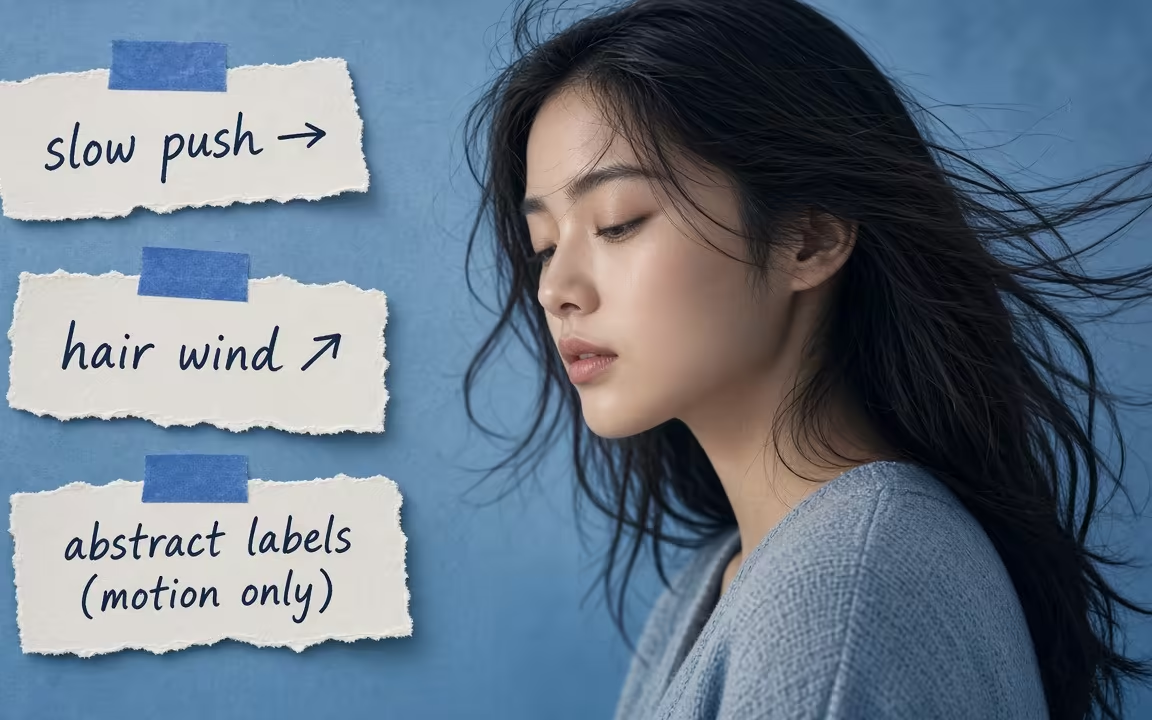
Describe the camera movement and subject action only—the uploaded image already settles the subject look and atmosphere.
 Step 3
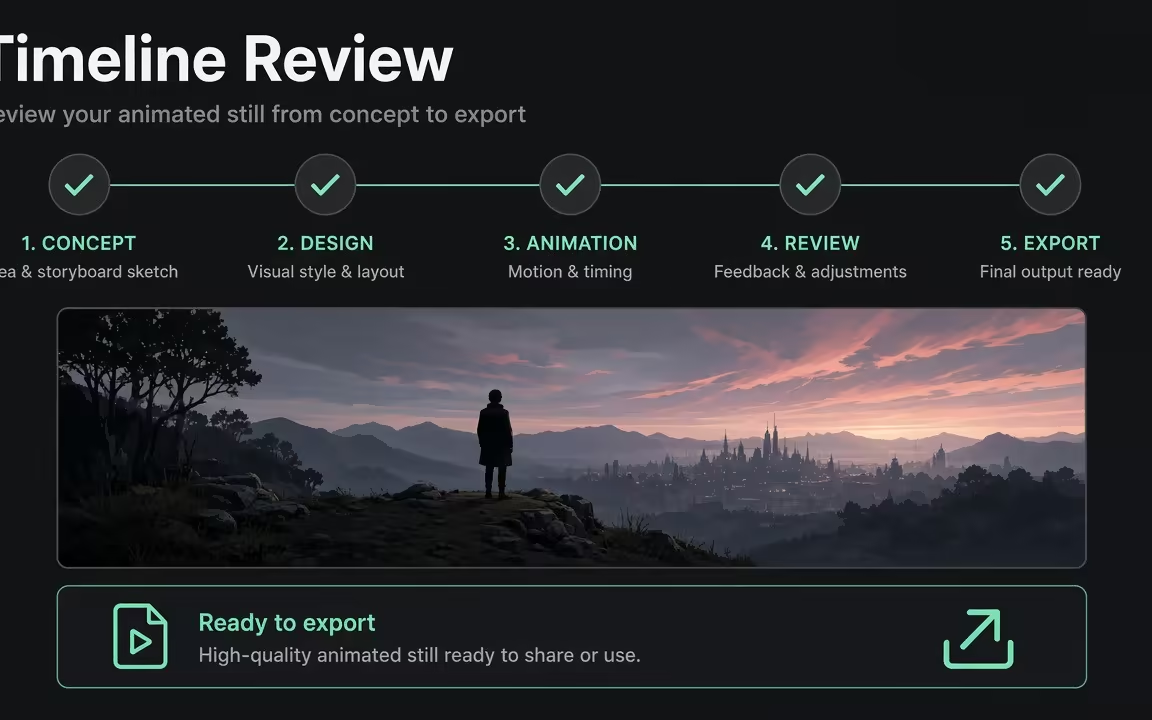
Preview draft motion cheaply on Seedance 1.0 Turbo (10 silver check-in), then upgrade to native audio or 4K rendering.
Three distinct image-to-video directions—fabric flow, product turntable energy, and architectural light sweep—each with visible figcaption.
Coat wind — fabric motion, subject consistent (back view)
Sneaker orbit — product turntable energy
Hallway sweep — light move across architecture
Start cheap on Seedance 1.0 Turbo to verify motion and framing. When you need first/last frame transitions, native dialogue, or 4K resolution, switch engines in the same picker.
| Need / Tier | Start here | Notes & Pricing Fact |
|---|---|---|
| Cheapest silent trial | Seedance 1.0 Turbo | 10 silver → 2s · 480p · MP4 (observed check-in trial) |
| First-frame with sound | Wan 2.5 · Wan 2.6 | Native audio timing; sound-synced short takes from a single frame |
| First + last frame transitions | Kling O1 · Kling O3 · Wan 2.7 | Supply start and end stills; engine interpolates smooth movement between them |
| Multi-reference identity lock | Seedance 2.0 · Seedance 2.5 | Up to 30 image references for multi-angle character and asset consistency |
Use Image to Video when visual identity is non-negotiable—your product, your actor, or your brand asset. Use Text to Video when the idea is still unformed and you want the engine to build the world from words. Many creators first draft a still with Text to Image, then animate it here.
Explore generation speeds, resolution options, prompt fidelity, and workflow tips for Image to Video.
A still image already settles the visual foundation: the subject, framing, lighting, and palette. Image to video preserves those visual anchors while your prompt directs intentional motion. Upload a product still, character portrait, or artwork, choose between first-frame, first-and-last-frame, or multi-reference control, and animate. Start with Seedance 1.0 Turbo using check-in 10 silver credits for a 2s · 480p silent draft, then upgrade to Kling, Veo, Sora, Wan, or Seedance 2.x for native audio and up to 4K resolution.
Video models handle images in three distinct control modes, and matching your intent to the right mode prevents unwanted visual drift. Cinel labels them clearly:
For portrait animation, select Kling 3.0, Kling O3, Wan 2.6, or Seedance.
| Control type | Models on Cinel | Starting cost |
|---|---|---|
| First frame, low cost draft | Seedance 1.0 Turbo (2–12 s, silent) | 10 credits |
| First frame with native sound | Wan 2.5 · Wan 2.6 | 75 · 145 credits |
| First frame, rapid iteration | Kling 3.0 Turbo · Grok Imagine Video 1.0 | 123 · 30 credits |
| Up to 2 images, up to 4K | Kling 3.0 | 93 credits |
| First + last frame | Kling O1 (5 or 10 s) · Kling O3 · Wan 2.7 | 230 · 93 · 160 credits |
| Multi-reference | Seedance 2.0 Mini · Seedance 2.0 · Seedance 2.5 · MiniMax H3 · Grok Imagine Video 1.5 | 68 · 76 · 184 · 124 · 31 credits |
Free users can attach up to 3 images; members can attach up to 8 where the model allows, plus one video or audio reference of up to 15 seconds on supported models.
Use image to video when the look must be exact: your product, your character, or your brand palette. Use Text to Video when you're still exploring and want the model to invent the scene from scratch. Animating a strong still provides tighter visual control than describing every pixel in words.
Full access to all image & video models.
Full access to all image & video models.
Full access to all image & video models.
Full access to all image & video models.
Kling 3.0, Kling O3, Wan 2.6, or Seedance models usually handle people well—keep motion subtle (blink, soft head turn, fabric drift). Sora 2 will not accept input images that contain faces. Start with a sharp, front-facing reference and one small action; large head turns or orbiting cameras increase identity drift.
You upload a start image and an end image, and the model generates the movement between them. Kling O1, Kling O3, Veo 3.1, and Wan 2.7 support it. Keep lighting and identity consistent across both frames; the prompt should describe the transition (camera push, subject walk) rather than re-describing the whole scene.
Yes, on models with native audio such as Sora 2, Veo 3.1, Wan 2.5, Wan 2.6, Kling O3, Seedance 2.x, MiniMax H3, and Grok Imagine Video 1.5. Note Sora 2’s face restriction still applies to the upload even when you want sound—pick another audio-capable model for portraits.
The source image shape probably does not match the output aspect ratio. Use a landscape image for 16:9 and a portrait image for 9:16, or expand the canvas first with AI Uncrop. Matching aspect before motion generation prevents the model from inventing stretched limbs or sliced product packs.
Yes. Send any result from Text to Image, Image to Image, or the AI Image Editor straight to Image to Video. Prefer a clean hero frame with readable edges; busy backgrounds plus strong camera moves make identity harder to hold.
Signed-in users can claim 10 silver credits via daily check-in for one 2-second · 480p · MP4 on Seedance 1.0 Turbo. Other models use paid credits shown before you generate. Use the free Turbo pass to validate motion-only prompts (“wind on coat, camera locked”) before spending on longer or audio-enabled jobs.
Move seamlessly between multi-model studio hub, text prompt shot direction, and multi-reference production.
Upload an image and direct motion with simple verbs. Start on Turbo for 10 silver check-in credits.