Follows direction
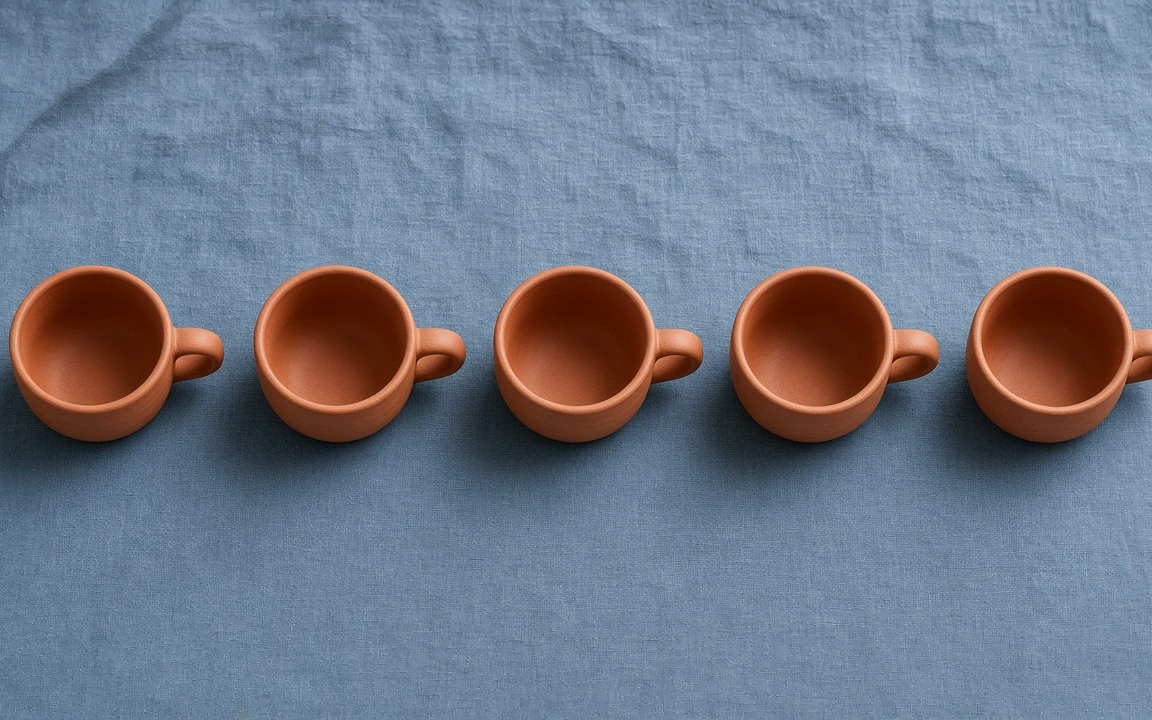
Multi-part prompts and exact object counts stay closer to the brief.
GPT Image 2 is OpenAI’s prompt-accurate image model on Cinel—built for information-dense layouts, short legible English, and directed edits that keep the rest of the frame stable (observed pricing: members 1K = 2 credits; non-member daily trial 1K = 6 credits; 2K/4K follow an aspect-ratio matrix ≈ 8–13 / 15–18, estimate shown before submit). It is not the free queue (FLUX.2 Klein 4B / Kolors). It is not GPT Image 2.5 (sibling /gpt-image-2.5). Older catalog copy saying “from 8 credits” or FAQ copy saying daily trial = 4 is wrong and must not return.
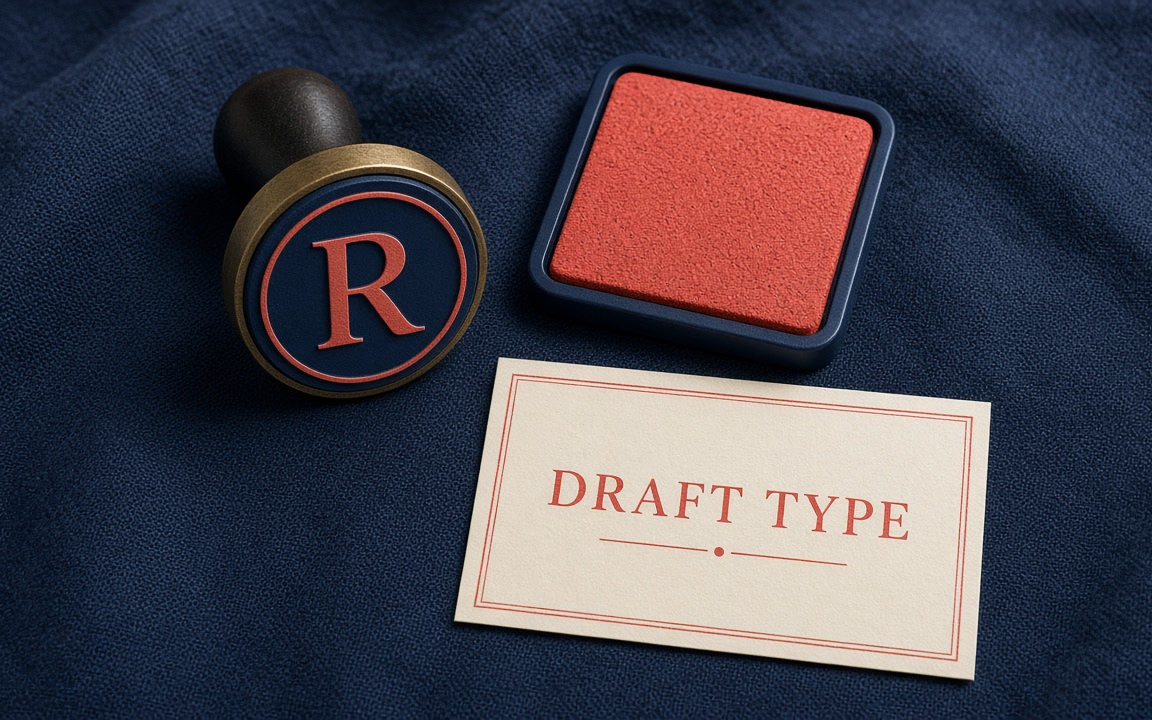
Infographic boards, tactile 3D paper sculpture, and food stills with short stamps—fresh cards, not the old typography-poster / still-life / controlled-edit label wall. Figcaptions say what the prompt or refs changed.
Split-flap ferry departure board — short city codes and clock times in high-contrast flaps, indigo housing, amber LEDs. Infographic lane—not circular process diagram, not UI WEEKLY REACH, not boarding-pass layout.
Iridescent origami crane desk sculpture — folded paper facets with oil-slick teal/magenta sheen on matte slate. Figurines lane—not yellow vinyl toy, not resin whale, not wooden jointed mannequin.
Matcha soft-serve in a waffle cone — soft peaks, fine matcha dust, tiny readable shop stamp on the wrapper. Food lane—not ramen, not macarons, not skewers, not focaccia, not bottles.
Multi-part prompts and exact object counts stay closer to the brief.
Short quoted phrases, labels, and board copy read cleaner when kept brief.
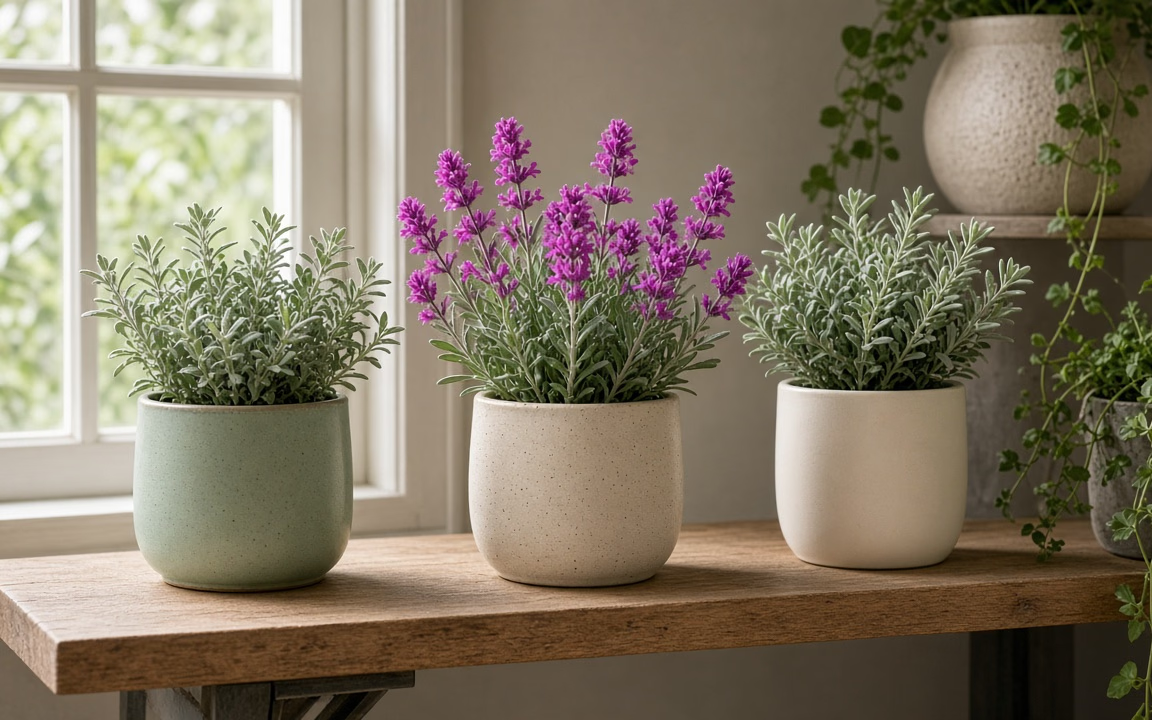
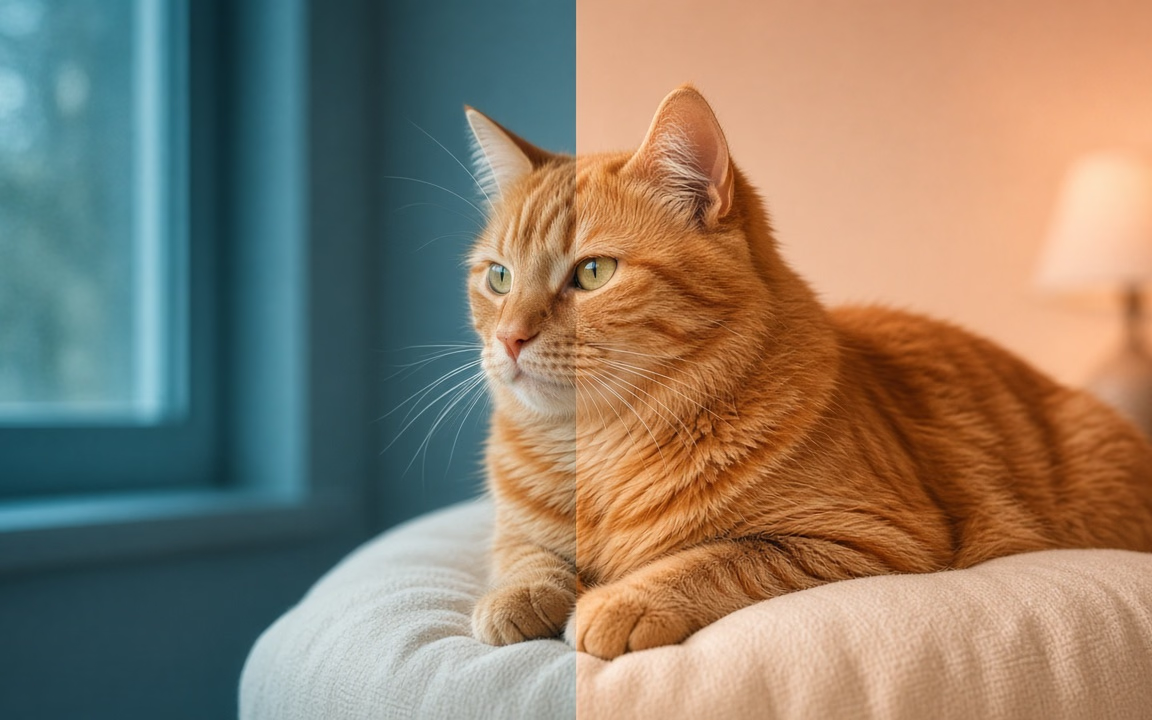
Change one idea via prompt and reference while asking the rest to stay put.
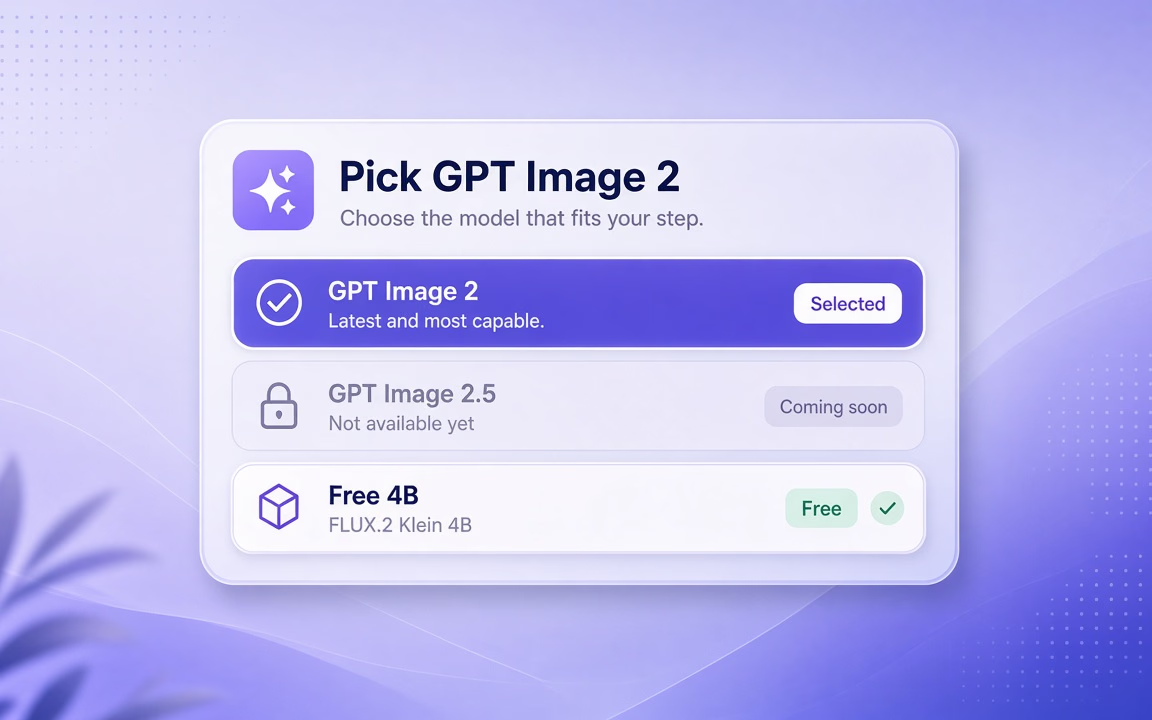 Step 1
Confirm you want the 2 slug, not 2.5 or the free queue.
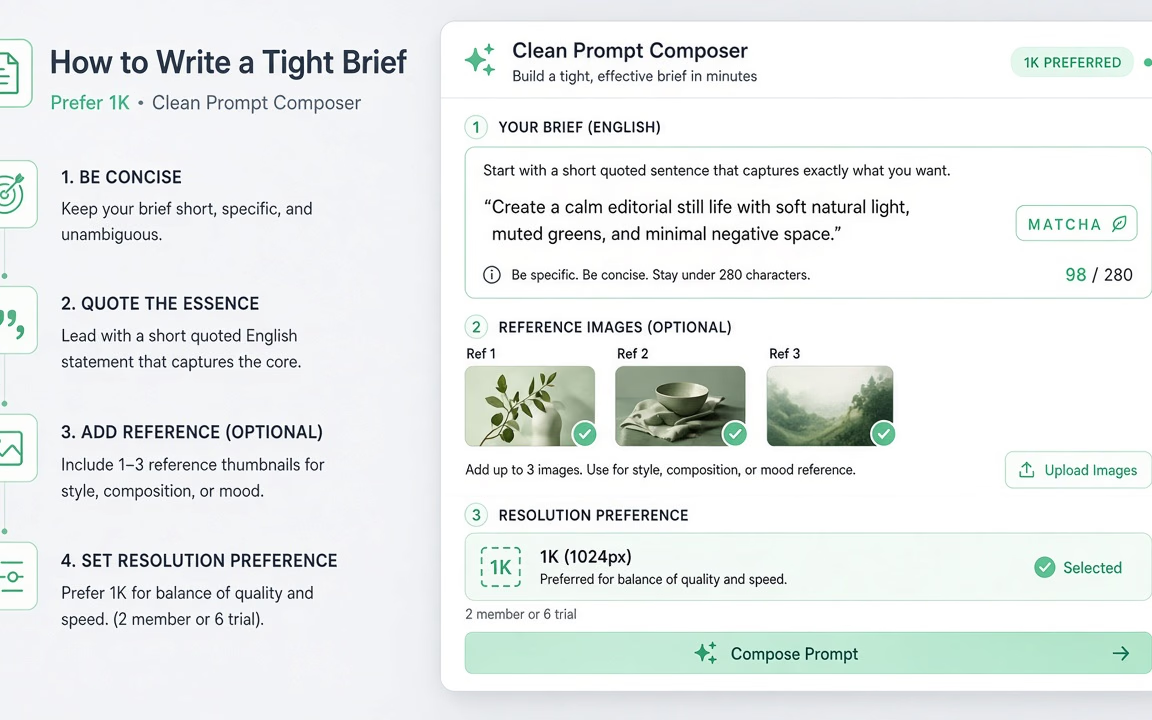 Step 2
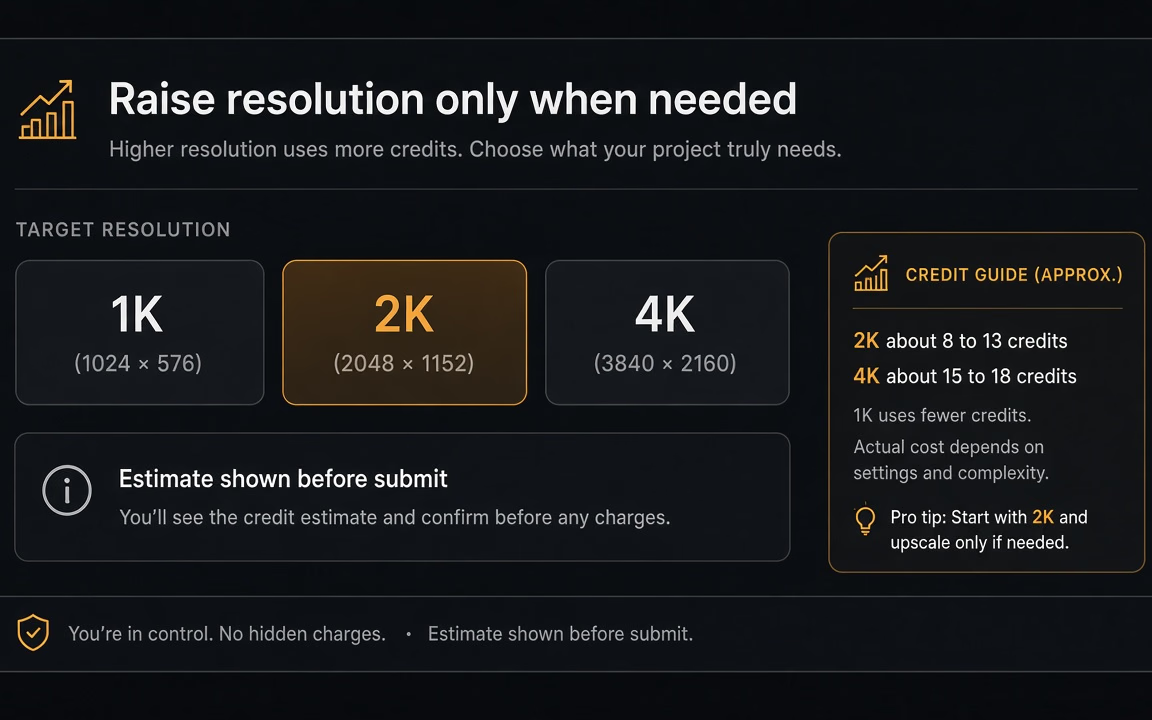
Put exact English in quotes; add 1–3 refs. Prefer 1K for drafts (2 member / 6 trial).
 Step 3
Move to 2K/4K for finals; trust the on-submit estimate (matrix varies by aspect ratio).
Compare OpenAI siblings: mature workhorse with aspect-ratio matrix vs sharper-edit sibling with flat 8 credits.
| Dimension | GPT Image 2 (This Page) | GPT Image 2.5 | FLUX.2 Klein 4B |
|---|---|---|---|
| Path / Slug | /gpt-image-2 | /gpt-image-2.5 | /flux-2-klein-4b |
| Members · 1K | 2 credits | 2 credits | 0 credits (Free) |
| Non-member 1K Trial | 6 credits (daily trial) | 6 credits (daily trial) | 0 credits (Free queue) |
| 2K / 4K on Cinel | Ratio matrix ≈ 8–13 / 15–18 | Flat 8 / 8 credits | In-studio upscaler |
| Positioning | Mature prompt, typography & edit workhorse | Faster, sharper-edit sibling narrative | Sub-second 0-credit drafts & concepts |
| Free Queue? | No (uses credits) | No (uses credits) | Yes (0 credits) |
Quote exact English phrases, request one change per edit round, and explore at 1K before spending on 2K/4K. No bottle or watch demos.
From schematic transit maps and exact-count arrangements to targeted reference edits, short legible packaging stamps, and fast 1K layout explorations.
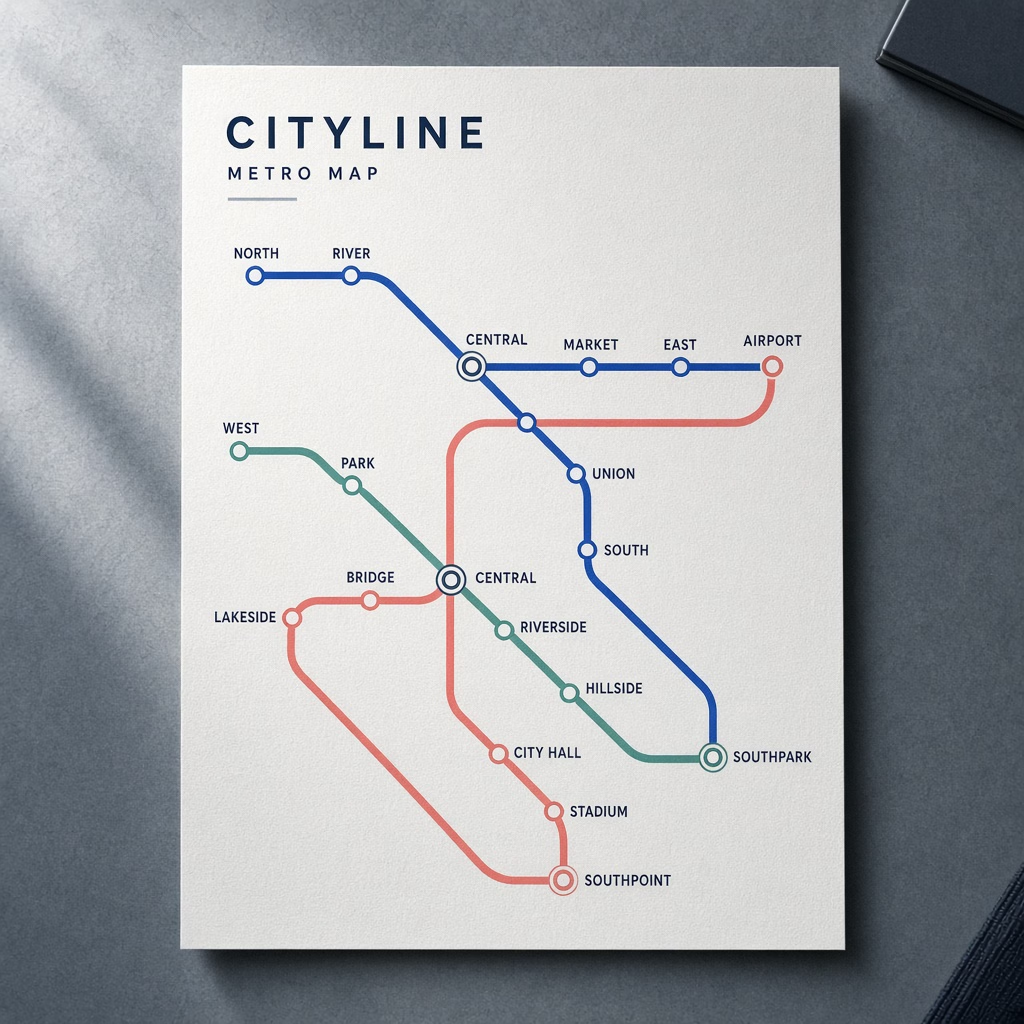
Information-dense boards with short legible quoted phrases and clean layout hierarchy.
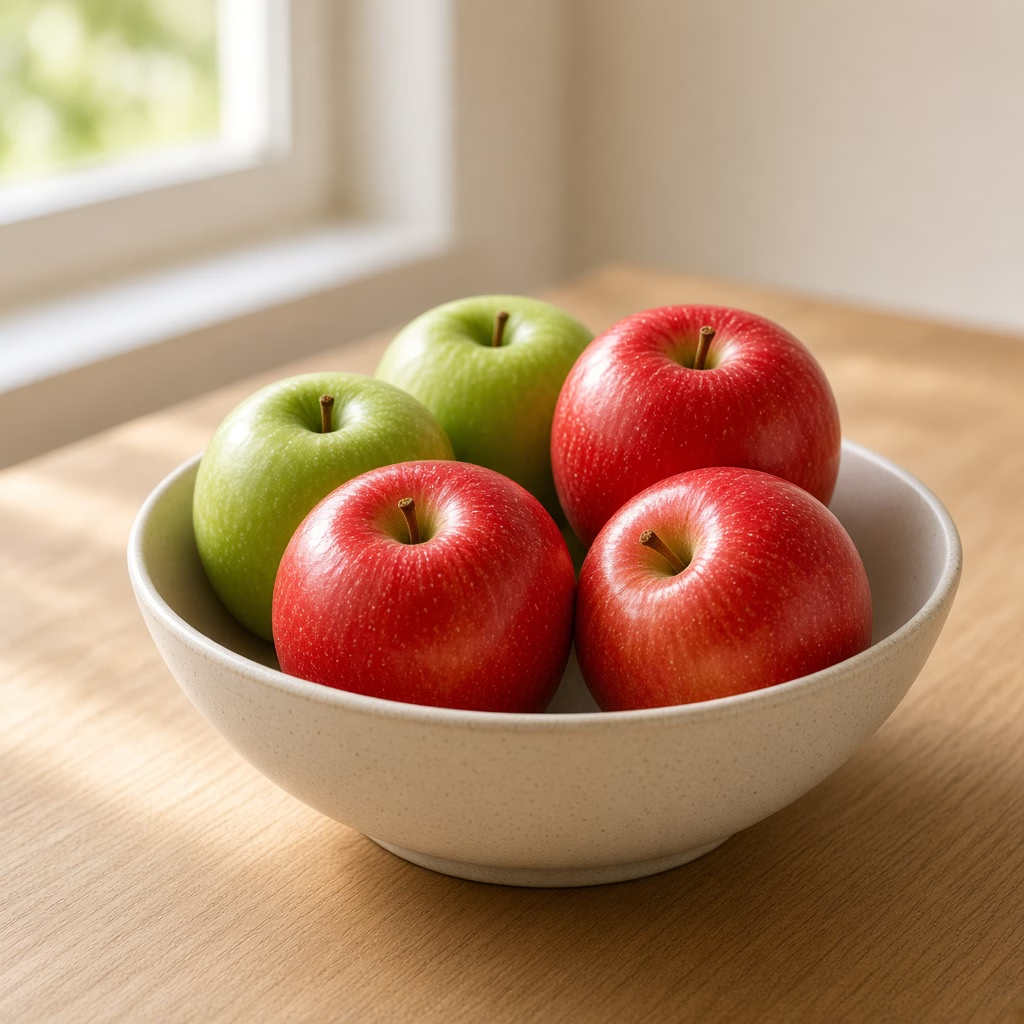
Compositions requiring precise counts of subjects or props without phantom duplicates.
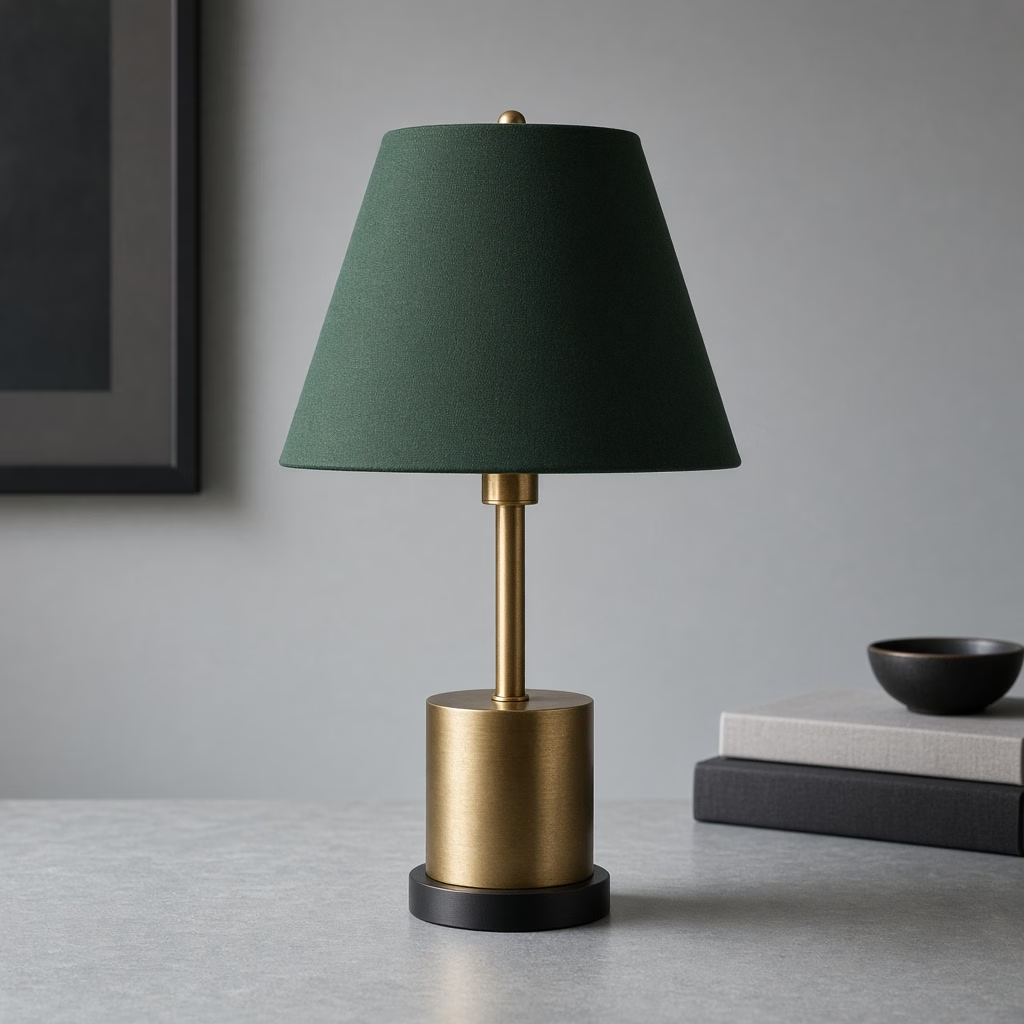
Change one element while keeping subject, geometry, and ambient light untouched.
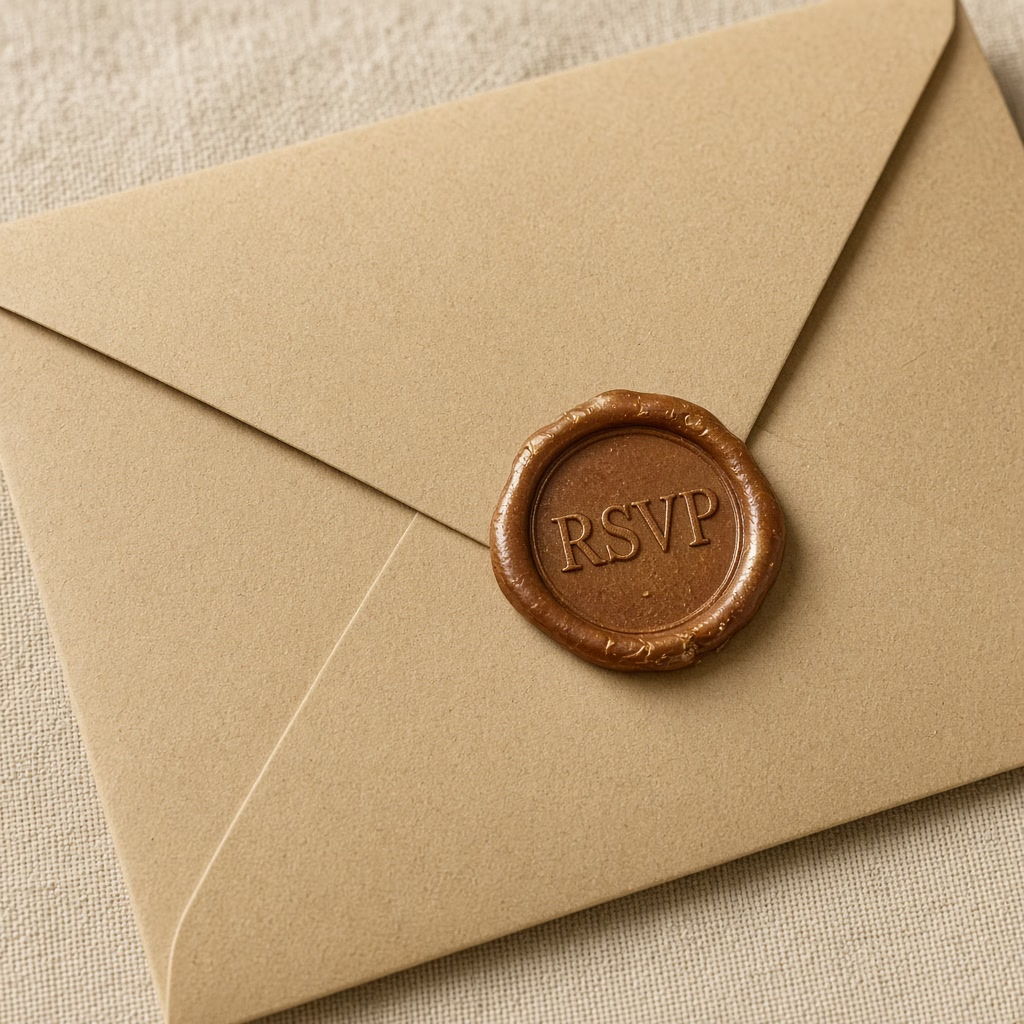
Clean lettering on wrappers, signs, and carton proofs when kept brief.
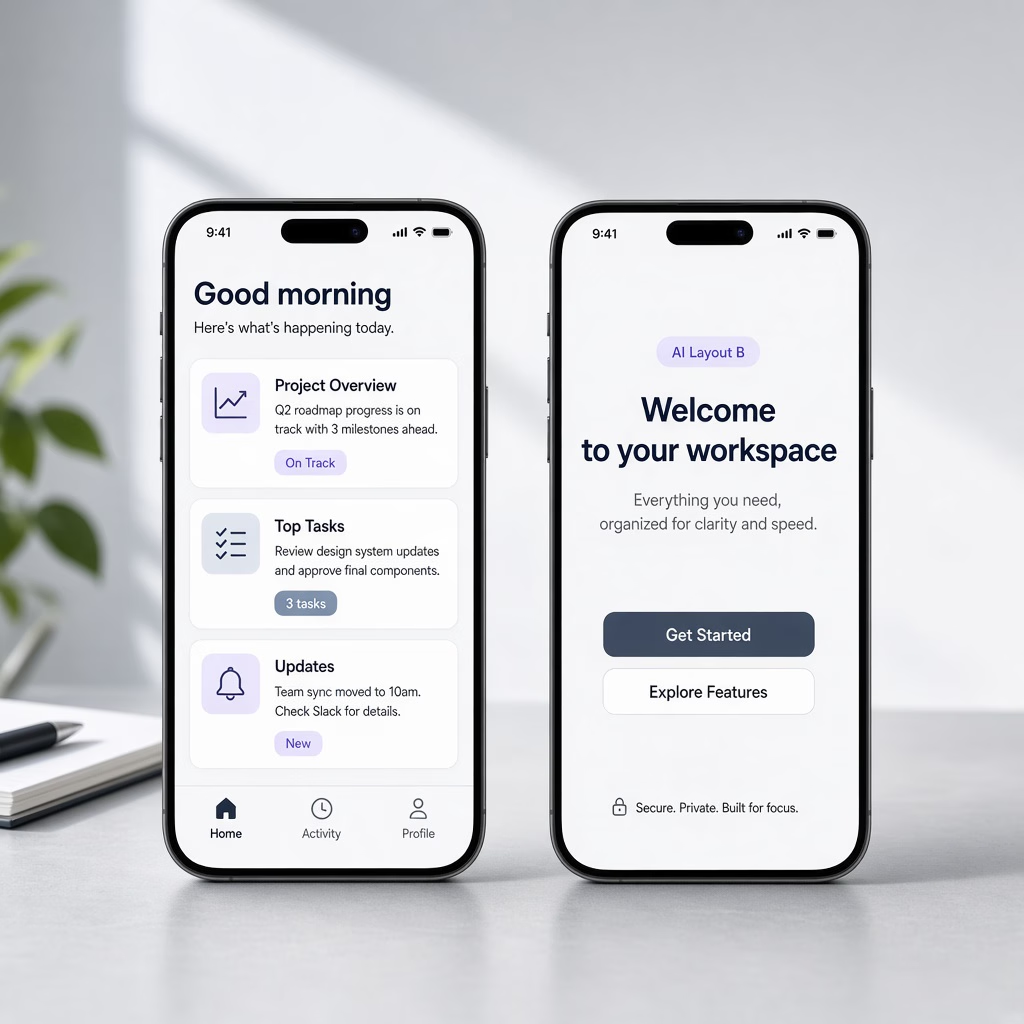
Explore multiple layout variations at 2 credits before committing to 2K/4K finals.
Members pay 2 credits per 1K; non-member daily trial is 6 credits; 2K/4K use an aspect-ratio matrix. Older copy claiming 8 credits or daily 4 is fully debunked.
| Layer | Fact | Notes |
|---|---|---|
| Members · 1K | 2 credits / image | Base entry for prompt testing and layout exploration |
| Non-Member Daily Trial · 1K | 6 credits / image | Signed-in daily trial credit allowance (not 4 credits) |
| 2K Resolution | Ratio matrix ≈ 8–13 | Varies by aspect ratio; estimate shown before submit (fallback 13) |
| 4K Resolution | Ratio matrix ≈ 15–18 | Varies by aspect ratio; estimate shown before submit (fallback 18) |
| Stale Copy Warning | Never "from 8 credits" · Not daily "4" | Old catalog copy stating 8 credits and FAQ stating 4 are stale |
| Sibling 2.5 Pricing | GPT Image 2.5 | Sibling 2.5 uses flat 8 credits at 2K/4K; do not confuse pricing |
| Free Image Queue | FLUX.2 Klein 4B · Kolors | Genuine 0-credit public queue on /free-ai-image-generator |
| External API Pricing | OpenAI upstream API $ | External upstream API rate does not equal Cinel retail credits |
Explore generation speeds, resolution options, prompt fidelity, and workflow tips for GPT Image 2.
GPT Image 2 is OpenAI's image model released alongside ChatGPT Images 2.0, and it earns its reputation by doing what you actually asked. Give it a crowded brief — three products on a shelf, a price tag on the left, a headline across the top — and it keeps track of each instruction instead of drifting toward a generic "pretty picture". On Cinel you can run it from a prompt, guide it with reference images, and use it as an editor that changes one idea while leaving the rest of the frame alone. Members pay 2 credits for a 1K image (non-members can use the daily trial at 6 credits per 1K; 2K/4K follow an aspect-ratio matrix).
Its defining trait is instruction fidelity. Many models capture the mood of a prompt but quietly drop details; GPT Image 2 is built to respect counts, positions, labels and hierarchy, which is why designers lean on it for layouts that carry information — infographics, menus, comparison charts, event posters and UI mock-ups. Legible in-image English is part of that package: short headlines, product names and button labels usually come out spelled correctly.
The second difference is editing discipline. When you supply a reference and ask for "replace the mug with a glass, keep everything else", GPT Image 2 tends to preserve lighting, composition and untouched objects. That makes it a safer choice for iterative client work than models that re-imagine the entire frame on every pass. Compared with its newer sibling GPT Image 2.5, it is the established, well-understood option: the same member price at 1K, with behaviour many teams have already tuned their prompts around.
| Item | GPT Image 2 |
|---|---|
| Developer | OpenAI (released with ChatGPT Images 2.0) |
| Modes | Text-to-image, image-to-image, reference editing |
| Model output tiers | 1K / 2K / 4K · low / medium / high quality |
| References | Cinel: up to 3 (non-members), up to 8 for members where supported |
| Outputs per request | Members: 1–4 |
| Cinel cost | 2 credits per 1K image (members) · 6 credits via daily trial · 2K/4K by ratio matrix (see estimate) |
| Strengths | Infographics, posters, in-image text, controlled edits |
GPT Image 2.5 is the newer OpenAI generation (September 2026) with stronger photoreal labels and steadier step-by-step edits at the same 2-credit member price — try it when a GPT Image 2 result is close but product text or realism needs another notch. Stay on GPT Image 2 if your prompts are already tuned for it or you want its well-known layout behaviour. Choose Seedream 4.5 when the deliverable must be 4K and you are combining many reference photos for an e-commerce catalogue.
Full access to all image & video models.
Full access to all image & video models.
Full access to all image & video models.
Full access to all image & video models.
A 1K image costs members 2 credits. Signed-in non-members can run a daily trial at 6 credits per 1K image. 2K and 4K resolutions follow an aspect-ratio matrix (about 8–13 for 2K, 15–18 for 4K)—Cinel calculates the exact estimate and shows it before you submit.
That copy was stale. In live code and pricing, GPT Image 2 costs members 2 credits per 1K, and the non-member daily trial is 6 credits (not 4). The stale catalog reference to "from 8 credits" and the FAQ reference to "4 credits" have both been fully corrected.
GPT Image 2 is the image engine OpenAI released alongside ChatGPT Images 2.0. The ChatGPT consumer app may apply additional reasoning or web retrieval on top, so results inside ChatGPT may differ from the standalone API model on Cinel.
Both start at 2 credits per 1K for members. GPT Image 2 uses an aspect-ratio matrix for 2K (≈8–13) and 4K (≈15–18) and excels at information-dense layouts and infographics. GPT Image 2.5 uses a flat 8-credit rate at 2K/4K and focuses on sharper micro-text and product label realism. Choose by your workflow rather than assuming newer is always better.
It is among the stronger models for legible English lettering. Keep each phrase short, place exact text inside double quotes, and specify font style and position. Always proofread text before final publishing.
Upload the image as a reference, describe the single change you want, and explicitly state that everything else must stay unchanged. GPT Image 2 is engineered to preserve untouched geometry, composition, and ambient light.
Members can choose from 1 to 4 outputs per request, making it easy to compare prompt variations and layout options in one pass. Each generated output is billed separately at the selected resolution.
No. GPT Image 2 requires credits (members 2/1K; non-member daily trial 6/1K). For true 0-credit free generation, use FLUX.2 Klein 4B or Kolors on Cinel’s free AI image generator queue.
Step to sibling GPT Image 2.5, premium Google lane, or ByteDance lighting.
Open GPT Image 2 from 2 credits per 1K (members; trial 1K = 6). Need the 2.5 sibling? Switch models. Need free drafts? Use 4B.