Camera moves that read
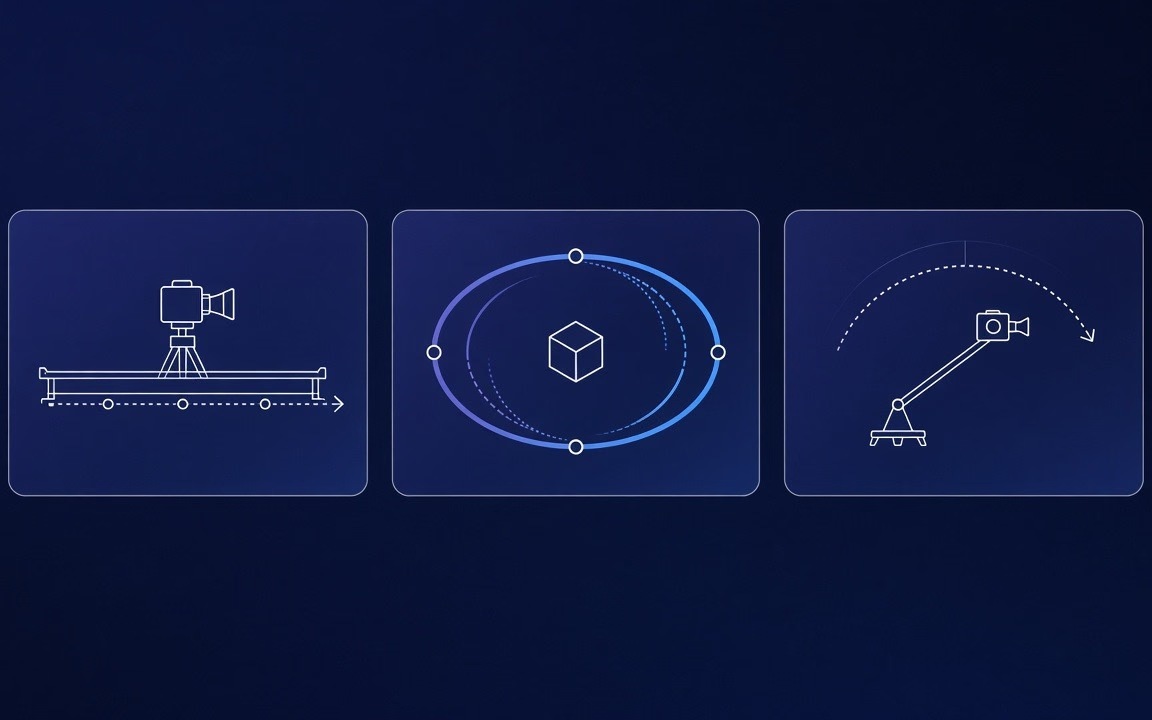
Dolly, orbit, crane, tracking and whip-pans stay legible in short clips.
Kling 3.0 is Kuaishou’s third-generation video model on Cinel for text-to-video and image-to-video: write a shot or start from a still, render 3–15 second clips (Cinel defaults to 5 s · 720p), choose 16:9 / 9:16 / 1:1, plan single or multi-shot takes, and optionally switch on sound effects. Jobs start from 93 credits; longer, sharper, or sound-on runs cost more—the Generate button shows the live total (observed). It is the dependable middle of the Kling lineup on Cinel—not Turbo’s speed-first lane, and not O3’s Omni reference-heavy workflow.
Bold camera language for drafts and deliverables—then jump to Turbo, O3, Seedance, Wan, Veo or Sora when the brief changes.
Two original 16:9 cinematic motion demos with bold camera language and high motion stability.
Frontier sci-fi · clear subject motion · cinematic framing
Dynamic visual direction · concise brief → energetic moving shot
Dolly, orbit, crane, tracking and whip-pans stay legible in short clips.
Custom per-shot prompts or AI-planned breakdowns in one 3–15 s clip.

Sound effects can be toggled; enabling them raises per-second cost. Floor copy: from 93 credits.
 Step 1
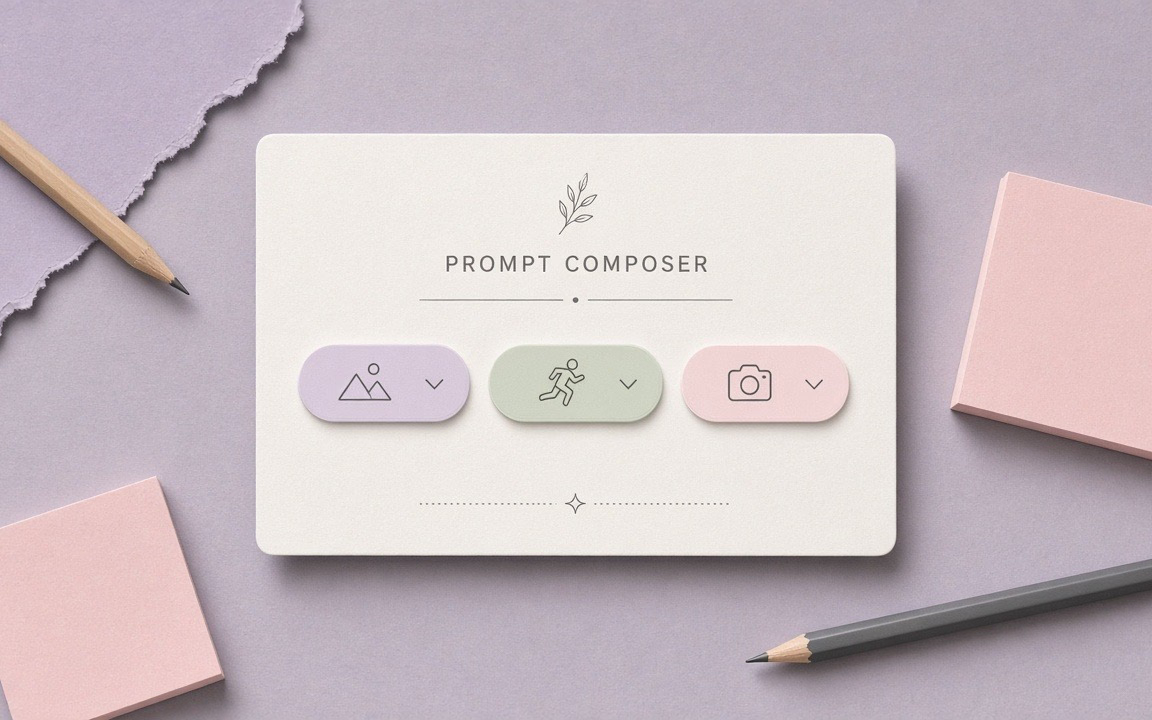
Subject, action, camera, light; for multi-shot, number the shots.
 Step 2
Start at 5 s · 720p to read motion; add sound only when needed.
 Step 3
Confirm the live credit total on the button (floor 93); then lengthen or sharpen keepers.
From cinematic concept trailers to animated stills and social story beats.
Test bold camera moves and scene pacing inside 3–15 s windows.
Animate keyframes or product reveals with controlled camera push-ins.
Chain multiple story beats into one continuous render without external editing.
Craft energetic thumb-stopping moments for Reels, TikTok and Shorts.
Kling 3.0 starts from 93 credits on Cinel (default ~5 s · 720p). Duration, resolution, sound-on, and references change the total—the live figure is always shown on the Generate button.
| Option / Tier | Cost / Multiplier | Details & Conditions |
|---|---|---|
| Default run (~5s · 720p · MP4) | From 93 credits | Cinel default baseline for testing motion (observed catalog). |
| Duration scaling (3–15 s) | Scales with seconds | Clips <3s billed as 3s. Live total displayed on Generate button. |
| Resolution tiers | 1080p ≈ 1.3× · 4K ≈ 5× | Model-level multiplier relative to 720p baseline; draft at 720p first. |
| Optional sound effects | Higher per-second rate | Toggle sound effects on only when audio is needed (observed). |
| Sibling model floors (observed) | Turbo: 123 · O3: 93 · O1: 230 | Turbo for speed; O3 for Omni reference workflows; O1 for keyframes. |
| Silver credits & check-in policy | Not Seedance 10 silver | Check-in +10 silver does not fund Kling 3.0 runs; no fake free claims. |
Transparent pricing with live calculation. Duration, resolution, and audio toggles adjust your total in real time directly on the Generate button.
Explore generation speeds, resolution options, prompt fidelity, and workflow tips for Kling 3.0.
Kling 3.0 is Kuaishou's third-generation video model and the dependable middle of the Kling lineup. It does two things very well — turning a written shot into motion and animating a still image — and it does them with energy: confident camera moves, readable action and clips that suit social storytelling. Videos run anywhere from 3 to 15 seconds. On Cinel the default setup is a 5-second, 16:9 clip at 720p, and pricing starts from 93 credits.
Kling 3.0's personality is kinetic. Ask for a drone sweep over a canyon, a sprinting courier weaving through traffic, or a whip-pan between two characters, and it commits to the movement rather than delivering a timid drift. That makes it a favourite for action beats, sports moments, product reveals with a fast push-in, and anything that needs to stop a thumb mid-scroll.
It is also the Kling model that offers shot planning. Beyond a single continuous take, the model can split a clip into several shots — either following per-shot prompts and durations you write, or letting the AI plan the cuts from one description. Sound effects can be switched on to add footsteps, engines or ambience. Compared with Kling O3, which adds reference-video and editing workflows, Kling 3.0 keeps the toolbox focused on text-to-video and image-to-video, so it is quicker to learn and easier to predict.
| Item | Kling 3.0 on Cinel |
|---|---|
| Developer | Kuaishou (Kling AI) |
| Modes | Text-to-video · Image-to-video |
| Duration | 3–15 s (default 5 s; <3 s billed as 3 s) |
| Resolution | 720p · 1080p · 4K (model); default 720p |
| Aspect ratios | 16:9 · 9:16 · 1:1 |
| Sound | Sound effects on/off (raises cost when on) |
| Shot control | Single · custom multi-shot · AI-planned multi-shot |
| References on Cinel | Up to 2 images |
| Cinel cost | From 93 credits |
| Need | Choose |
|---|---|
| Standard T2V/I2V + multi-shot + optional sound | Kling 3.0 (this page, from 93 credits) |
| Faster iteration loops | Kling 3.0 Turbo (from 123 credits) |
| Omni / reference-guided workflows | Kling O3 (from 93 credits) |
| Keyframe pair emphasis | Kling O1 (from 230 credits) |
| Cheapest silent ByteDance draft | Seedance 1.0 Turbo (10 silver default) |
| Longer audio-forward Seedance | Seedance 2.5 (from 184 credits) |
Full access to all image & video models.
Full access to all image & video models.
Full access to all image & video models.
Full access to all image & video models.
Anywhere from 3 to 15 seconds. Clips shorter than 3 seconds are billed as 3 seconds. Cinel starts you at 5 seconds by default.
You can switch sound effects on; enabling sound increases the cost of each second. Richer multilingual dialogue features belong to upstream platform narrative—Cinel focuses on reliable sound effects alongside picture.
Instead of one continuous take, the model can produce several shots in one clip—either from per-shot prompts and durations you write, or from an AI-planned breakdown of a single prompt.
Higher resolution costs more per second. At model level, 1080p is about 1.3× the 720p rate and 4K is about 5×; draft at 720p and upgrade only the keeper.
Pick 3.0 for standard prompt or still generation with multi-shot and optional sound. Pick Turbo when iteration speed matters (catalog from 123 credits). Pick O3 for Omni-style reference-guided briefs.
It starts from 93 credits. Duration, resolution, sound and references change the total; the generator shows the exact figure before you submit.
Explore multi-model video generation, faster iteration variants, or long synchronized audio takes.
Experience bold camera language, multi-shot planning, and optional sound effects on Cinel. Start with a written prompt or upload a still frame.