
Direct the shot in natural language
Write subject, action, camera moves, lighting, and sound in one prompt—the engine translates words into motion.
Describe a shot in natural language—subject, action, camera movement, light, and sound—then pick an engine and generate. Start cheap on Seedance 1.0 Turbo: signed-in check-in grants 10 silver credits for one default 2s · 480p · MP4 silent draft (observed FAQ). When you need native audio, longer takes, multi-reference control, or up to 4K, switch to Kling, Veo, Sora, Wan, Seedance 2.x or MiniMax in the same picker—credits show before you generate.
One prompt. Many engines. Transparent credits before generate.
Write subject, action, camera moves, lighting, and sound in one prompt—the engine translates words into motion.
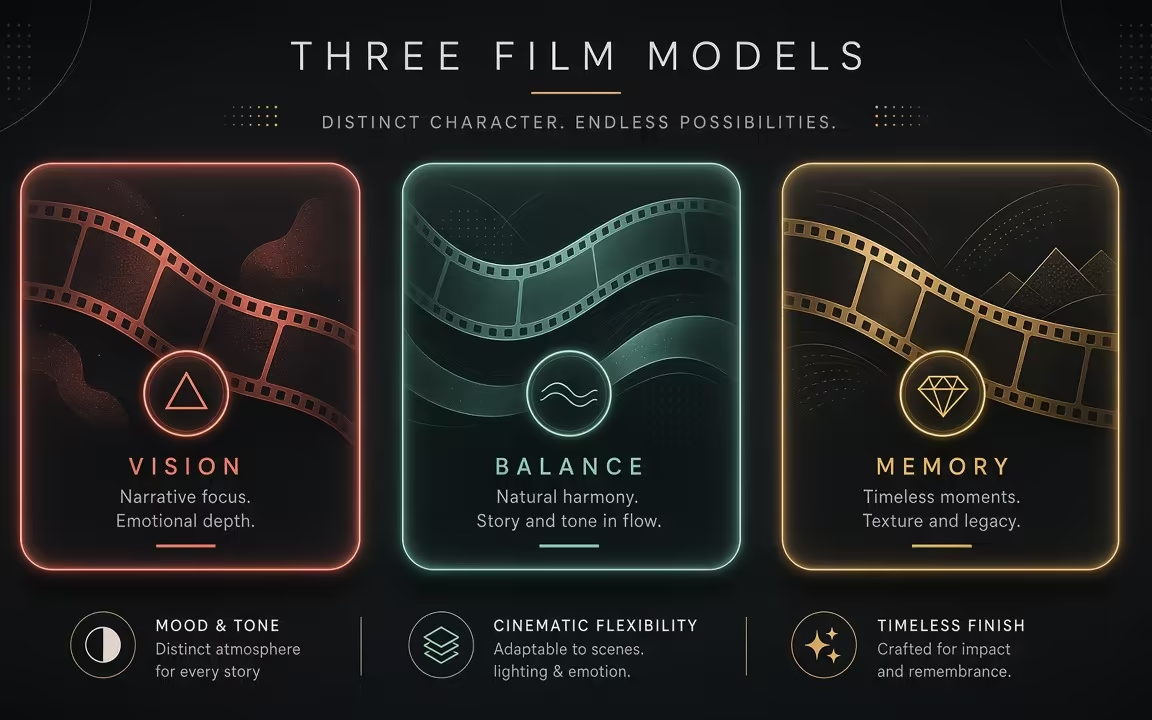
Start on Seedance 1.0 Turbo for cheap drafts, then switch to Kling, Veo, Sora, Wan, Seedance 2.x or MiniMax without leaving the studio.

Generate 16:9 widescreen or 9:16 vertical video for feeds, Stories, and Reels—credits show upfront before submit.
 Step 1
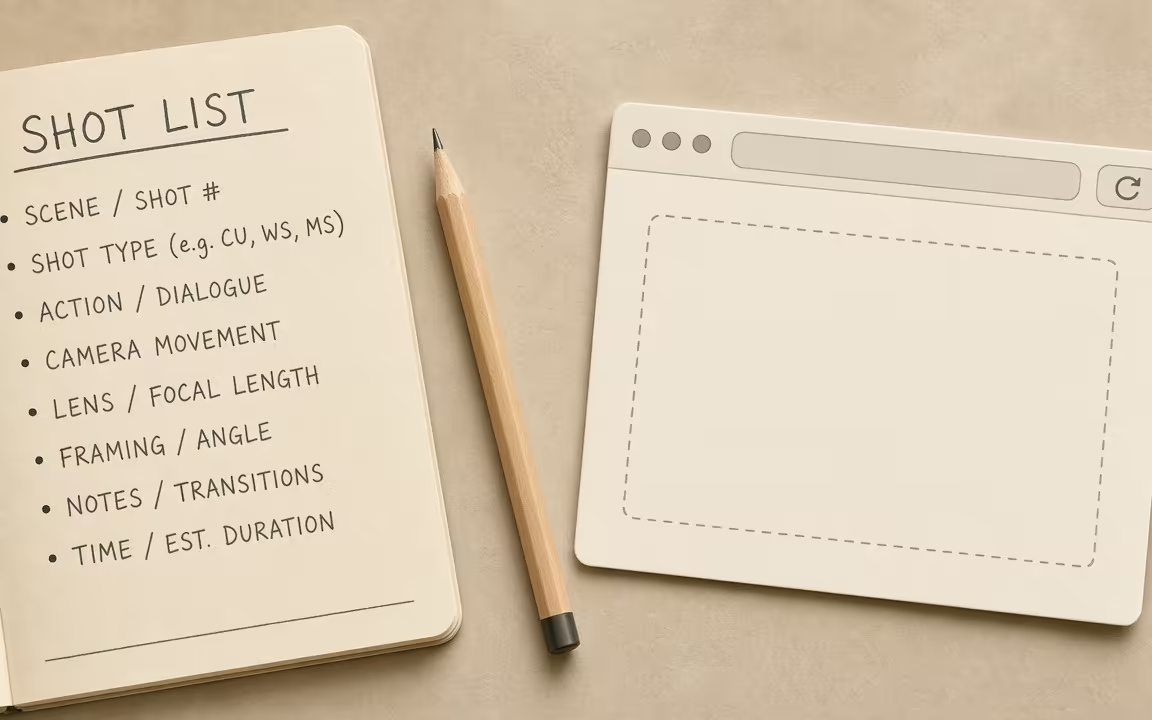
Describe who or what moves, the camera angle, atmosphere, and optional sound in natural language.
 Step 2
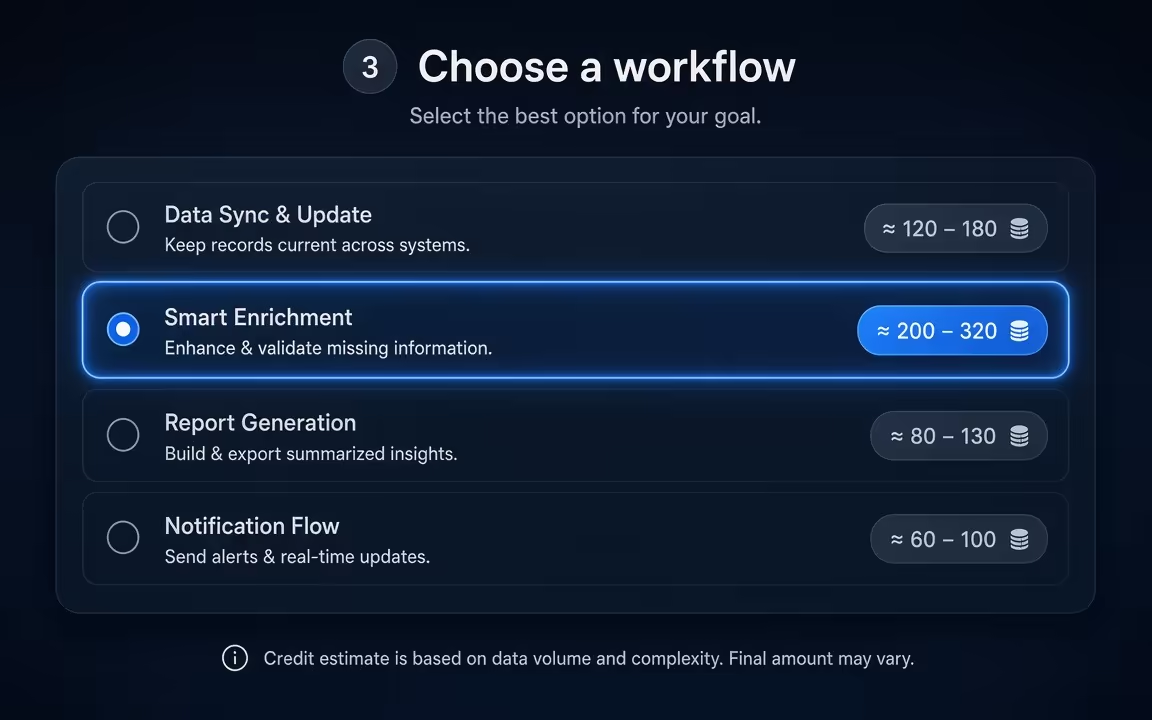
Choose an engine based on duration, audio, or resolution needs; see exact credit cost on the Generate button.
 Step 3
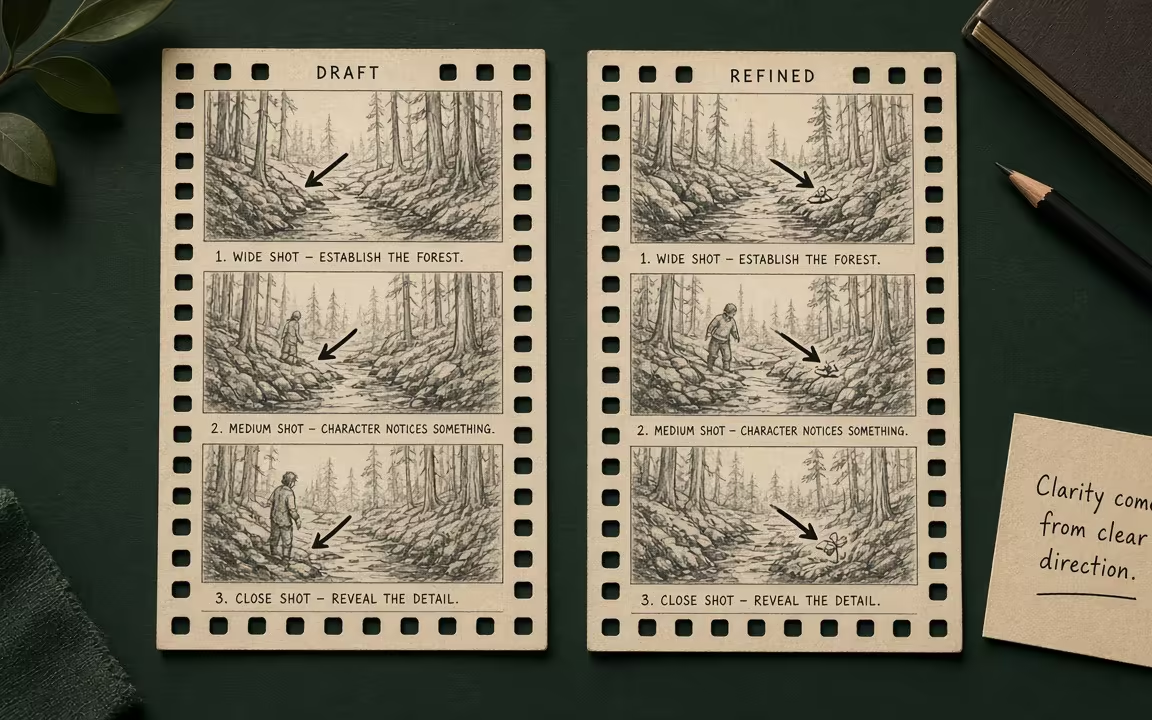
Run cheap drafts on Turbo (10 silver check-in covers 2s); once the motion reads, switch to 4K or audio-first engines for finals.
Three distinct shot directions—landscape scale, readable fluid action, and stylized illustration—each with visible figcaption.
Aurora lake — aerial push / environment scale
Teapot pour — fluid + steam readable verb
Ink scroll unfurling — stylized mist motion
Start cheap on Seedance 1.0 Turbo to verify motion and framing. When you need native dialogue, multi-shot pacing, or 4K resolution, switch engines in the same picker.
| Need / Tier | Start here | Notes & Pricing Fact |
|---|---|---|
| Cheapest silent trial | Seedance 1.0 Turbo | 10 silver → 2s · 480p · MP4 (observed check-in trial) |
| Low-cost audio drafts | Wan 2.5 · Seedance 2.0 Mini | Native sound & audio timing; exact credit cost shows live on Generate button |
| Bold camera / up to 4K | Kling 3.0 · Kling O3 | Strong camera motion, cinematic realism, up to 4K (model-specific; not all models default to 4K) |
| Multi-shot storytelling & dialogue | Wan 2.6 | Multi-shot narrative sequences and synchronized audio; 2 to 15 seconds |
| Longest audio takes | Seedance 2.5 | Up to ~30s continuous storytelling · starts at 184 credits for 4s · 480p (observed sibling page) |
Use Text to Video when the whole scene still lives in words. Use Image to Video when a photo, product still, or AI frame must anchor identity. Many workflows draft a still first with Text to Image, then animate.
Explore generation speeds, resolution options, prompt fidelity, and workflow tips for Text to Video.
Write what the camera should see, and Cinel turns it into a short video. The page opens on Seedance 1.0 Turbo, the lowest-cost video model on Cinel, so a first test costs only 10 silver credits from daily check-in for a 2s · 480p silent draft. When the idea needs sound, longer takes, 4K or a multi-shot sequence, the same prompt can run on Kling, Veo 3.1, Sora 2, Wan, Seedance 2.x or MiniMax H3. Each model shows its credit cost before you generate.
Most AI video sites push one house model. Cinel gives you 18 text-to-video engines in one picker, each a different trade-off between price, length, resolution and sound. Rather than asking you to guess, this page groups them by the job you're doing. Signed-in users can claim 10 silver coins from daily check-in to generate one 2-second 480p Seedance 1.0 Turbo MP4 clip. Everything else is paid, and the price is shown up front.
| If you need… | Choose | Starting cost |
|---|---|---|
| The cheapest test, or check-in 10 silver trial | Seedance 1.0 Turbo (2–12 s, up to 1080p, silent) | 10 credits |
| Long clips on a budget | Grok Imagine Video 1.0 (6–30 s, style modes) | 30 credits |
| Sound and several image references, low cost | Grok Imagine Video 1.5 (1–15 s, 16:9) | 31 credits |
| Everyday clips with sound | Wan 2.5 (5 or 10 s, 480p–1080p) | 75 credits |
| Audio plus reference control | Seedance 2.0 Mini · Seedance 2.0 (4–15 s) | 68 · 76 credits |
| Strong motion, up to 4K | Kling 3.0 · Kling O3 (3–15 s) | 93 credits |
| Quick short-form iteration | Kling 3.0 Turbo (3–15 s) | 123 credits |
| High-fidelity 2K output | MiniMax H3 (4–15 s) | 124 credits |
| Multi-shot storytelling | Wan 2.6 (2–15 s) | 145 credits |
| First/last frame control and references | Wan 2.7 (2–15 s) | 160 credits |
| The longest takes with sound | Seedance 2.5 (4–30 s, 480p/720p) | 184 credits |
Starting costs reflect each model's default length and resolution. Longer, sharper or sound-on clips cost more.
Text to video invents the whole scene from your words. Choose Image to Video when a specific look matters, such as your product, your character or your brand's colours. Generate or upload a still first, then animate it. Many creators use Text to Image to lock the frame and then bring it to life.
Full access to all image & video models.
Full access to all image & video models.
Full access to all image & video models.
Full access to all image & video models.
Yes. Signed-in users can claim 10 silver credits via daily check-in for one 2-second · 480p · MP4 on Seedance 1.0 Turbo. Other text-to-video runs use purchased or membership credits. Spend the free clip on a single clear action and camera move; once the motion reads well, reuse the same prompt skeleton on a higher model instead of rewriting from scratch.
Sora 2, Veo 3.1 (Fast and Pro), Wan 2.5, Wan 2.6, Kling O3, Seedance 2.0 Mini, Seedance 2.0, Seedance 2.5, MiniMax H3, and Grok Imagine Video 1.5 can generate audio. Write a short ambience or SFX line only after the silent picture lock is good—audio-capable jobs cost more time and credits.
It depends on the model: up to 30 s on Seedance 2.5 and Grok Imagine 1.0, 15 s on Kling, Wan 2.6/2.7 and MiniMax H3, 12 s on Sora 2, and 8 s on Veo 3.1. Keep each prompt to one continuous beat; chain shots in an editor when you need a longer sequence.
Yes. Every text-to-video model on Cinel offers 9:16 except Grok Imagine Video 1.5, which is 16:9 only. Set the aspect ratio in the format control before generating so the composition is planned for the feed, not cropped afterward.
Kling 3.0, Kling O3, and Veo 3.1 can render 4K. MiniMax H3 offers 2K; most others top out at 1080p or 720p. Approve motion at a cheaper resolution first, then spend on 4K only for the take you will publish.
Usually a few minutes. Longer clips, higher resolutions, and sound add time; Cinel shows job status in History so you can leave and return. If a job stalls, check History before resubmitting—duplicate submits burn credits without improving the first render.
Move seamlessly between multi-model studio hub, low-cost draft animation, and high-motion 4K takes.
Describe the camera, motion, and mood. Start on Turbo for 10 silver credits.